StariBluzer
Finding my way
-
Joined
-
Last visited
-
-
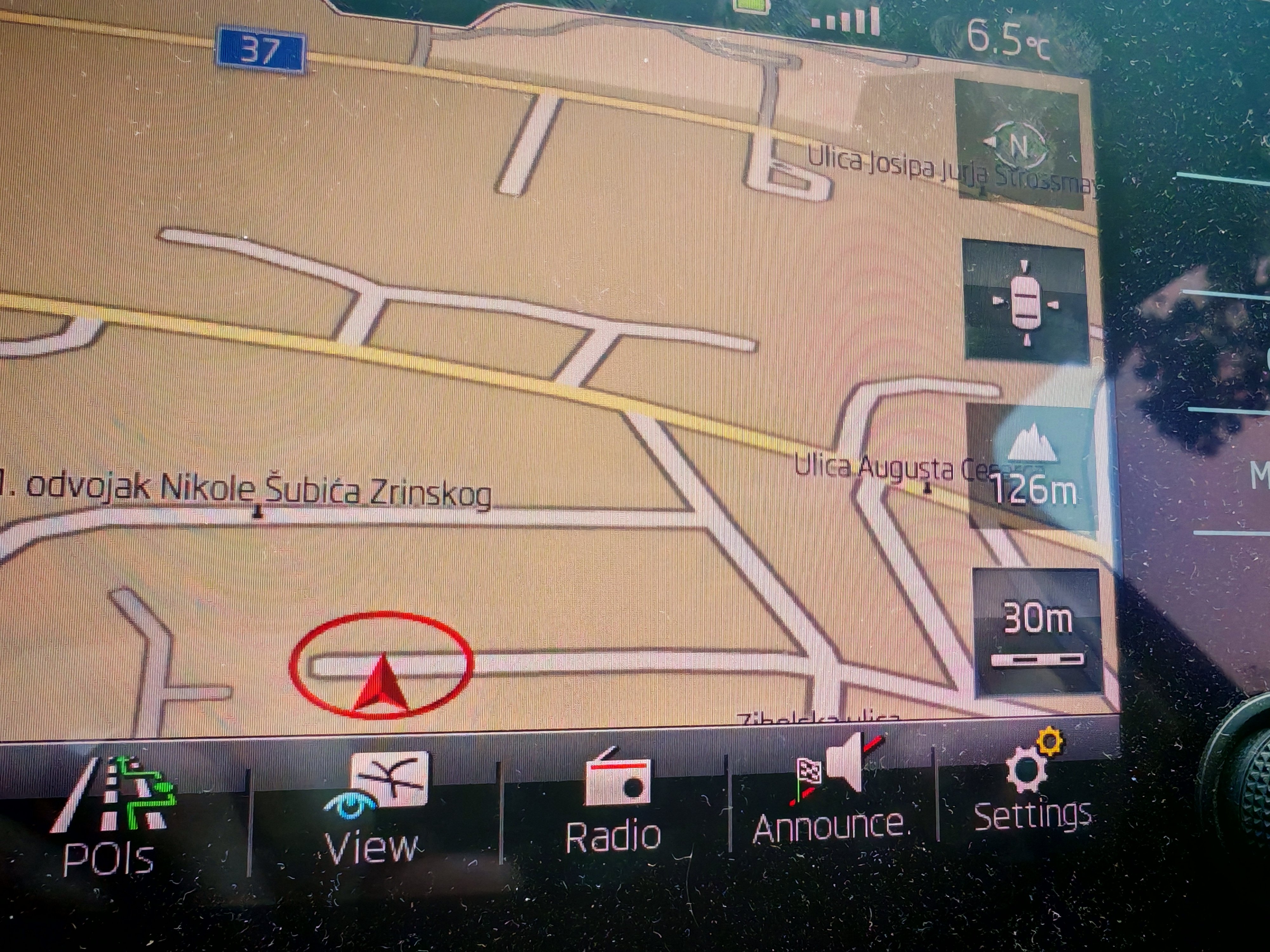
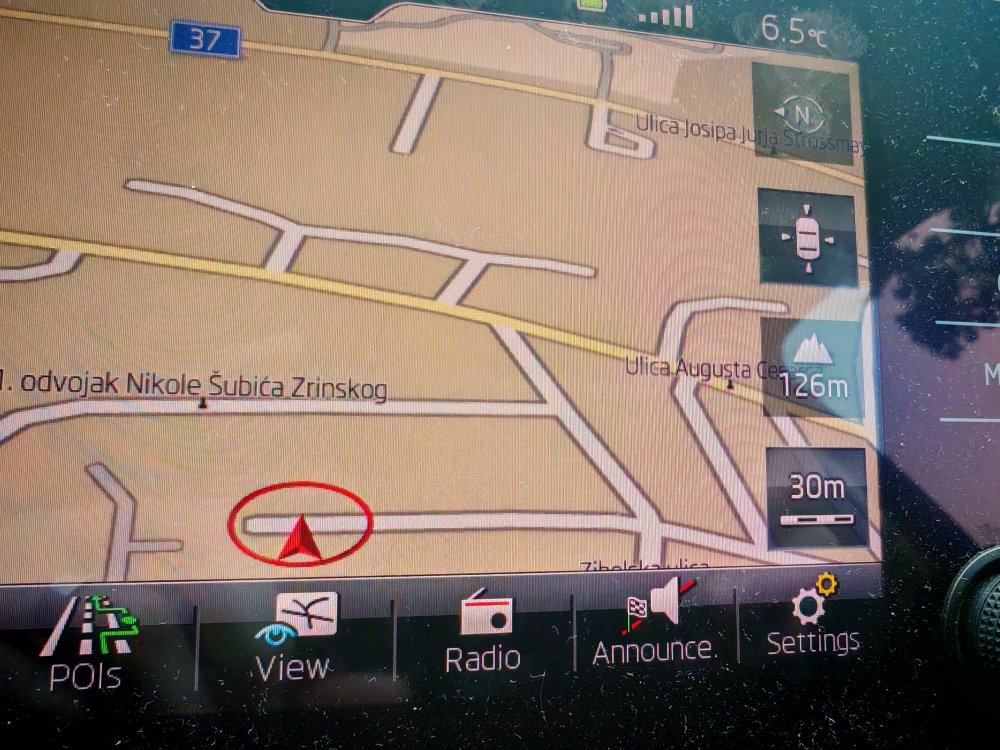
I had a 25m zoom before, no doubt of that. Found some articles via AI that say something about that (quote): The 25-meter (25m) zoom level in Skoda's authorized navigation systems (and often Google Maps/Apple Maps via CarPlay/Android Auto) has become restricted or removed due to recent updates, focusing on improved, automated, or simplified map views. So in a way, I gave myself an answer I am not fond of :( Also: Based on user experiences and technical updates, this change is likely due to the following reasons: Software Updates & Redesign: Updates to Skoda’s Columbus/Amundsen infotainment systems or newer map versions have removed the 25m zoom to promote newer 3D map views and different zoom logic. "Intelligent" Auto-Zoom Behavior: The map now often uses automatic, context-dependent zoom, which prevents manual, close-up zooming to ensure the display fits the current route and traffic info, particularly in CarPlay/Android Auto scenarios. Safety & Performance Constraints: Highly detailed, zoomed-in maps can be distracting while driving. Some users report that 25m, while useful for seeing details, has been replaced by, or limited to, a 50m minimum in some views to improve system performance and reduce driver distraction. Menu/Hardware Changes: The ability to use physical knobs to zoom in tightly (like the 25m zoom) has been removed or replaced in some updates, requiring users to use touchscreen pinch gestures instead.
-
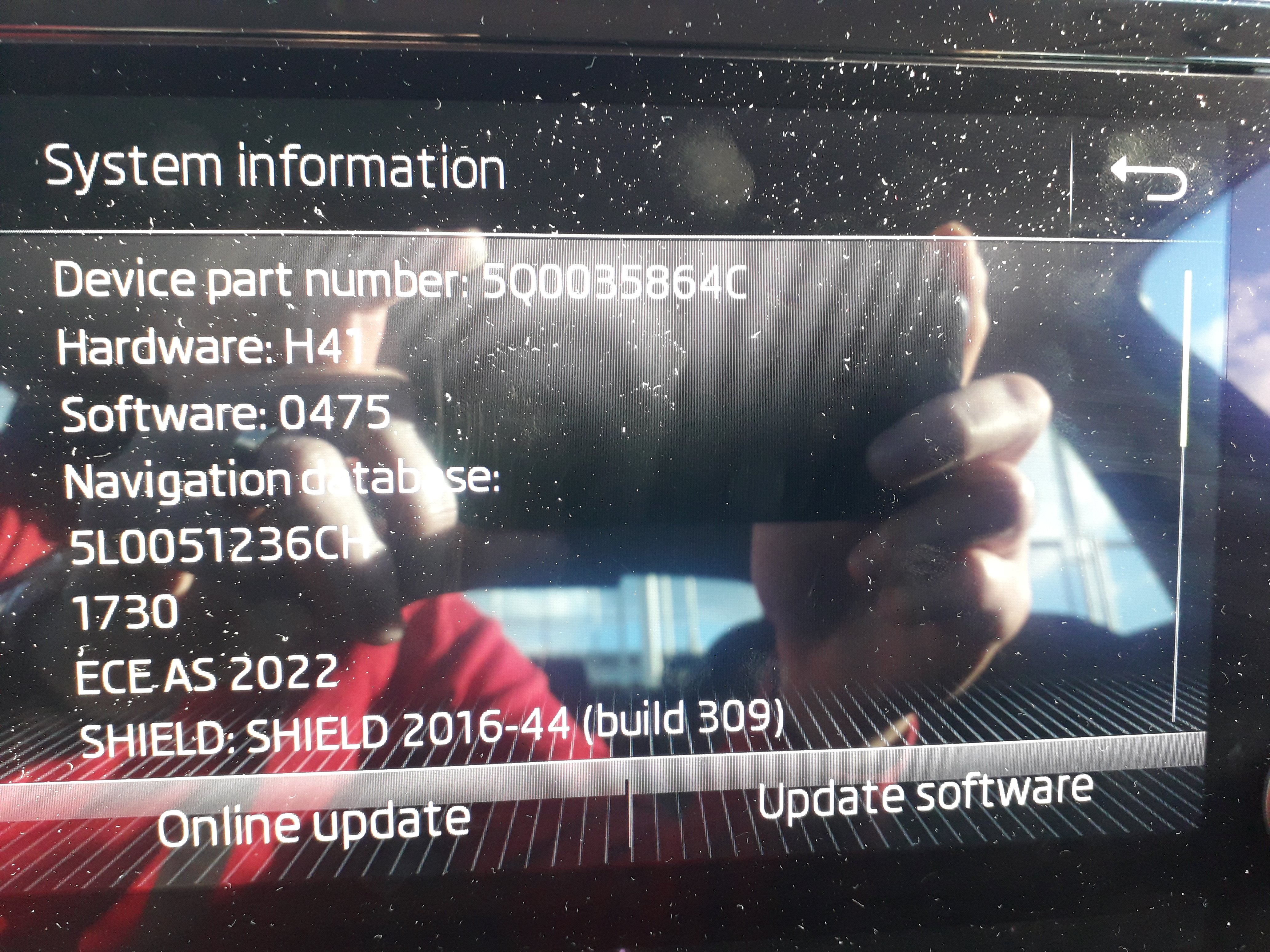
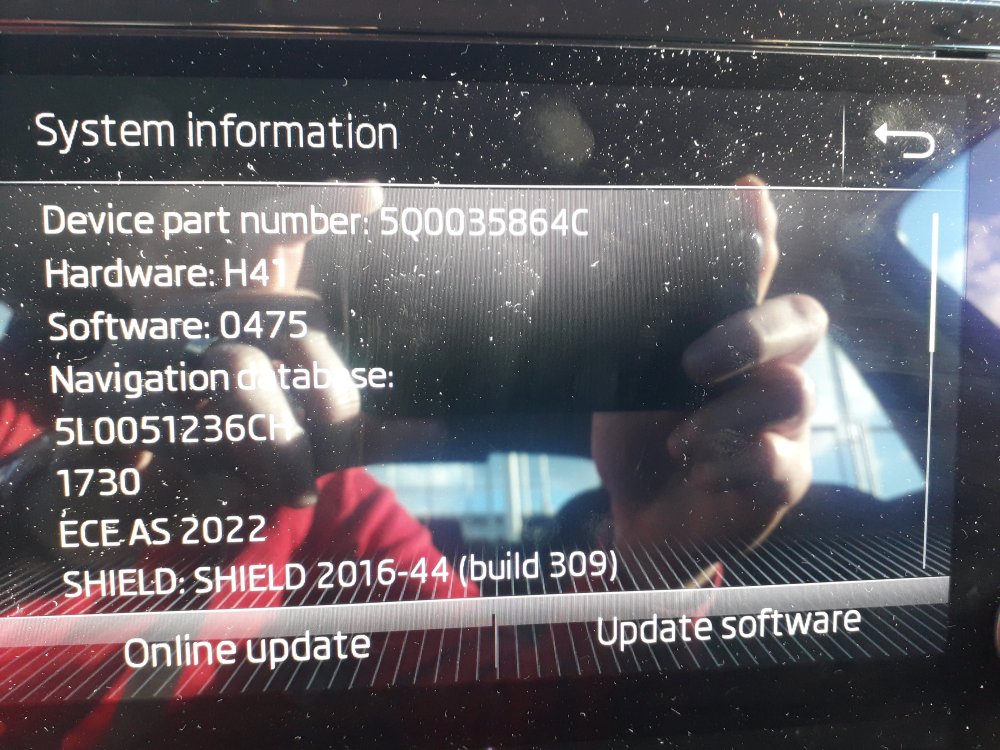
Hello Pab, please is there an update to this firmware version? BR
-
Hi, I updated my maps for MK3 Amundsen navigation and now I can zoom in on street view only up (or down) to 30 meters. Before it was 25 meters. With 30m zoom you can not se the street details and some POIs don't work ☹️ Can this be fixed? I used authorized maps from Škoda update site and official Škoda SD card. Please advise.....
-
This is exactly my dilemma in march this year, but for diesel engines For ~25k EUR I chose 2019 Superb 2.0 AUT (85k km) Business over 2019 Karoq 1.6TDI Style (60k km) Deal breaker was fuel consumption which is lower for 2.0 Superb than for 1.6 Karoq. Although Karoq had larger accessories package. Since I mostly drive interstate local roads on daily basis, average Superb consumption is 5,2 l/km, same as Octavia 1.TDI I had before. So, it really depends on what kind of drivers you are (sport or normal type) and what mileage you plan to do. Hope you made the right decision!! 👍
-
Will try, thanks again!!
-
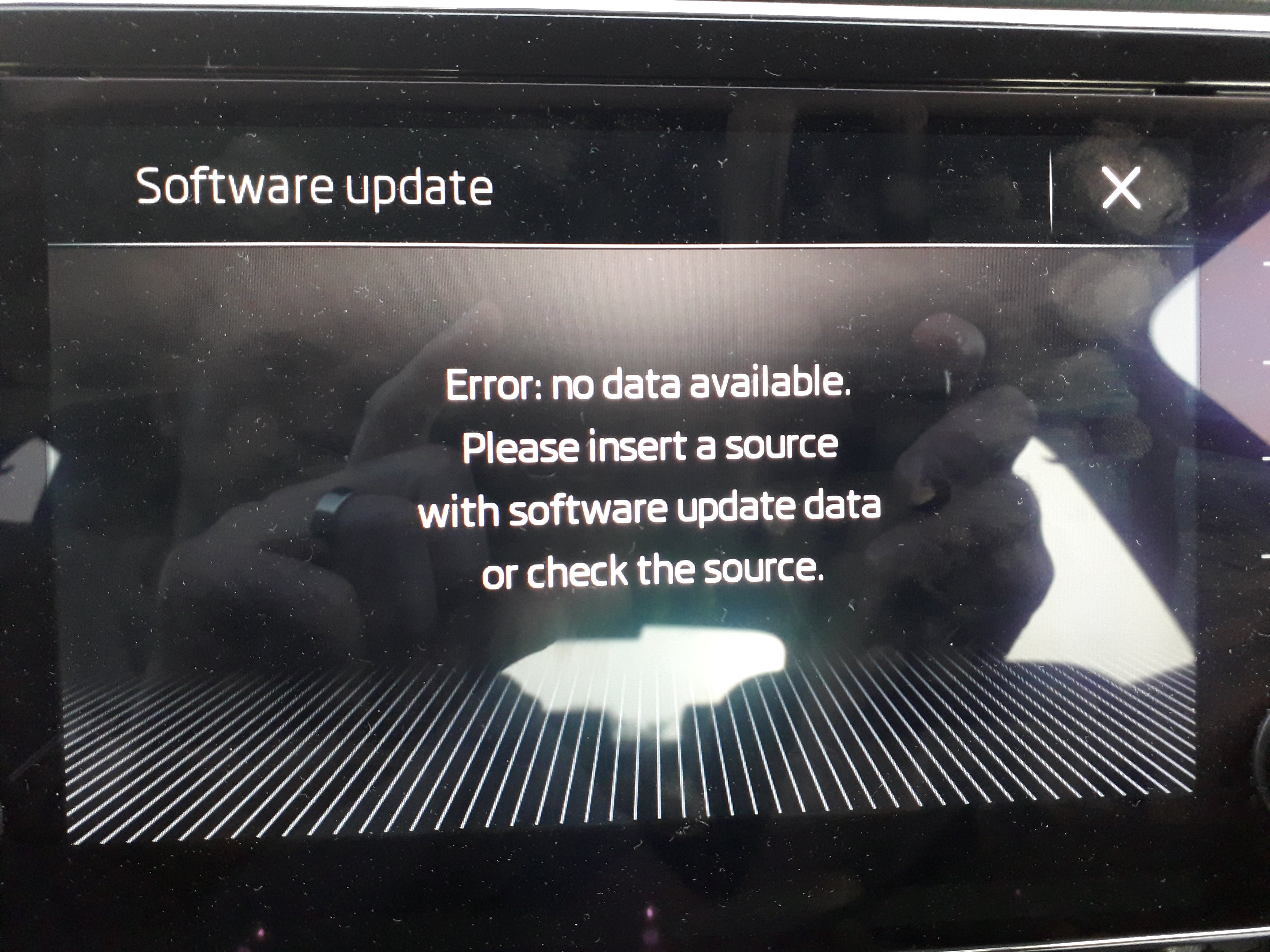
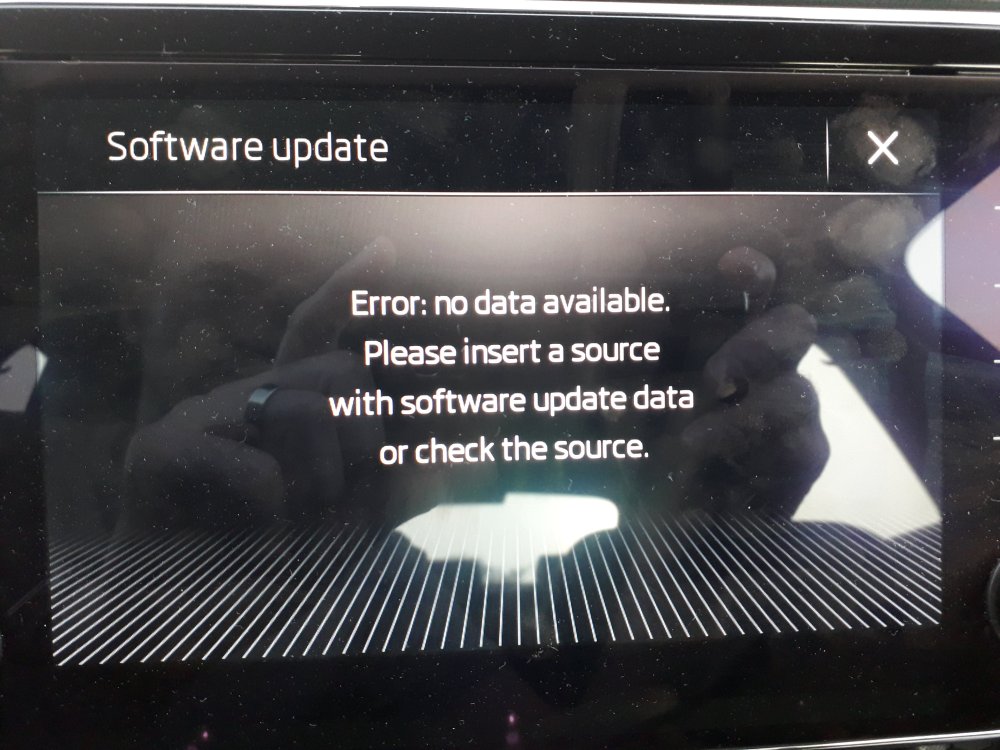
I have a problem. I used new USB stick, formated it in FAT 32, extracted 7z file on it a plugged it into USB port in Superb. And this error came up... Please advise
-
Thank you!!
-
Thanks. I'll send you PM. Yeah, you are to far. Thanks for the info, although.
-
I've been reading posts here for some time, now it would be nice to introduce myself: Škoda Superb owner, bought it in February 2022. Superb was produced id 12/2018, came from France with ~85k km. Business package, AUT 2.0. So far, everything works ok 😀 Best regards from central Croatia 👍
-
I have 2019 Škoda Superb and would like to install seat heating in leather covered sets. During winter months, seats are deadly cold. In my previous Škoda (Octavia), I had heater that is just laid on the seat and plugged into the lighter socket, but I forgot to unplug it once and my battery dried out. So it became very expensive investment. Now I would like to install proper regular heaters in authorized dealer's in Croatia (where I live). Anybody has any experience with this type of upgrade? Will the seats (leather cover) fit back perfectly? Appreciate all info you have....
-
Hello Pab, please could you check if there is update for my 2019 Superb Amundsen Firmware? THank you very much!!!