Sean8
Finding my way
-
Joined
-
Last visited
-
Life saver, thank you so much. My local main Skoda dealer couldn't identify these or give me a part number 🤔
-
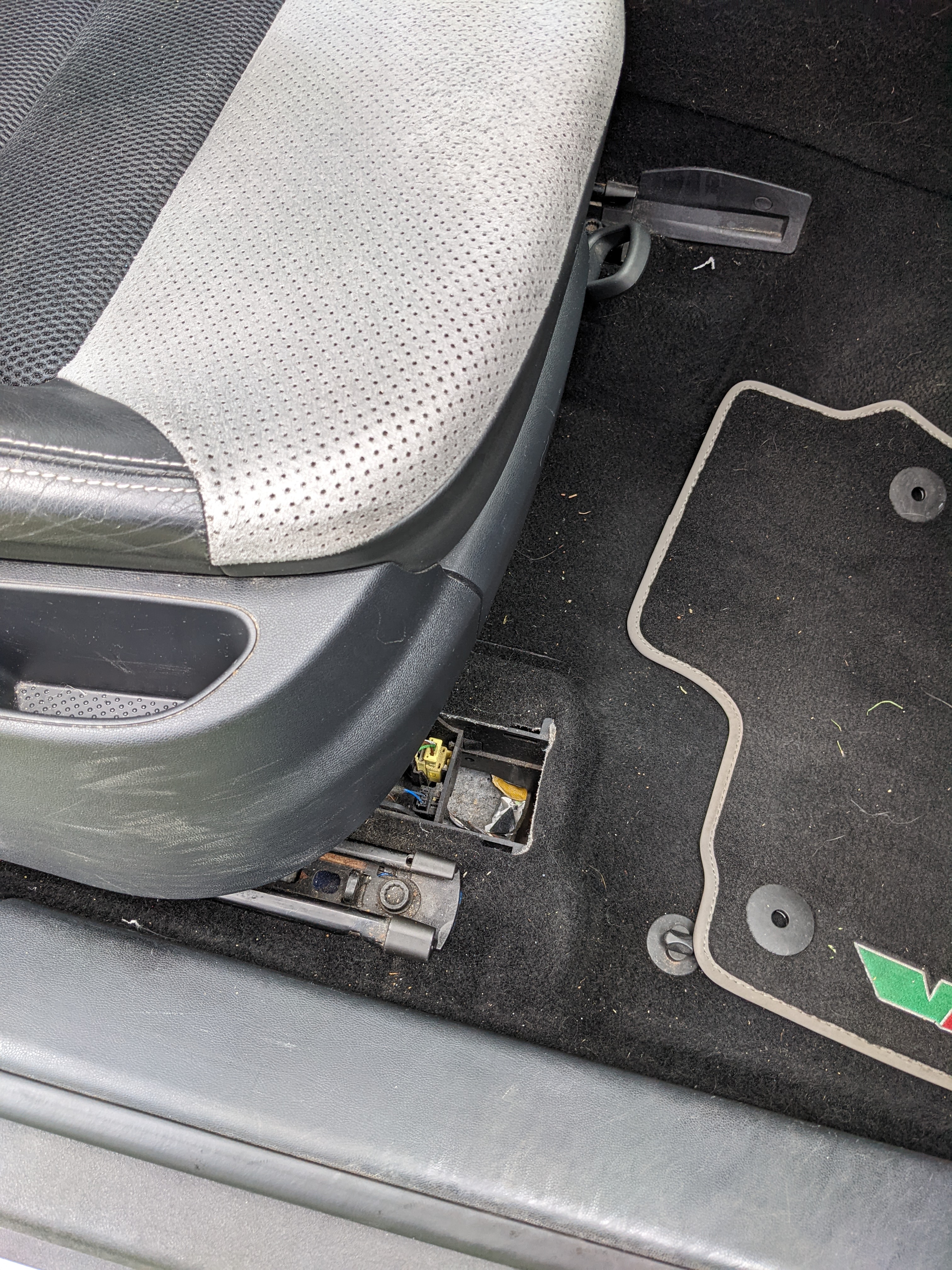
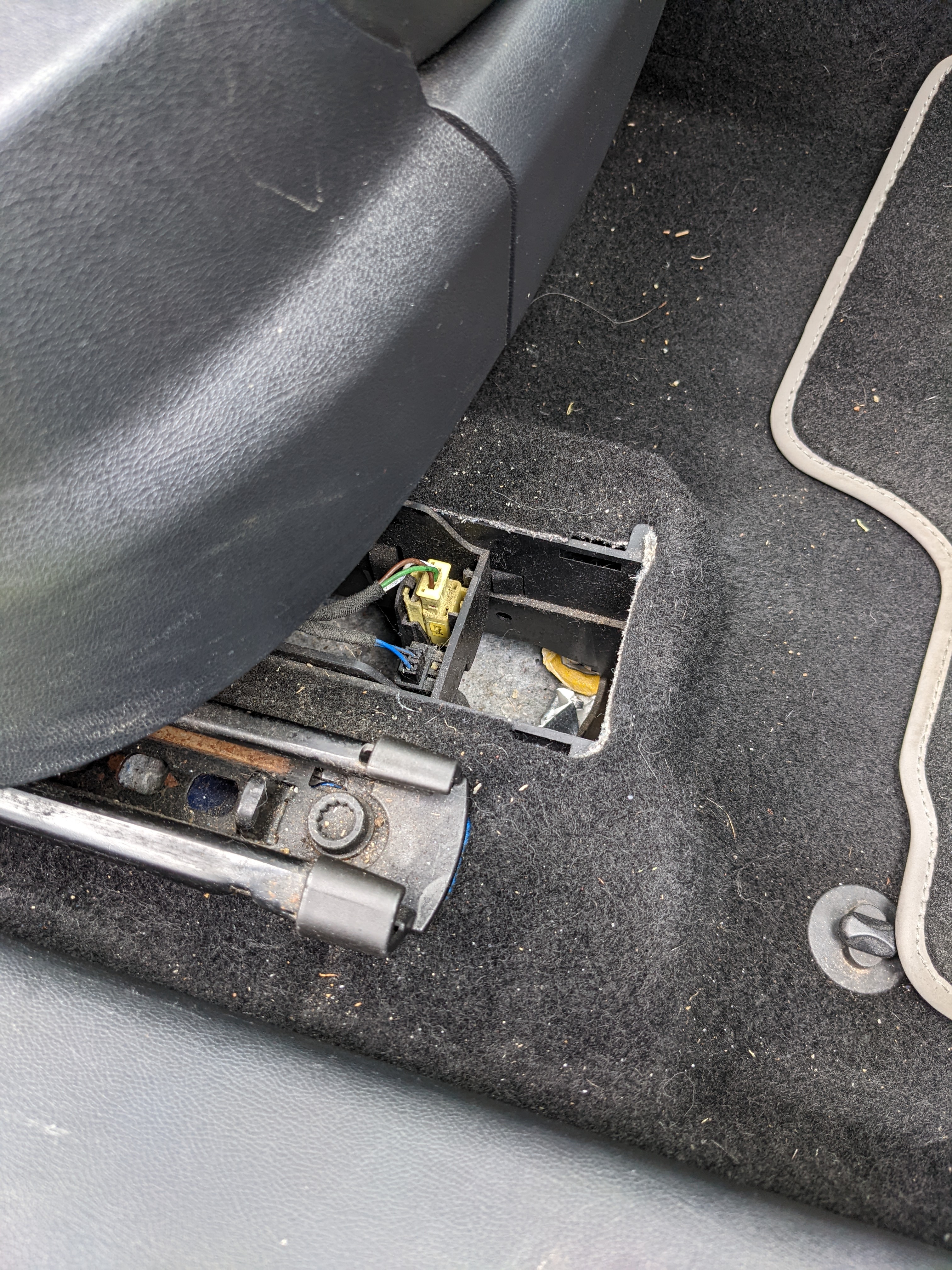
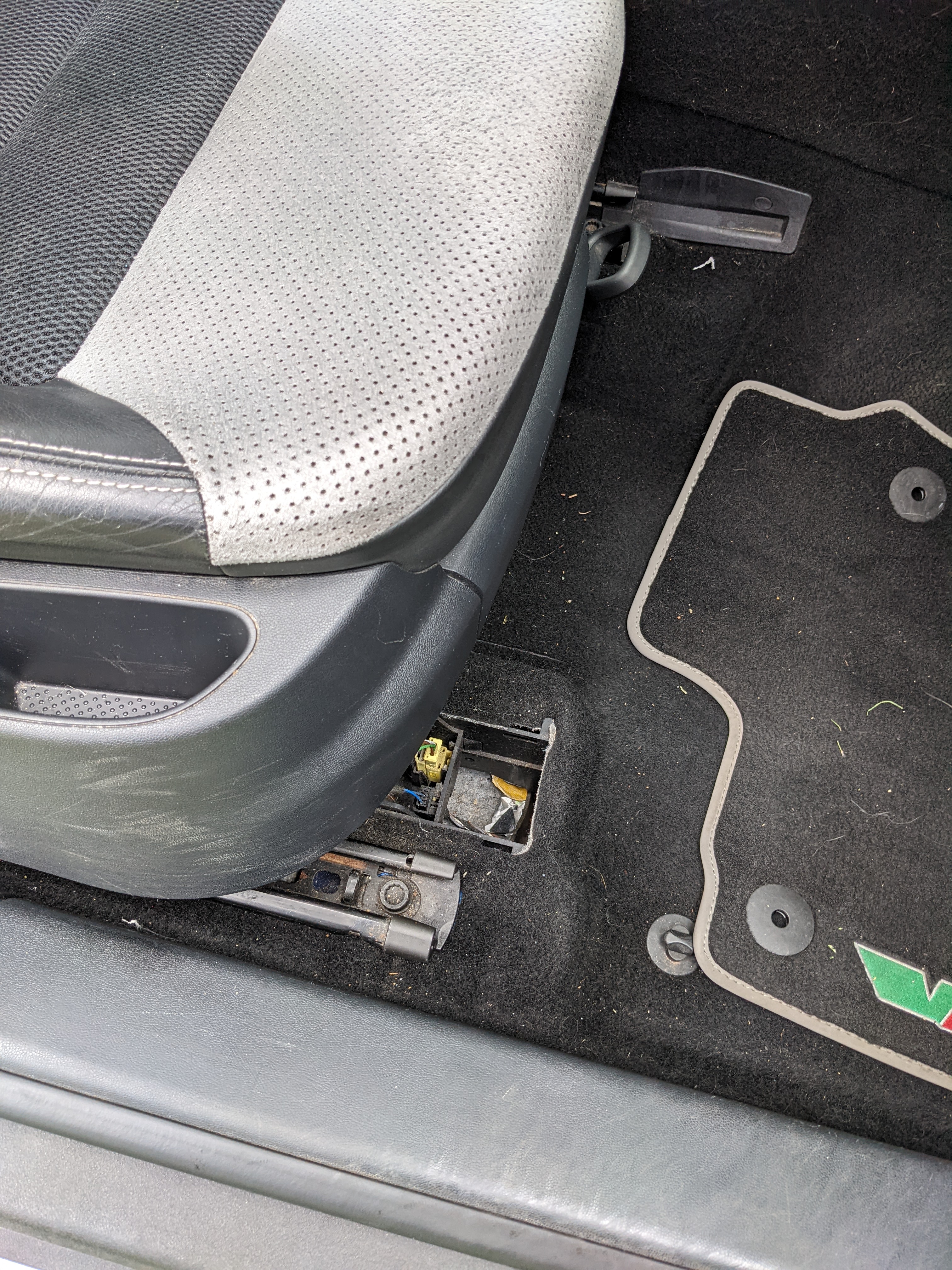
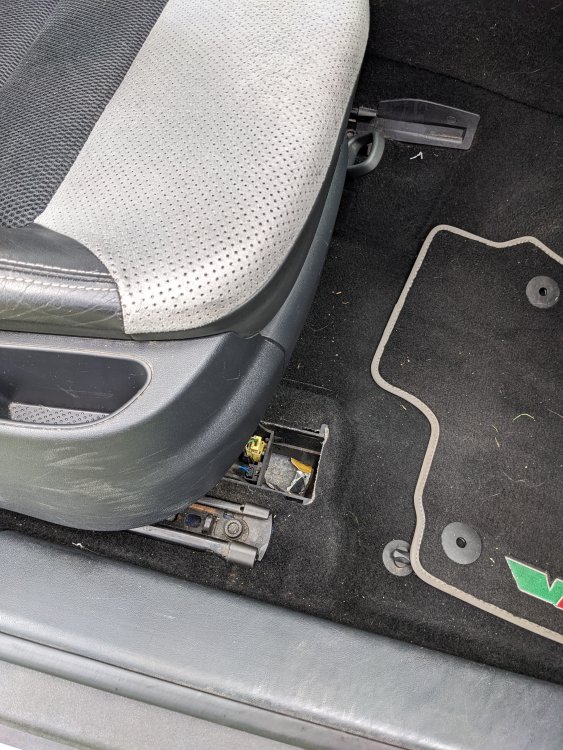
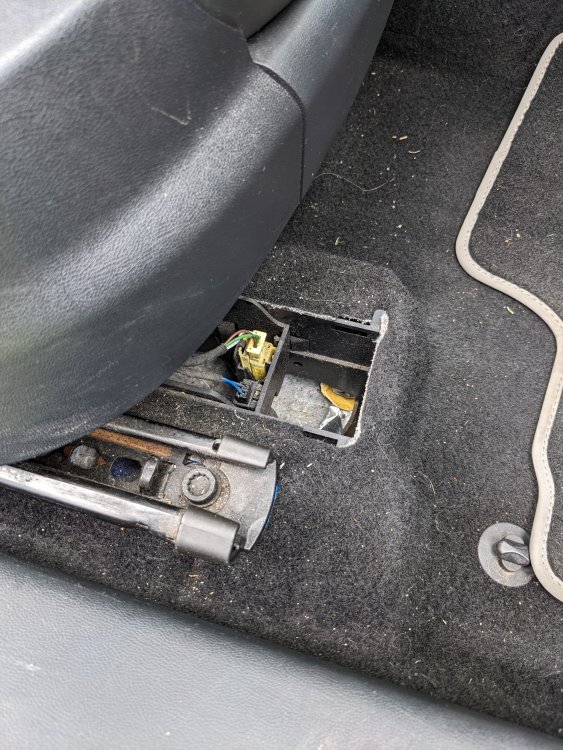
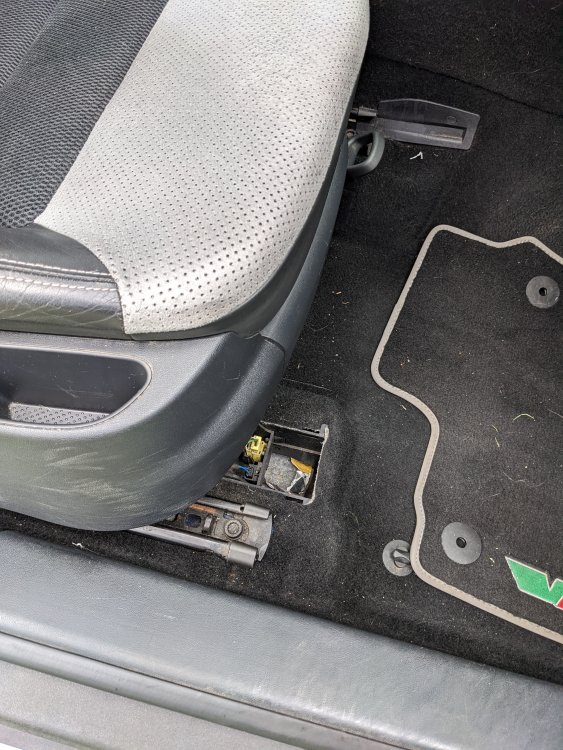
Aware this is an old thread... After a small piece of interior trim if you still have this? Proving a nightmare to find See picture, plastic seat wiring cover on floor, drivers side
-
After a small piece of interior trim if you still have this? Proving a nightmare to find See picture, plastic seat wiring cover on floor, drivers side
-
After a small piece of interior trim if you still have this? Proving a nightmare to find See picture, plastic seat wiring cover on floor, drivers side
-
Hi, Few days ago the orange Airbag and Seatbelt System light came on the dash (2006 vRS). Can see from other posts this is a fairly common issue and nearly all of them suggest a code reader and checking airbag connections under seats. Only issue is my warning light is not generating a fault code, have tried 2 different readers. Does this mean its more likely to be a fault with the seatbelt system as appose to airbags? Has anyone else came across this issue or seen a post that addresses it? Wanted more opinions before I go poking around. Cheers
-
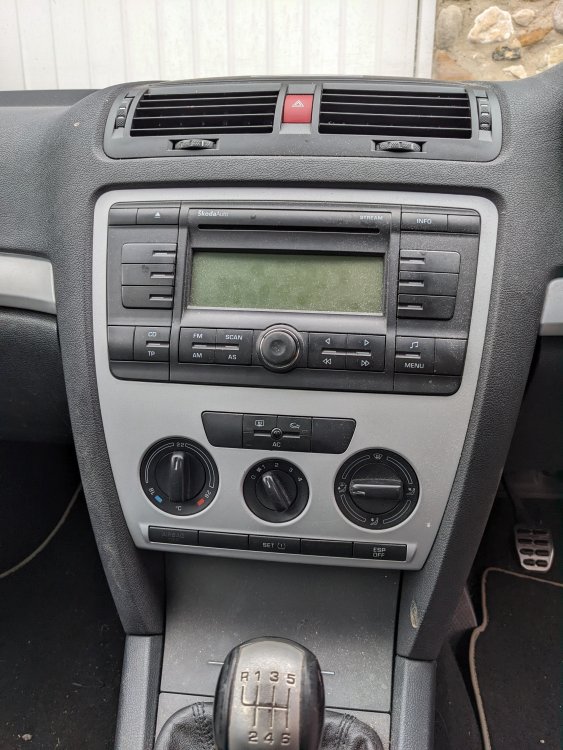
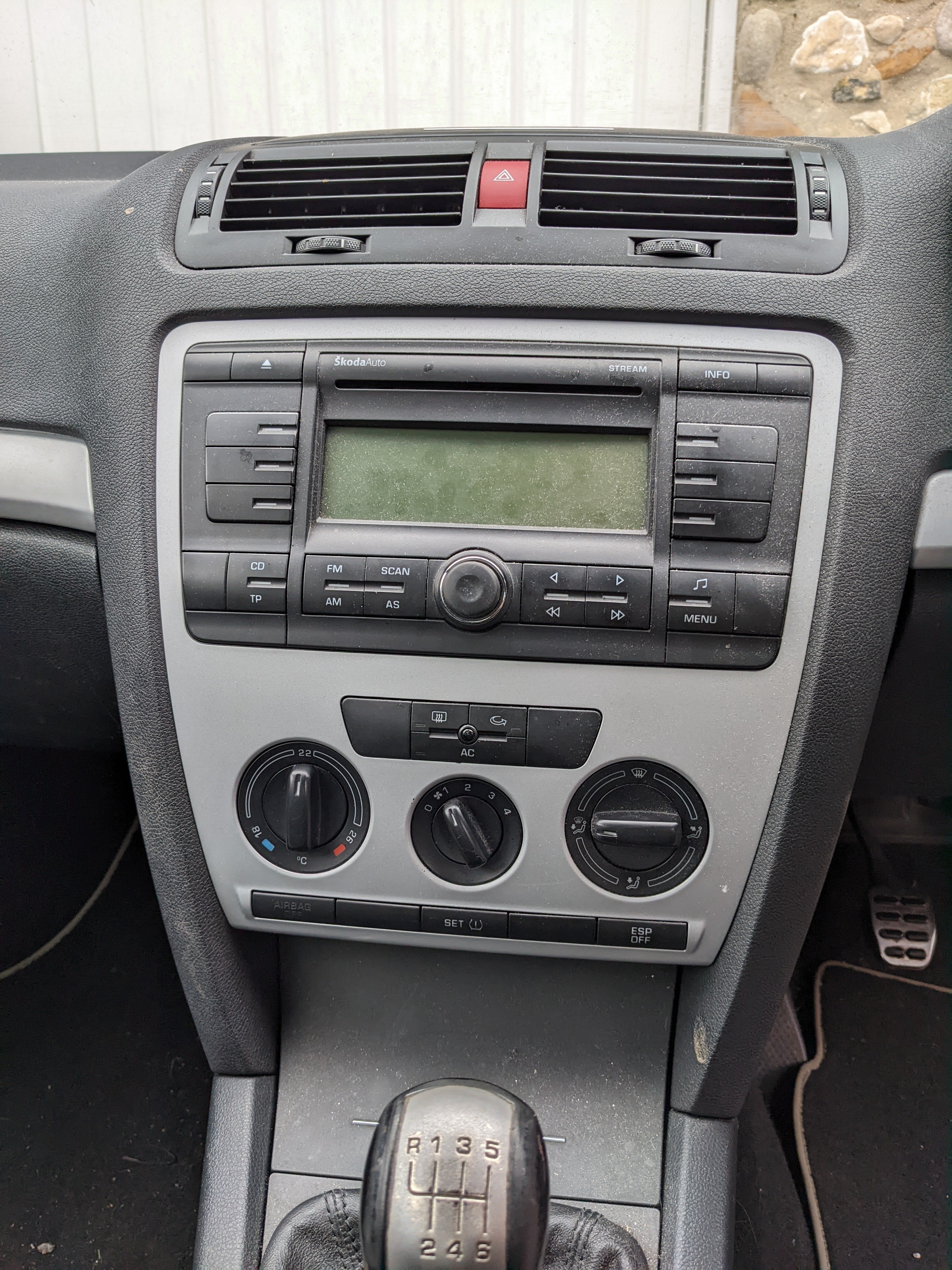
Hi, I purchased a 2006 Octavia vRS on Wednesday. Currently installed is a SkodaAuto Stream stereo, see picture (no Bluetooth or AUX). I want to swap it out with a double din aftermarket screen with android auto/screen mirroring but am having some difficulties when looking for one. I am after a manufacturer fit match with the stream stereo shape so I don't have to mess around with extra facias etc (I'm presuming they exist?). Am i right in thinking this would be a straight swap? Not bothered about steering wheel control and reversing camera compatibility as I don't have them! https://www.ebay.co.uk/itm/172855888151?hash=item283f038917:g:VnwAAOSwOa1h1Gl6 Really interested if anyone has any advice or any links to other products, thank you! 👍 (excuse the filthy car, valet due Monday 😆)