itschard
Finding my way
-
Joined
-
Last visited
-
Brightness is for both infotainment and virtual cockpit I believe. I drag down from the top of the screen to access the shortcut menu and there’s a brightness bar to adjust. Handy for day/night changes.
-
Is there a way of having the infotainment system on, playing music etc but having the clock as the display? Almost like a screen saver. On late drives I find the screen too bright and turning the brightness down dims the whole display including speedo etc which I don’t want.
-
I’ve had 2 sharp turns enforced on me with Lane assist on. I tend to turn it off for anything other than motorways/long journeys etc now. It can be a bit of a nuisance on rural roads. It is really easy to turn off- easier than anything done via infotainment.
-
I just had a couple of sessions on the driveway working out a few bits at a time.
-
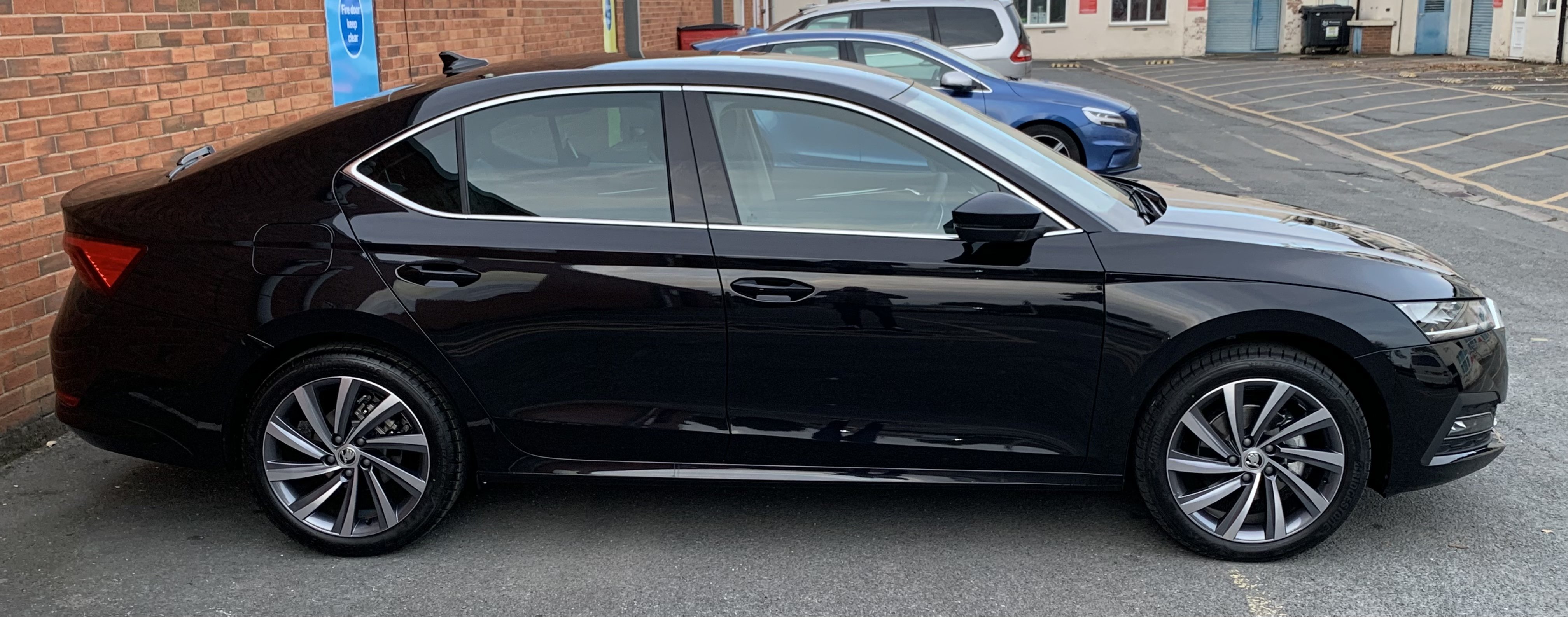
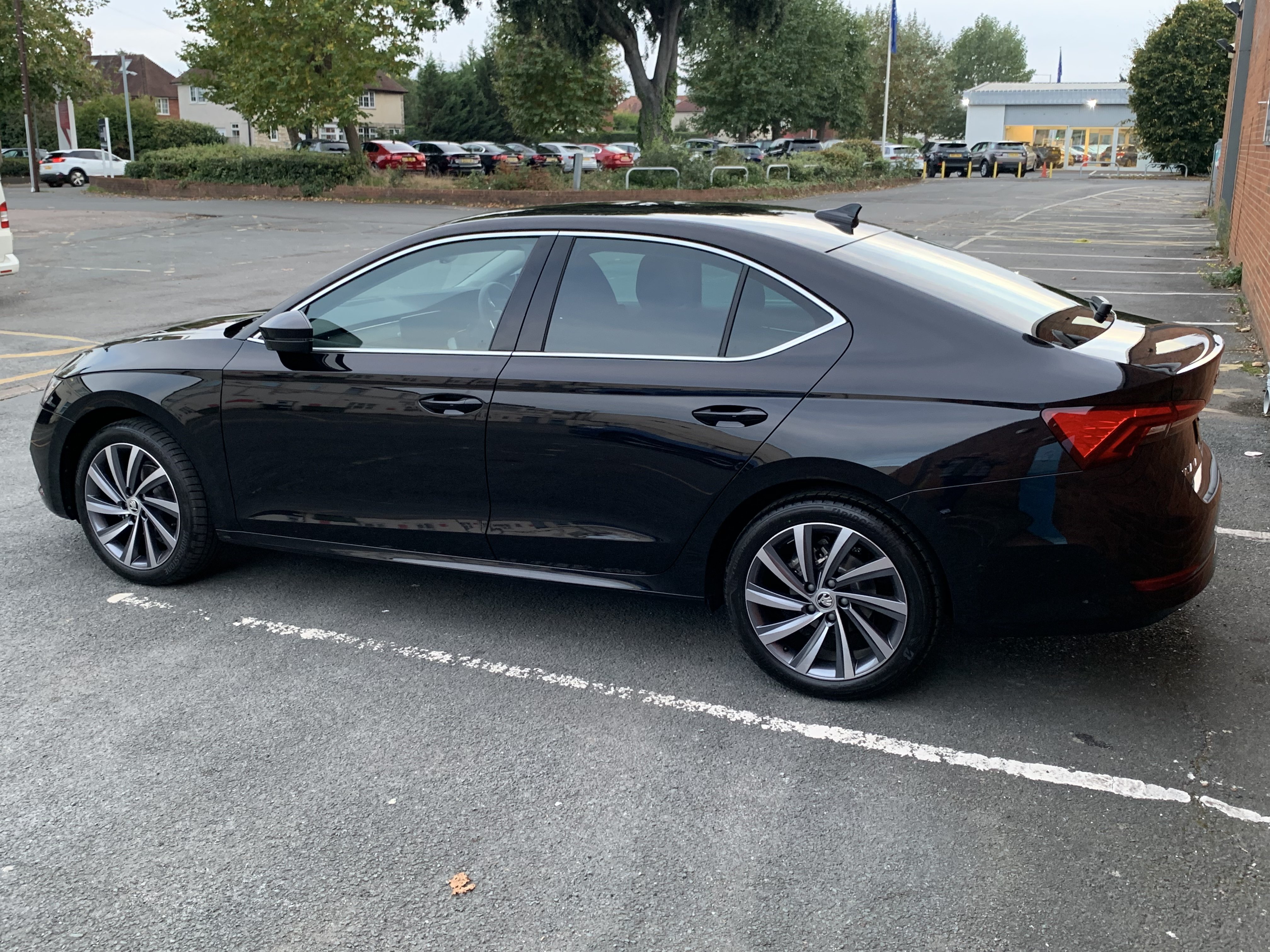
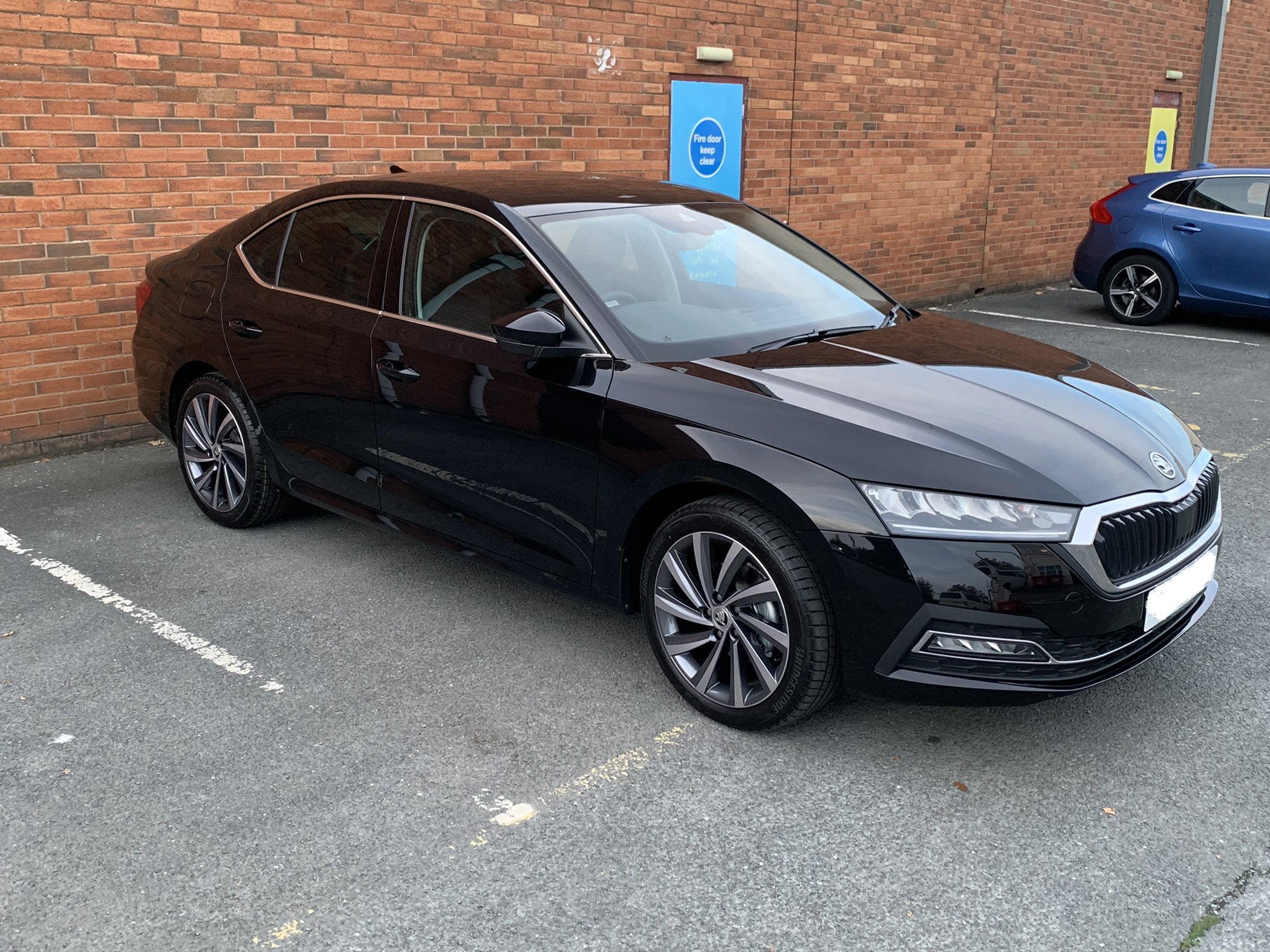
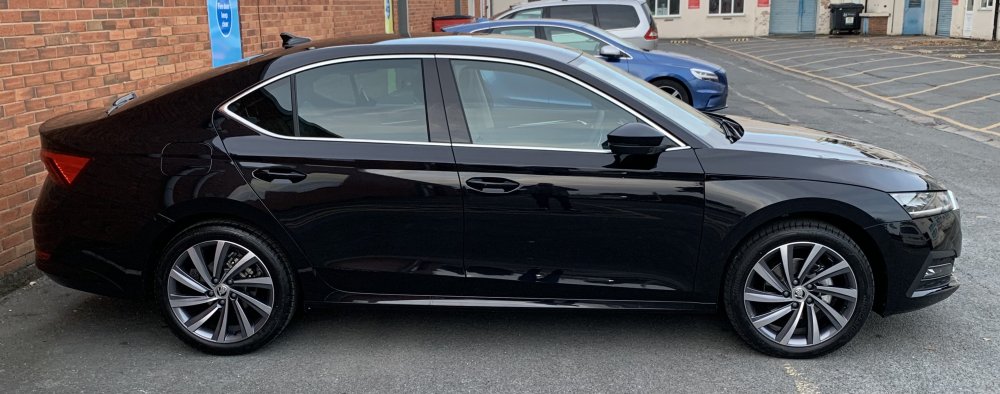
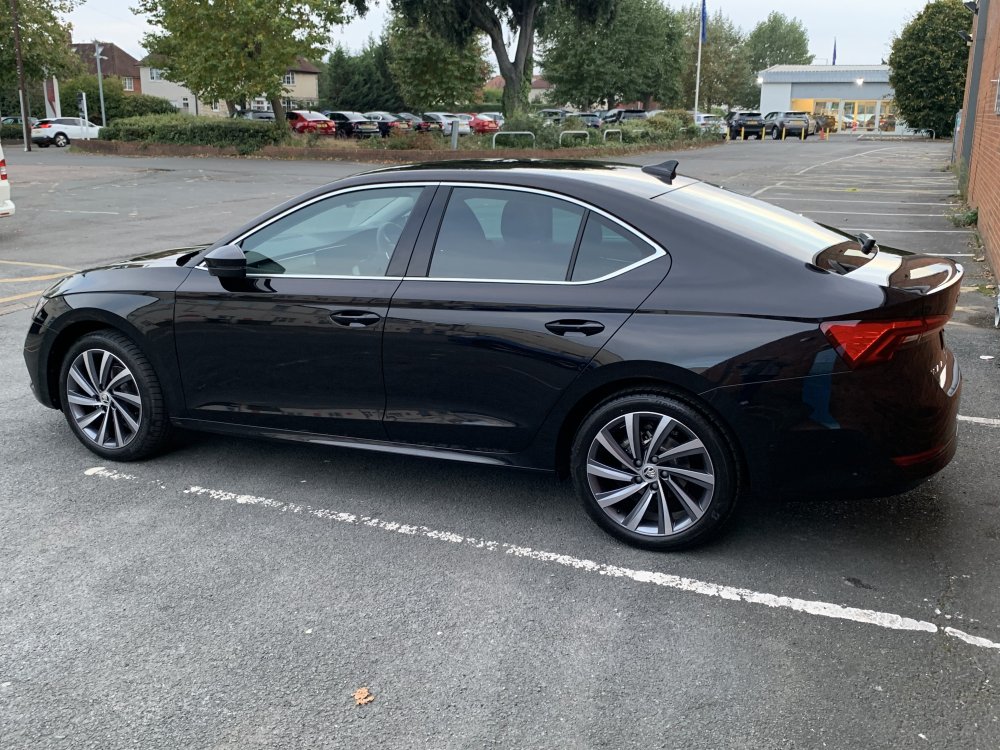
Less than 30mins after collection. 11 month wait but finally worth it.
-
Yeah, not a fan of the front of mine, especially compared to the rest of the range. I just see this emoji 😬
-
Just press the ignition button (without foot on clutch) then turn interior lights on?
-
1.5 TSI Manual SEL Yup, I’m happy 🙋♂️ Expect me back here when I’ve got something to grumble about apart from the odd brake-assist/lane assist incident. (Actually, I’d like a USB-C to right angle lightning cable so my phone could sit in the allocated spot without sitting on the lead. The area dimensions are obvs with wireless charging in mind)
-
I’ve been driving a MK4 SEL for about 4wks now and love it. I opted for ambient lighting as it’s a great touch and keeps me going on long, late drives. I believe puddle lights are fitted as standard now as mine has them. I also opted for the rear wiper. No infotainment software issues. I’ve had one random braking incident with no car particularly close to me and the lane assist has really overreacted once- I was holding the wheel loosely and I veered quite hard to one side. It’s very easy to disable tho- 2 presses of a button on the steering wheel. It’s been very handy on quite a few occasions however. I’m incredibly happy with the car. The boot space, the responsive engine (1.5 TSI), the upholstery. I can’t fault anything yet apart from the little gripes above.
-
Blue is definitely the most ambient for late-night drives. The interior has a premium feel- especially with the black alcantara finish. 2 weeks and 2000 miles in and I still love the car.
-
Very happy. Infotainment not as daunting as so thought. Lane assist not as intrusive as I’d read- pretty helpful most of the time. Only driven about 60miles but so far, so very good.
-
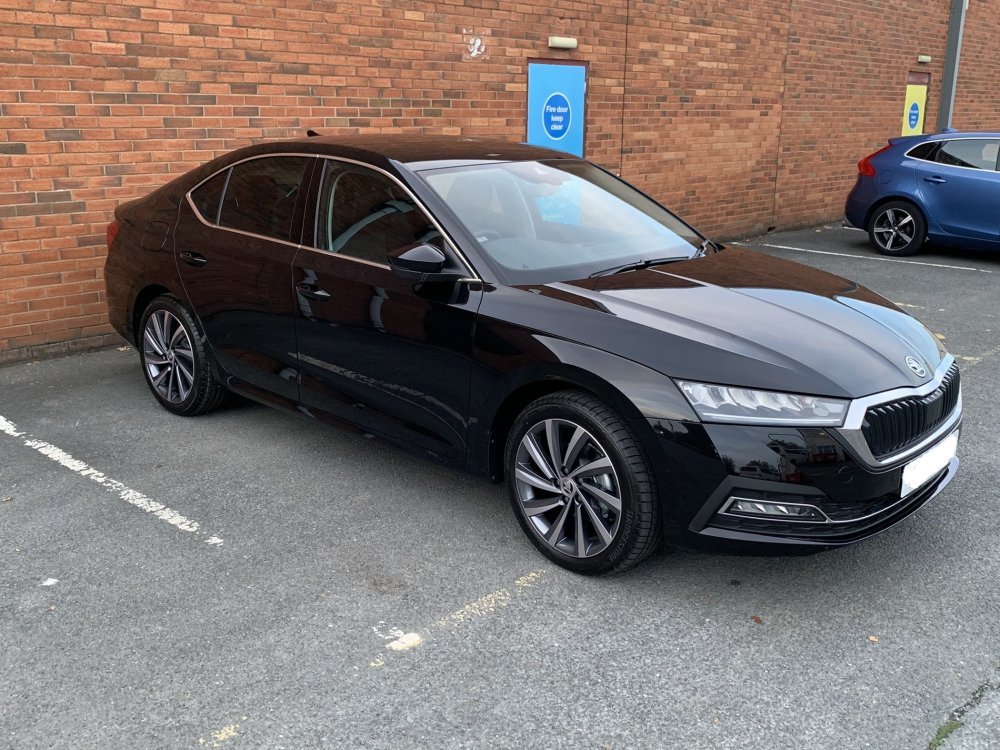
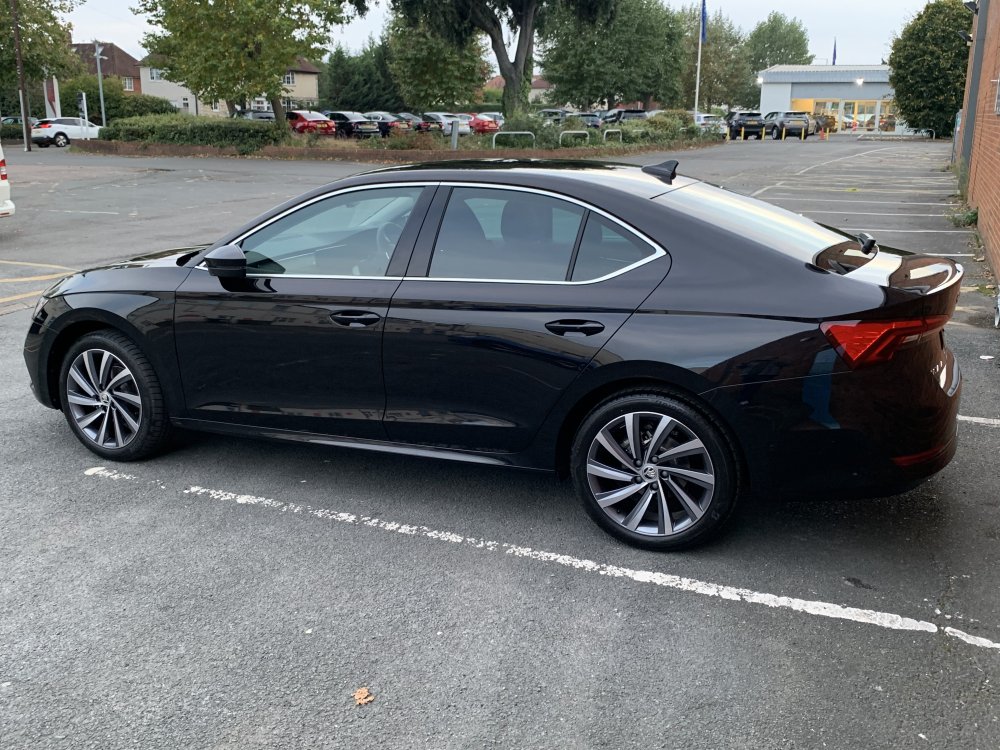
I’m picking my Octavia up on Thursday evening. Really looking forward to driving a car I pretty much bought blind. I test drove a MK3 TSI and sat in a MK4 diesel. That’s it. I’ll post a picture here and start visiting other threads on the forum at last.
-
I jus called the dealership to get my VIN number only to be told my car arrived on Friday. At last! I’m still one of the lucky ones as I’ve only waited 11 months. The amusing part was being told the salesman was on annual leave so he’d be in touch when he returned to sort things out. Really? 🤣
-
After reading about supply chain issues (and feeling like my current car was running like a bag of nails again) I called my dealer for the first time since I ordered in Nov. I’d been given a build week of early Sept. It seems the car is on its way to Germany so I have my fingers crossed. He seemed to think it could be 2/3 weeks til collection 🤞🏻 (1.5 TSI Hatchback)
-
I received my first piece of positive news today since November- a build date of Week 36 which is 3 weeks away 👌🏻 1.5TSI manual SEL Hatch