GrahamSt
New here
-
Joined
-
Last visited
-
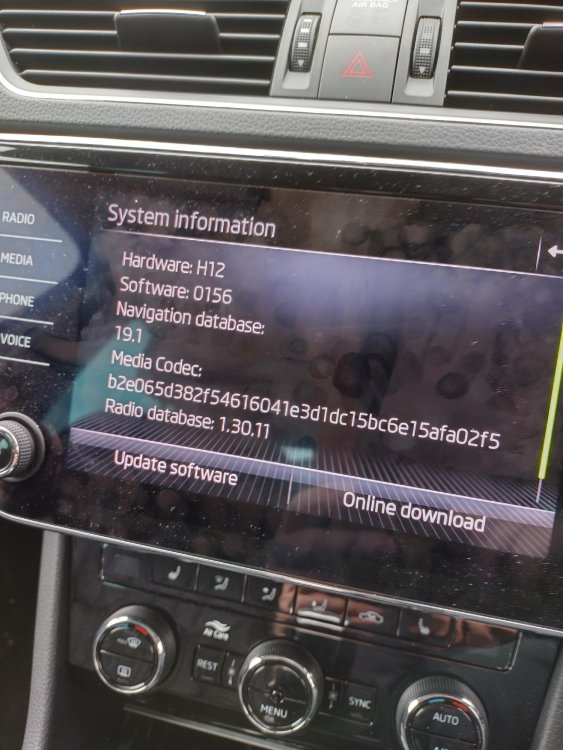
here is a photo of the new unit details, maybe the numbers make sense to someone.....
-
Yes AA works with a cable. You say that older units did not have the hardware to run AA. (rather than being a software issue). So the physical unit is now not combatable. This is concerning as a sw update may not restore the AA functionality,
-
Thanks for replying, to clarify, i am referring to native Android Auto wireless on the headunit, (not the separate device) Previously worked flawlessly, but since unit replacement by dealer, not working. (but it fixed nav issue) teachsearchuk seems to have hit the nail, seems that the sw on the "new" unit is "old", and needs updating. I did not note the sw version when it was working. Can i do this myself, or is it back to the dealer?
-
Guys, on my suburb iv, previously aawireless worked good, but had a problem with navigation, so dealer swapped out something, now nav works, but aawireless not working. Could they have put a mib2.5 instead of mib3.0? How can i tell? What is the latest software, mine says 0156. Any clues?