




syanide
Members
-
Joined
-
Last visited
-
That's great, thank you. Rear wiper does not work for now, so thast one less worry! However, a worry is that since i got the car, the boot does randomly open, usually after i close the front door and start walking towards the back (intermittent, but irritating). but i guess the weight of the bikes would stop it going all the way up. Cheers.
-
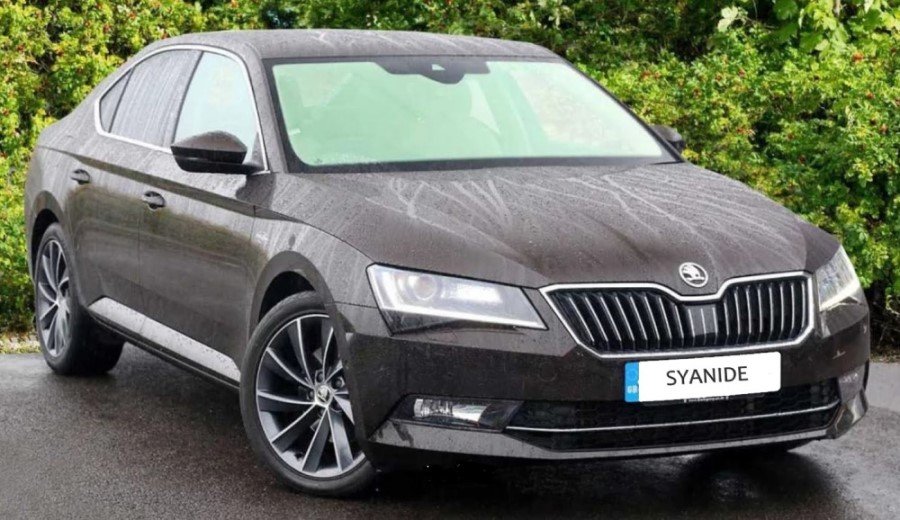
Hi all - long time since I've been on! Just wondering if I can use any standard bike carrier on the Skoda. It's a hatch with the long slanted windscreen (with rear wiper) as part of the boot. I know roof bars or tow bars would be better options, but I can't justify the cost for the amount of times I'd use it. Anyone had any experience? I've seen a Maypole 2 carrier at euro car parts (Maypole Rear Mounted 2 Bike Carrier | Euro Car Parts ) - and was hoping this would work - especially as the picture is similar to my own boot. Any help suggestions would be welcome. Kam
-
Hi guys. Been a while since I've been here. My MK3 is due a major service and Skoda prices are through the roof. For my PCP, I need to get it serviced by someone that can upload the service history online, but that doesn't necessarily have to be a Skoda official garage. Apparently. If that is the case, can you recommend someone in the Leicester area that can do this please? (70,875 on the clock) Thanks.
-
Hi. I have the Skoda Superb mkIII (65 plate) and happily been using cabled Android Auto. My OnePlus 7pro has just got a shiny Android 11 and I know it comes with Android Auto Wireless. However, is my head unit out of the question for this? I have the Canton with surround speakers and TV (not sure of model number). Or can it be made compatible with a software update? Thanks.