eddiedunn12
Finding my way
-
Joined
-
Last visited
Everything posted by eddiedunn12
-
did you find anything on this? ive just changed the tie rod ends on mine, got it tracked and still theres a knocking... let me know what yours was in the end?
-
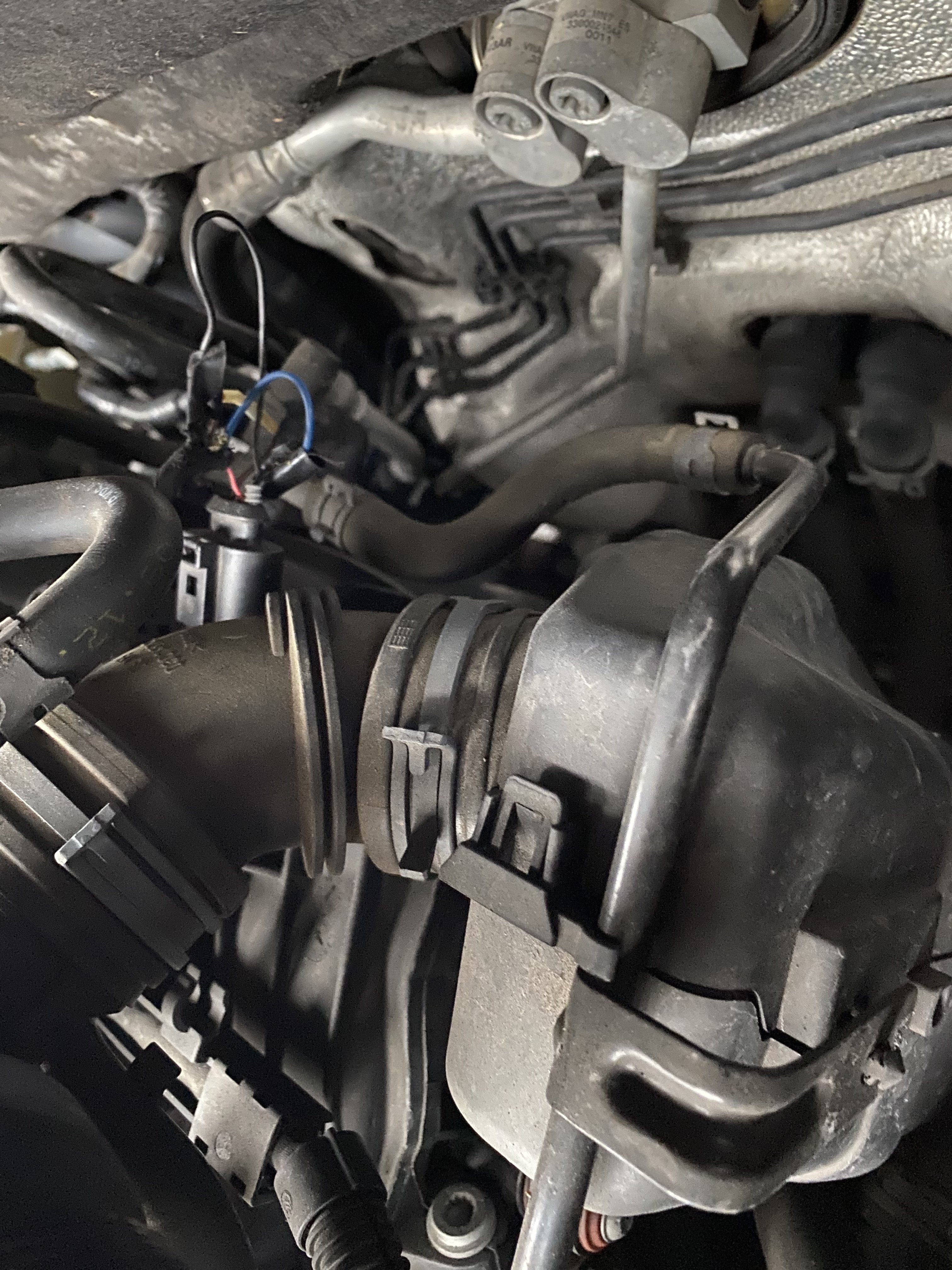
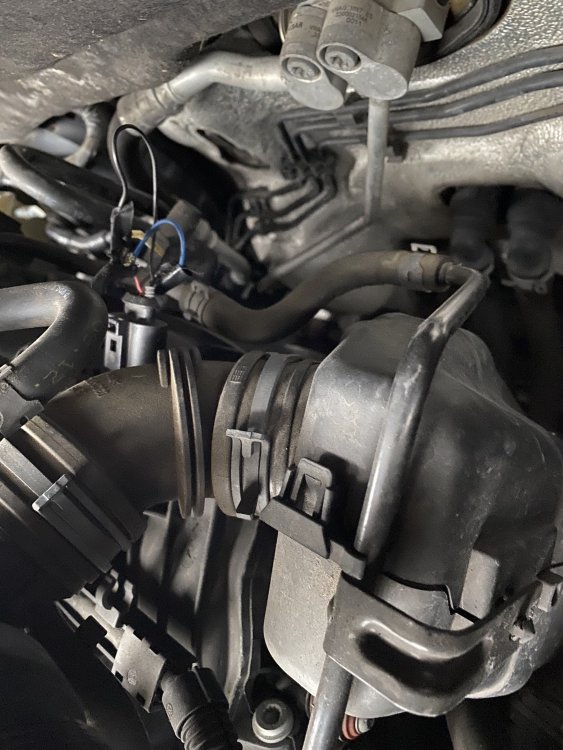
With further inspection of this, the blue wire has been soldered before and has come apart. with there being no room behind, is there a better way to fix this? can I buy the total wiring look for that part or will it be all in one?
-
thanks for the feedback on this, taking it to a garage to fix the wiring in the new year. new spark plugs have made a big difference though
-
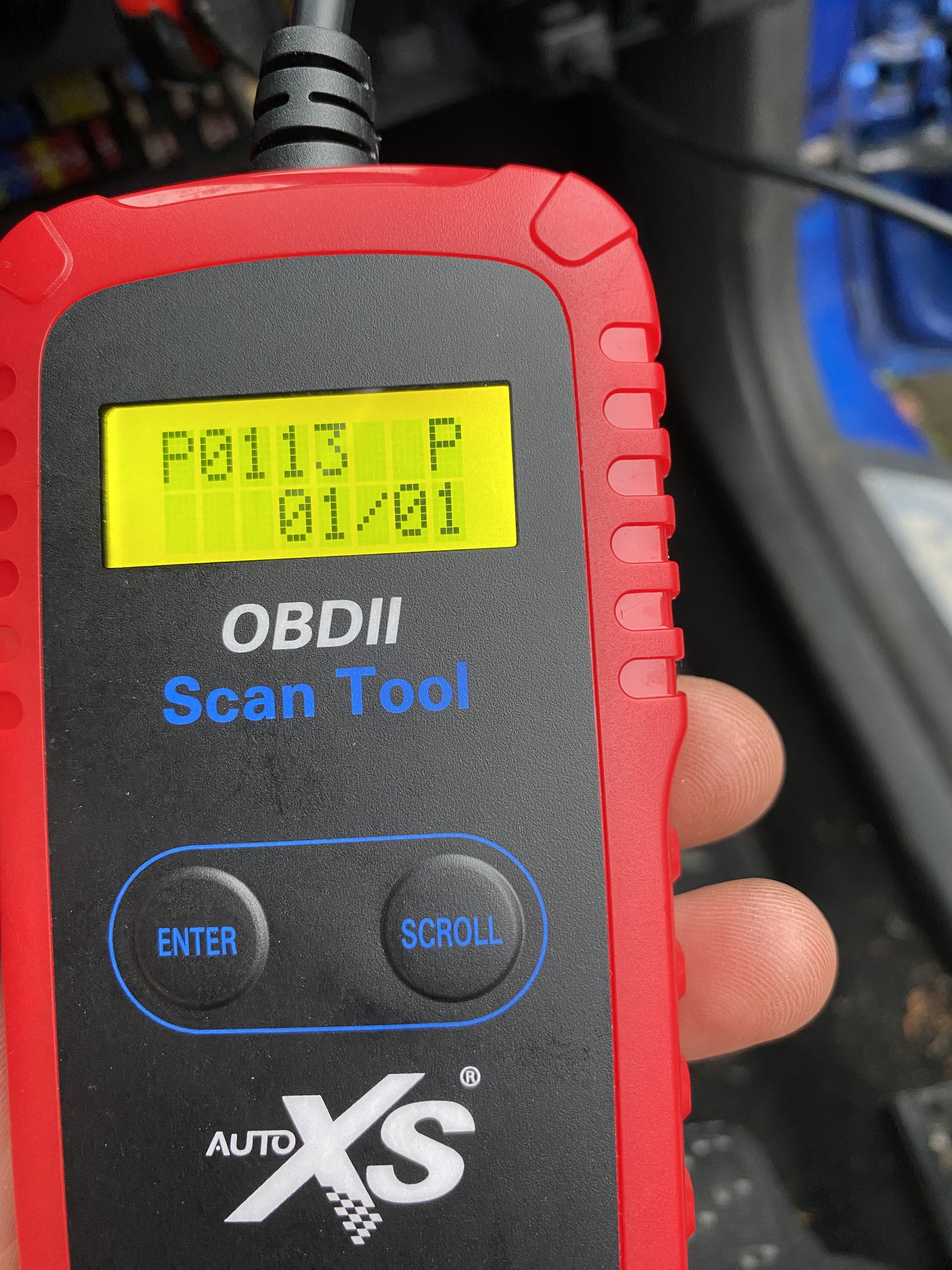
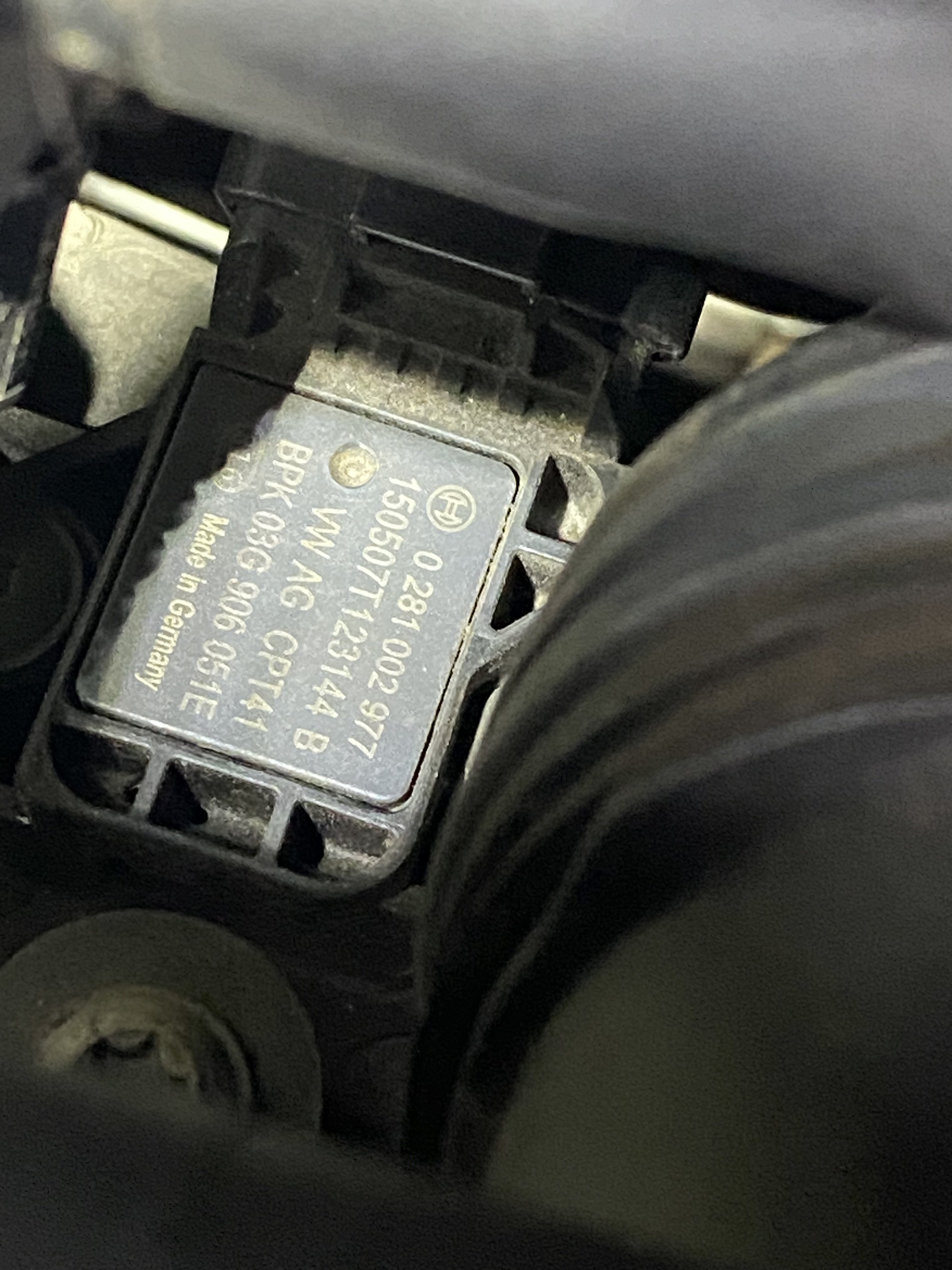
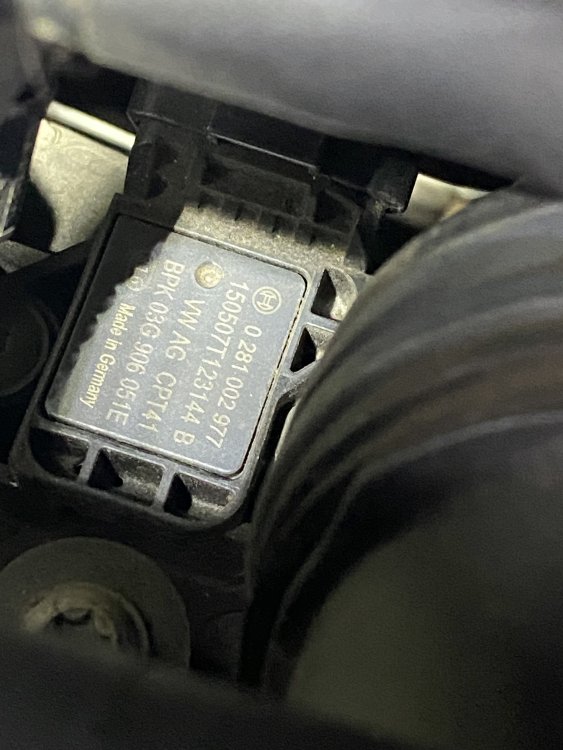
The first picture is what code I get. second picture is the part number, I think this is the one?? Please correct me if I’m wrong. third picture is some pretty dodgy wiring! I don’t think that’s original and might be the issue. let me know what you think
-
Also, where can I get copies of these?
-
Thanks for this. I changed the air filter, so I’ll start with that one, so I think it just be that one. the code is actually P0113 (02), will that give me Any clue which one it is? I’ll let you know how I get on.
-
Help please, where can I locate the IAT sensor? Anyone got any pics to share please?
-
Thanks for your help. Bought it just to see what I can tinker with and mess about with. I’ll get a price at a local garage and see if he can do it, then see if it’s worth it! thanks again
-
hey all, recently bought a 2011 fabia vrs, which id like to retrofit cruise control. as a youtube mechanic, i cannot find anything on how to do this, can anyone help me out?