Syndron
Finding my way
-
Joined
-
Last visited
Everything posted by Syndron
-
I work in IT so that was the easy bit (though your post was beneficial!). Updated without a hitch around an hour ago with one OTA update afterwards so hopefully no reboots on my commute tomorrow morning!
-
I had but clearly hadn't gone back enough pages. Direct link to the post for anyone else new to this topic.
-
I, too, would appreciate the link to the 1941 software. Many thanks in advance!
-
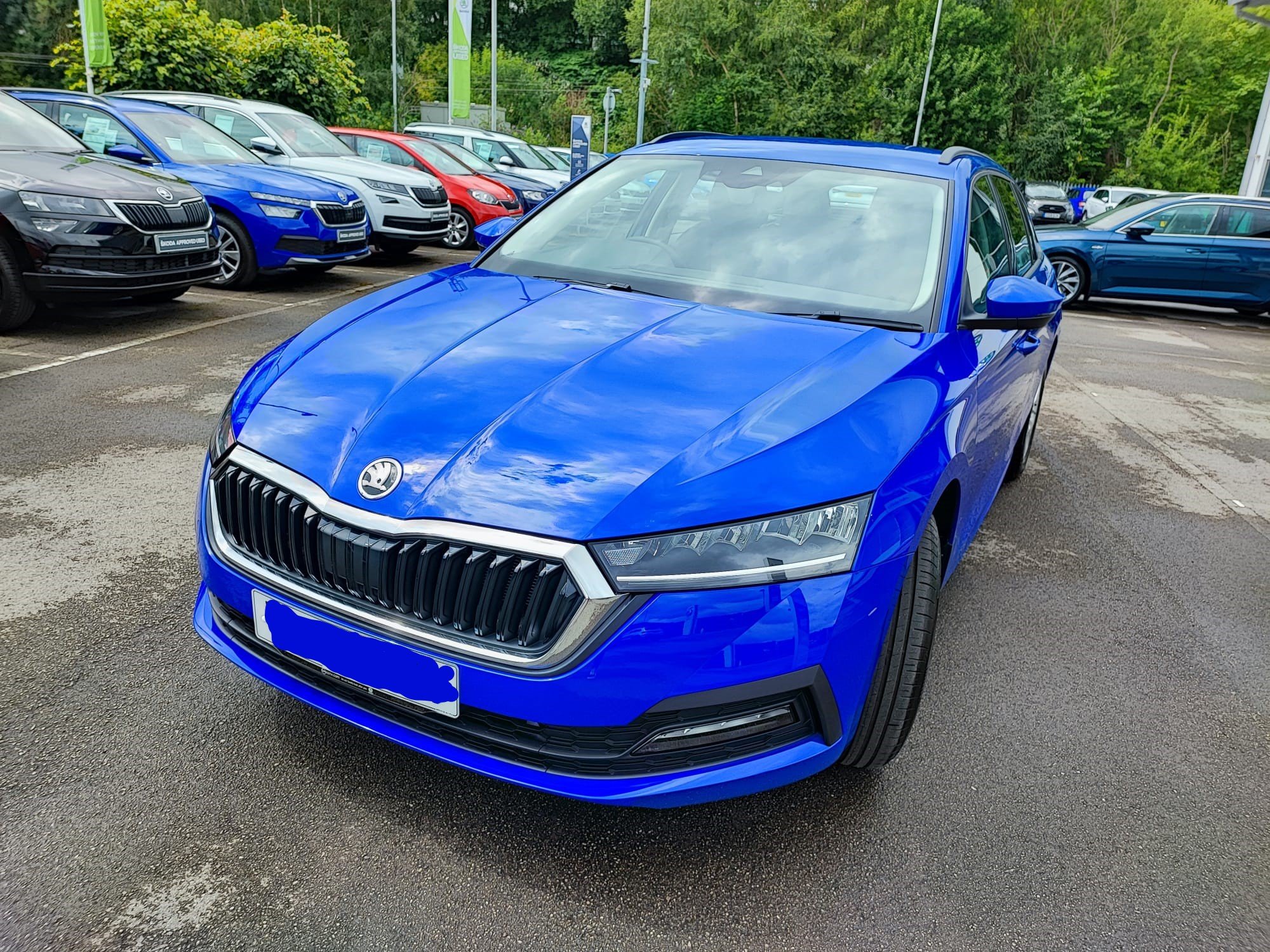
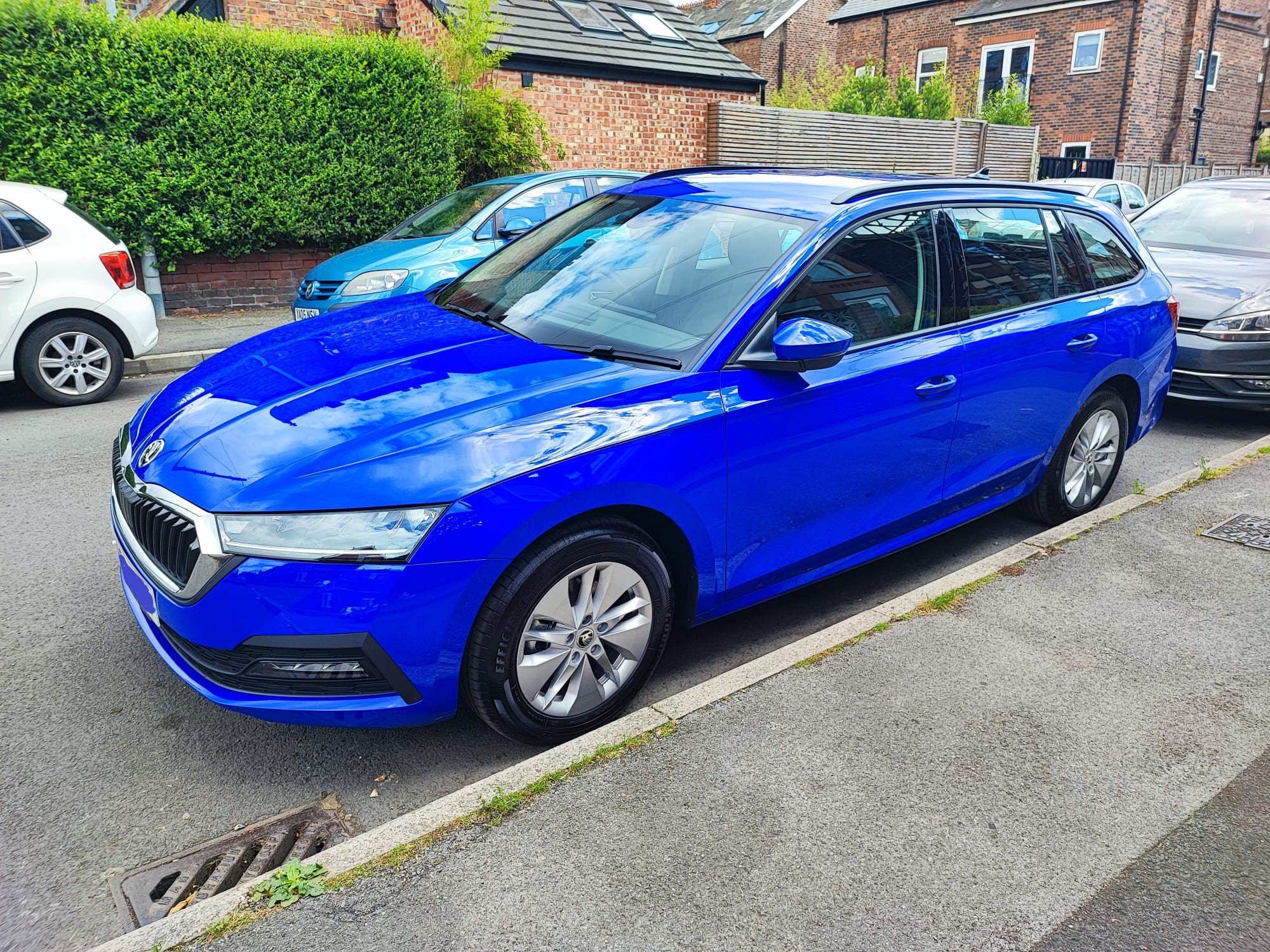
Estate SE in Energy Blue 💙 Collected today.
-
Collected today and love it, love it, love it! I'll post in the pictures thread soon 🙂
-
SE Estate + Virtual Cockpit + ACC
-
I do feel rather fortunate compared to some 🙂 fingers crossed that the Energy Blue looks nice in the flesh - I've had a lot of difficulty sourcing any "real" snaps of this particular shade and just hope I don't regret cheaping out and avoiding the paid colour options.
-
Got a phone call from the dealer today and I'm booked in to collect a week tomorrow - it's actually happening!!
-
It seems that my tale differs from the norm here. Ordered an SE Estate in March of this year with a couple of extras and the dealer rang last week to inform that it's been built and is waiting to be shipped. Was originally given an ETA of 30 weeks (November) when ordered. They've said it should be ready to pick up at some point this month! I was honestly preparing for next year at the earliest when reading these forums so it's quite the surprise. Here's hoping this is a sign of things picking up for others who have been waiting a while.
-
Amazing thanks - grabbed one and will feed back in due course.