georgegeo56
New here
-
Joined
-
Last visited
-
hi, In order to install the "Skoda Octavia 3 Custom Subwoofer box", do you really have to cut the boot liner?
-
In the end, i found the OEM parts that needed: 1) Grommet Škoda - 5E9 971 829 A 2) Camera Washer Line Škoda - 5E9 955 663 A Good luck to those who will try to retrofit!
-
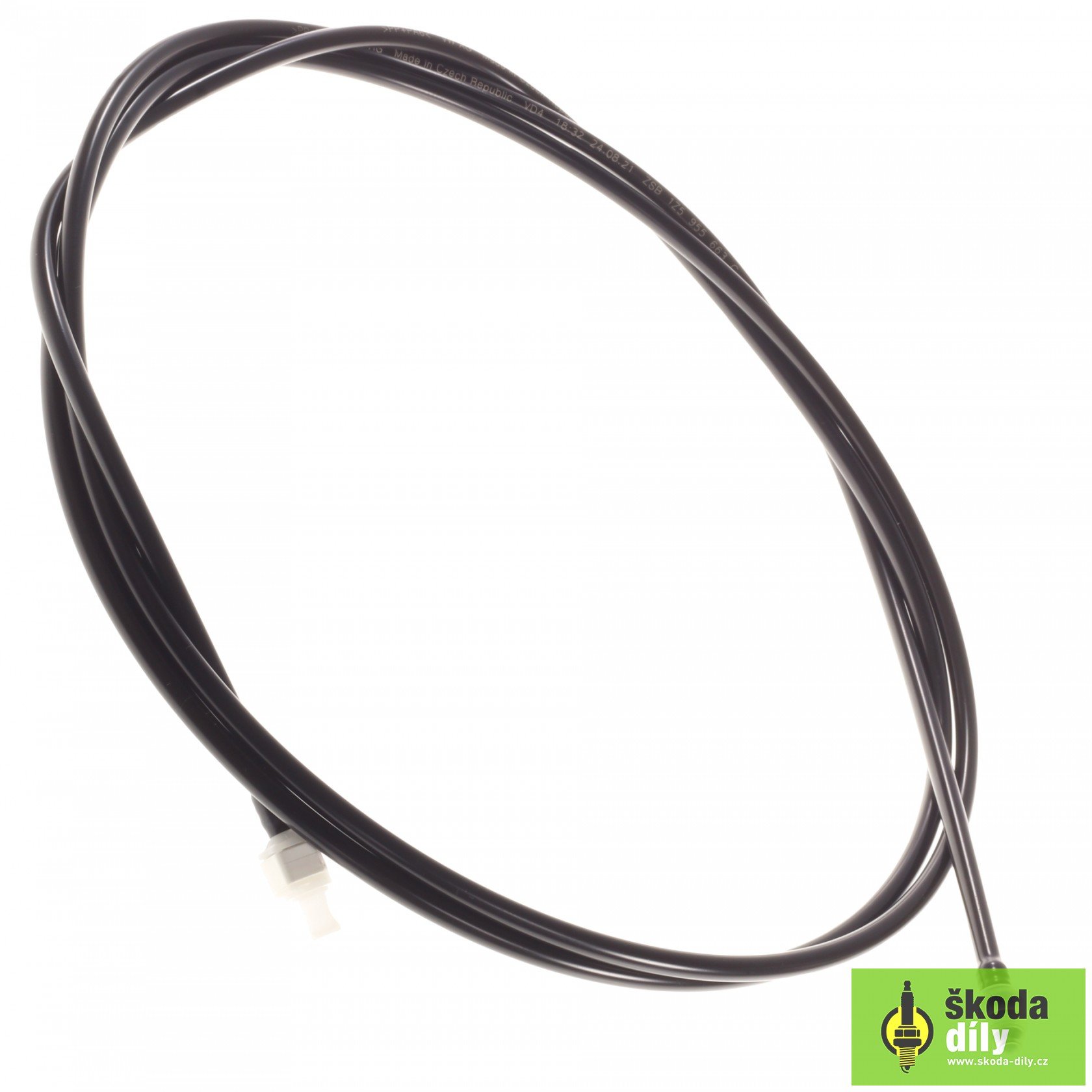
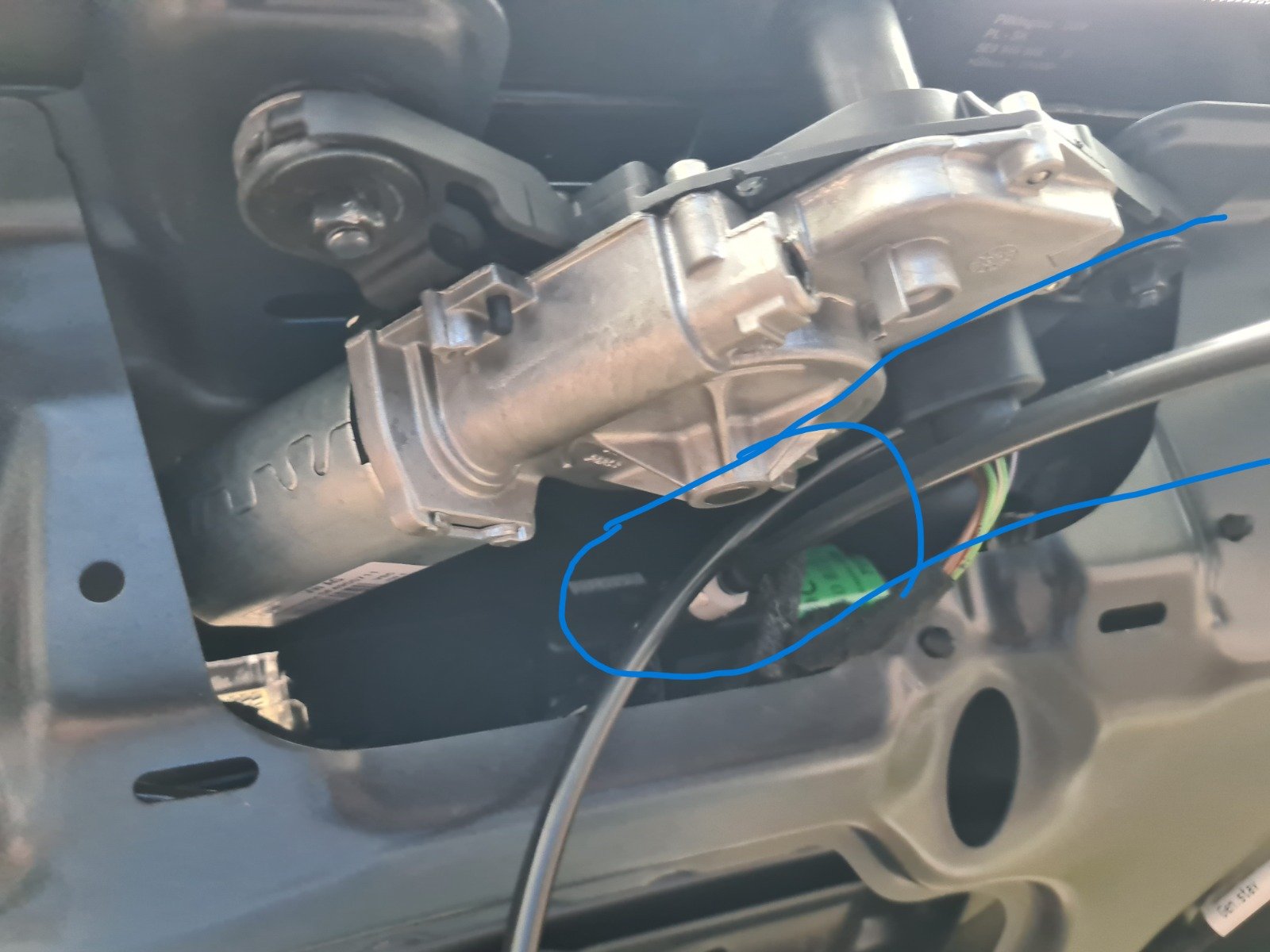
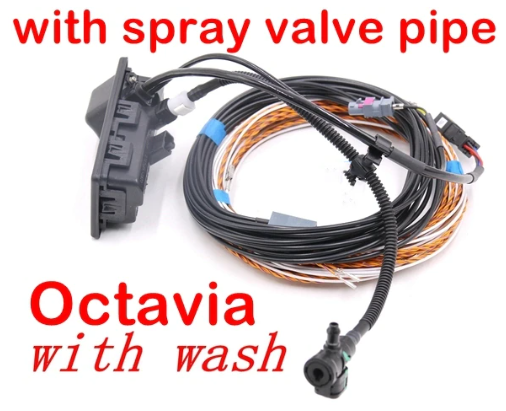
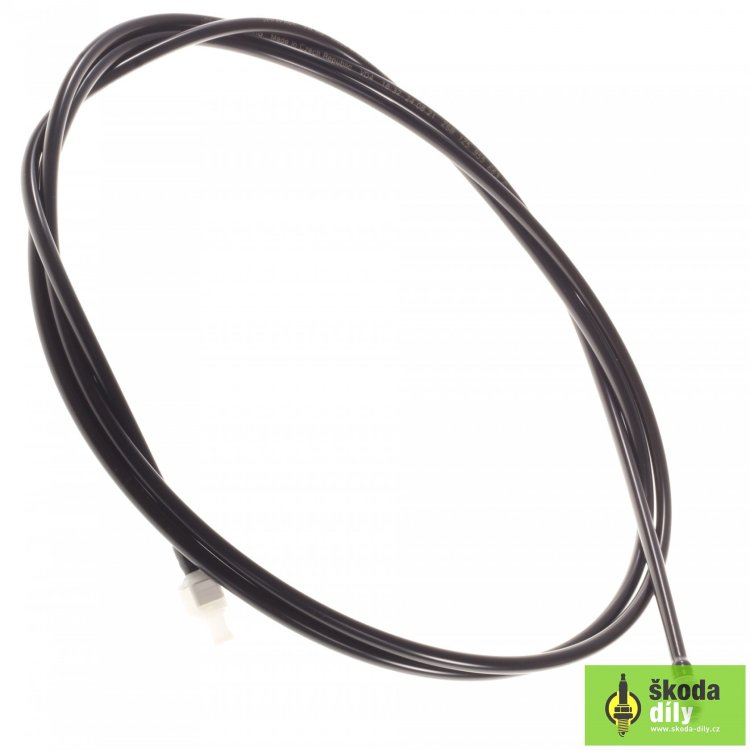
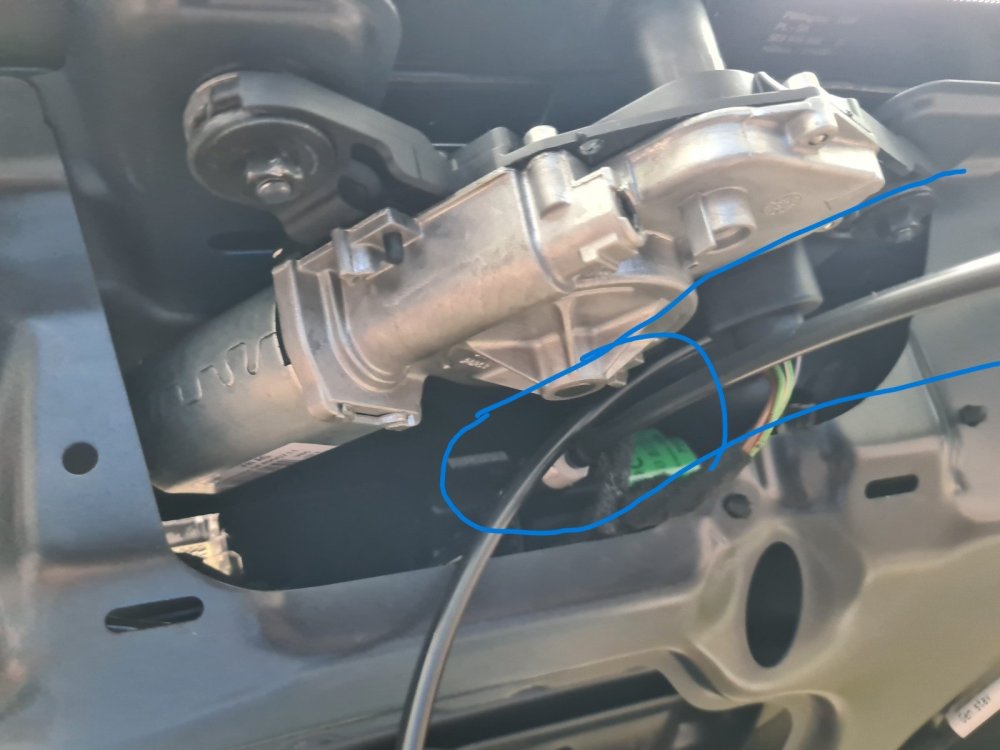
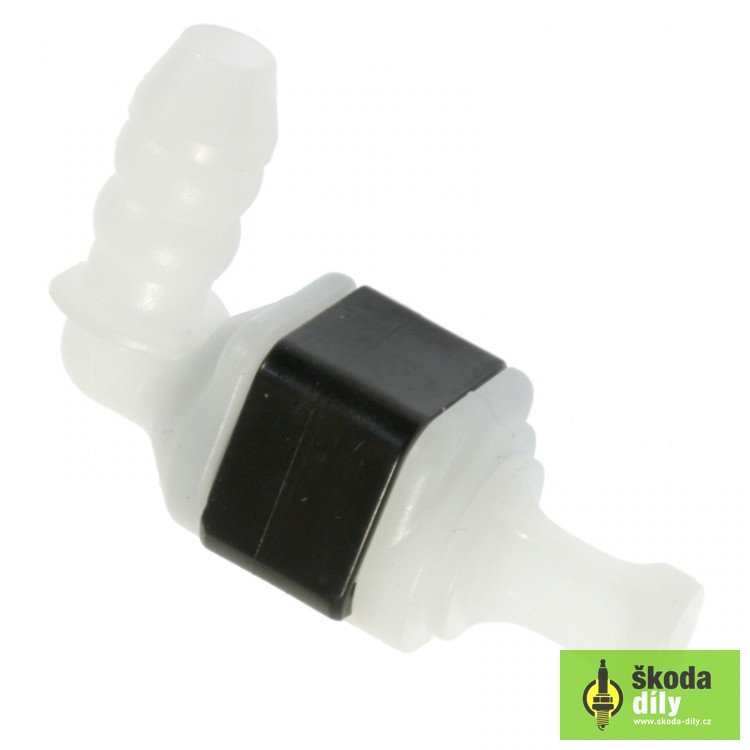
Hi, I just retrofitted a rear view camera with wash (aliexpress, side note, bad image quality) on my octavia mk3 estate and I ran into some problems. The camera looks like the first attached picture and was provided with a little hose with a (T) joint, which I used under the 3rd brake light, in order to take the intake washer fluid, and to the camera i attached a „Washer Connecting Hose Škoda - 1Z5 955 663 C (2nd attached picture)”. The big problem is that the „Washer Connecting Hose Škoda” is verry rigid, and can't be bend (3rd image) and i would need a „90 degree - elbow connector” in order to be able to mount the trim back. I already took the trial and error method with 3B0 955 665 (4th image) C and 6R0 955 665 and it wasn't a fit and i have returned the parts, but now i might think i could cut the hose and somehow fit the 3B0 955 665 C connector. And thus I come and seek the answer to my problem from your vast knowledge. Thank you very much for taking the time to read my question!
-
Verry helpful. Thank you, sir!
-
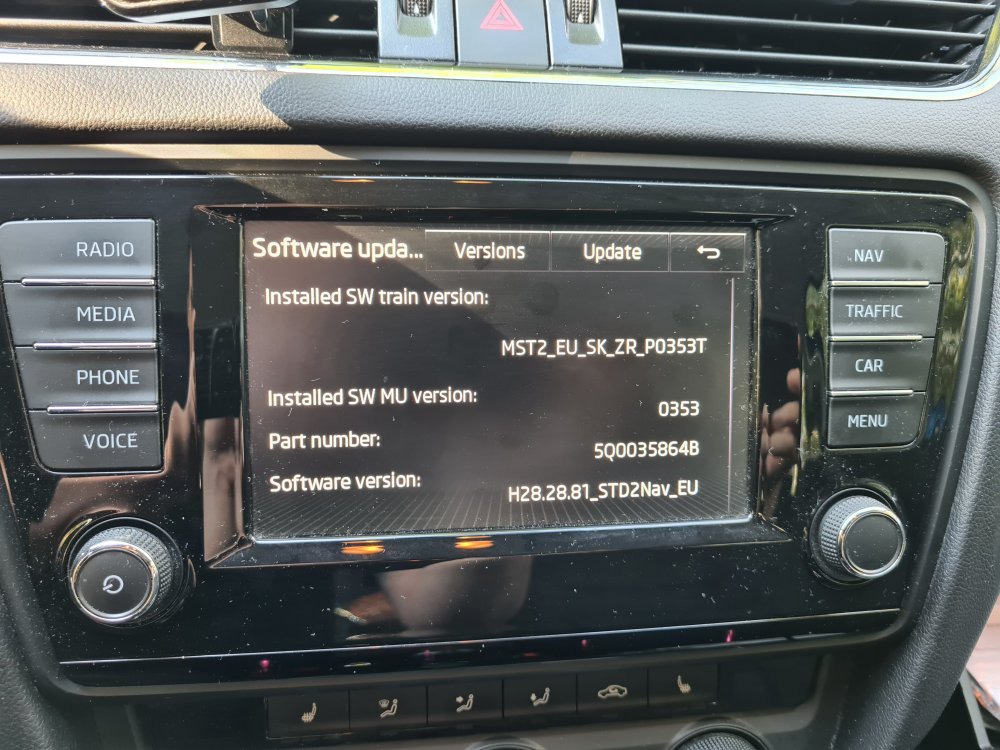
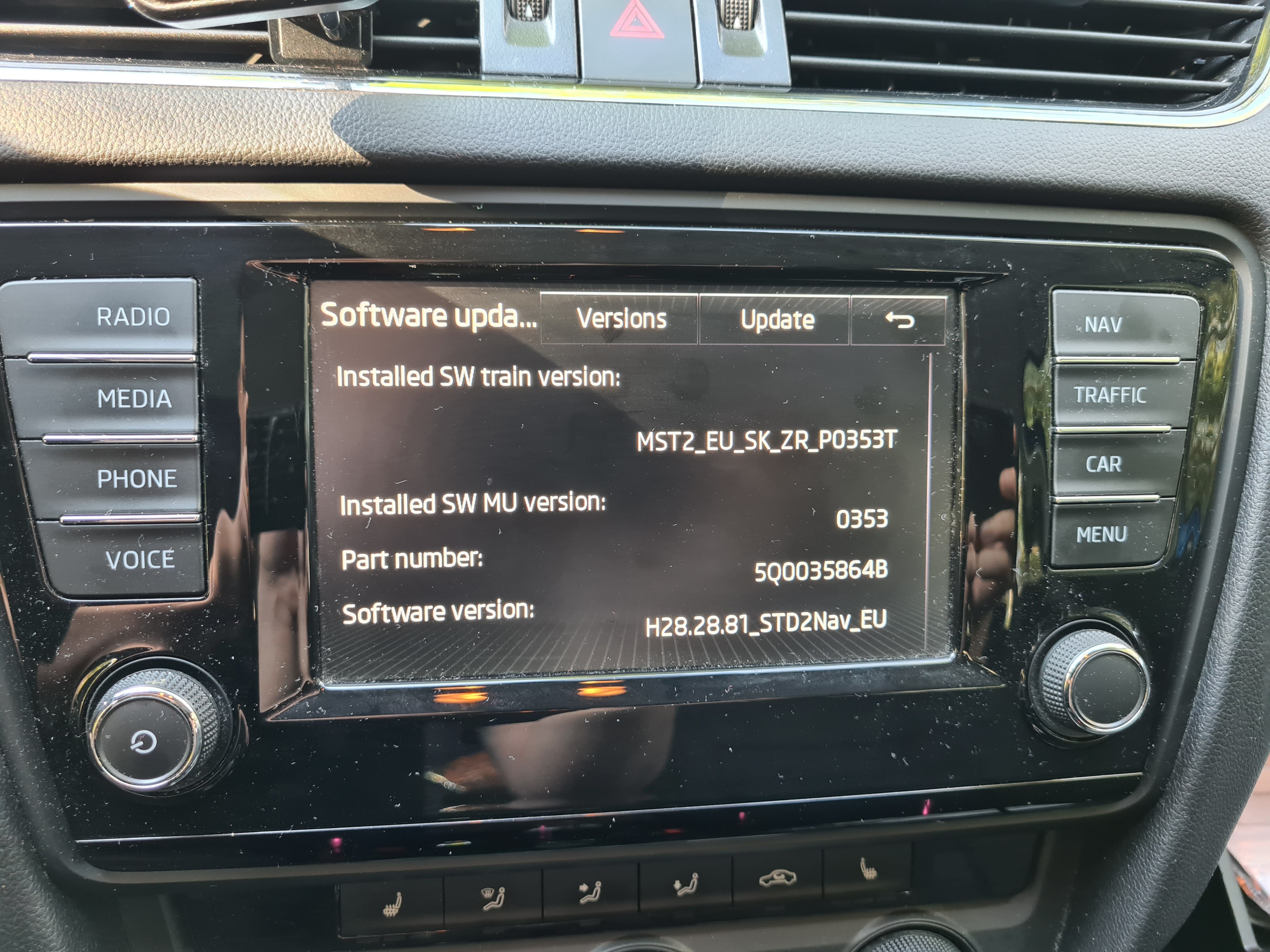
A little help with my unit too, please. I would like to update my unit and then patch it for smart link. (Couldn't get an offer via email form 3 dealers for activating smarrlink). And do you think doing an update would i benefit from wireless Android car? Thank you!