rlhortle
New here
-
Joined
-
Last visited
Everything posted by rlhortle
-
No Mac involved, used 7Zip! Generic SD card - from my understanding Columbus doesn't need a Skoda one
-
Did you ever get anywhere with this? I have run into the same problem, although my maps are stuck in 2013! Cheers
-
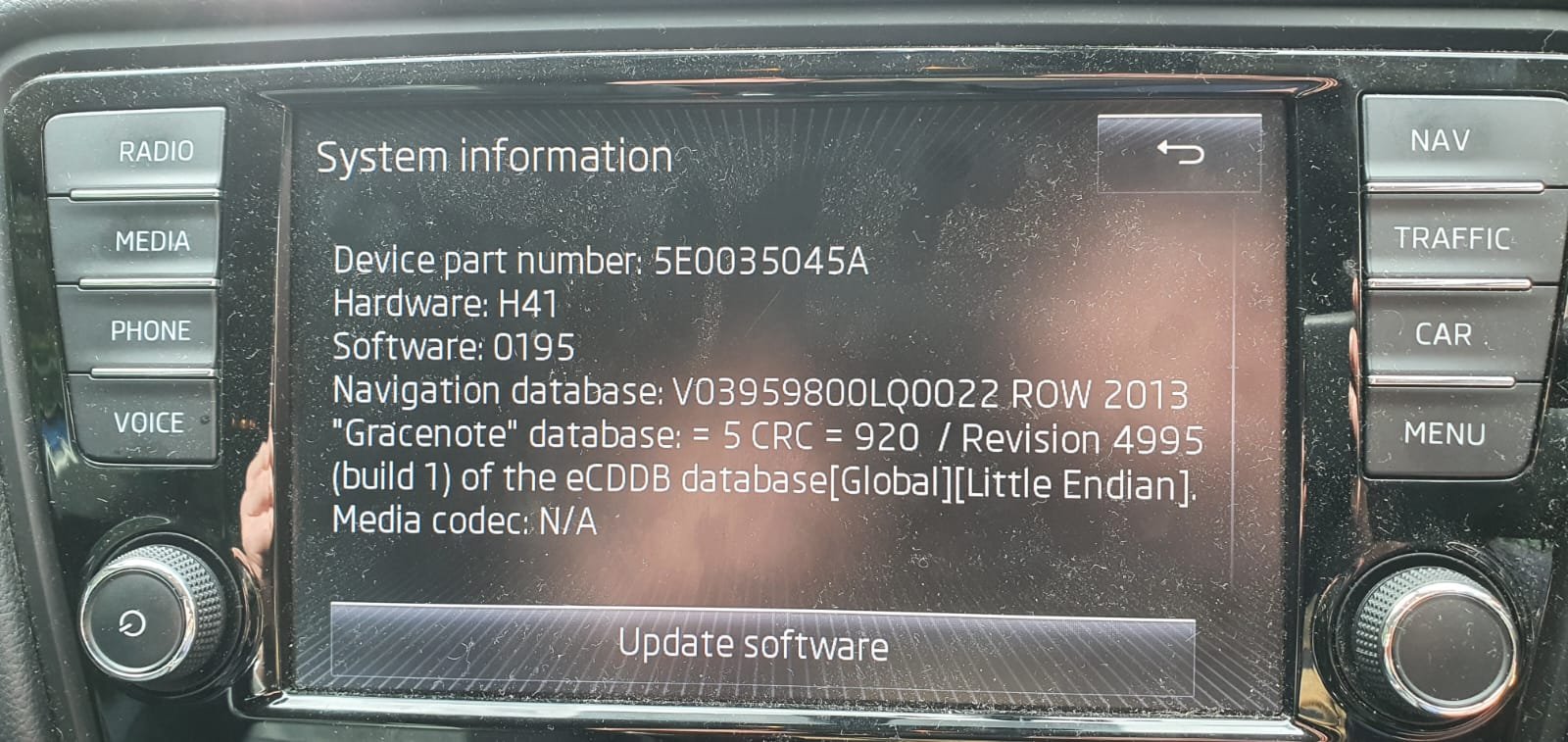
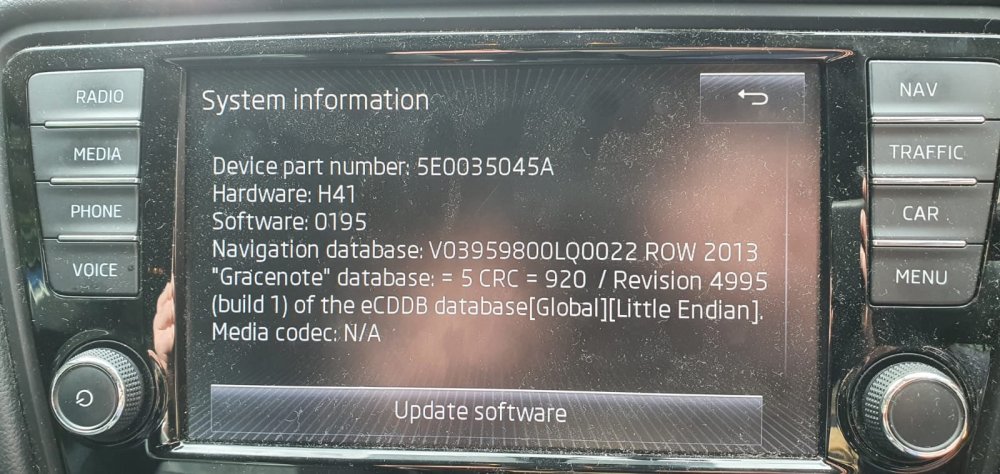
Hi all, grateful for any help - I have trawled these forums and made many attempts at updating maps, but I'm stumped. We have a Skoda Octavia NE MY14 Elegance, bought 2nd hand last year. The maps haven't been updated since 2013. Skoda portal says our unit is a Columbus, but finds no maps for our VIN. I've tried downloading the most recent maps from the Skoda and VW links above, and unzipping to an exFAT SD card, FAT32 SD card, and an external hard drive. I've used Total Commander, Windows, and 7zip to unzip. The car always checks for updates for a while, then comes up with the 'No data available' error. Any suggestions? Is it just that the car is too early to accept SD card updates? Seems odd given it has 2 SD card slots... Thank you!
.thumb.jpeg.c16a59c7a72d5ce3a2d3efddc6548ef8.jpeg)

.jpeg.f7b81a9a0f0bc9e0cd8619596d07963b.jpeg)