e30_V8
Finding my way
-
Joined
-
Last visited
-
Hi, thank you for your answer. In the 4-pin brake light switch there are actually 2 switches in one housing, the switch between terminals 1 and 4 is a make contact for the brake light and the switch between terminals 2 and 3 is a break contact for the signal to the ecu. I'll short-circuit connection 2 and 3 with a switch, like you said, and then I'll see if it works for me too... I have seen that there is also a 2-pin switch on the clutch pedal, do you know what function it has? Does it also have a safety function and send a signal to the engine control unit like the brake pedal switch if the accelerator pedal sensor gets stuck at "full throttle"? Have a good start to the new week Richard
-
...and a new seat cover?
-
Hi, i have brought up the old thread again, because the search revealed this relevant result. It's about the problem of Throttle release during Left-Foot braking. The Car is a Fabia RS (MK1) with manual Transmission and without Cruise Control. Has anyone tried this, at the brake light switch disconnect the signal wire to the ECU to enable Left-Foot Brake? Or is there still a possibility via VCDS? Maybe someone has dealt with this Problem in more Detail and can give me a hint? Many thanks already Richard P.S. If questions arise, I need the Left Foot Braking only for Trackdays...
-
-
-
-
-
e30_V8 changed their profile photo
-
Yes. The Fabia RS is my Daily-Car, until the e30 convertible is fixed.
-
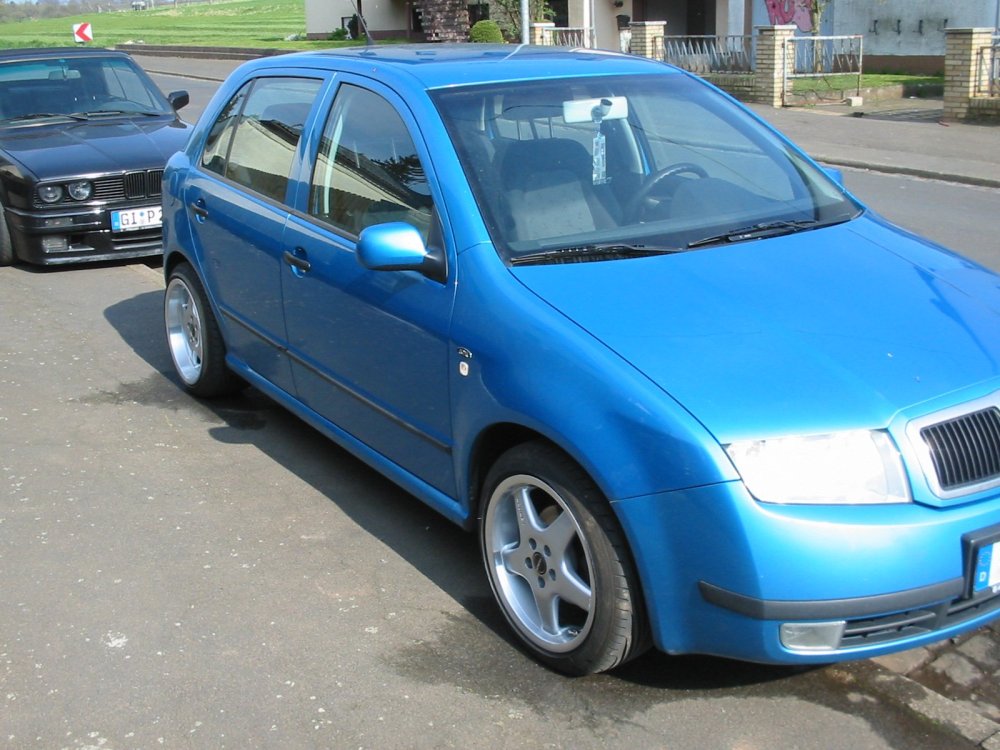
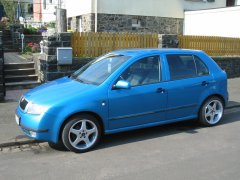
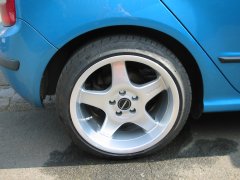
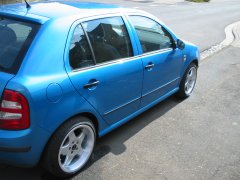
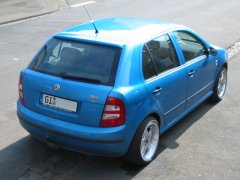
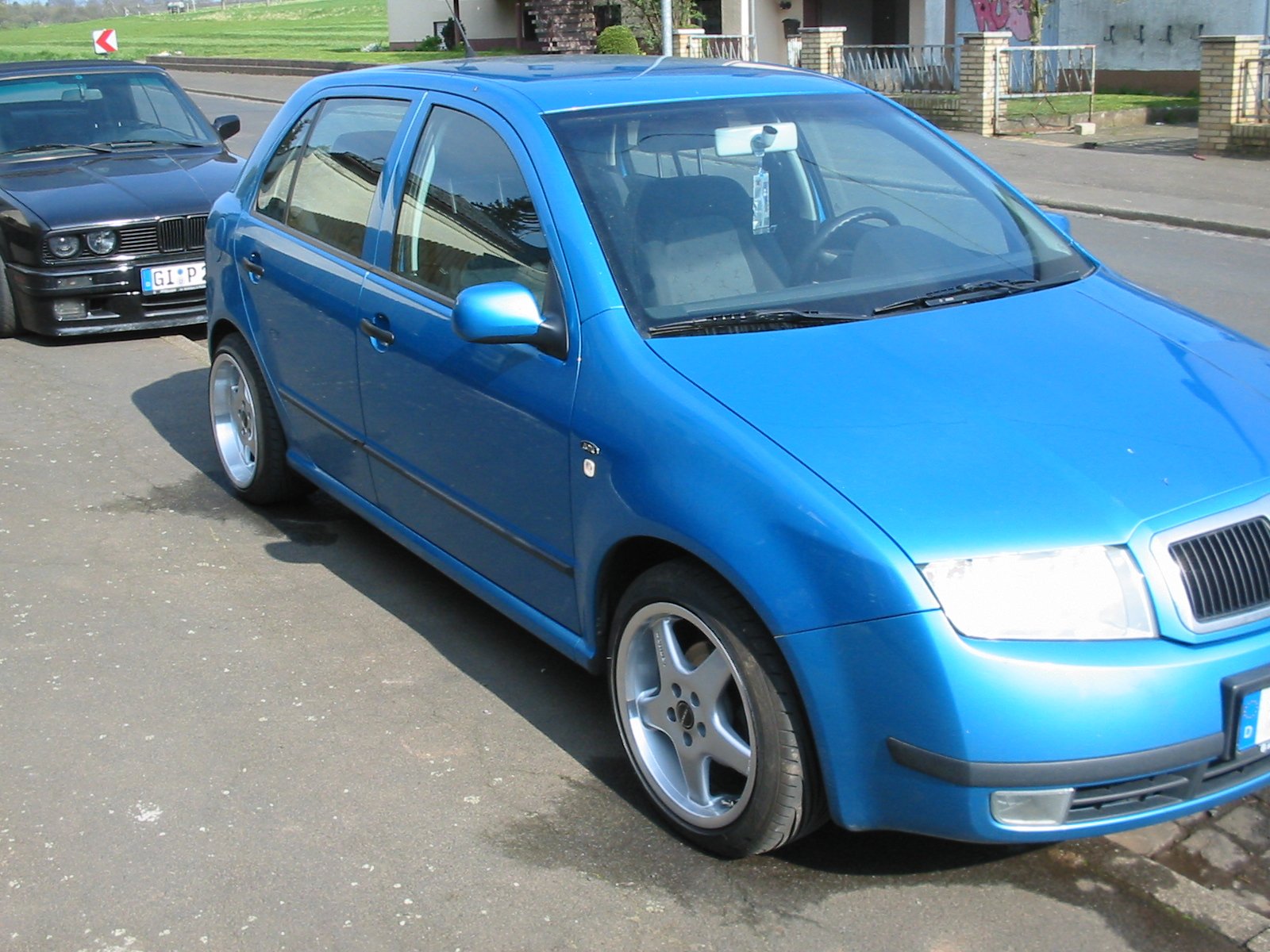
Hi, in advance, sorry for my bad english, but i try my best! In our Family we have among other things (three BMW e30, e34 540i, Polo 6R) two Fabia MK I, one 100 HP Tdi with over 360.000km and one Fabia RS, both with P-Box-Tuning. The Fabia RS is modified with 215/40 on 7x17 "Spider"-Rims (Octavia 1U), H&R-Stabilizers, Wheel Bearing Housing from Audi S1, Big Master Cylinder (23,81mm), Lucas C41-Caliper on Rear Axle etc. The other Fabia has 7,5x16 with 195/45 @ Front Axle and 9x16 with 215/40 on Rear Axle, H&R Cup-Kit etc. Have a nice Day Richard