GerryZabala
Finding my way
-
Joined
-
Last visited
Everything posted by GerryZabala
-
Hi guys, This issue is driving me crazy! I plug my Xiaomi Redmi Note 10 pro to the USB port to charge my mobile and the phone keeps asking me if I want to only charge the device, transfer files or transfer photos. I select only to charge the phone but 3 seconds later it asks me the same thing. The infotainment also goes grey without having the possibility of doing anything while it says: "reading USB device...." How can I just plug the phone to only charge it?
-
Thanks a lot mate. You are a star! 👍
-
I remember hiring a seat Leon state a few years back and using Android auto in it. I have used Android auto recently in another car but I can remember if I had the note 10 pro at the time. I'll have to ask in this forum if anyone is using the XIAOMI Redmi Note 10 pro successfully with smartlink in the MIB2 system.
-
Would you mind directing me to any tutorial posted within this forum please? I will have to update my sat nav maps too. Thanks varooom. 👍
-
Morning all, Thanks to varooom I know that my unit can be upgraded to 0253. However, I would like to know what benefits/improvements this upgrade brings as I have had several negative experiences when upgrading different devices (phones, TVs, etc). Also, my XIAOMI Redmi Note 10 pro works well with the unit now (streaming Spotify, phone works well .....) And I am weary of things going wrong. Any thoughts on this please? Thanks.
-
Did you have to pay for the activation?
-
Thank you very much guys. Everything falls in place now and it makes sense. You lot are very helpful!
-
Having the MIB II, would smartlink then come as standard to the previous owner? Would dealers switch the feature off so new approved car buyers need to pay to get this activated? I am thinking of sending an email to Skoda UK customer service.
-
I have the XIAOMI Redmi Note 10 pro and it's not in the XIAOMI list. I have used Bluetooth to play Spotify via the media menu and the phone works very well too.
-
Yes
-
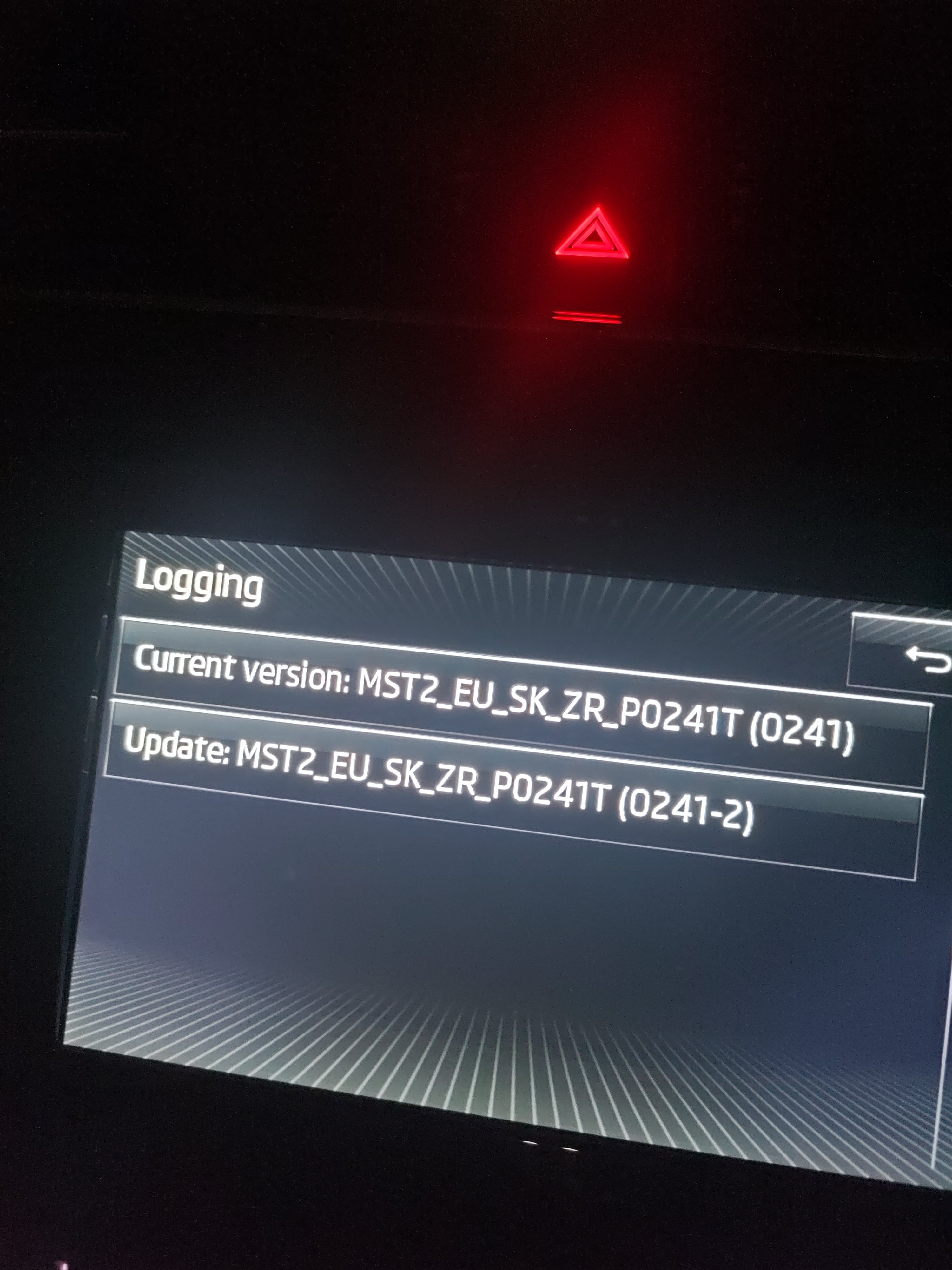
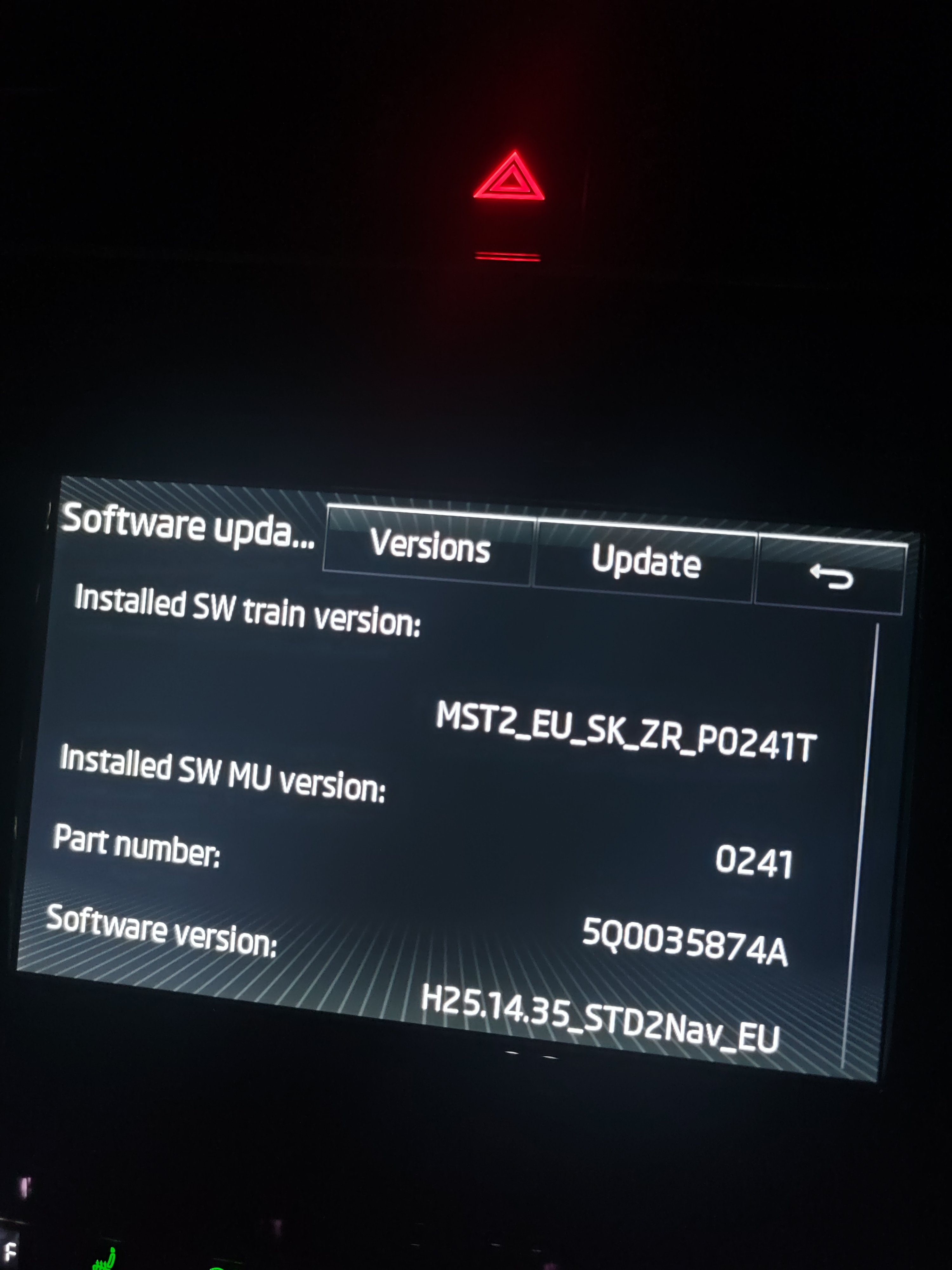
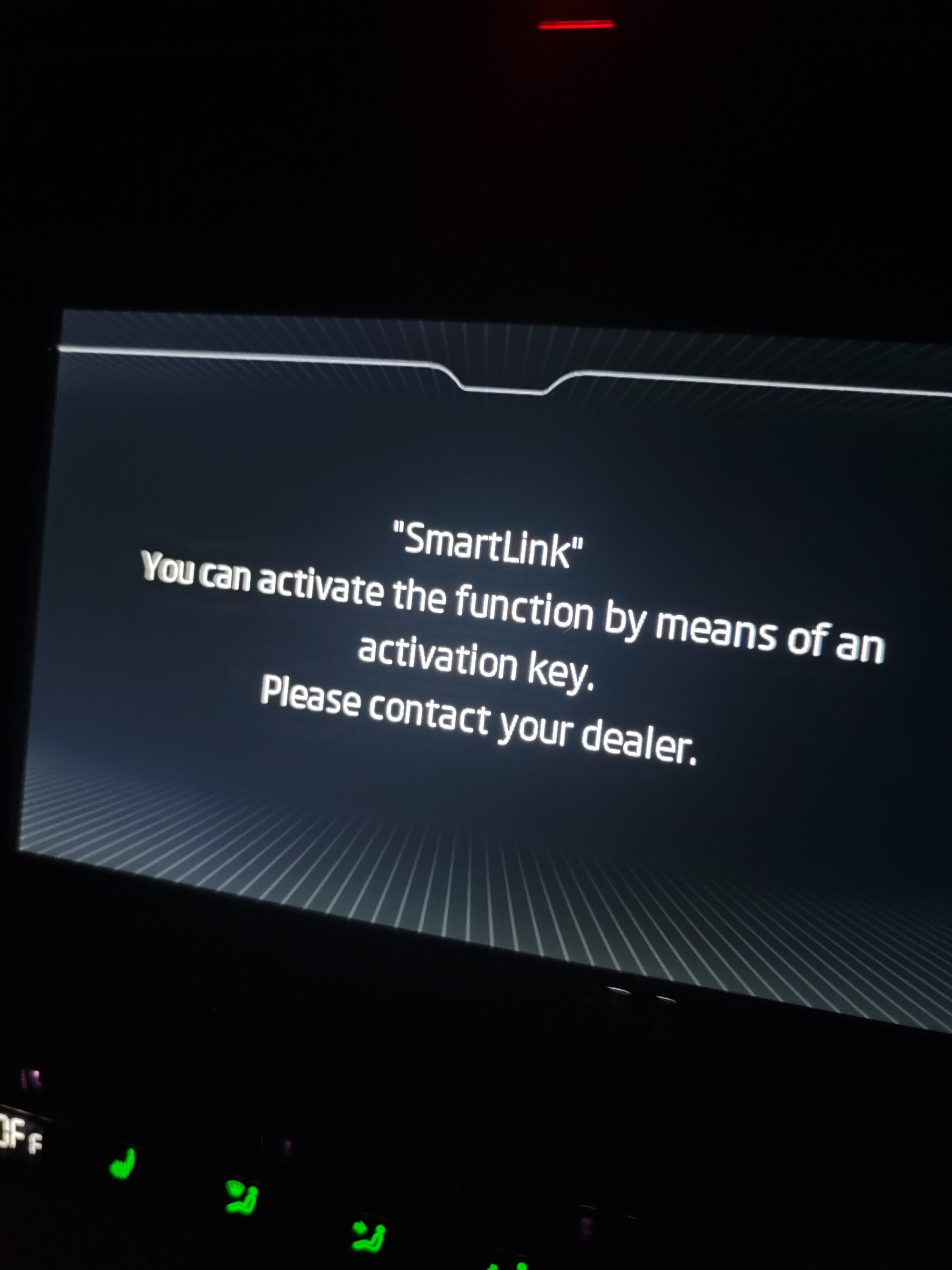
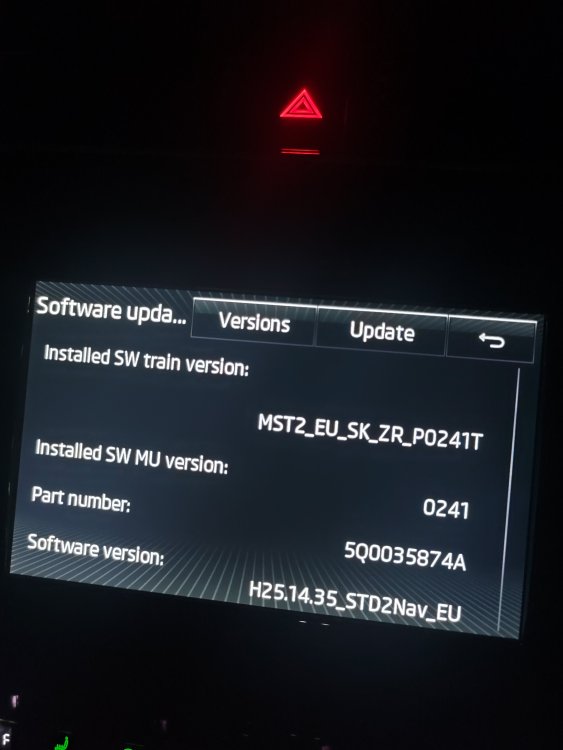
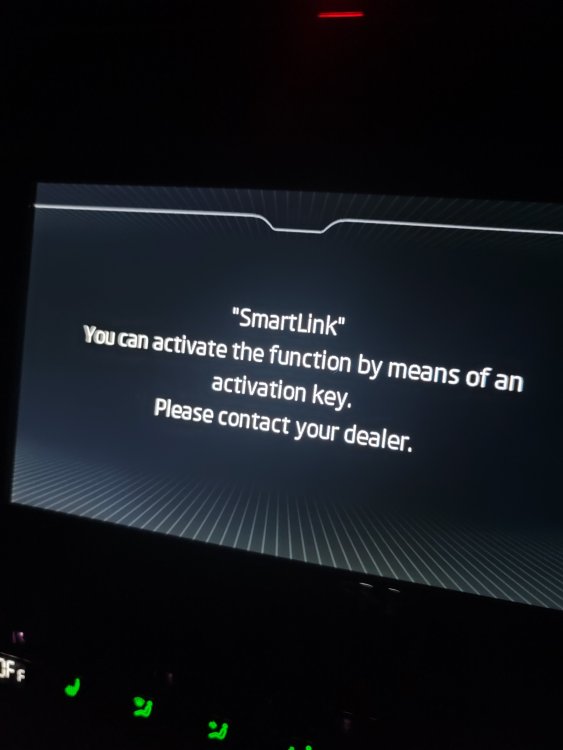
A few pics to see if this info is relevant
-
The The car has European Satellite Navigation and another button with live traffic updates
-
License plate is 65 as it was first registered during the last week in December 2015. So I would imagine it's MIB2.
-
Hi guys! I have asked the service history of an approved car that I bought last week and this is what I have been given by the dealer. Is this right? Haven't they got something more detailed? In my previous car Mazda would stamp the car whenever the car was serviced. Please note the document does not show mileage as I have deleted it. Thank you. Service History.pdf
-
Dear members, A few days ago I purchased an approved Skoda Octavia Scout 4*4 from a dealer and after browsing through the Infotainment menu, I had selected Smartlink to access Android Auto. It said I needed to contact the dealer so they could activate the feature. Today I have called the dealer and the woman I have spoken to didn't have a clue. She said she has never heard of needing a code to activate Smartlink and then she said that I needed to connect the phone with a USB cable. Anyway, she has been told by another colleague (as I could hear them both talking) that I had to visit the dealer and pay around £250 to activate Smartlink as the car was "very old" and Smartlink didn't come standard at the time. Can anyone please clarify if Smartlink didn't come as standard in the Skoda Octavia Scout back in December 2015? Thank you. Gerry