Mo123
New here
-
Joined
-
Last visited
-
Thank you everyone for your input! @pab567 very helpful! Now I know that it’s basically an empty shell and will need everything inc glove box, it just sounds too much of a job for someone like me to do. Where as I wouldn’t have issues installing aftermarket that’s not something I wish to do I’d rather keep the small screen. if I can find someone/somewhere who would supply and fit original for me locally then that’s the route I will take (I know it won’t be cheap, but will defiantly be worth it as it’s my office/taxi). Ps- appreciate it if anyone knows anywhere that supply and fit OEM in East Sussex area! thanks a lot once again!
-
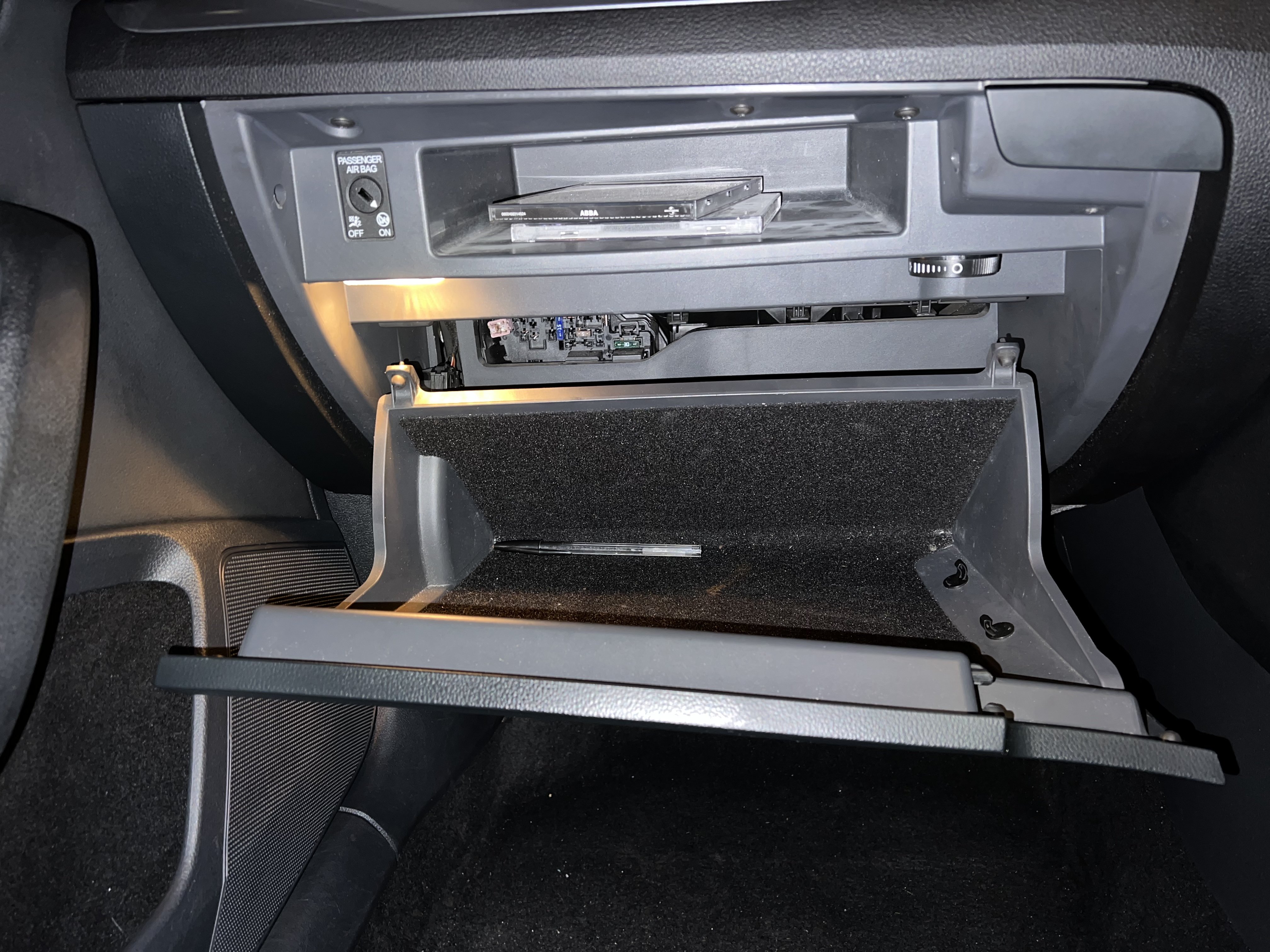
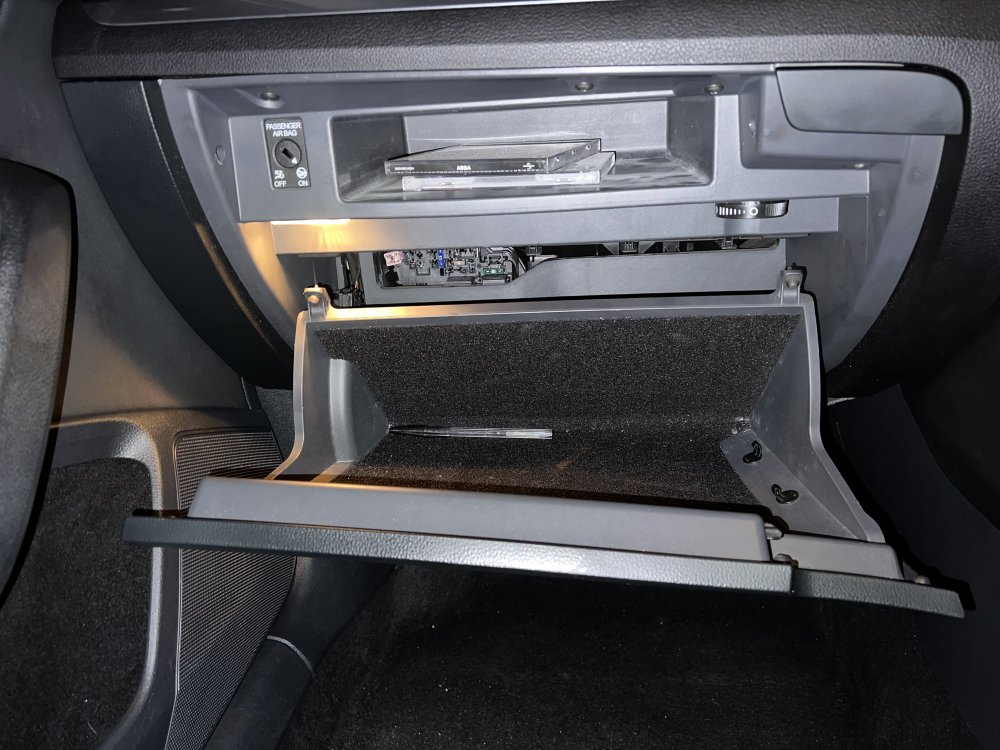
@MarkyG82 thank you! Glove box is empty. Just the head unit/screen. wondering if I go aftermarket I’d be able to keep steering wheel buttons working even though nothing in glove box to wire up to. @pab567 cheers, ideally apple car play but even original sat nav big screen will be perfect. And if I was to go original, which would I need to install so that I can rough price. even though nothing in glove box is that even an option? appreciate everyone’s time!
-
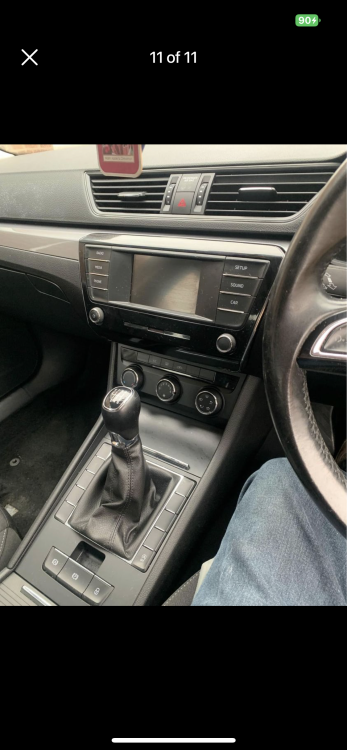
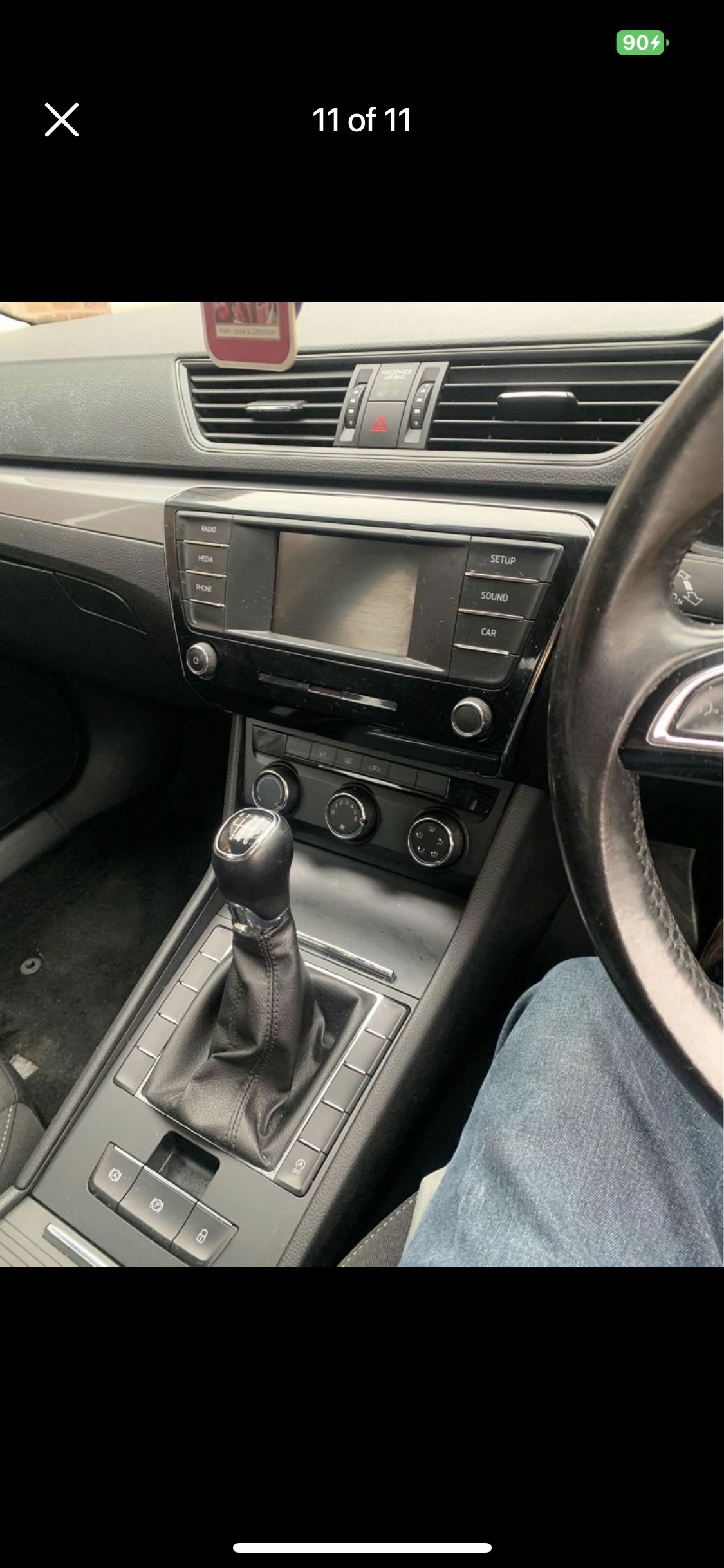
Hi guys, new here hope that I can gain some information as never owned a Skoda before and don’t fancy installing anything aftermarket.. 2018 Skoda superb I currently have the small screen and basically just DAB, Bluetooth, phone and car info. No sat nav. I am wondering if I can upgrade to bigger screen and if anything needs changing to gain access to nav/Apple car play. I have read previous questions here but haven’t found one with the same as mine. appreciate everyone’s time and information. image attached