
Tried5UserNames
FREEDOM
-
Joined
-
Last visited
-
I'm in the wilds of West Cumbria.
-
21 Plate 1.5 Petrol Estate. 25000mls. Bought it with 3300mls on it as an ex demo' in late 2022 from local (ish) dealer. First 4 services chucked in with it, along with my first M.O.T. Had M.O.T in July, notified that all discs (and therefore pads) need replacing (which they do, as they're lipped) and that air-con service due. Car told me at the weekend that an oil change service is due. Normally the annual email from the dealers arrives before that notification pops up, but not this time. Rang them this morning, receptionist told me "nobody on service desk". Took some details, said someone would ring me back today. They didn't, which got my back up a tad. Question is, should I sack them off, as they're an hour's drive, and find someone more local who would no doubt be cheaper, or is dealer service history worth having for the car? My experience tells me that this is a very fussy car. Is an inependent likely to have the right knowledge and specialist equipment to keep on top of things (software updates for example)? Plus, it's a minefield finding someone reliable. Following a mini-stroke I am unable to do any work myself so I'm completely at the mercy of everyone else. Obviously, I'd like as not save a packet leaving the dealer but there is a sort of peace of mind that using them brings. There is a VW dealer a couple of miles from me under the same corporate umbrella. Would they be set up for Skoda and worth a look? It is virtually a Golf, isn't it? Any thoughts and opinions (good or bad) welcome, thanks.
-
Has anyone found, bought and fitted any Octavia-specific seat covers that they can recommend? I'd love to see photos, if possible. I can only find generic covers that look a bit naff. I'd like to try and preserve my seats, which are part alcantara, in decent condition but with a degree of style.
-
2021 1.5TS estate. My car alarm went off just now on the drive for no reason, and there was no way I could stop it. Unlocked car, started car, stopped car, locked car. All made no difference and had coninual 20 second alarm, 5 seconds quiet, 20 seconds alarm, 5 seconds quiet for about 5 minutes, until all my neighbours were staring out of their windows at the idiot who couldn't turn off his alarm. Eventually I had to drive it 2 miles up the road to give them some peace. After about a mile it went off and stayed off. For now. Does anyone have any ideas why it would go off. Nothing loose in the car, no insects flying around in it. Question is; when the alarm goes off again, which no doubt it will, probably in the middle of the night, how can I override it and turn it off? Any assistance appreciated.
-
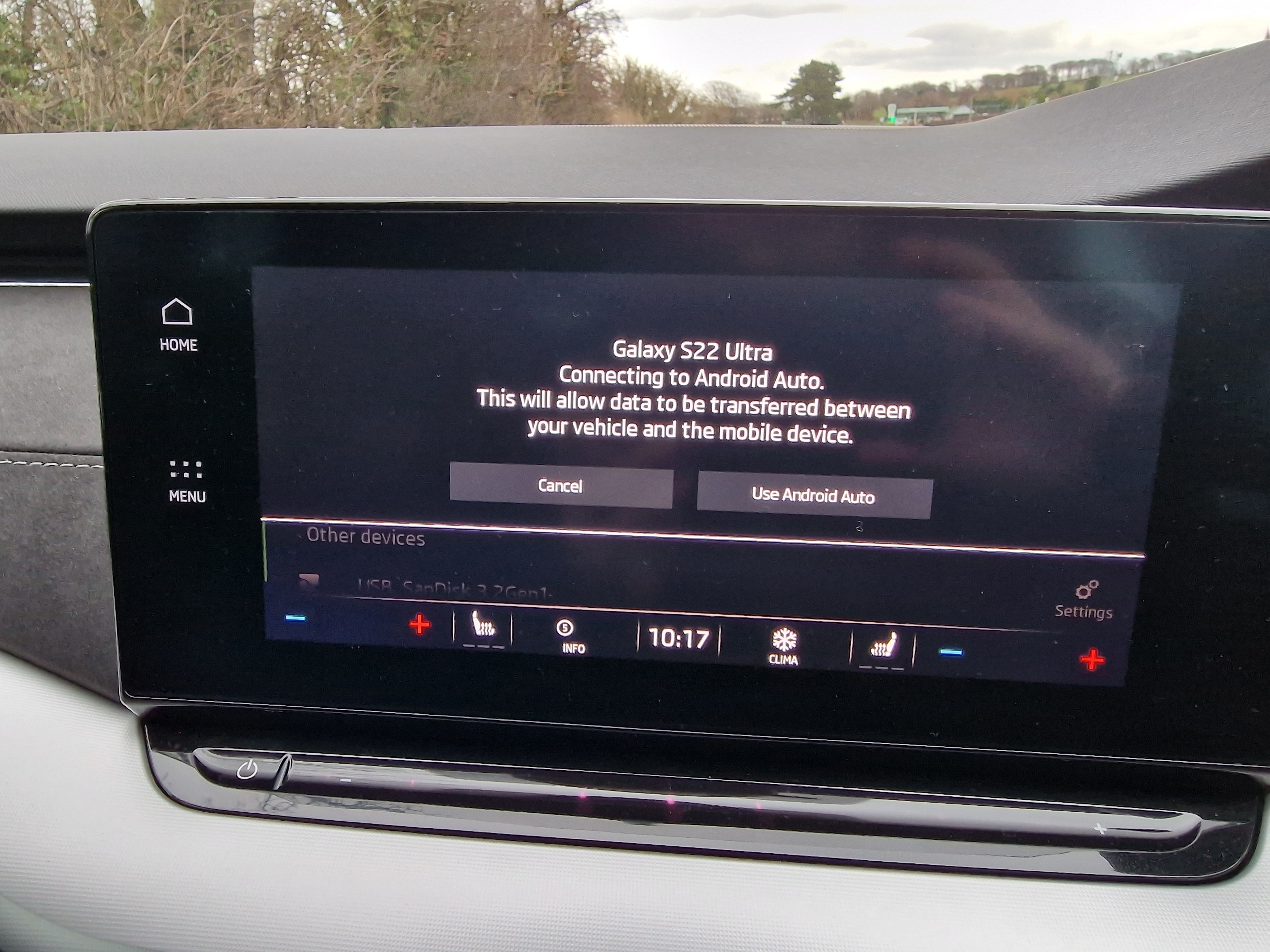
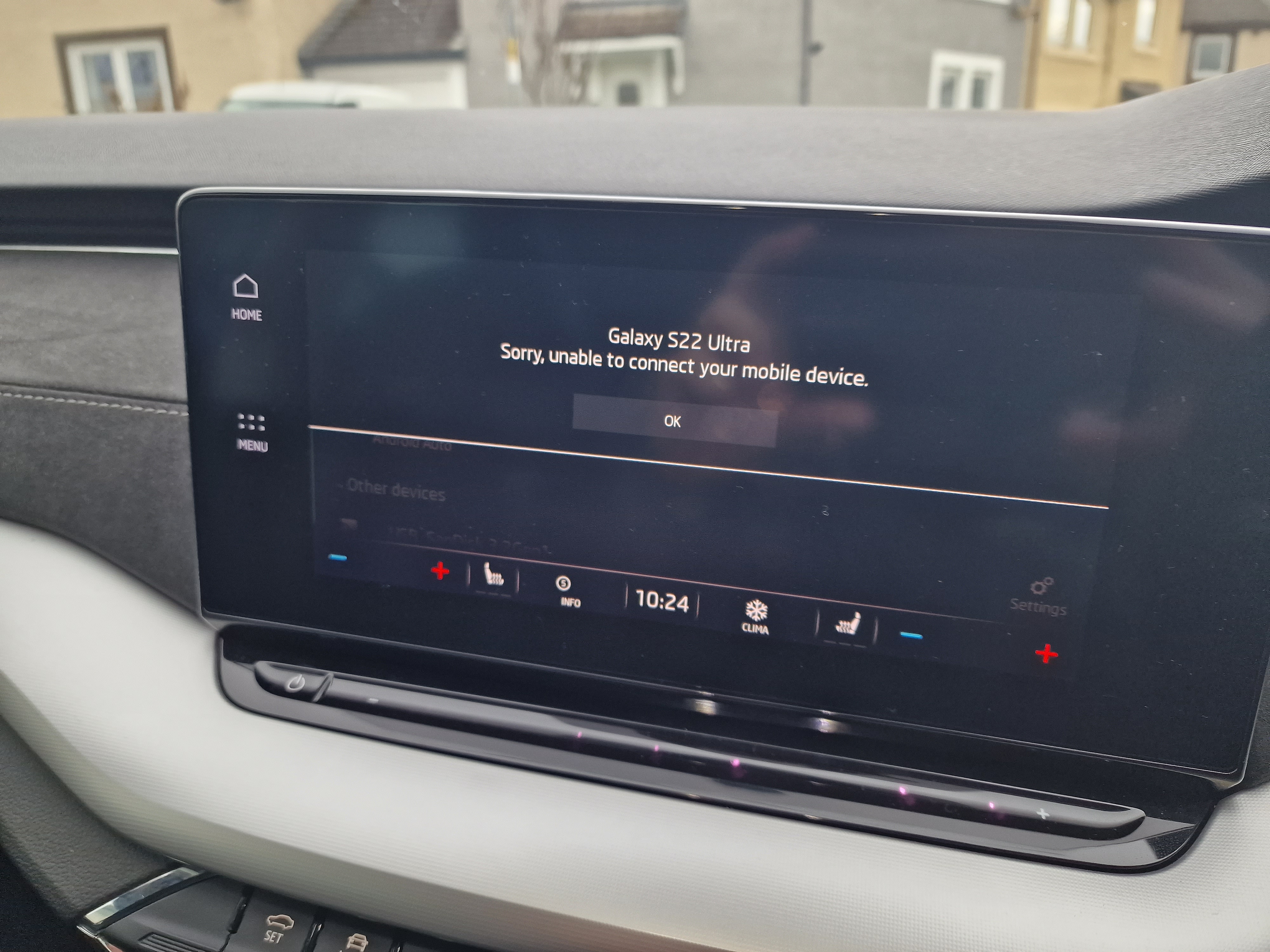
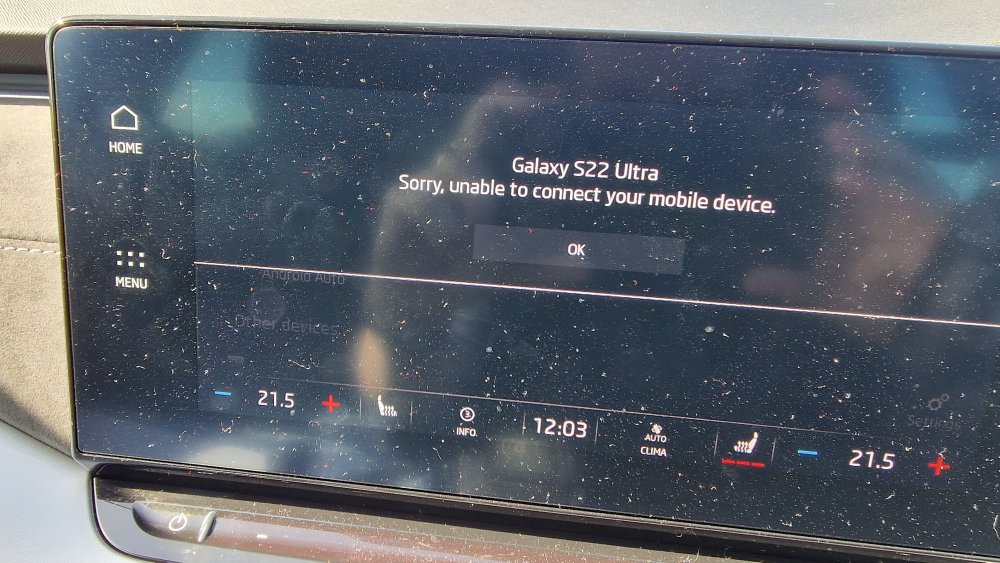
Just got in the car and did my usual car to phone Bluetooth connection. Or, I would've done if the car hadn't had a hissy fit. No settings are any different from the hundreds of times I've done this previously, so does anyone have any idea why it won't connect? Any assistance appreciated.
-
Sadly not, although (touch wood) there hasn't been a recurrence for me.
-
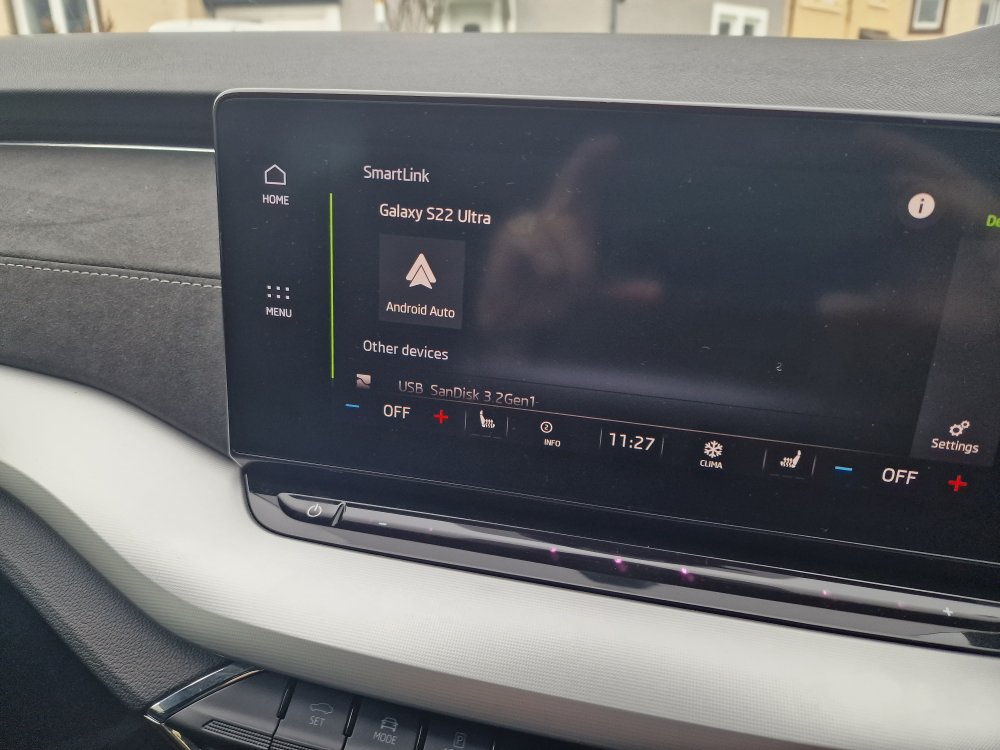
Update: just went out to the car and smartlink now (bizarrely) connects. However; whereas previously when on a call the screen showed the phone menu with Google Maps minimised so you could still navigate, it now reverts to the smartlink Android auto logo when you're using the phone with no map or phone menu visible! Useless.
-
Many thanks for taking the trouble to reply.
-
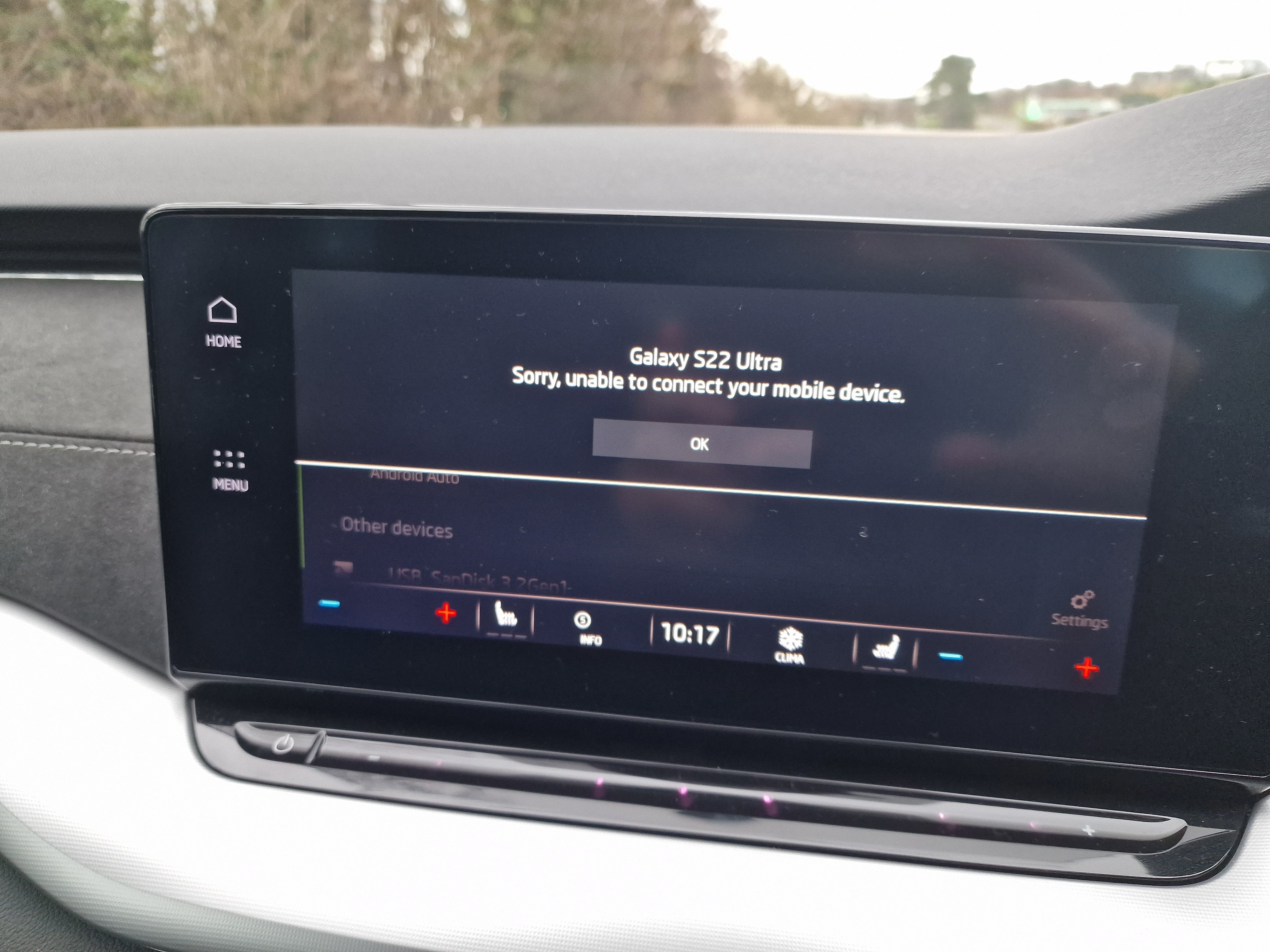
Yes, I turned it on and the "unable to connect" message came up. I'm loath to contact my main dealer but I may have to.
-
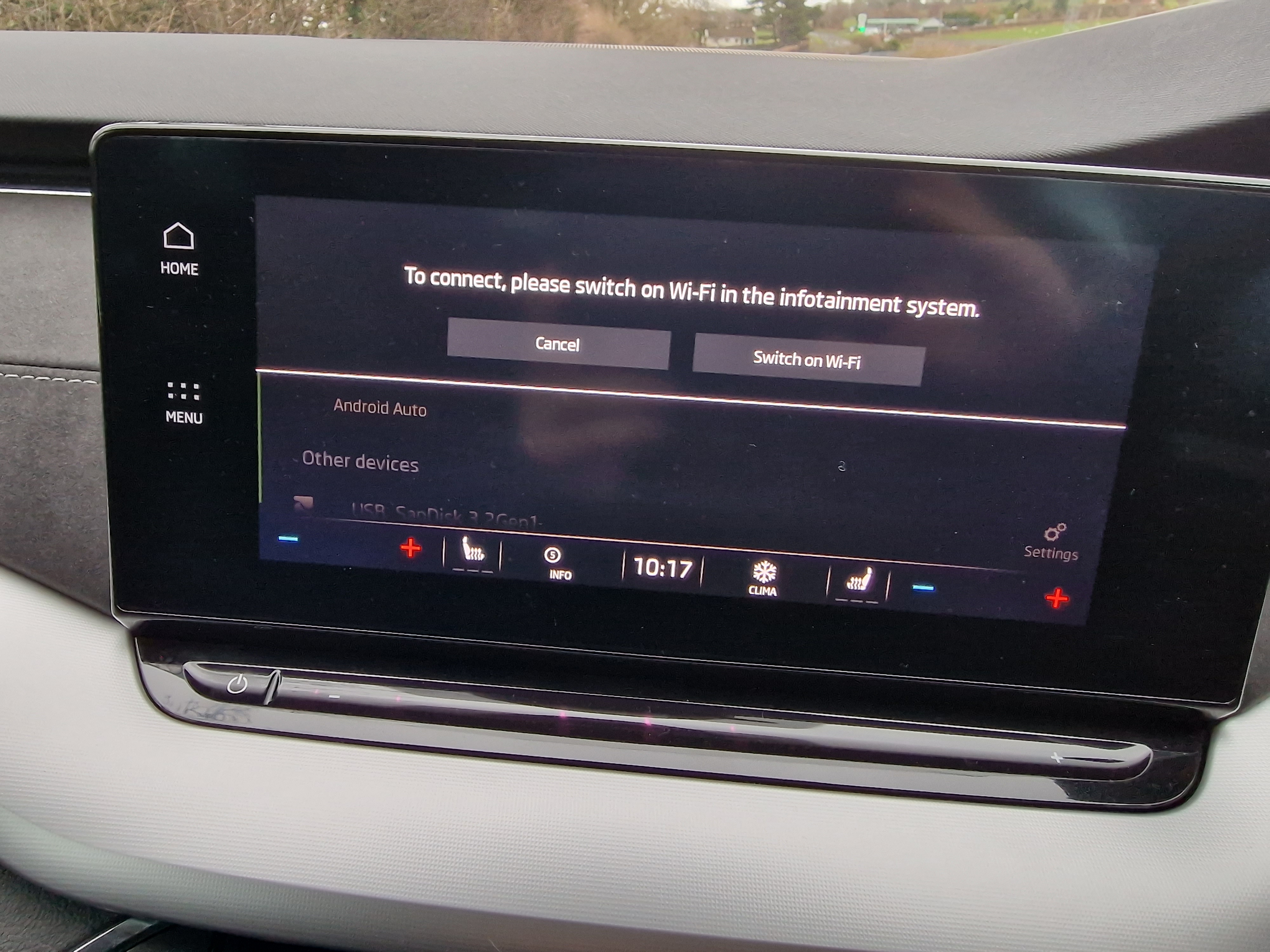
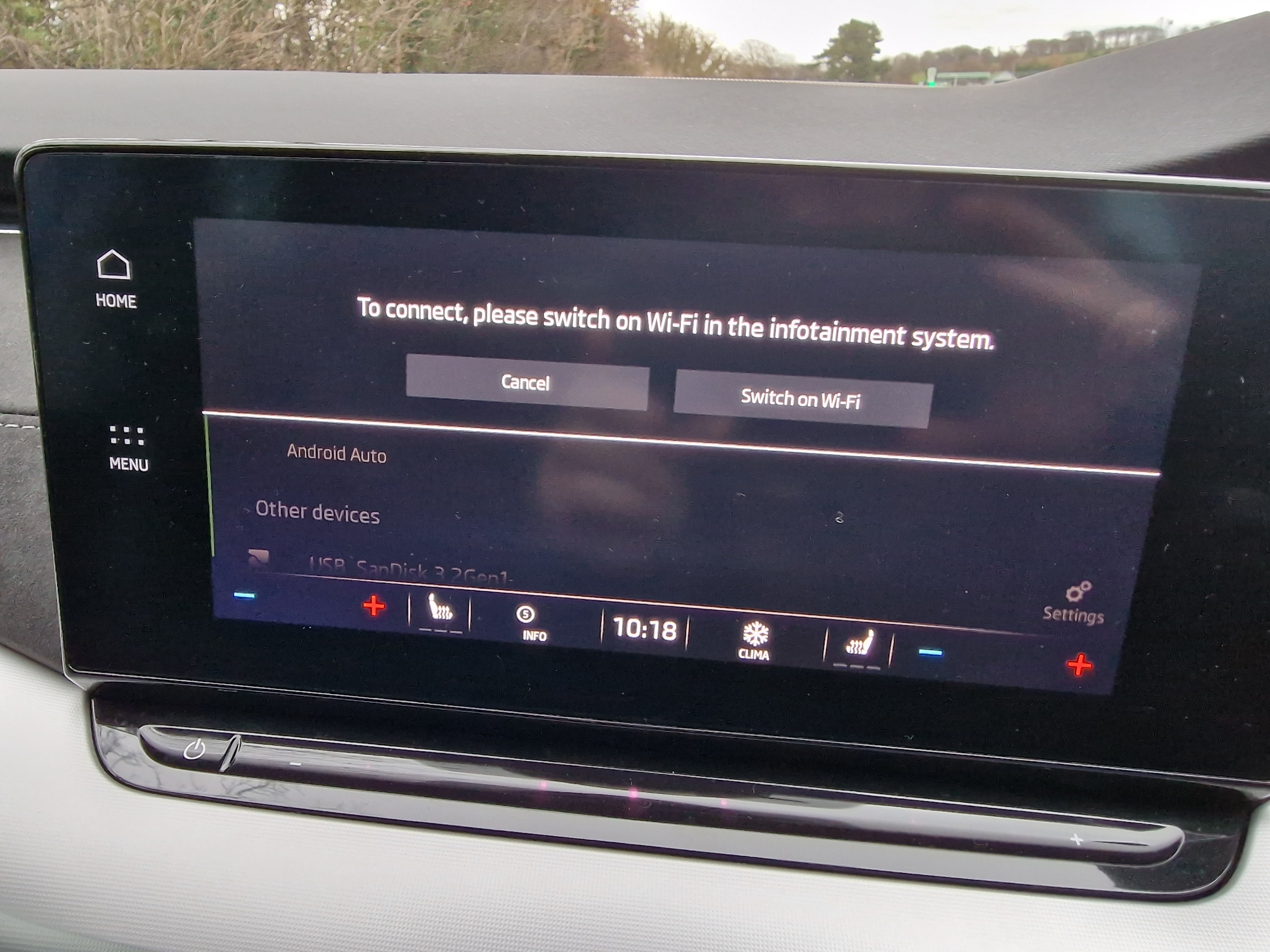
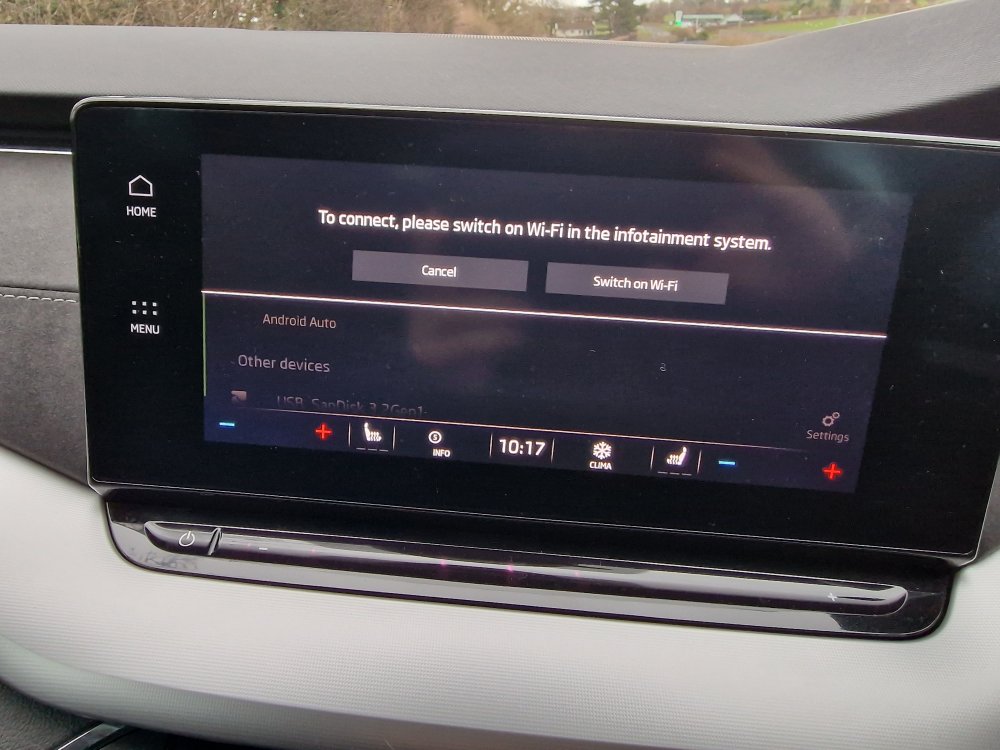
Hi LuxoviaRS, many thanks for your reply. Yes, my understanding was that I was to turn on the car WiFi. It has never asked me to do that previously.
-
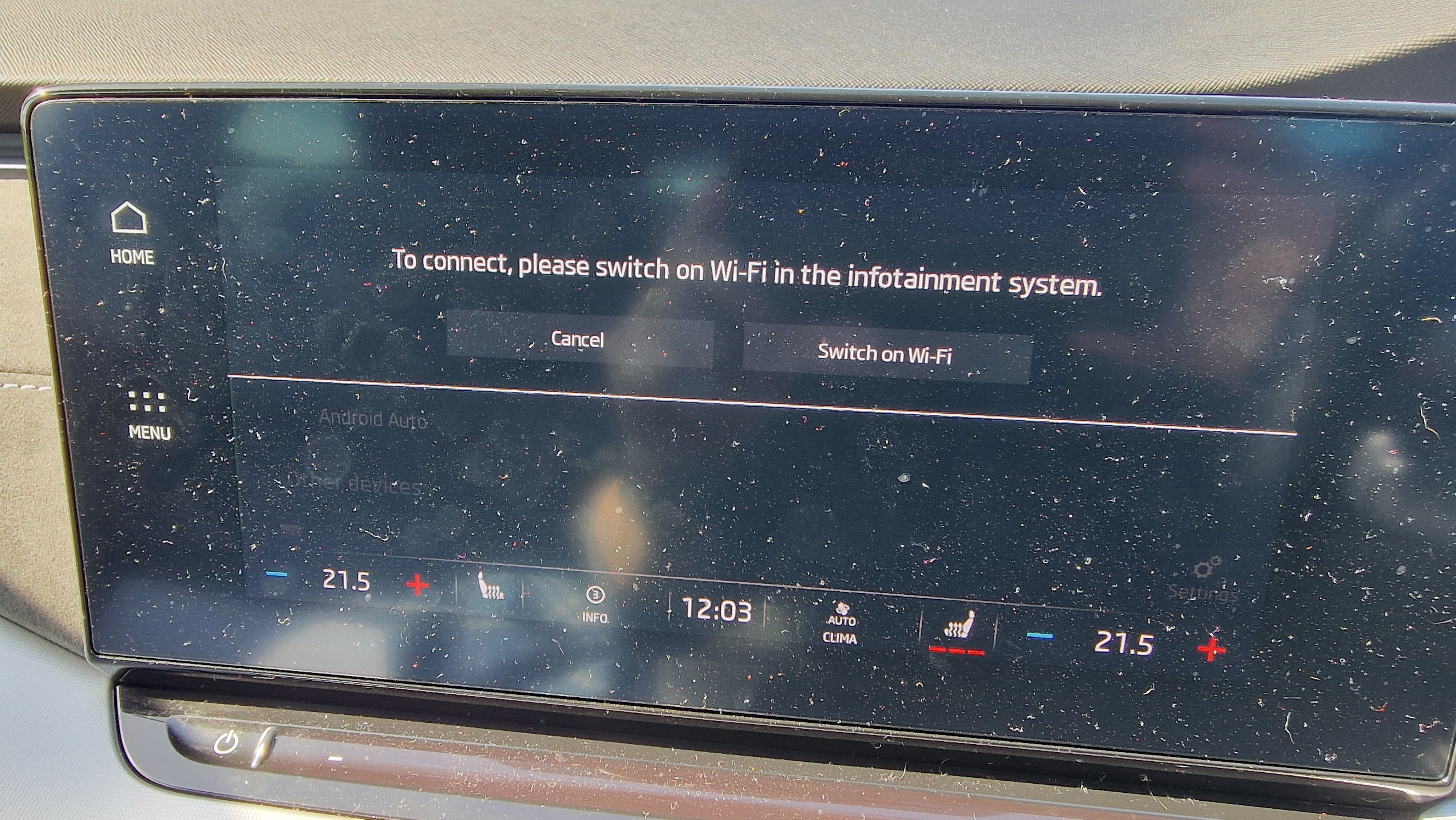
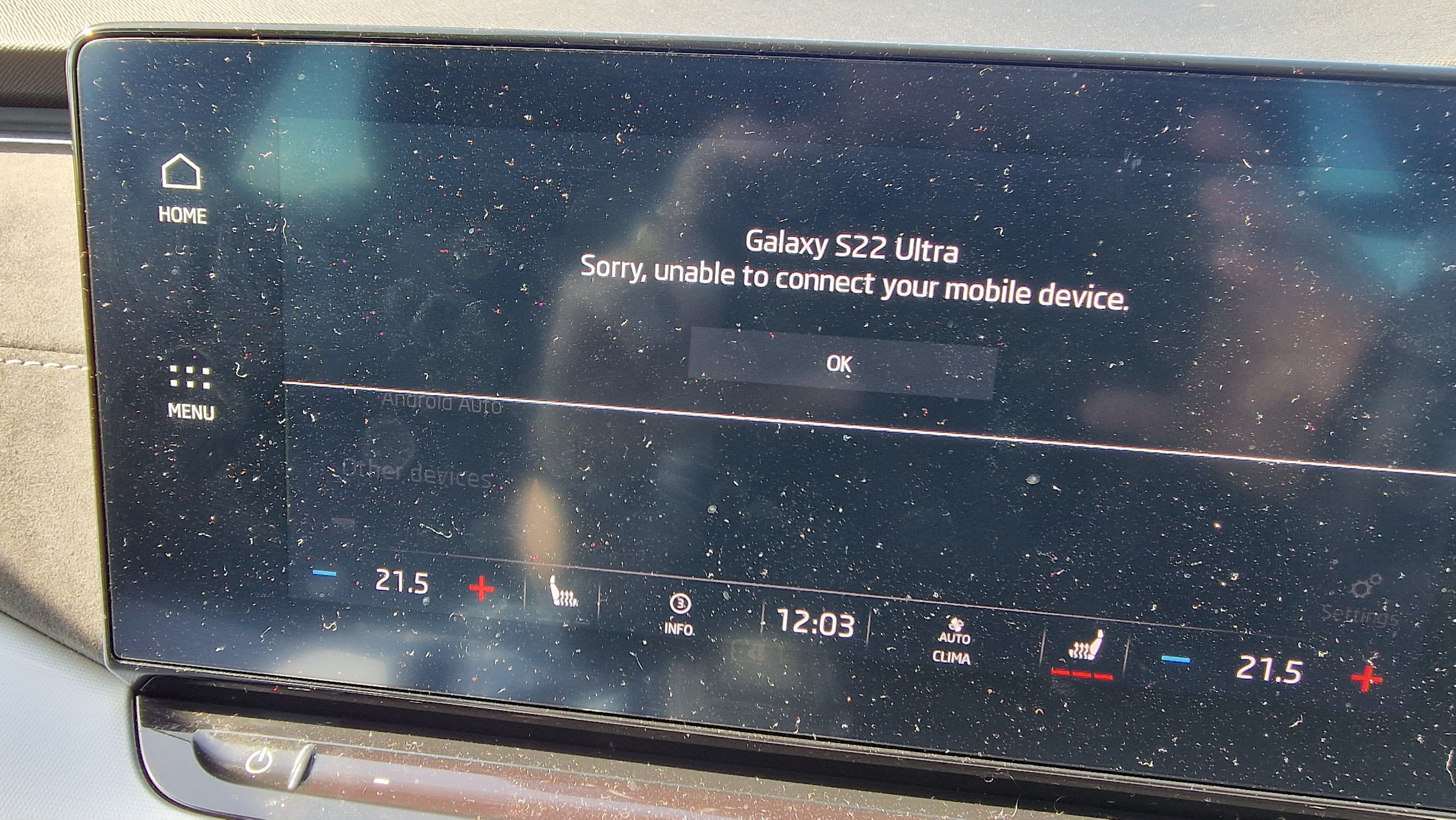
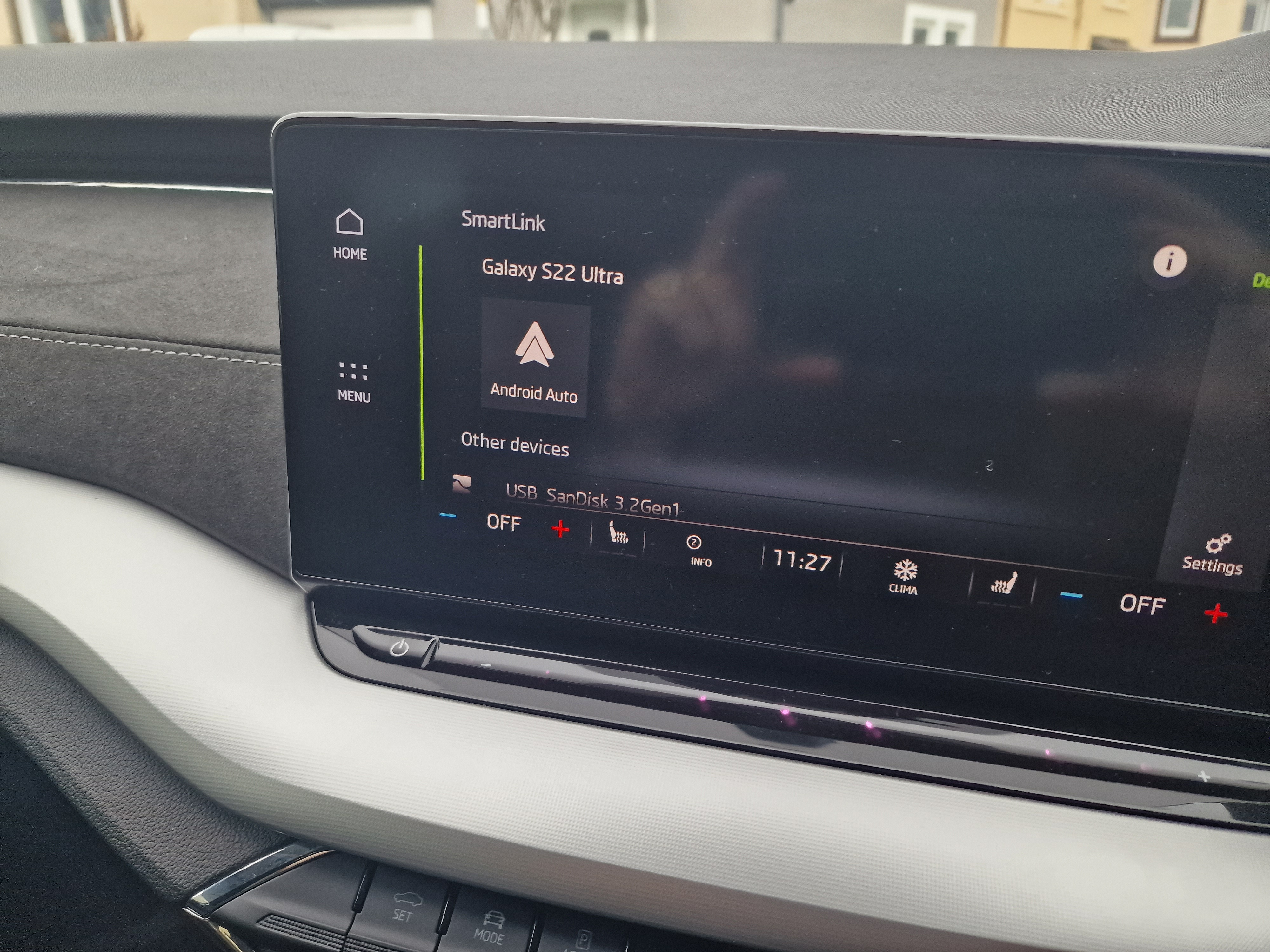
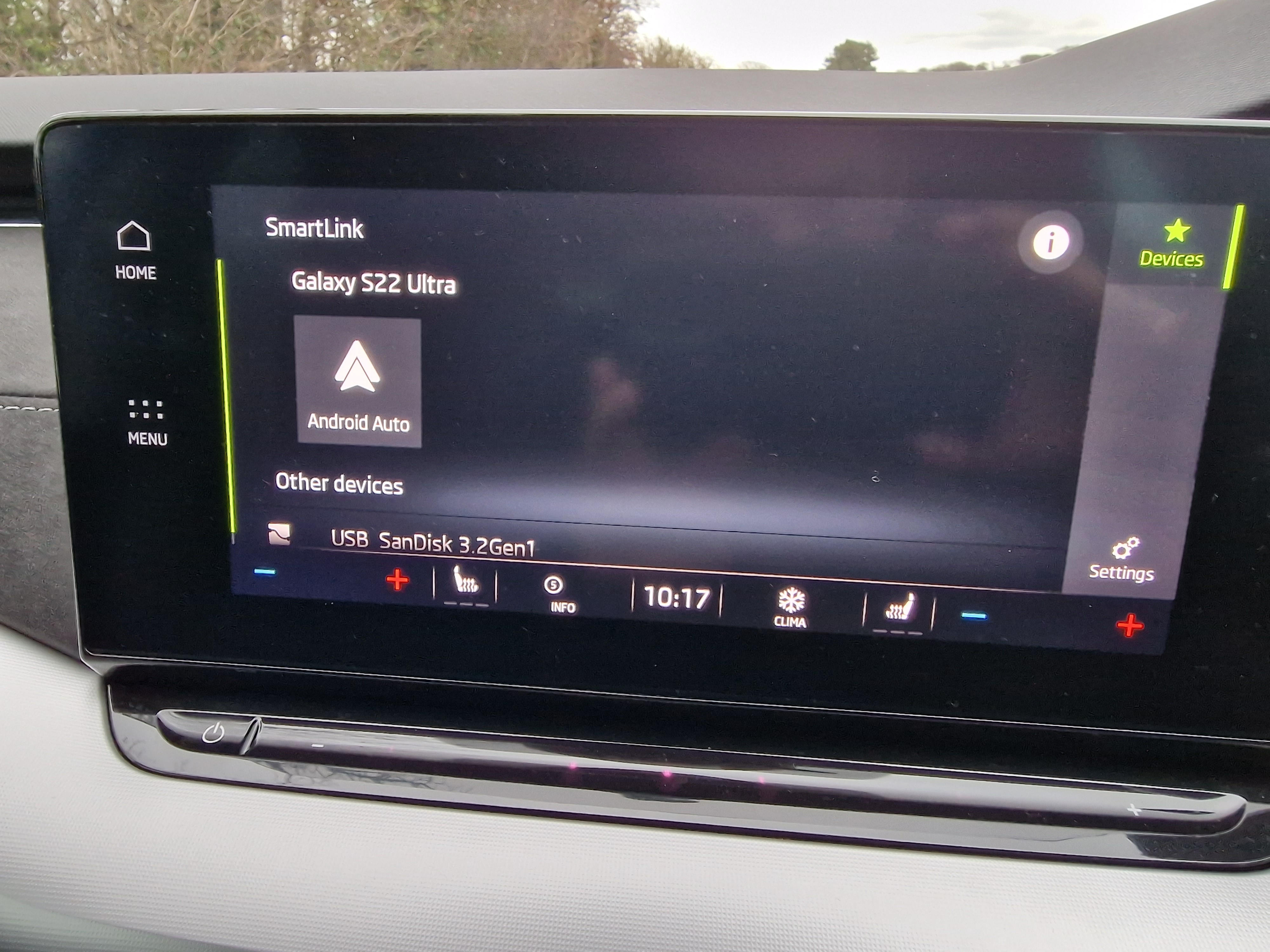
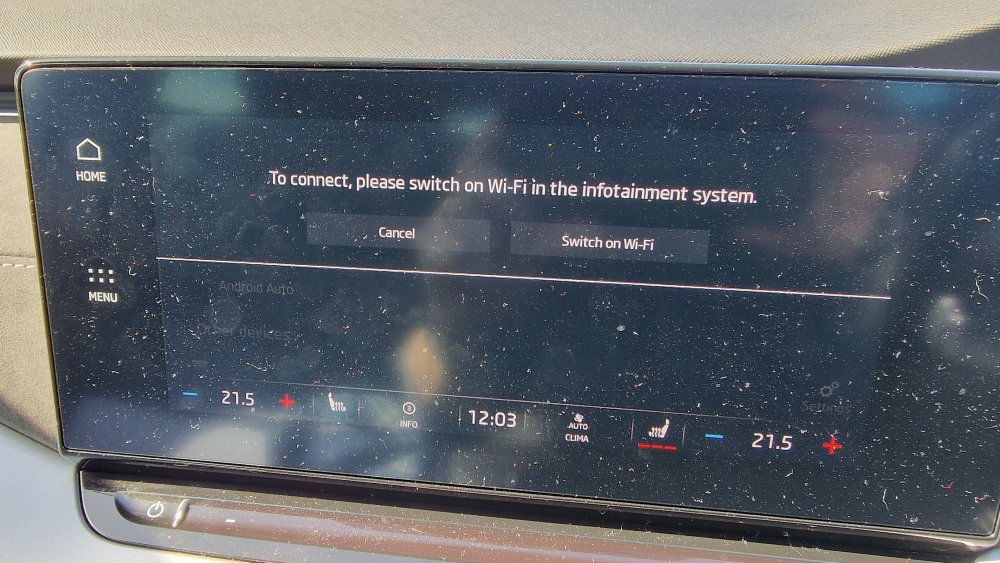
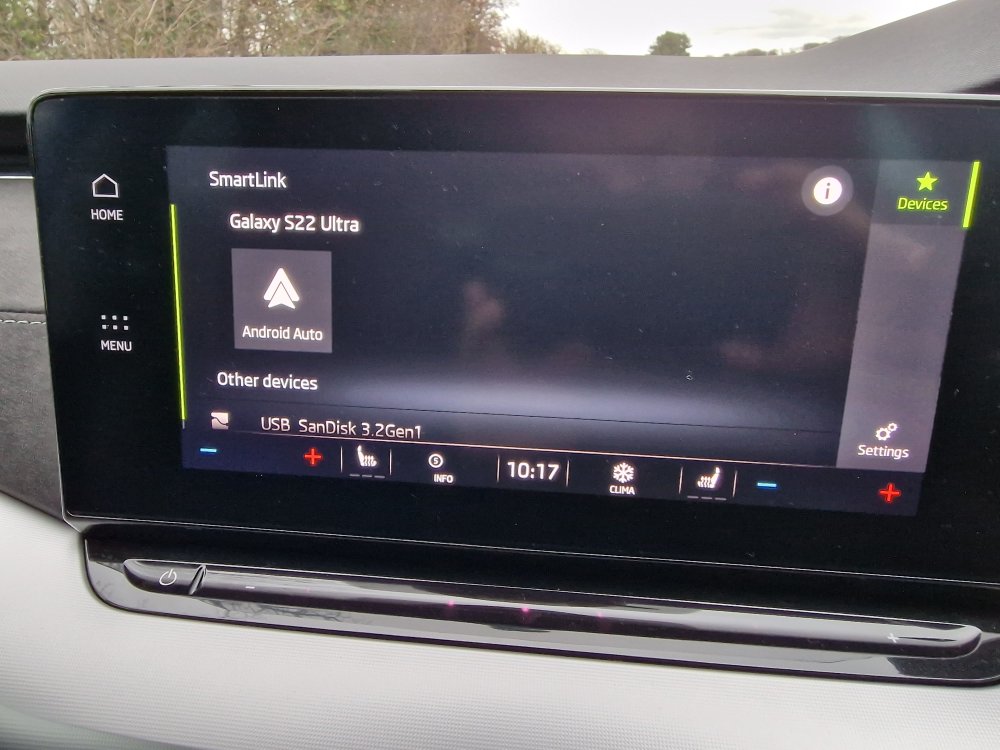
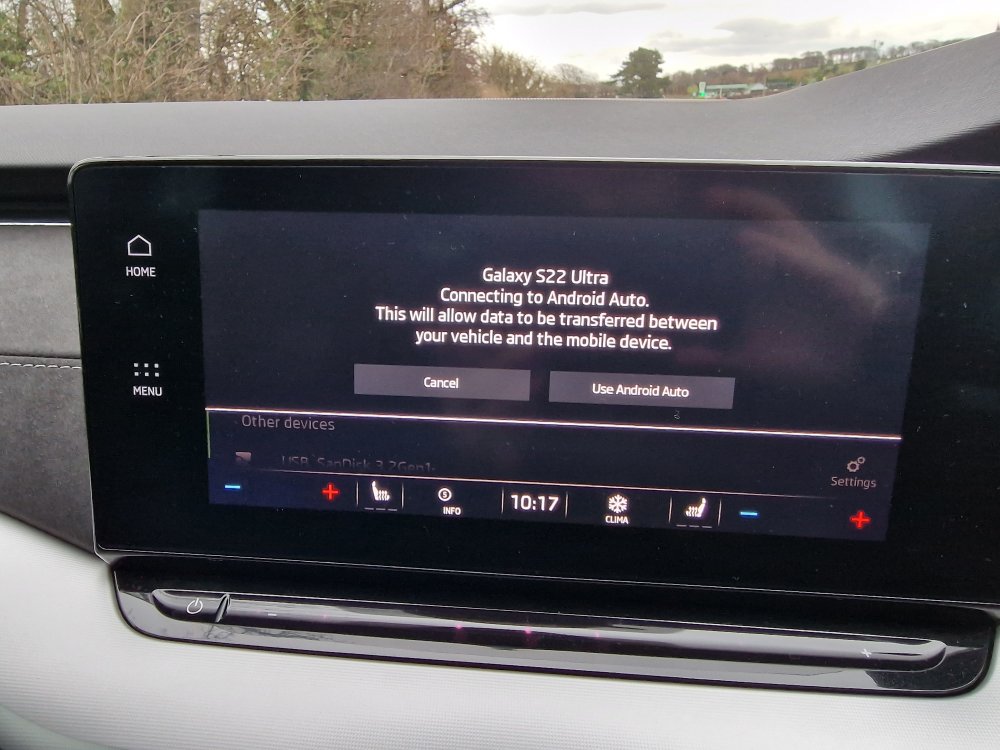
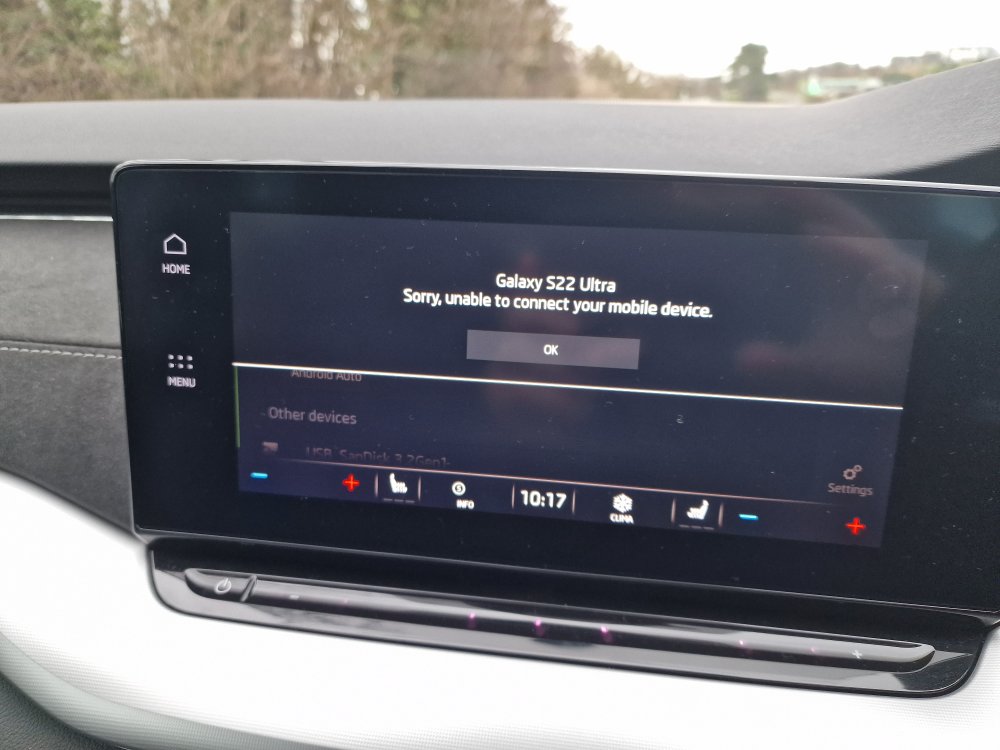
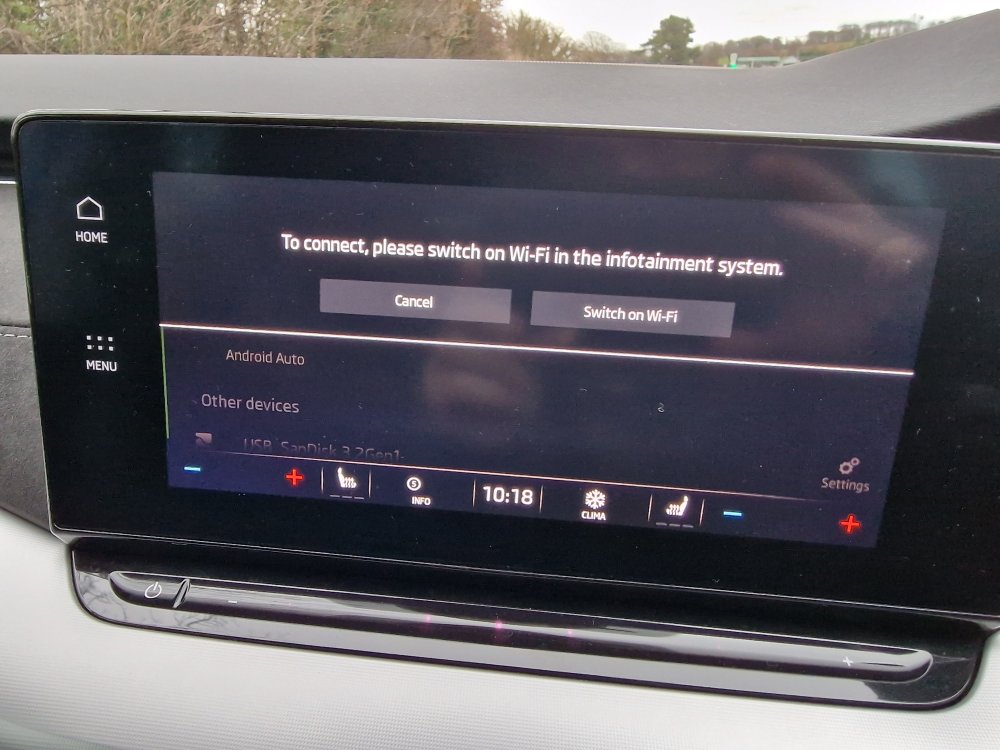
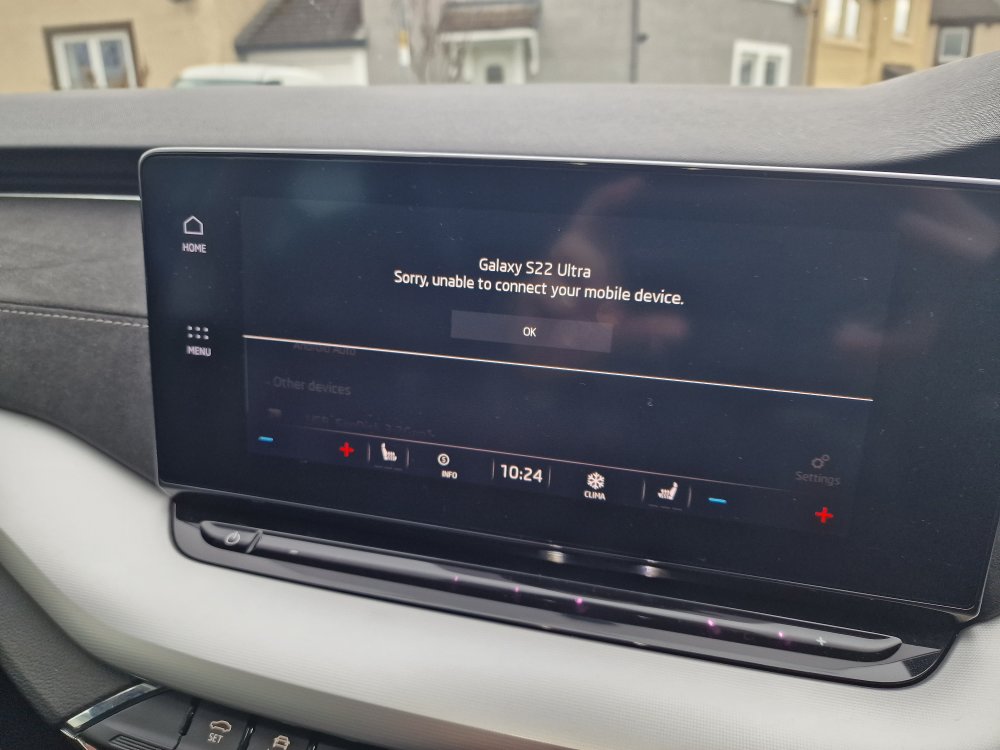
So; the latest episode in the endless saga of infotainment disasters has just occurred. For the last year I've been getting in my 21 plate 1.5SE, switching on infotainment, selecting Smartlink, connecting my S22 via Bluetooth and making calls. Not today. Wouldn't connect and started telling me to "turn on WiFi". It' never asked that before. When I tried to do just that it was "unable to connect". The smartlink main menu failed to appear. However: when I switched off the engine and used my phone in my hand, the phonecall info appeared on the infotainment screen. When the call ended, the screen reverted to "unable to connect" with no smartlink menu showing. When I went into the main menu to turn on WiFi, as asked, it said that turning it on would disable the e-sim. I did that but was told once again that it was "unable to connect". Anyone any ideas what's going on or what to do about it? Any assistance appreciated.
-
Many thanks, xman, will have a butcher's on the morrow.
-
Hi xman, I must've posted my reply at the same time as you. Have discovered that feature and tested it. The windows don't reclose. Just need to find out how to turn it off!
-
**UPDATE** Apparently this is an actual feature of the car, if you press and hold the unlock button on the key fob all the windows will open but the car remains locked. The fob's been in my pocket the whole time so must've been pressed whilst in there. Lucky I went out when I did. What moron dreamed up such a ridiculous feature, if that happened when the car and I weren't at home who knows what the outcome could be? So, next question; how do I disable it as there's no sign of it in the menus?
-
At 18.30 I went out to my car (2021 1,5 Estate), which was parked on the drive at 12.30 and locked by me, and all the windows were wide open with the car still locked!!! They were all closed when I left it. Fortunately it hasn't been raining but it could've been. Anyone have any idea what's going on? I've closed them all and re-locked the car but I can't afford to have that happen again as bad weather is forecast. This is a major problem. Any assistance appreciated.