47Sportline
Finding my way
-
Joined
-
Last visited
-
Hello Greetings Sir, I Think You Just Need To Figure Out The Rear Fog Power Wire On The Right & Then Wire It To The Left One But Yours Being A 2016 One, I Think This Can Be Done Through VCDS Too Just Like The Older vRS & Octavias Also It’s Worth Giving A Chance To Changing The Left Hand Traffic To Right Hand Traffic Or Vice Versa In The Infotainment Screen :)
-
Wonderful Sir! This Is A Wonderful Community Which Makes All Of Us Learn Something New Everyday! 😊
-
@Bap33 I Think You’re Making The Same Rookie Mistake That I Was Making At First 😝 Just Remember That While Testing Whether The Rear Fog Is Working, The Boot Lid Has To Be Closed & Latched And Then Only The Rear Fog Lights Up 😝 I Wired Everything Perfectly & It Wasn’t Turning On It Took Me A Good Half An Hour To Realise This That The Boot Has To Be Closed First Just Check On That Please 🤣🤣
-
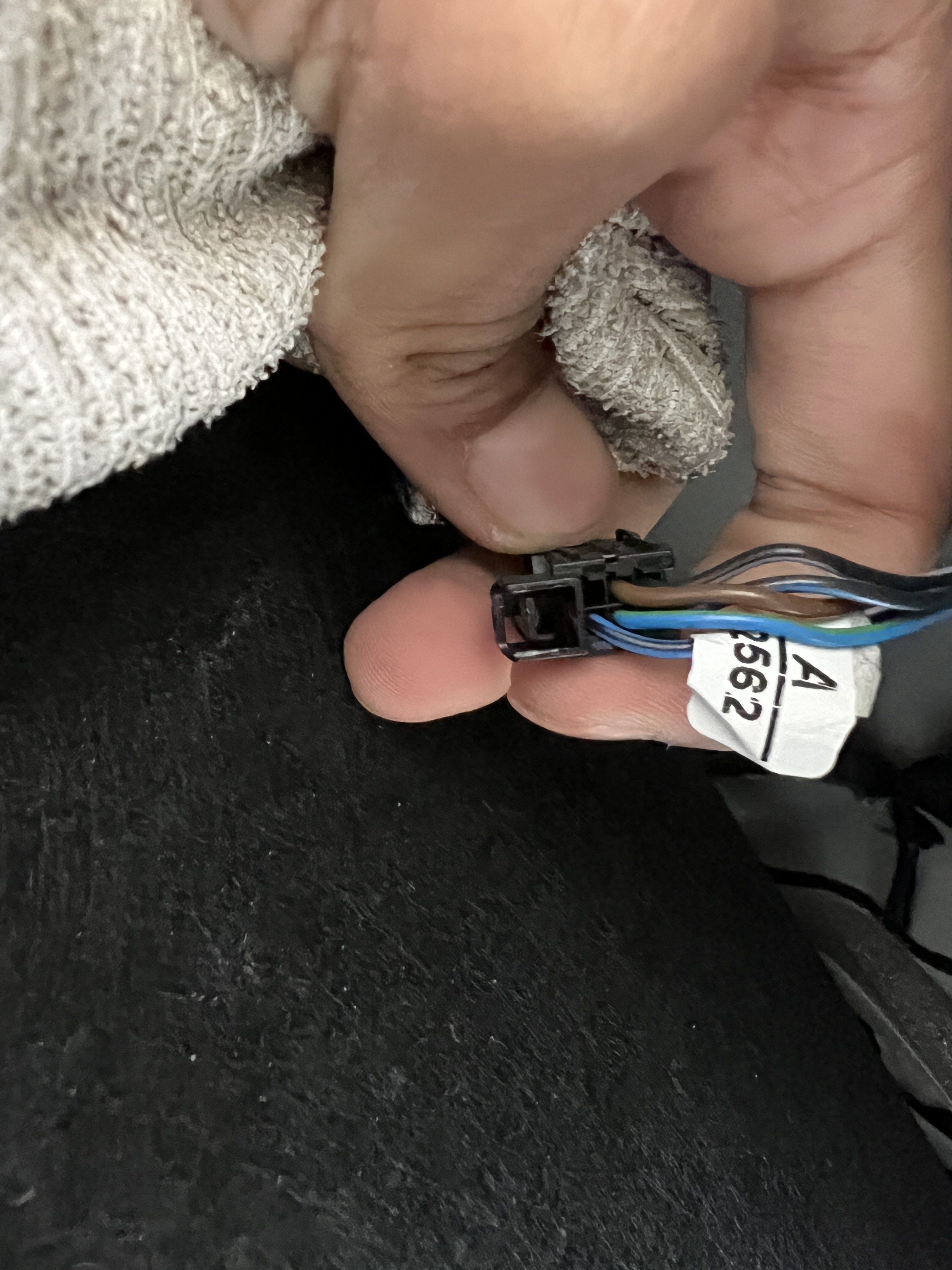
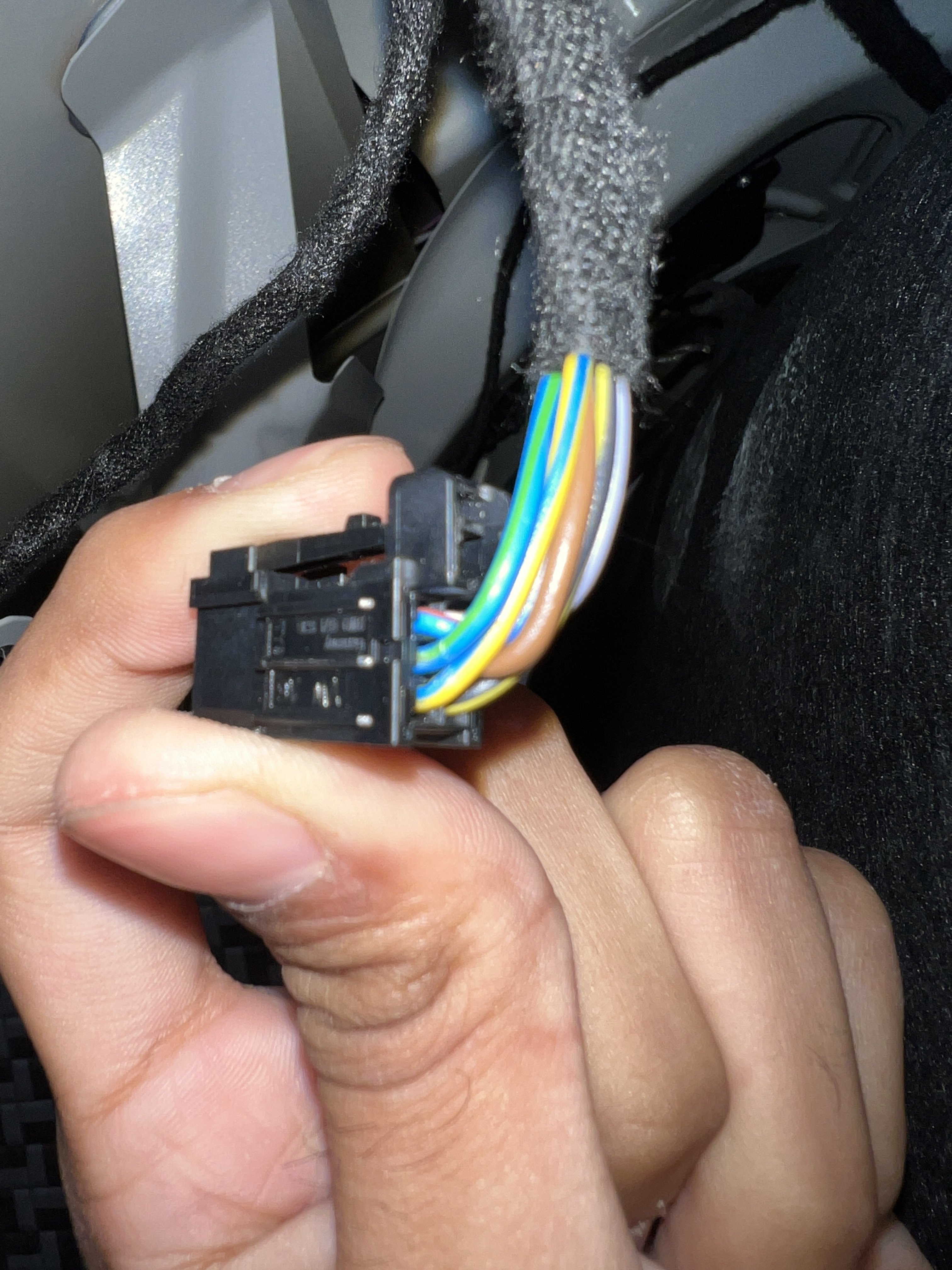
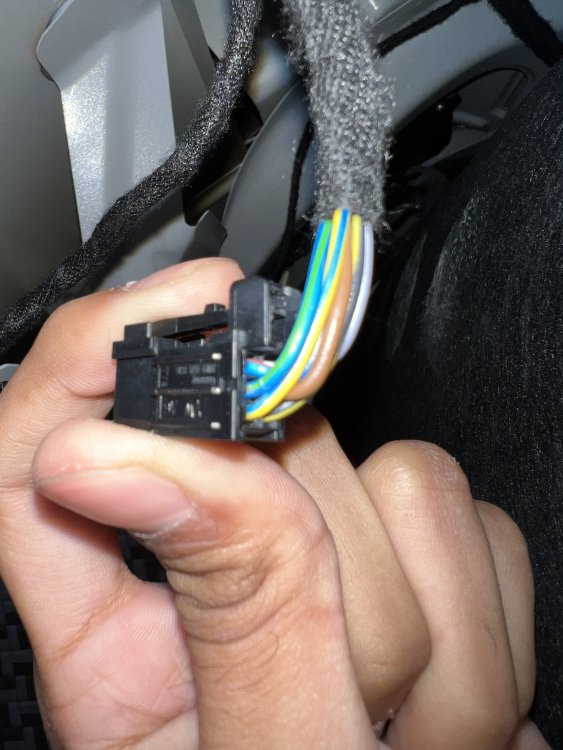
Yes, This Is Done The Same Way On Pre FL Models Too, Just A Wire Needs To Be Run From The Right Coupler (With 6 Wires) To The Left One (With 5 Wires & 1 Blank)
-
47Sportline changed their profile photo
-
Hey Buddy, I Have A 2022 Sportline, Can You Help Me Out On How To Do This Easily? Like The Guy Charges For It? Or Can He Give Us The File Out Of Goodwill? Because We Have A Superb & Kodiaq Group Here And Majority Of The Members Wanna Do This Mod!
-
Yes I Totally Agree With That 🤪 But For The Superb The Brake Lights Are On The Outer End On Both Sides And Mainly It Is For The OCD Freak Inside Me 😝
-
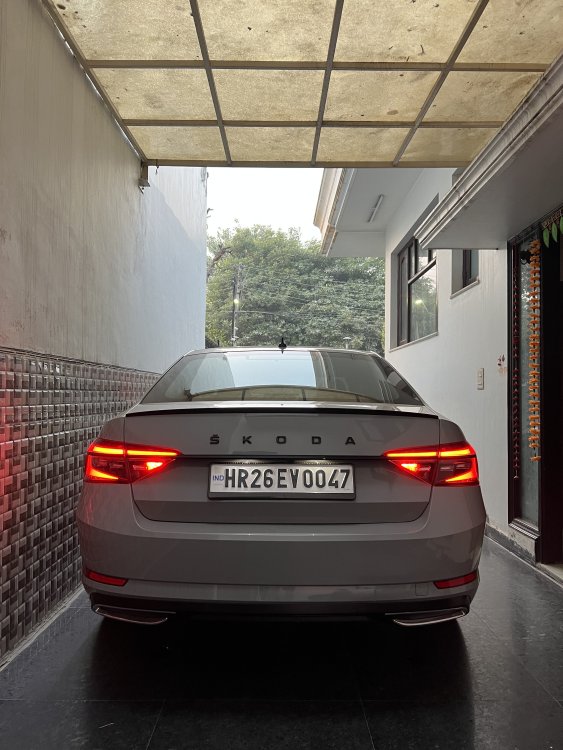
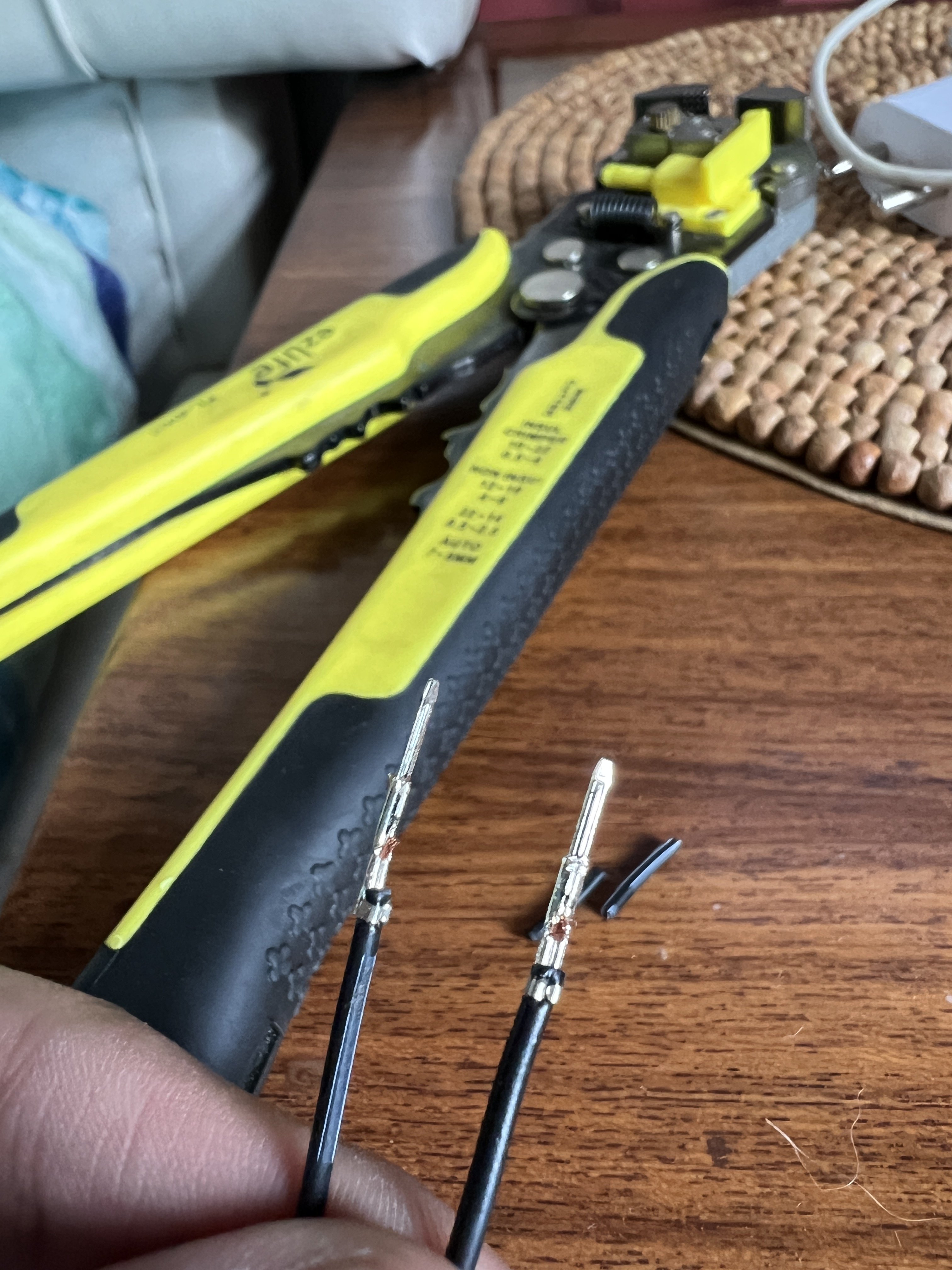
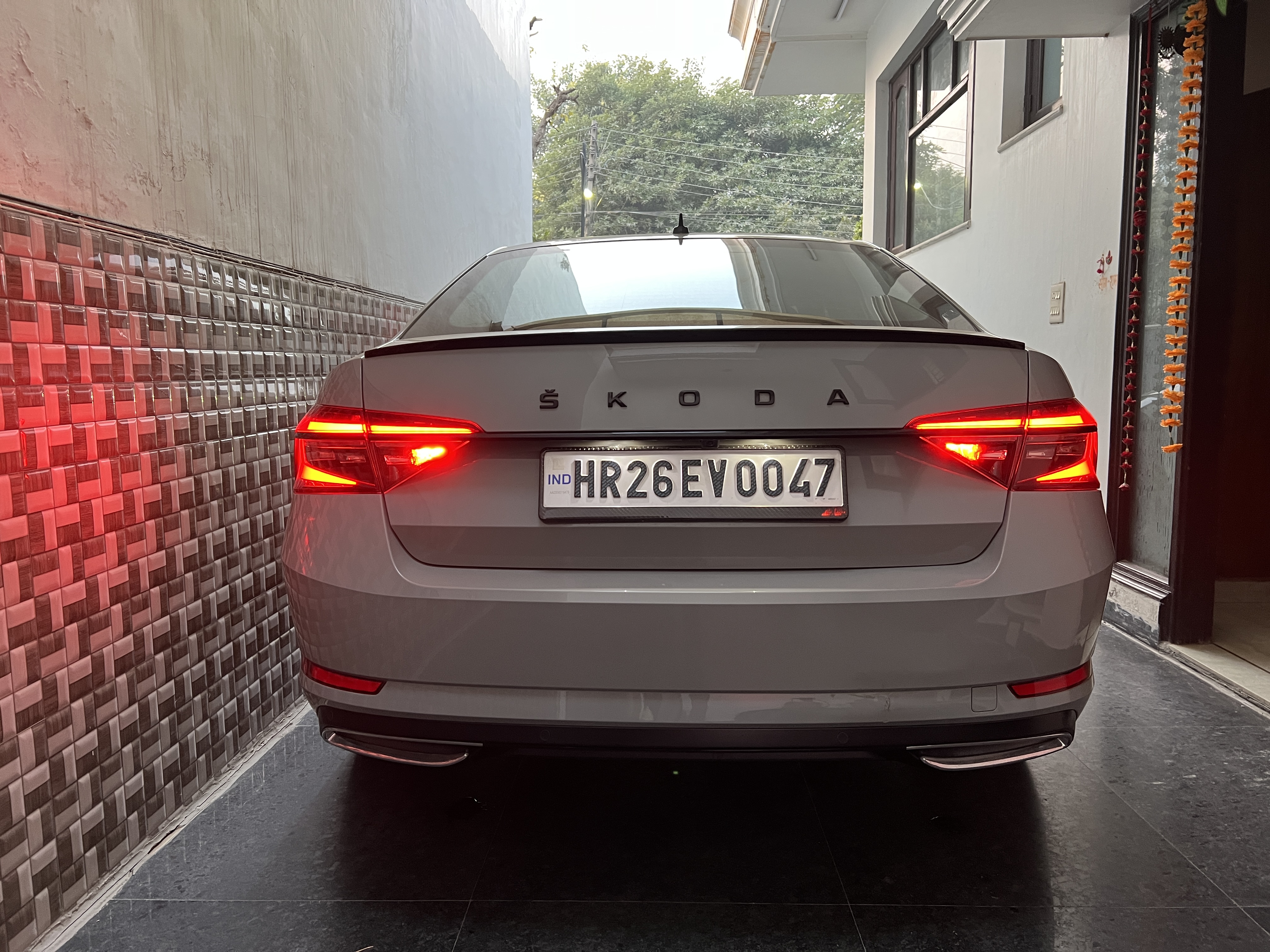
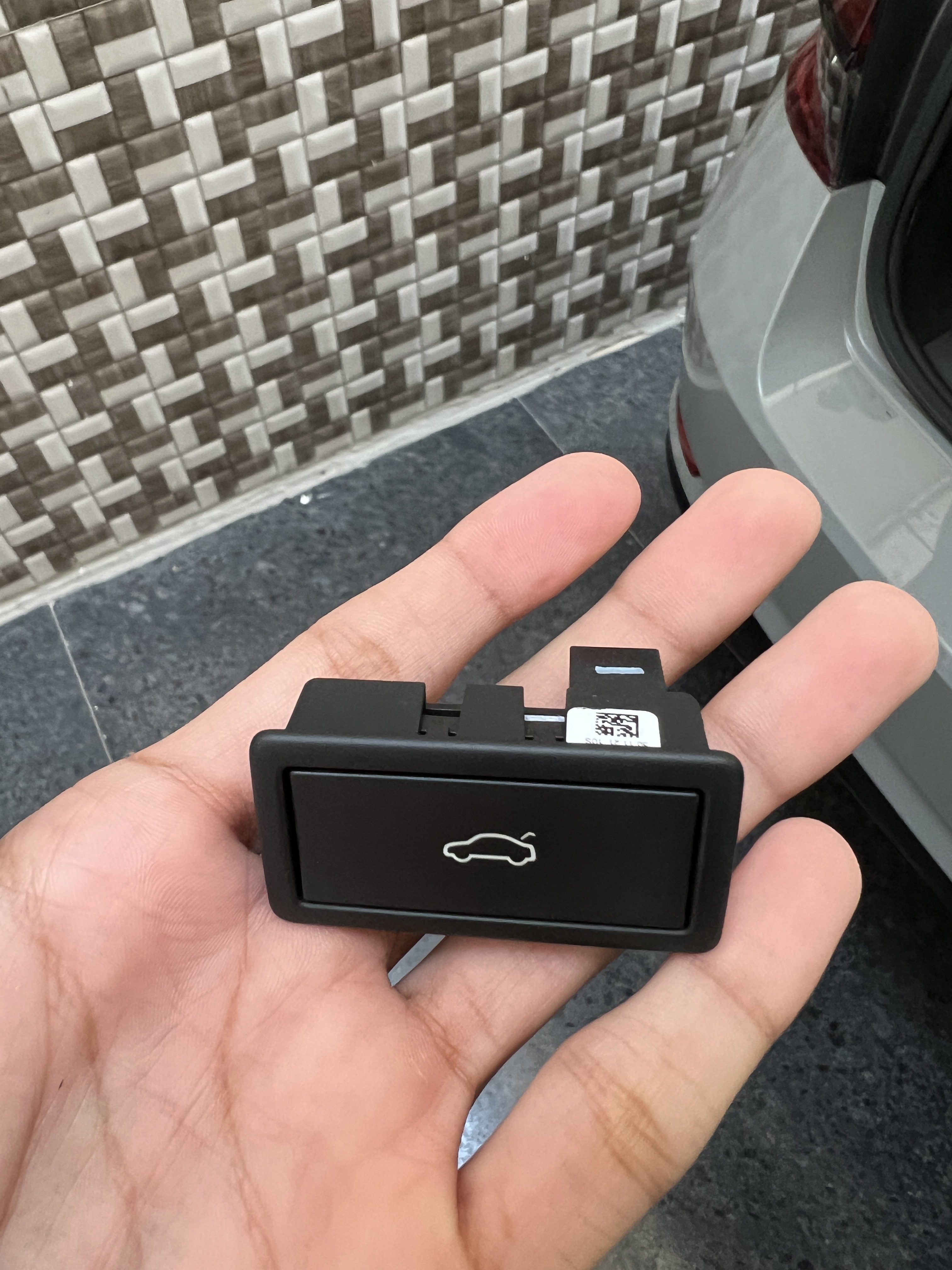
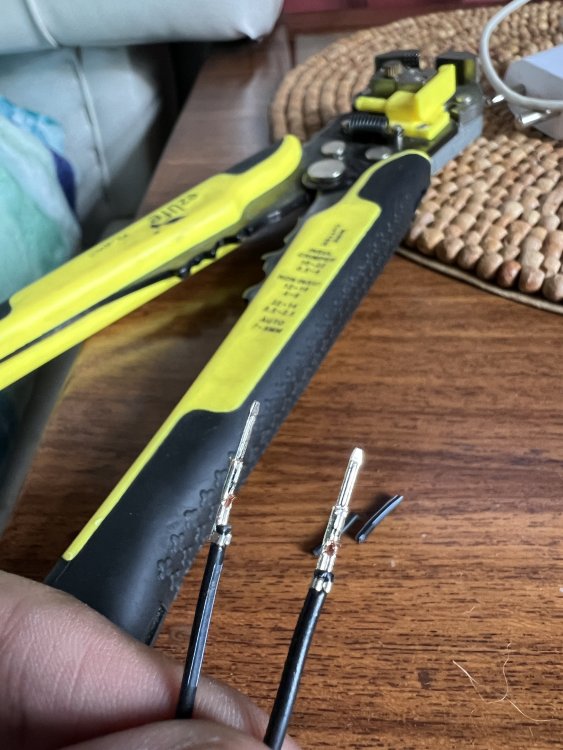
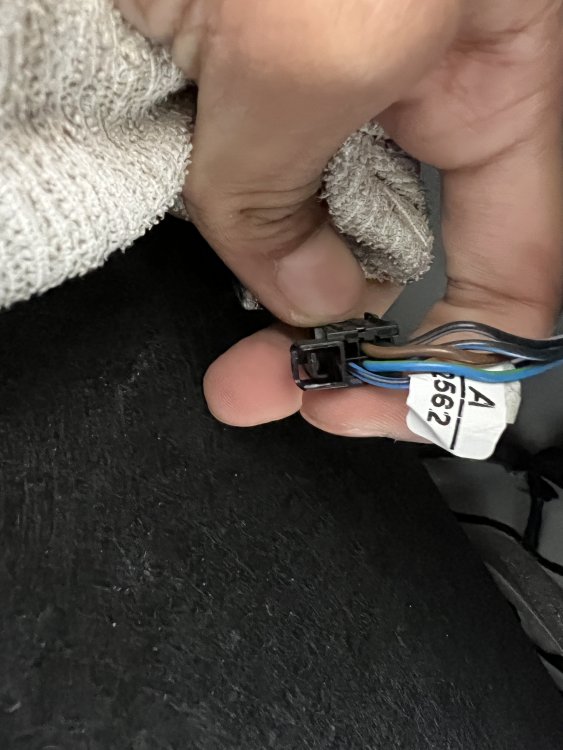
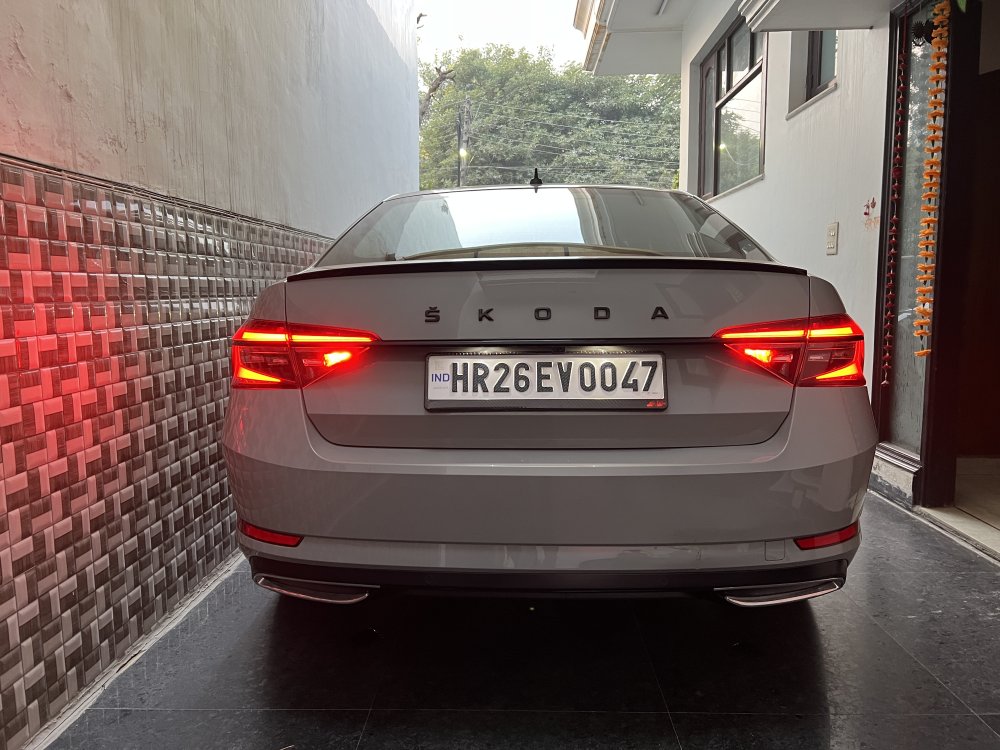
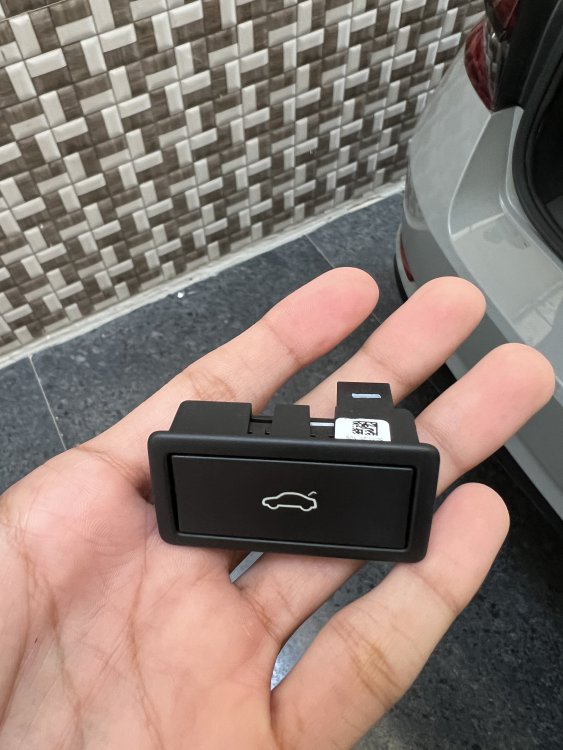
BOTH REAR FOGS FOR 2020+ MODELS I’ve The 2022 Facelifted Superb With The All LED Tail Lamps Setup I Was Scouting For A Long Time To Do This Mod Too As Only A Rear Right Side Fog Light Made It Look Like A Cost Cutting On Their Flagship Car! Then I Came Across This Post & Wanted To Give It A Try Firstly Let Me Tell You That I Tried All VCDS Codings & None Of Them Work NO VCDS CODING IS REQUIRED FOR IT It’s Just A Case Of Hardwiring It From The Right Lamp To The Left One 😁 And As No Proper Way Is Listed Anywhere For 2021 Onwards Models And Our Connectors Are Totally Different From The Previous Gen Lamps, So Let Me Share The Whole Process With You Guys 🤪👍🏻 STEP 1 - Unclip The Boot Closing Button & Remove It Aside, And Then Remove The Rear Trunk Liner (Which Is Held In Only By Metal Clips), So Pull It Apart In Downward Direction As Shown Earlier In This Thread With Plastic Trim Removal Tools STEP 2 - Find Both The Connectors For Both Left & Right Lamps As You’ll Notice From The Above Pictures, The Left Light Connector Has 5 Wires Going To It & 1 Empty Slot In The Connector Whereas, The Right Light Connector Has All 6 Wires & No Empty Slots STEP 3 - Take 2 Pin Crimp Connectors (You Can Find These Easily In Old Computer Cables, Just Pull Them Out Of Any Lying Sockets) See The Attached Picture For Reference STEP 4 - Attach Both Of These Connectors To Both The Ends Of A 1-1.5m Long Wire And Solder Or Electrical Tape It Properly! STEP 5 - Now It’s Just The Matter Of Putting One End Of The Wire Into The Empty Slot Of The Left Connector (Refer Step 2) And The Other End Of The Wire Gets Joined Into The Bottom Right Light Purple Coloured Wire Which Is For The Fog Lights! Now Pack Everything Back To As It Was AND VOILA YOU’RE DONE! ✅ Enjoy Both Fog Lamps Working With The Same Switch 👌🏻 I Wonder Why They Provide Lights On Both Sides But Different Wiring 😞
-
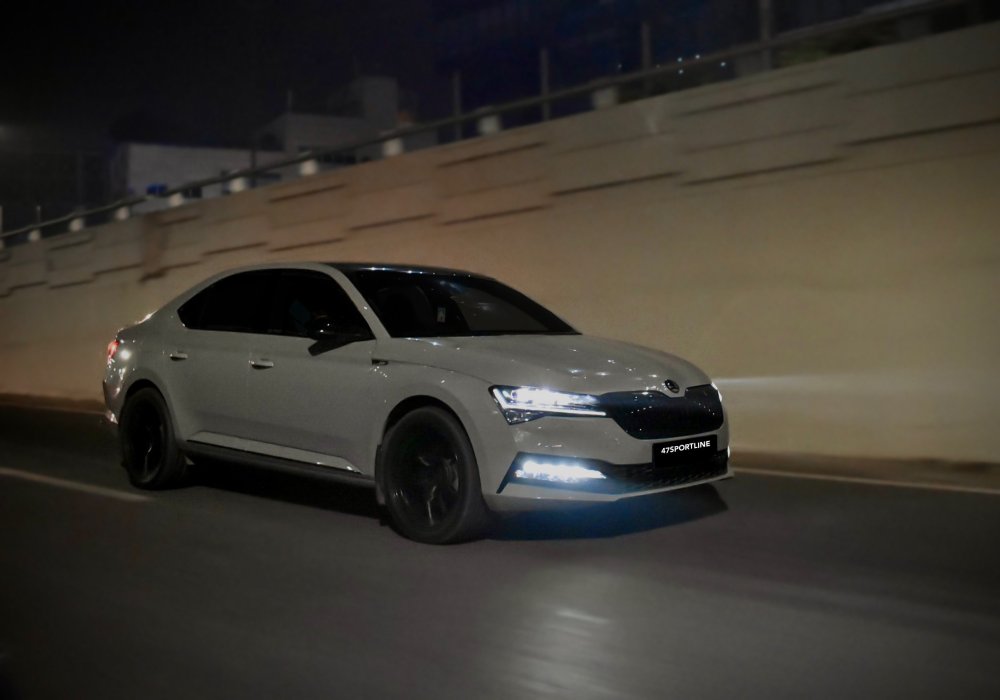
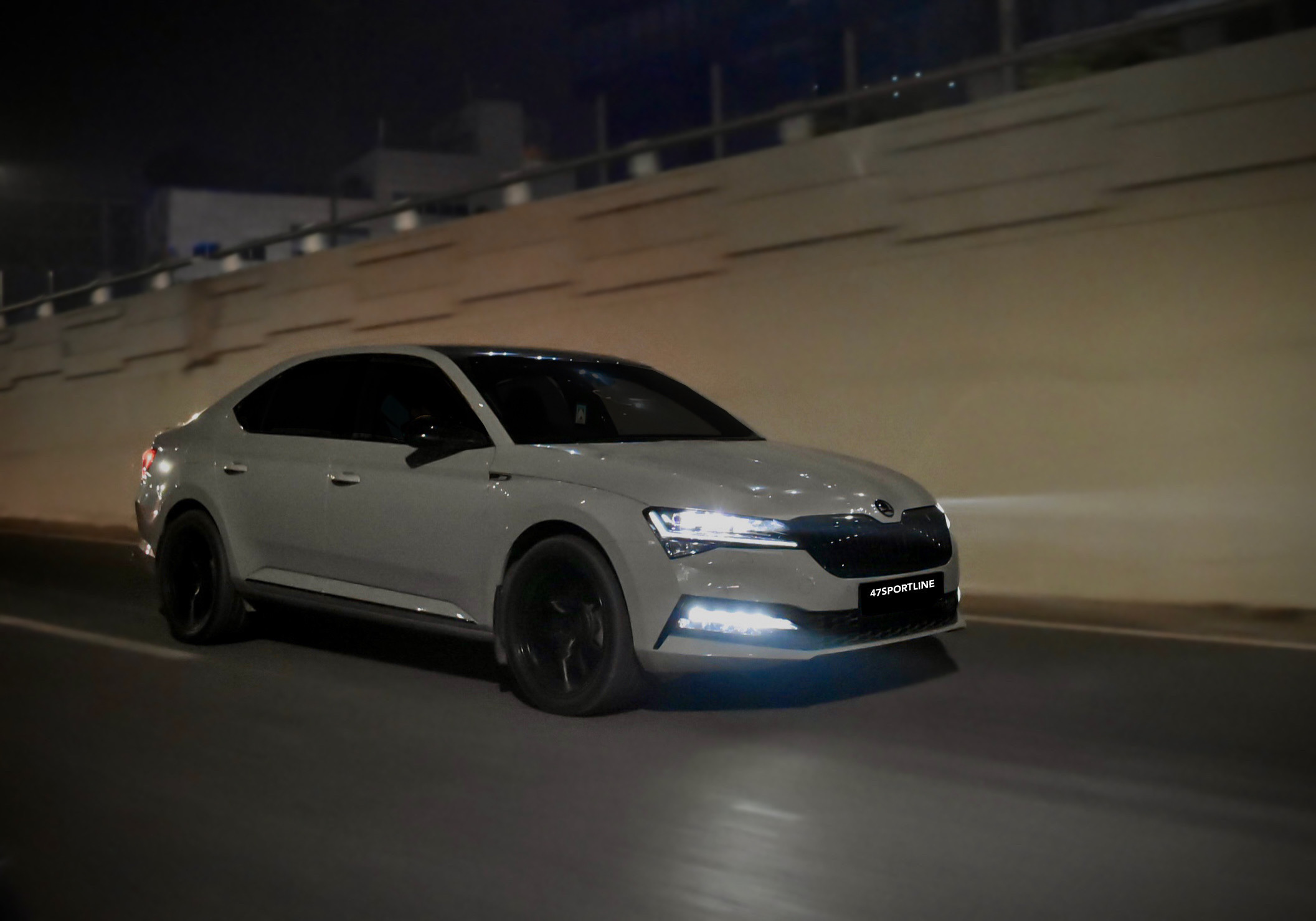
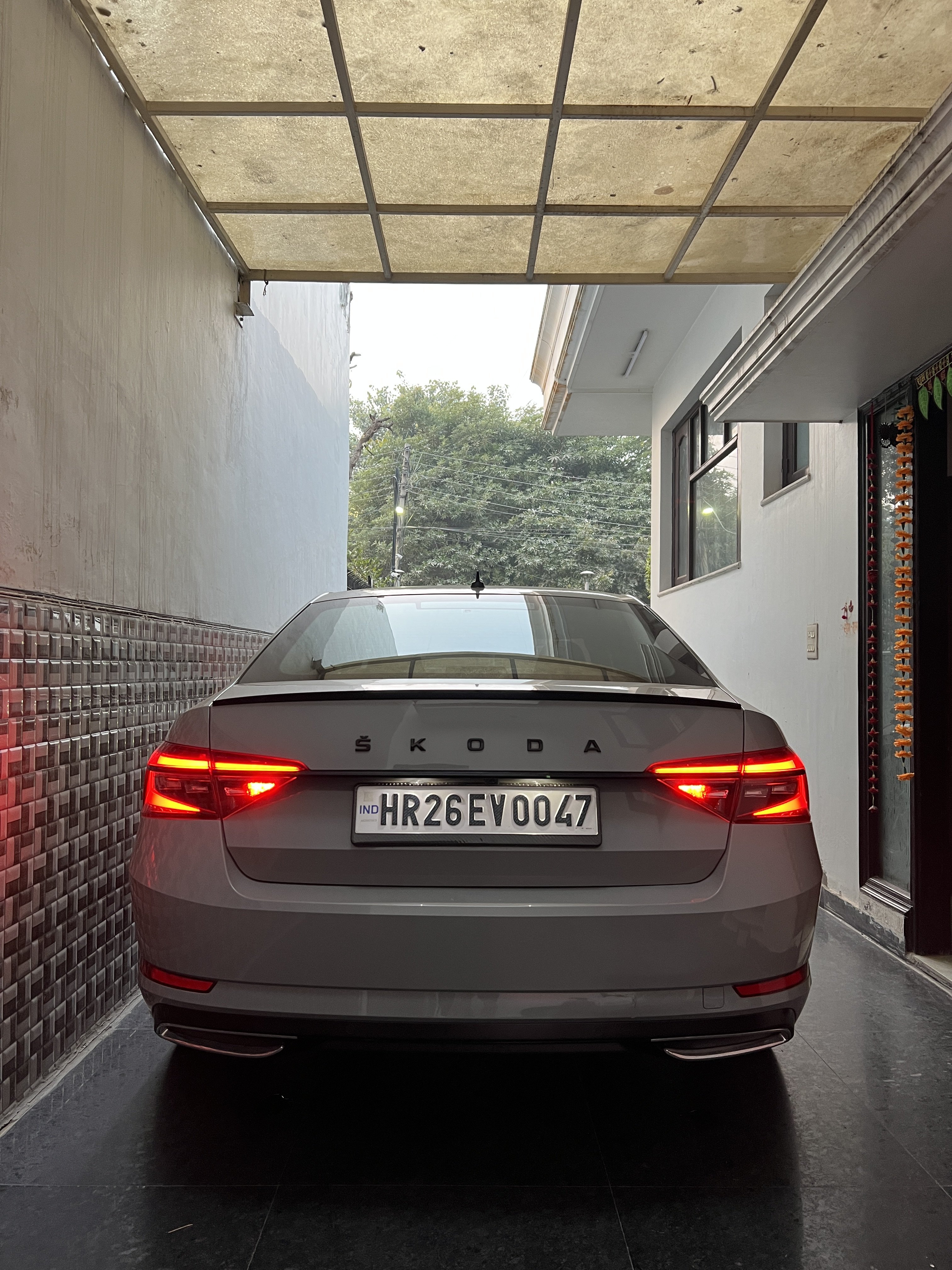
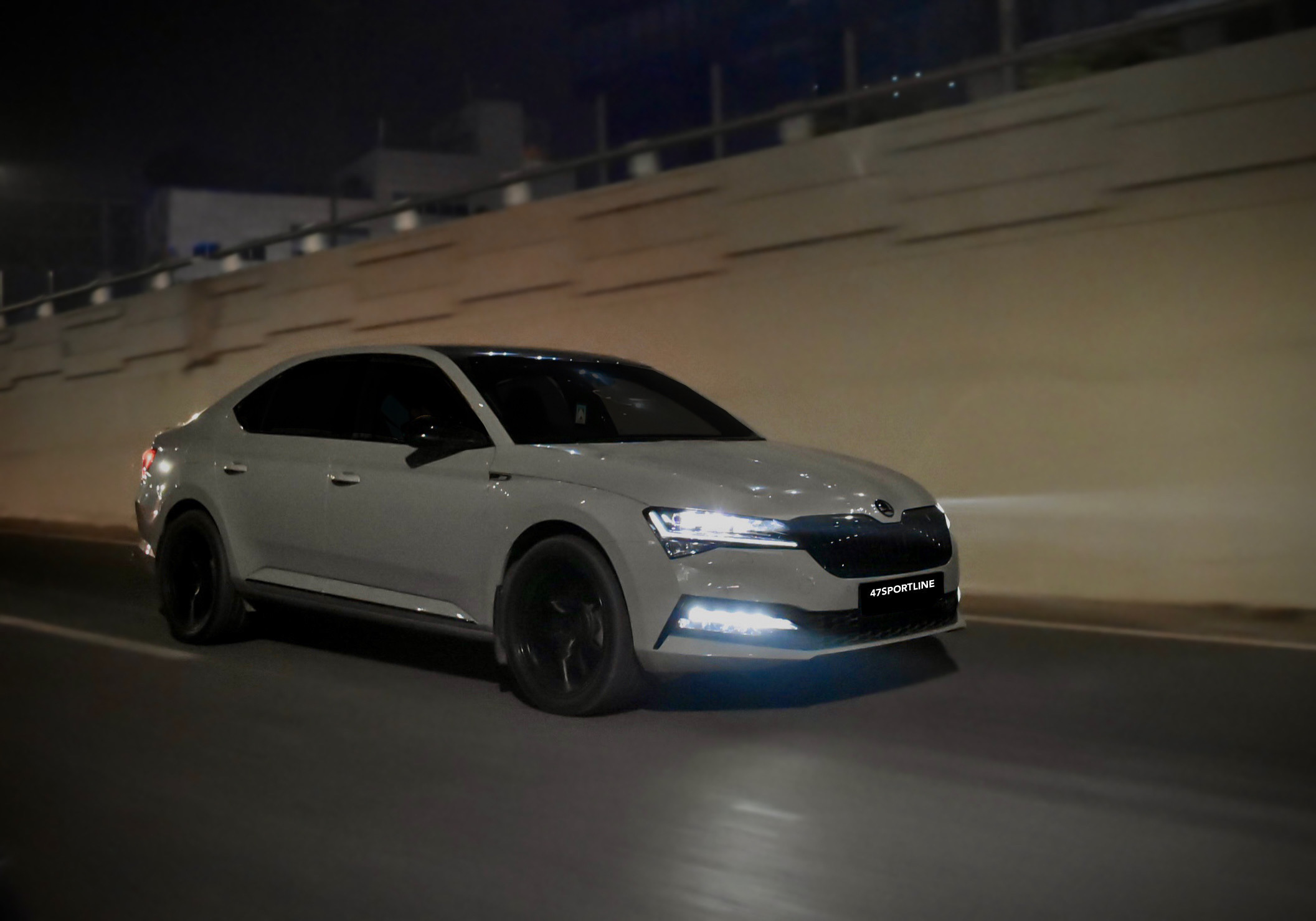
Hello Everyone, Just Joined BriSkoda After Scouting Through It & Getting Help For So Many Mods I’m Tushar Saini From India Currently Owning Superb Sportline 2022 With A Few Handful Mods Which I’ll Share In Later Posts Steel Grey Was The Colour Of My Choice 🤪