Serdogan
Finding my way
-
Joined
-
Last visited
Everything posted by Serdogan
-
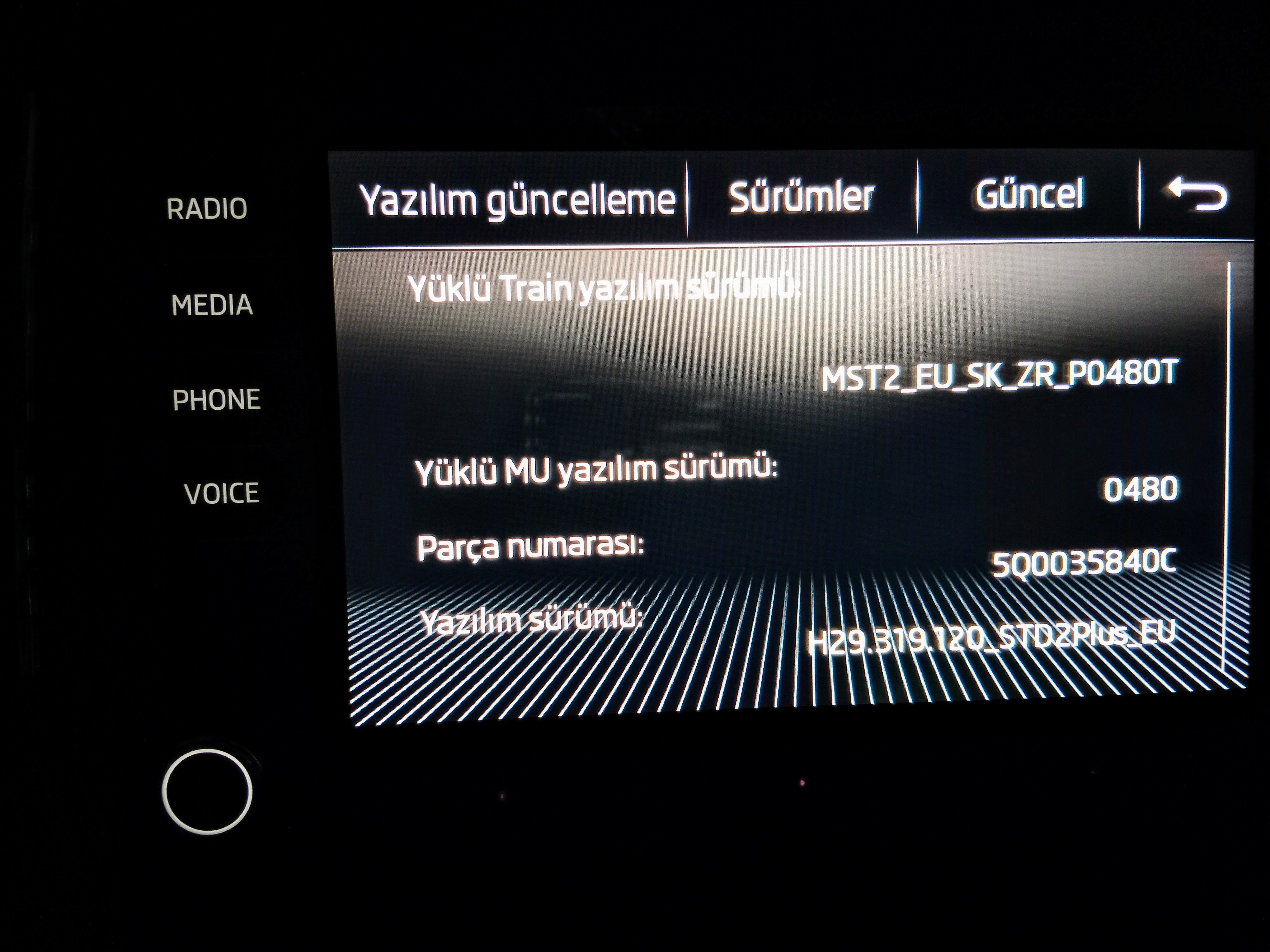
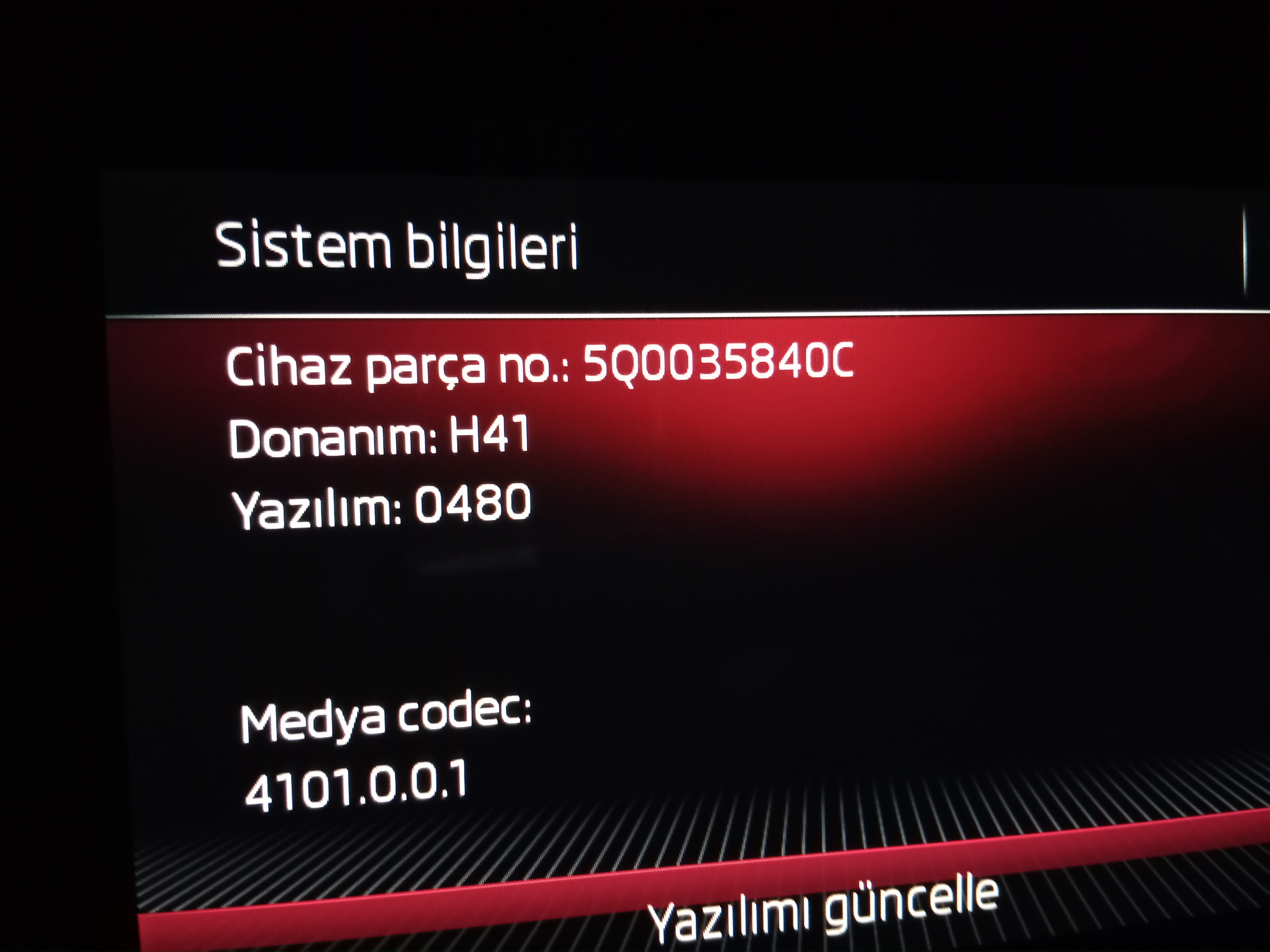
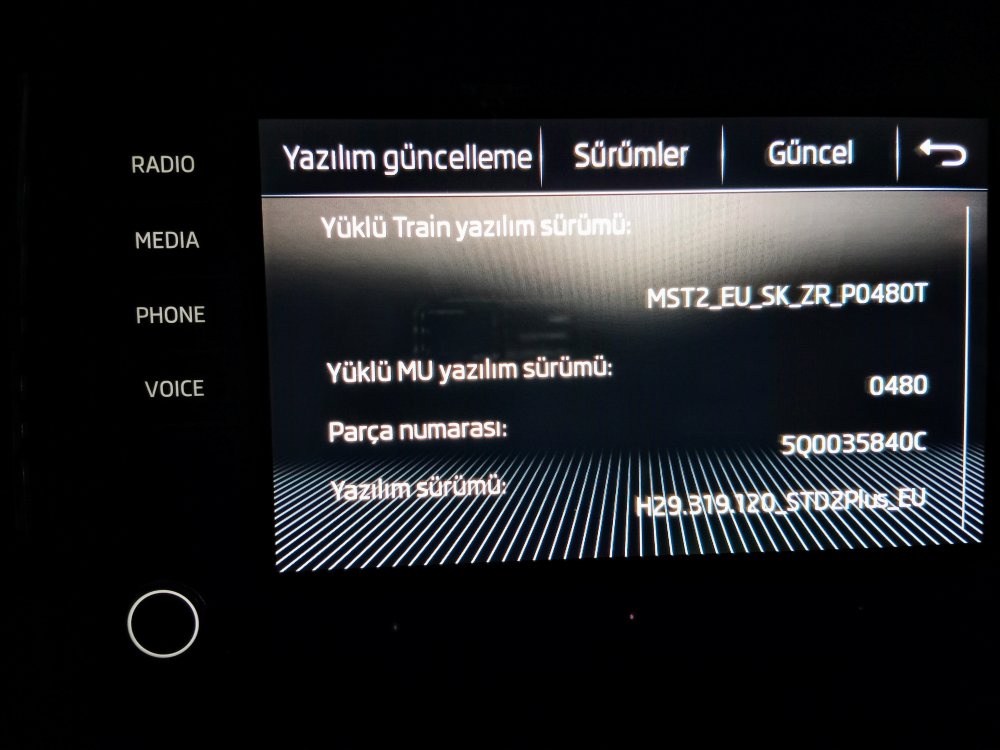
Hello, is there a newer software for Bolerom?
-
If there is an update for 0480, can you send it?
-
Hello, can the same coding be done for the front passenger seat?
-
My passenger seat has memory and easy entry for both driver and passenger seats on mib screen. Only the driver's seat works.
-
The passenger seat I'm talking about is easy entry, like at 21.50 seconds of the video.
-
The passenger seat I'm talking about is easy entry, like at 21.50 seconds of the video.
-
It would be nice if it works like a driver's seat so kids can get into the front passenger seat with their school bags.
-
The 565963107 rear seat heating panel works but does not appear to be working on the comfort consumer display. Could it be missing in the vcds codes?
-
It means everything is fine. Thanks.👍
-
Hi, menu appears under the seat screen for both the driver's seat and the passenger seat, but only the driver's seat works. Is there another coding for the passenger seat?
-
Got it, thank you again.
-
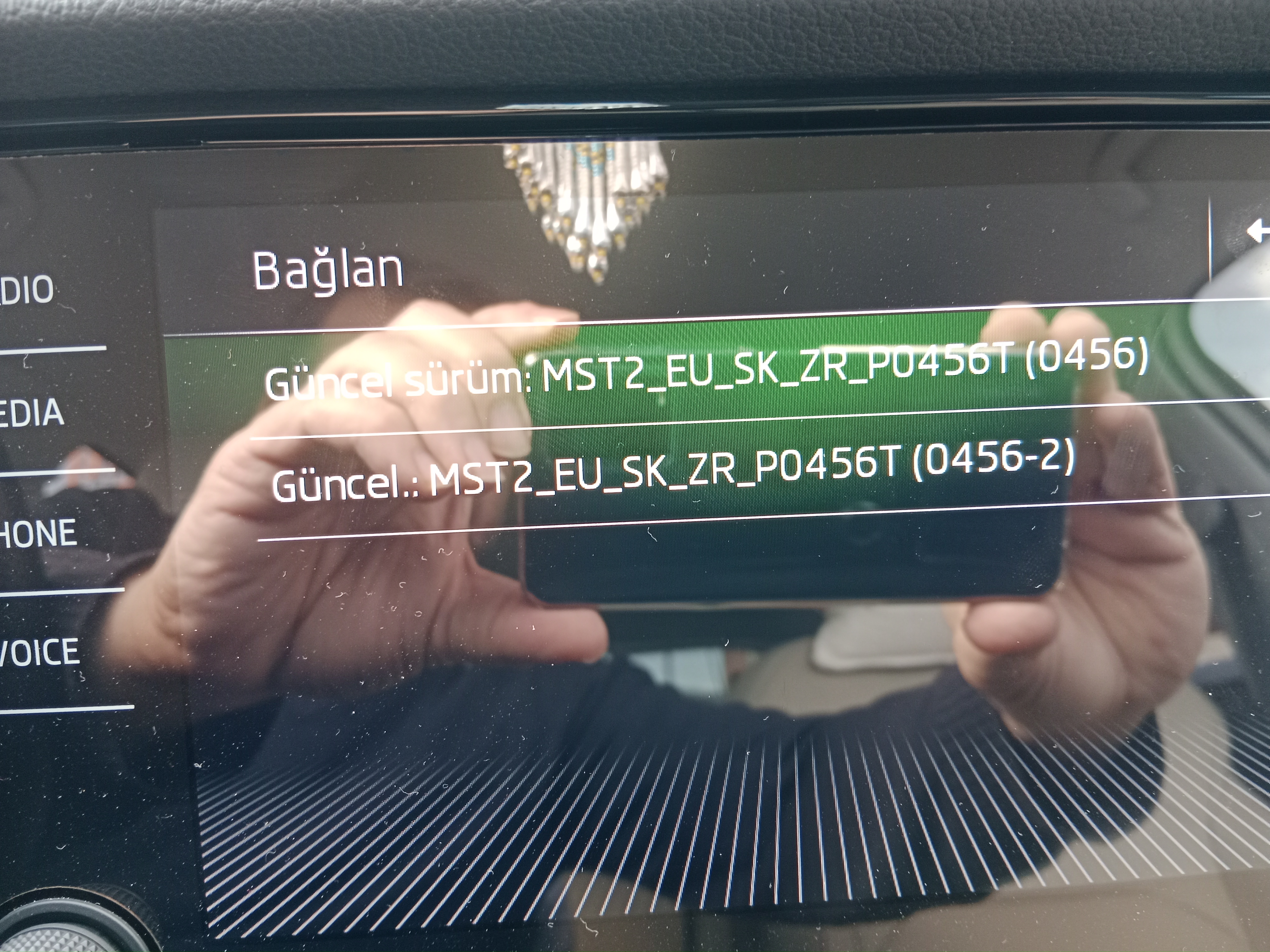
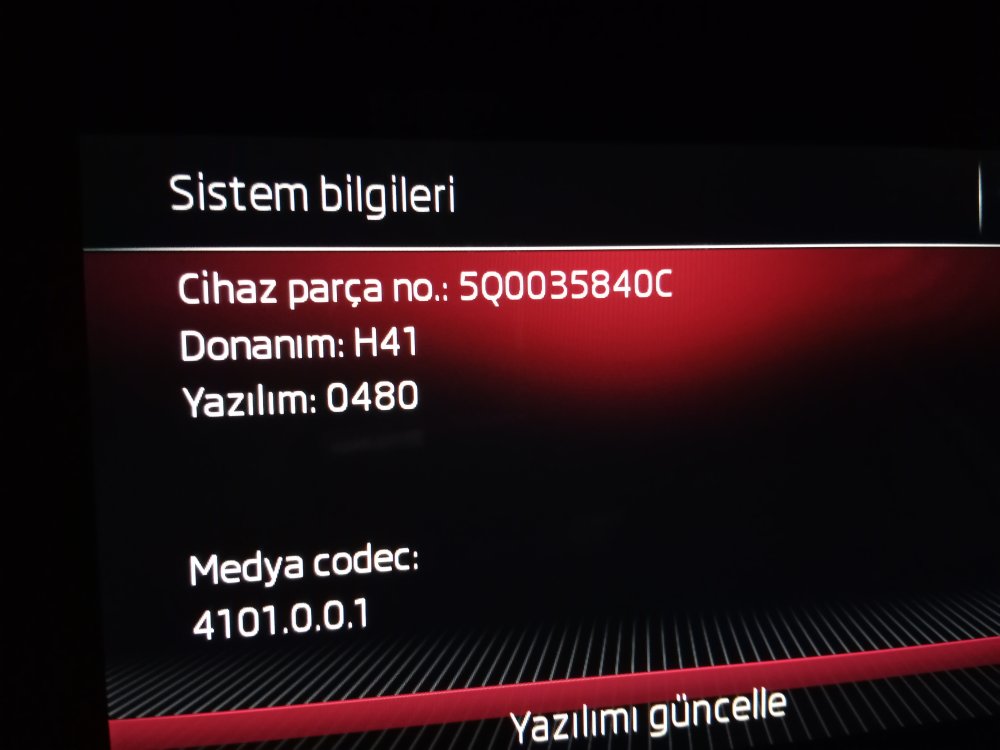
Hello, I installed the update without any problems. I couldn't detect any changes. Is it normal? Thanks
-
Thank you, Best regards.
-
Please, of course I would. Is it possible to revert to the old version if the new version causes problems?
-
Diger ekran
-
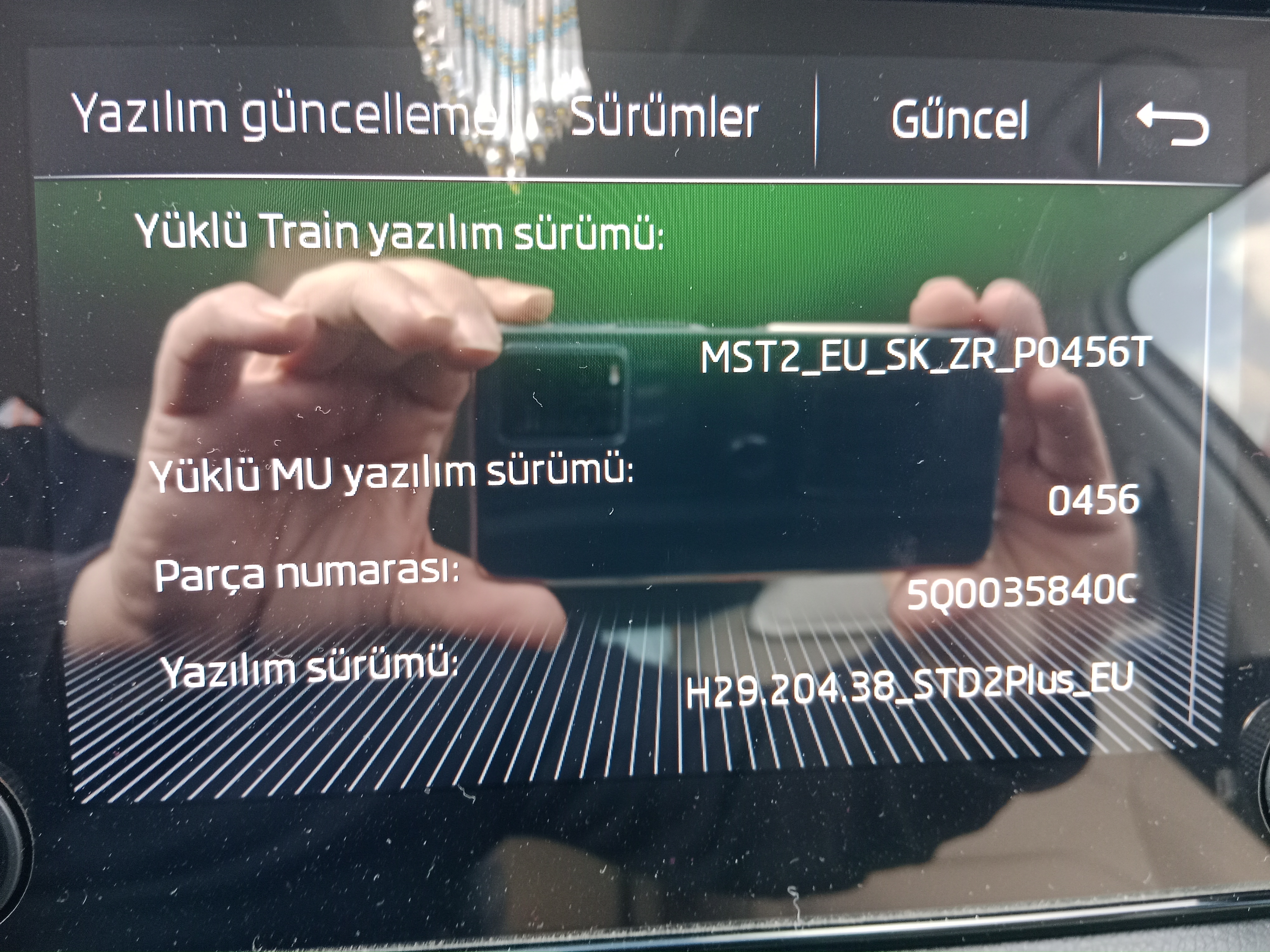
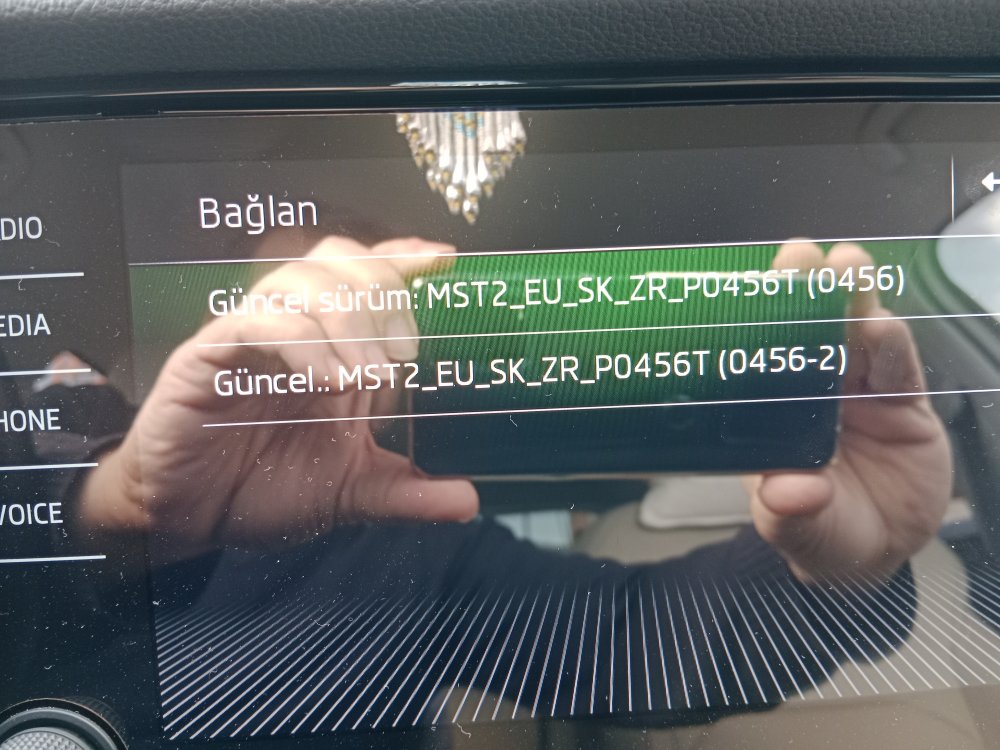
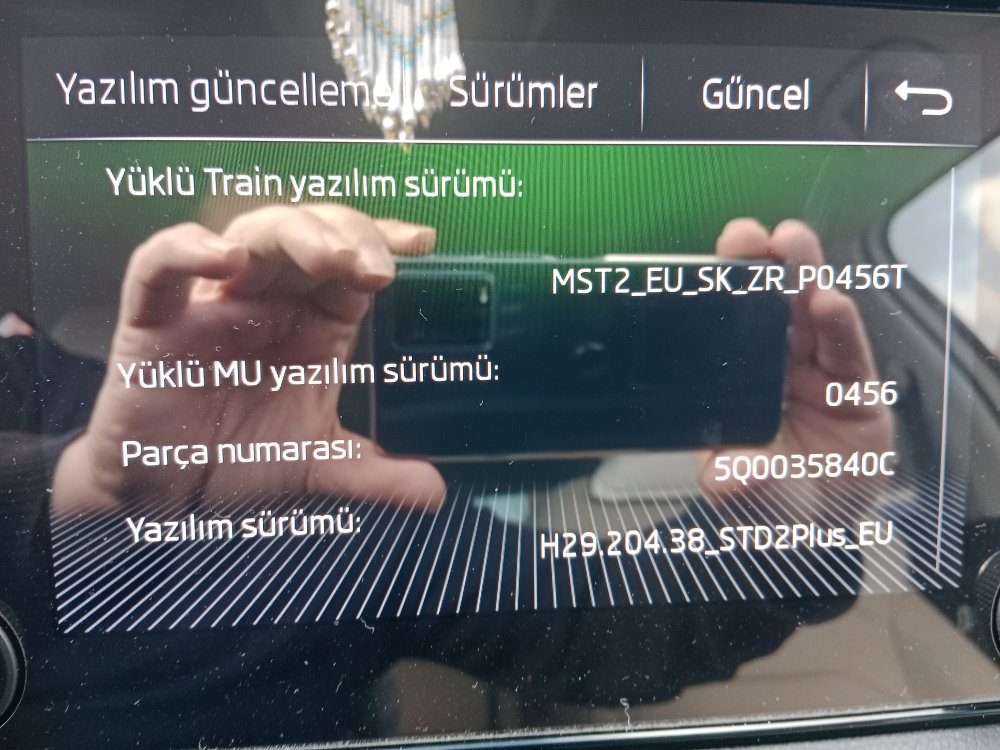
Hello, the software in the picture in my Kodiaq tool is the first version, I have not had any problems so far. I want to make smartlink wireless. is it possible? is there any new software? I would appreciate it if you could take the time to look at it. thanks