MJA81
Finding my way
-
Joined
-
Last visited
Everything posted by MJA81
-
Massive thank you to varooom for the assistance.
-
Just messaged you again bud.
-
Just messaged you back
-
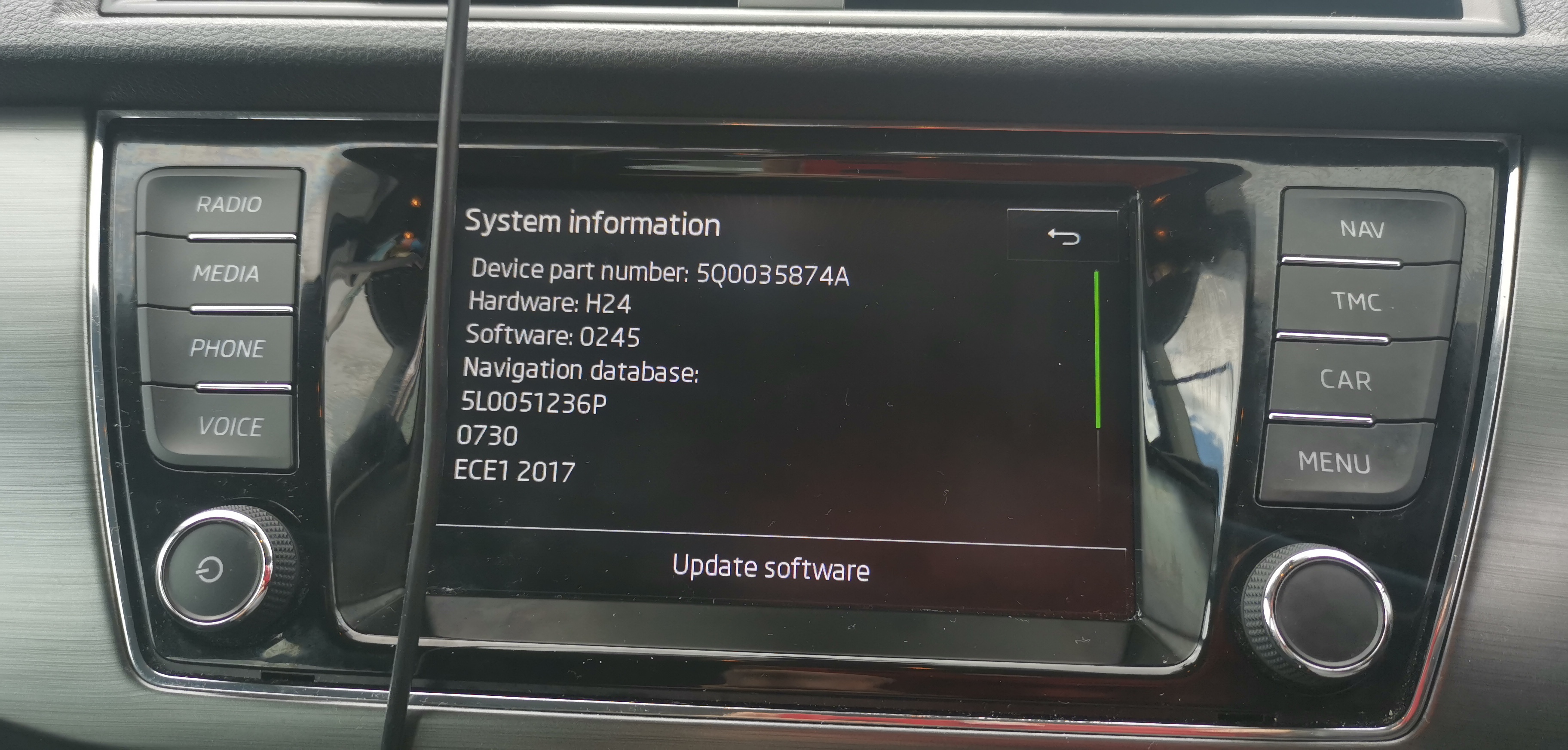
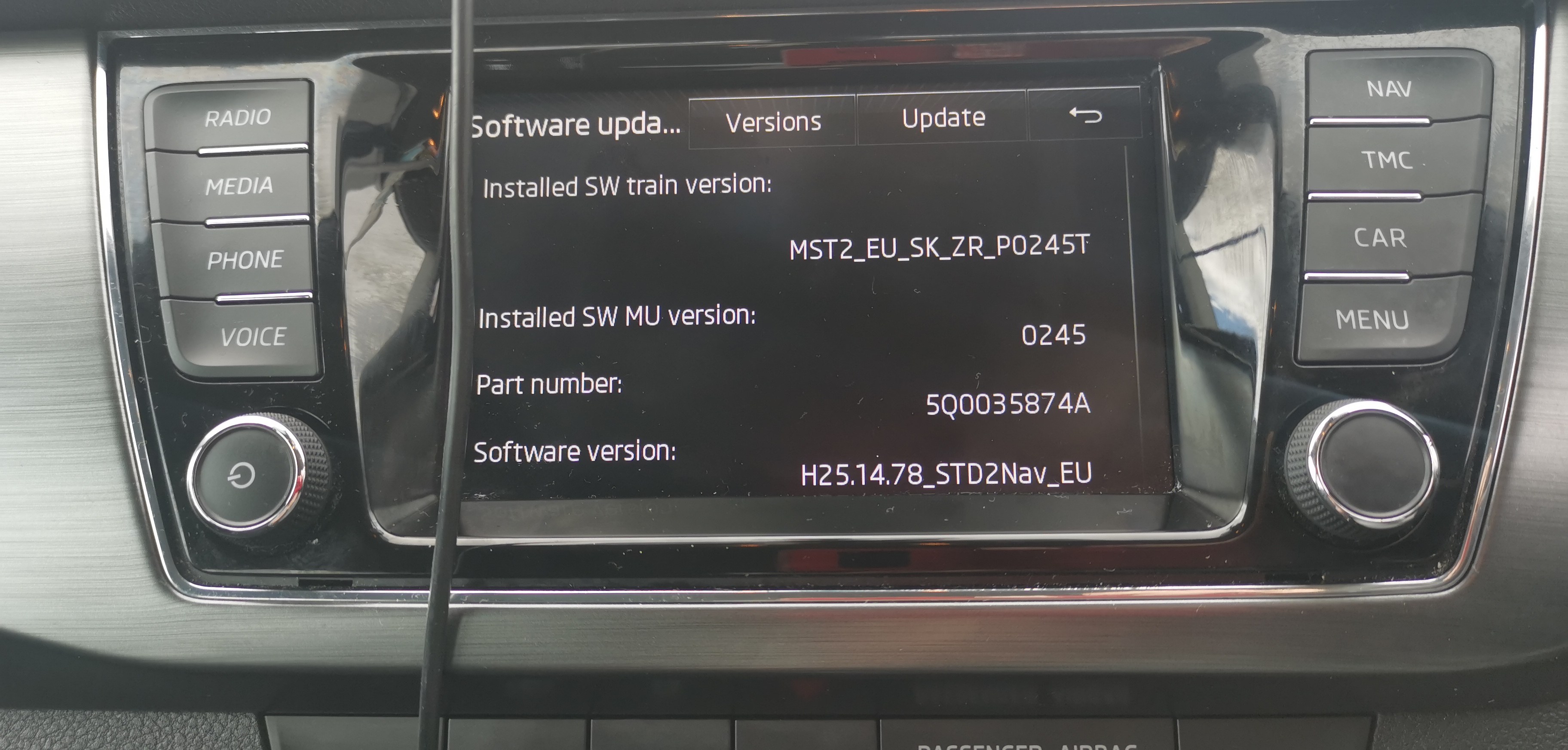
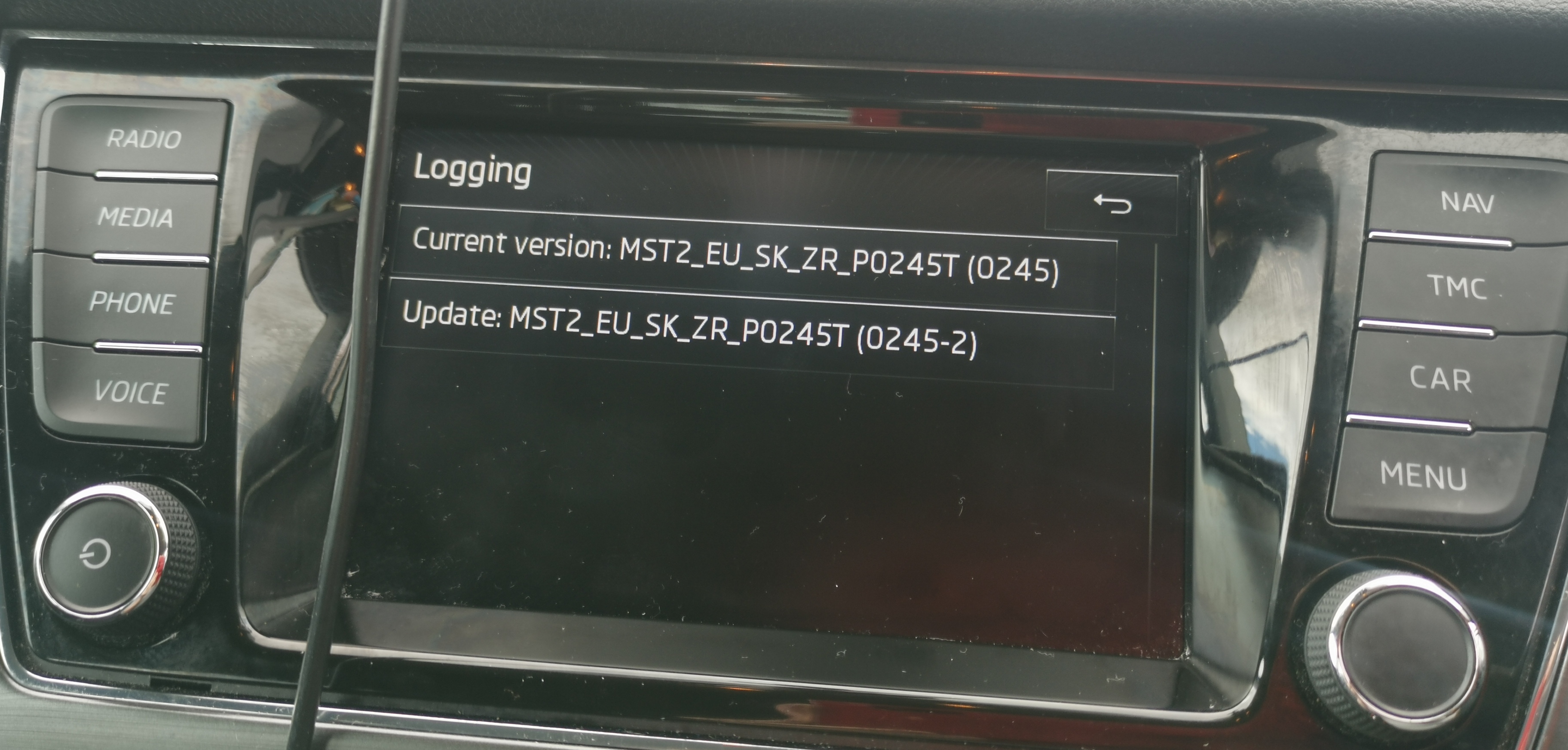
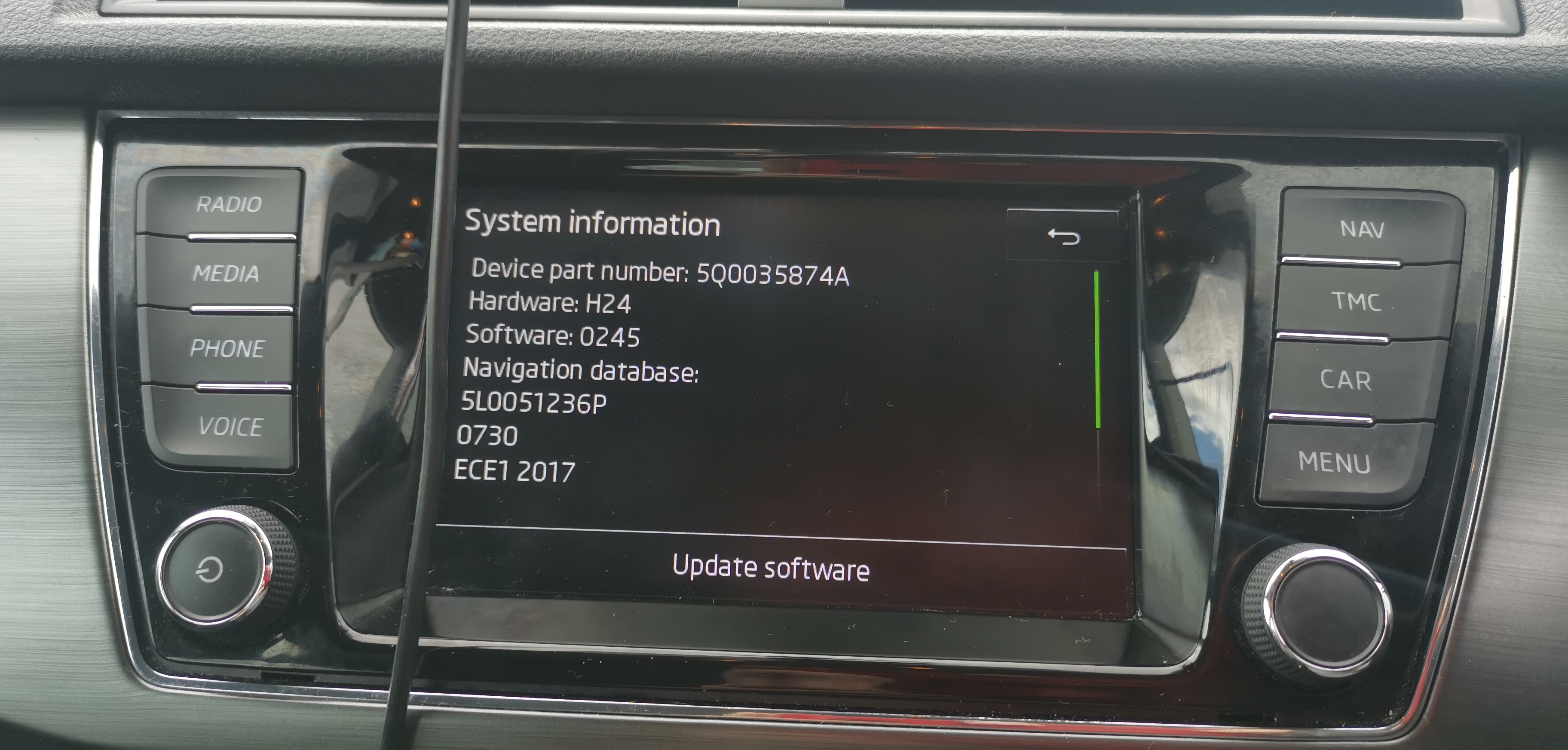
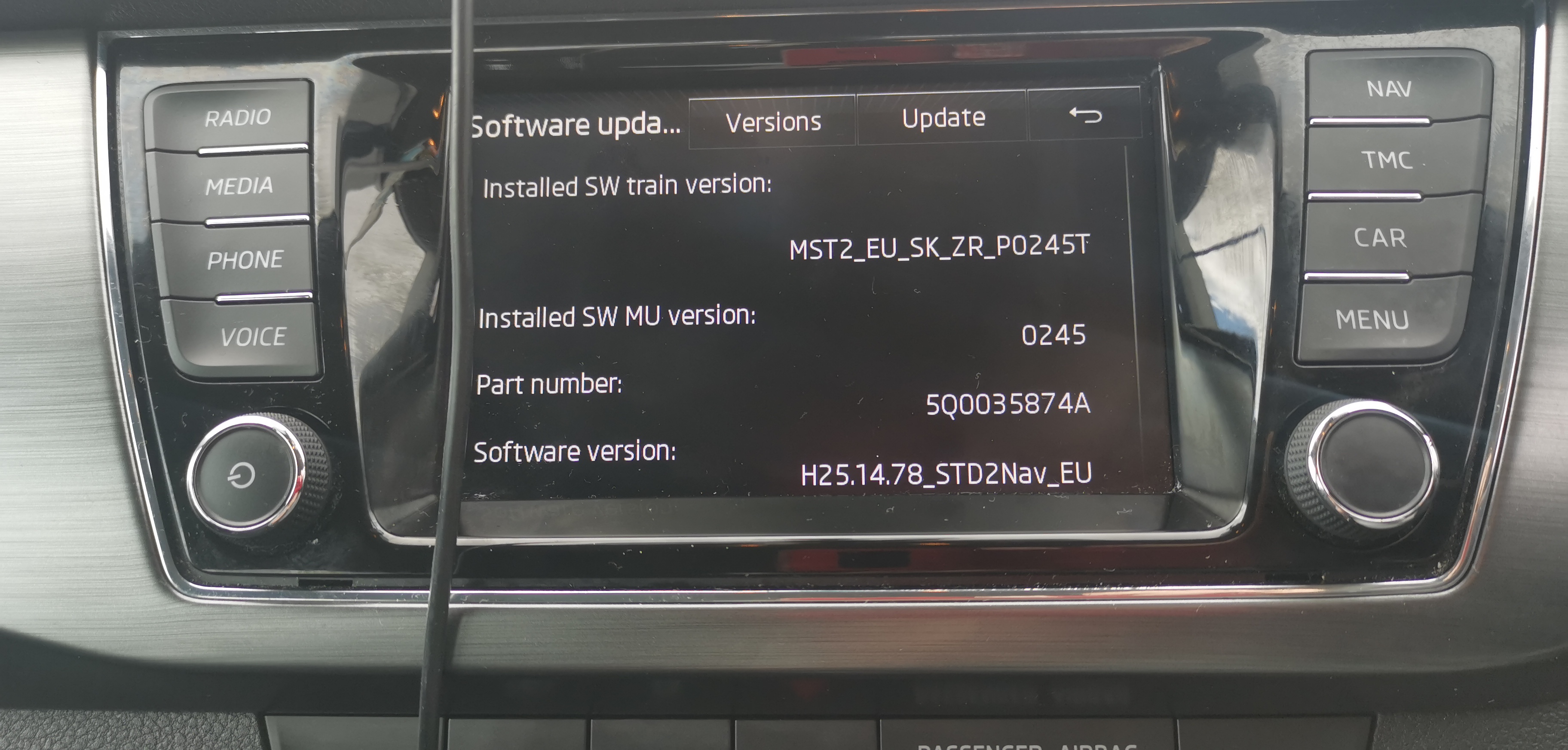
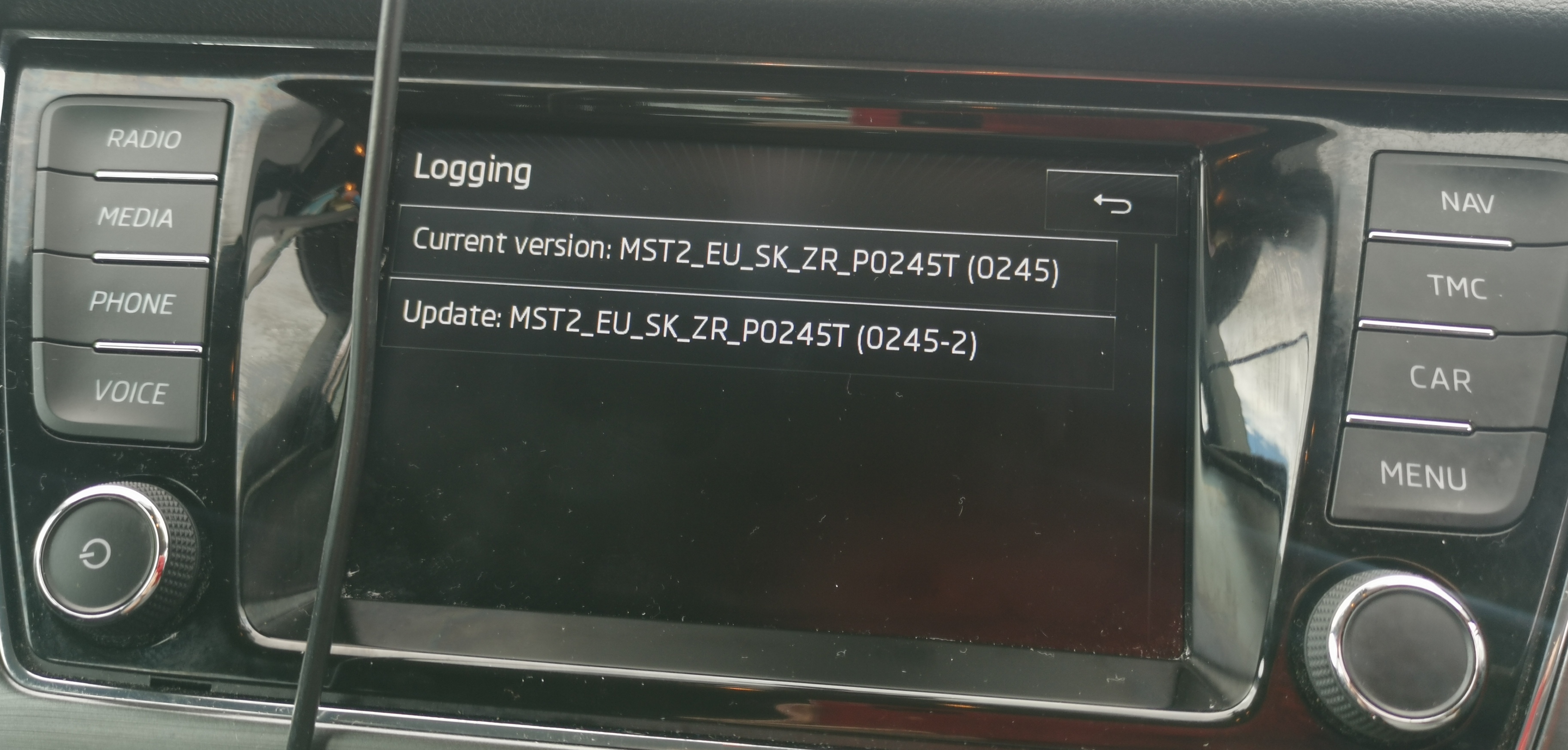
Is anyone able to li k me to the latest update for my amundsen unit (as pictured above)? Is there much difference between it's current firmware (0245) and the latest (0253)?
-
Only had it a month and i'm super happy with it.
-
Stands a possibility
-
When you try to select a media option does it give you an option for 1 or 2 sd cards (one will be greyed out)
-
What head unit have you got?
-
As below
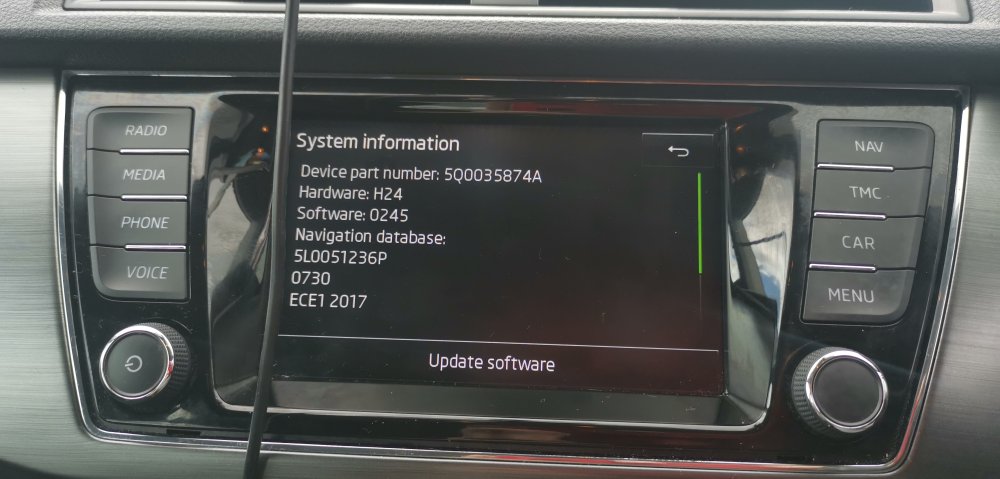
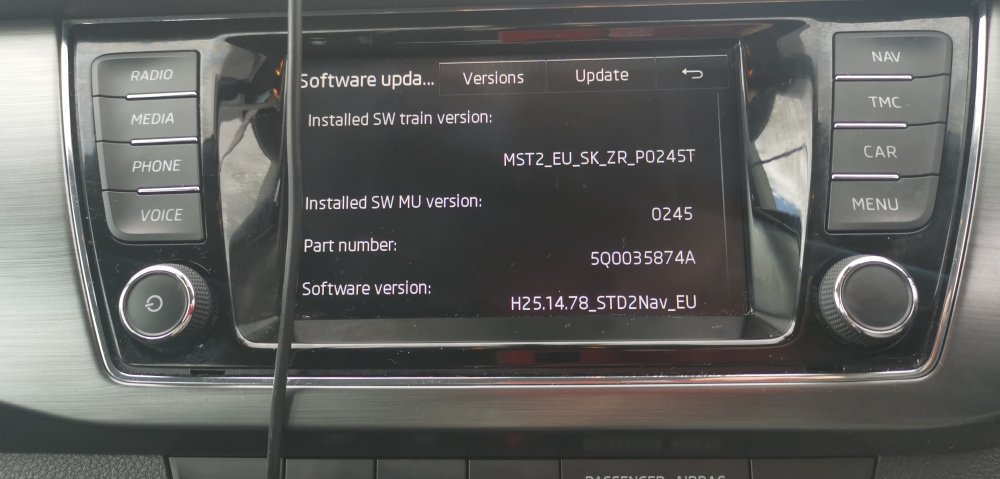
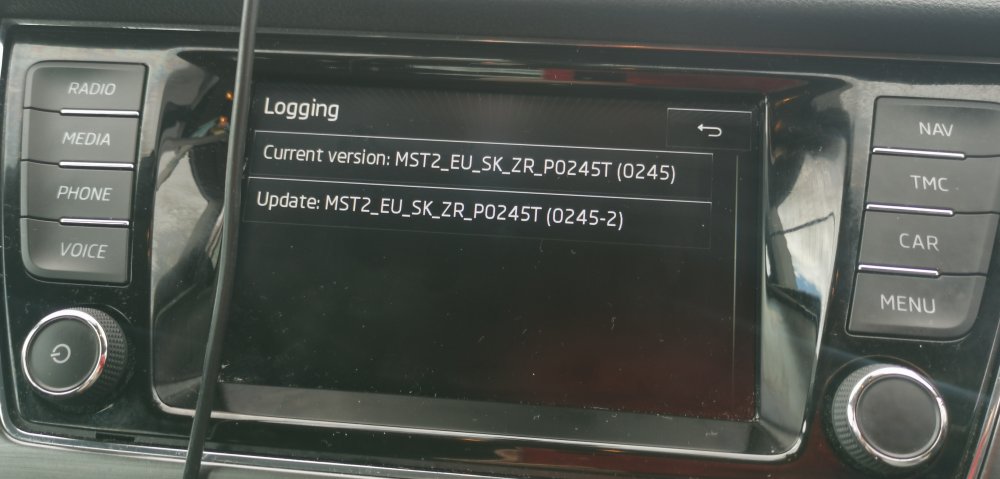
-
Is there anyone here based in the west midlands that can do the codes on headunits to activate functions? The only button not doing anything is the voice button and I'd like to activate it.
-
To be fair if you use android auto or apple play then the sat nav can be used on your phone and you could take the nav sd card out and replace it with a music sd card anyway, but i don't like having buttons that do nothing (OCD i suppose), it's bad enough that i have the "voice" button on the head unit but can't use it as that feature is locked.
-
Neither can I to be honest, it's a bit of a strange one.
-
Has anyone fitted 3rd party moulded mud flaps to their Mk3 Fabia before? I've ordered some wind deflectors, and considering mud flaps but I'd like to know if they use existing holes in the arches or do you need to add more holes yourself?
-
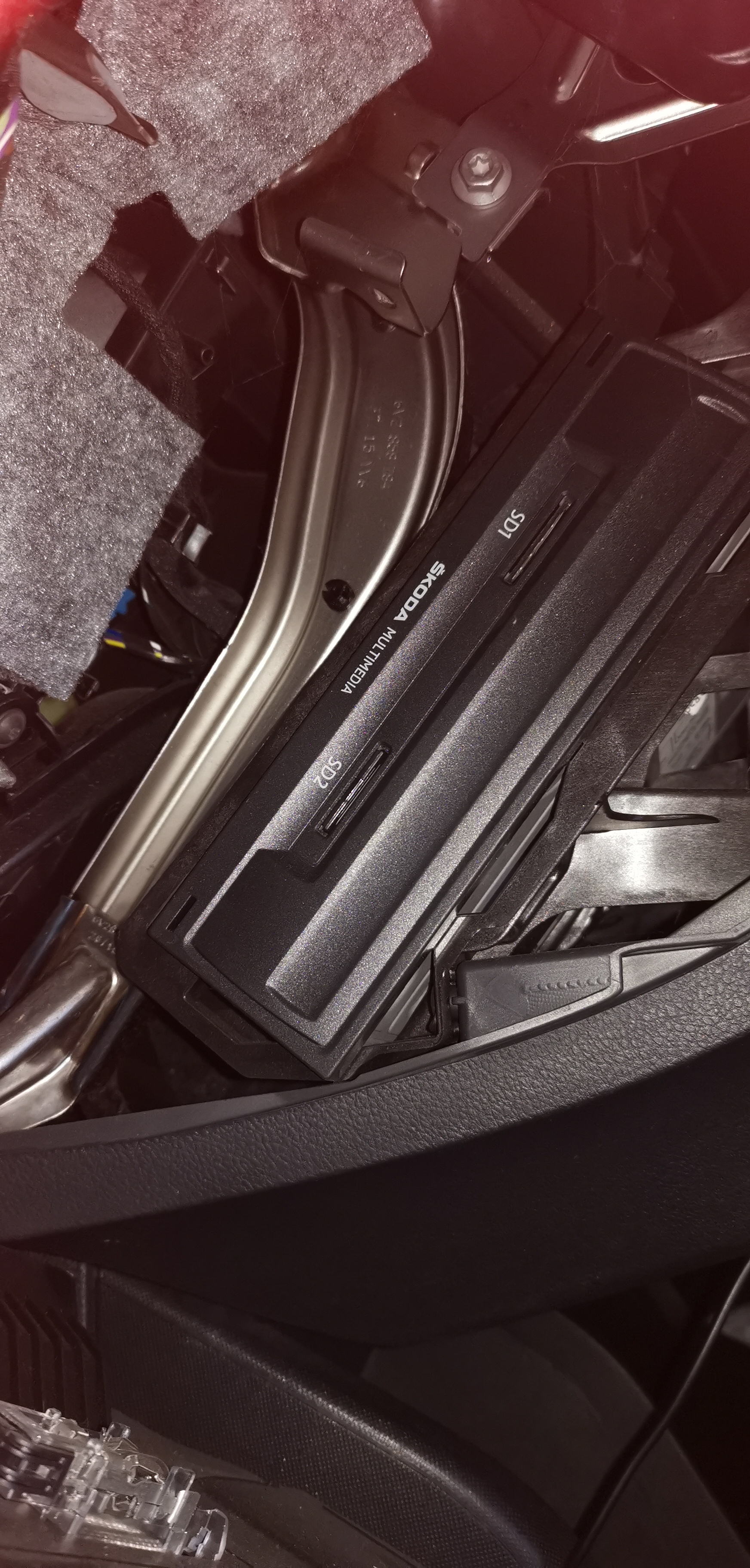
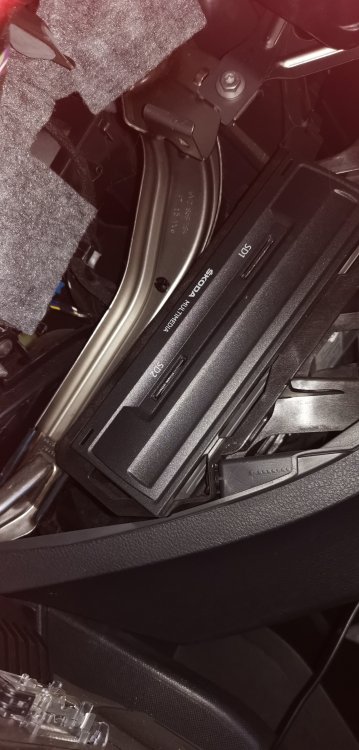
I can confirm that both my slots are working, i now have nearly 9999 songs (56gb) in slot one and satnav card in hidden slot 2 leaving the usb slot available for android auto, I'm one very very happy Fabia owner.
-
Not really, took me all of 10 minutes after i had located all the screws holding it in, there's 3 at the top, 1 at the back and 2 underneath
-
I've already tested it, i put the nav card in slot 2 and checked it worked before putting the glove box back in and leaving that card in slot 2 leaving slot 1 free. Navigation is reading fine so all good so far.
-
After some reading up and a bit of stubborn determination i can confirm that (on my fabia at least) if you take out the glove box you will find the 2nd SD card slot. Made me happy, i moved the nav card into the hidden slot 2, put the glove box back in and tomorrow I'm off to get a 128gb SD card to fill with music 😁
-
Hi All, Is there anyone able to help me update and/or activate the voice command on my skoda fabia Amundson unit please? Thanks in advance
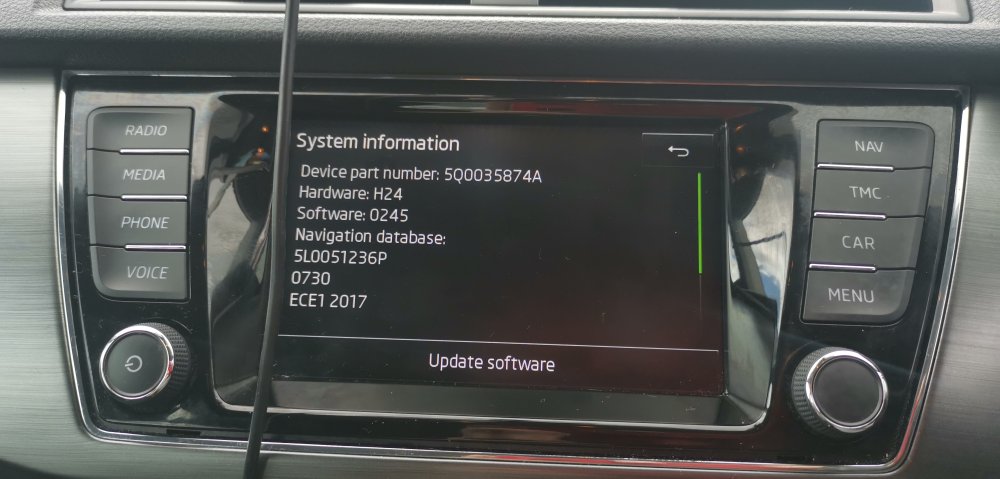
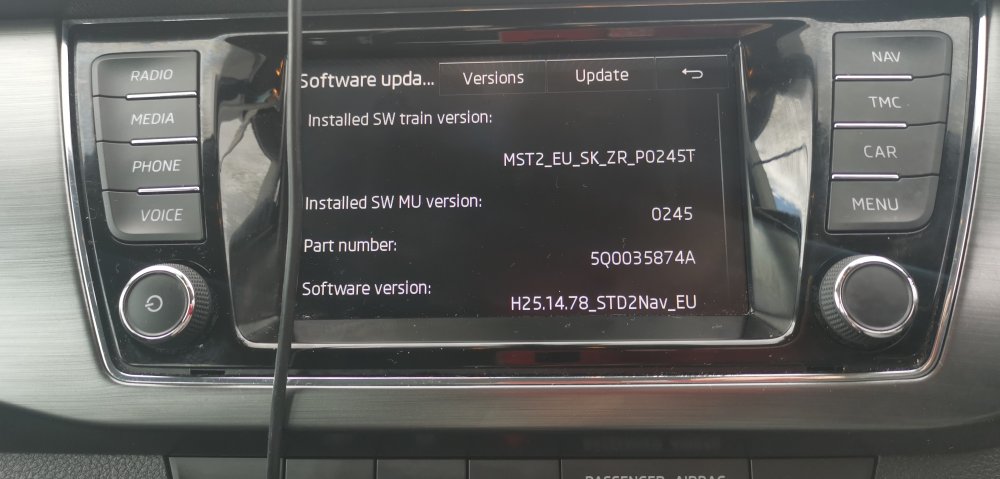
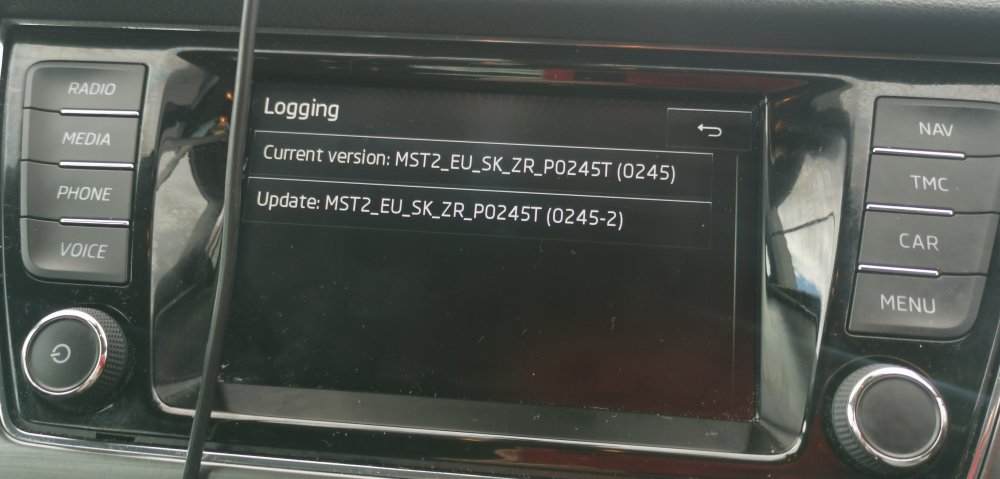
-
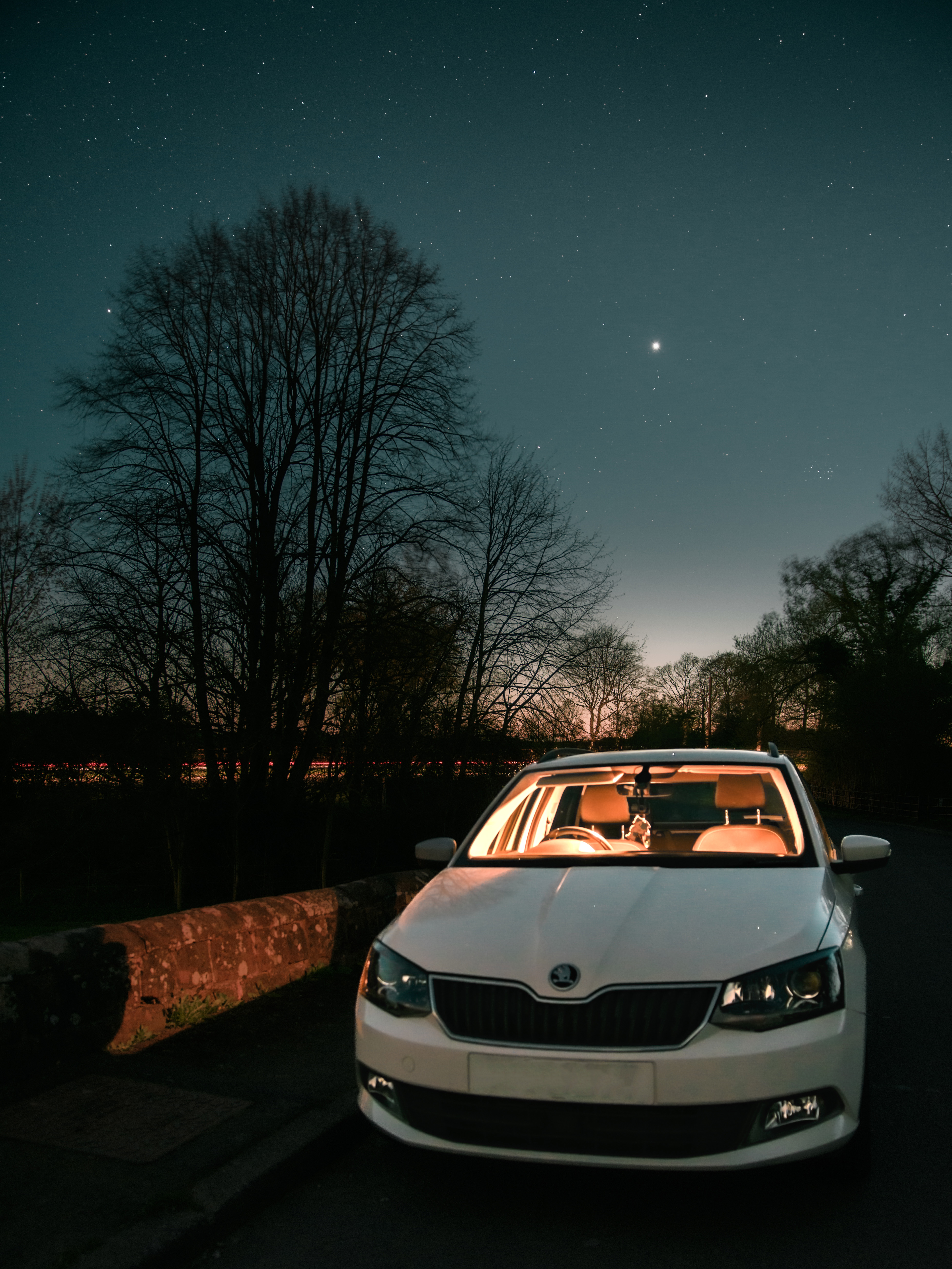
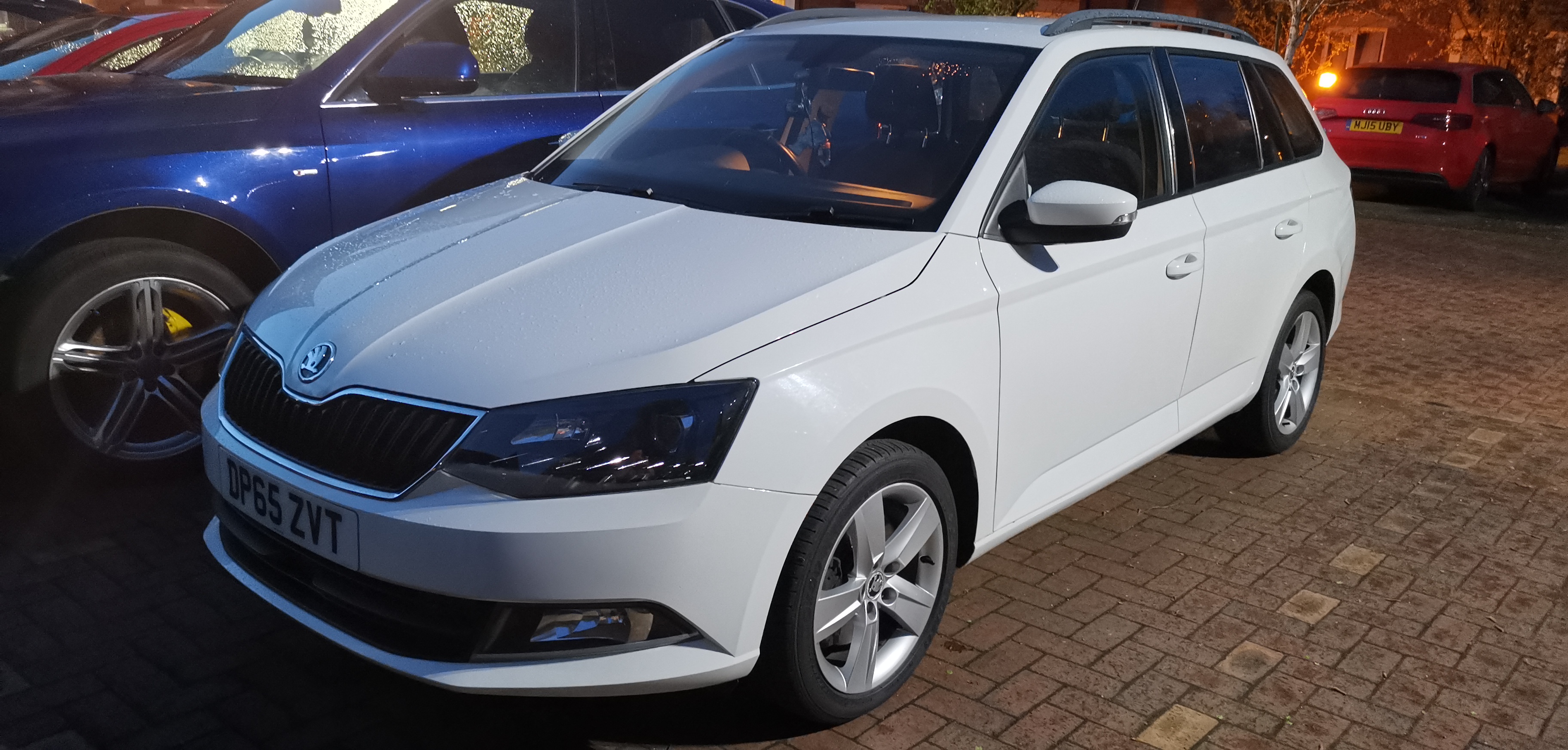
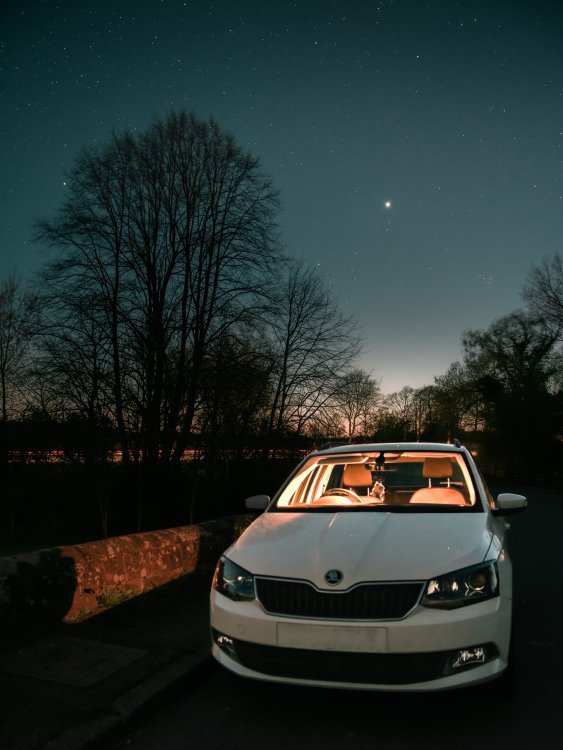
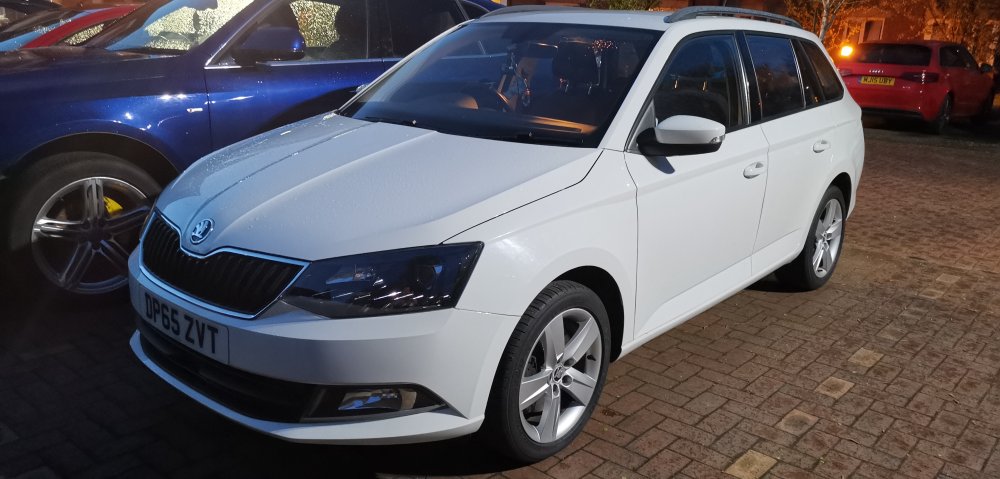
I am now the happy and proud owner of a Skoda Fabia mk3 Estate. I look forward to joining in in the forums chats.
-
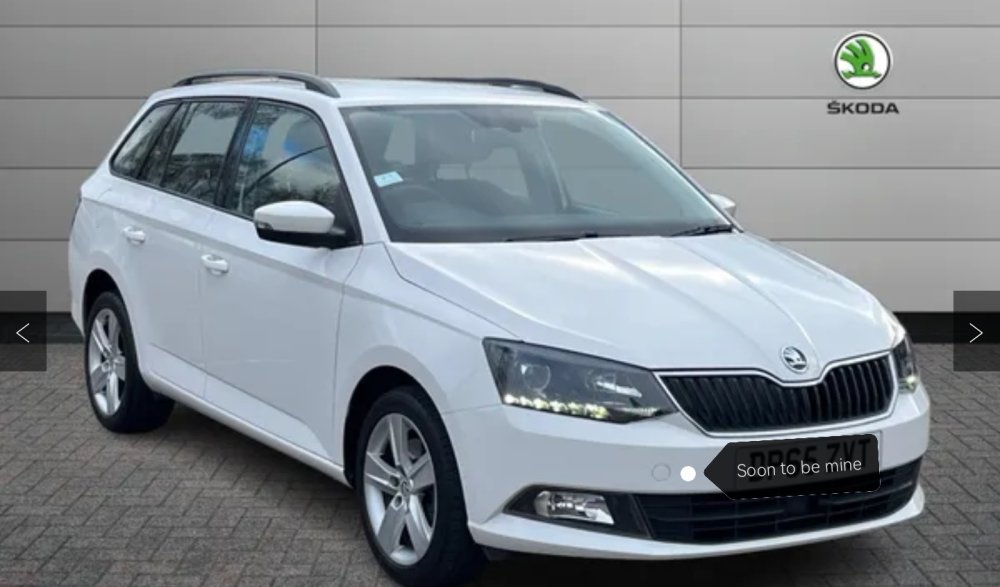
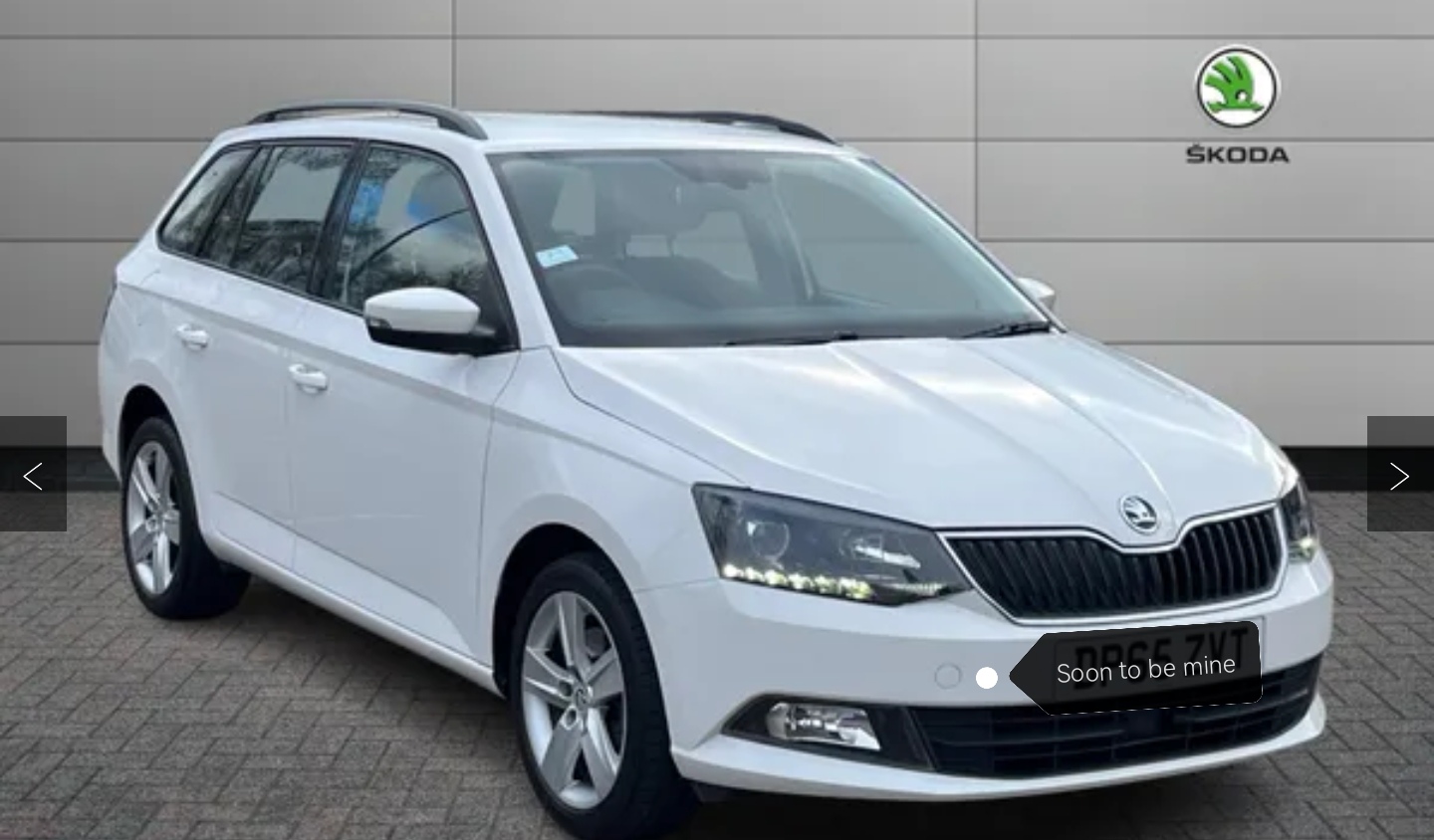
Hi there peeps. I'm based in Wolverhampton and I'm hoping to be the owner of a lovely looking Fabia 3 in a couple of weeks time. Having driven a Kia for the past 4 years i decided it was time for a change and when i saw this beauty i knew i had to have it. I will be asking many questions when I have her I'm sure, such as unlocking bits on the stereo etc but i look forward to chatting with you all. This is a picture of the actual Fabia I'm (hopefully) getting.