Cory92
Finding my way
-
Joined
-
Last visited
Everything posted by Cory92
-
Have the exact same issue. The trims seem secure but not tight....
-
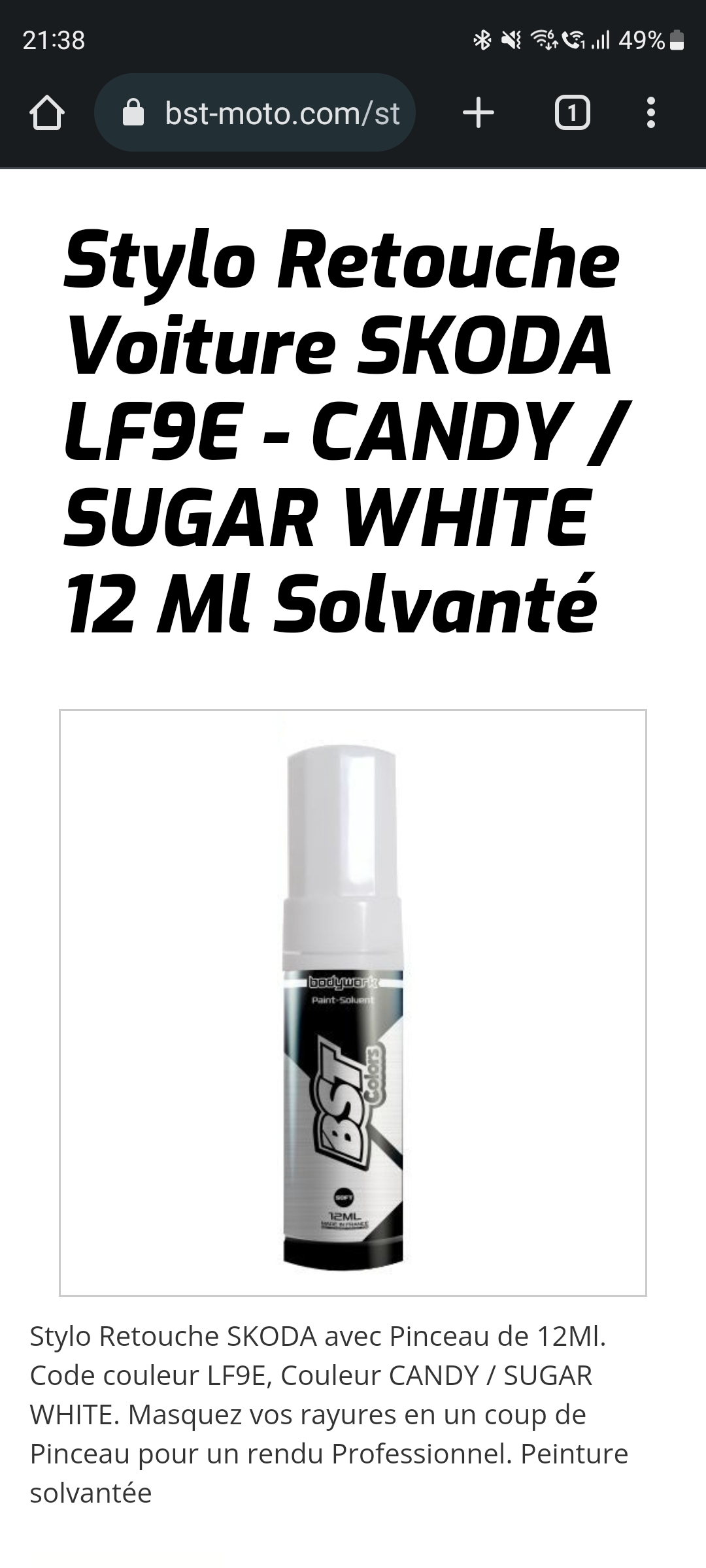
Would this do the job you think?
-
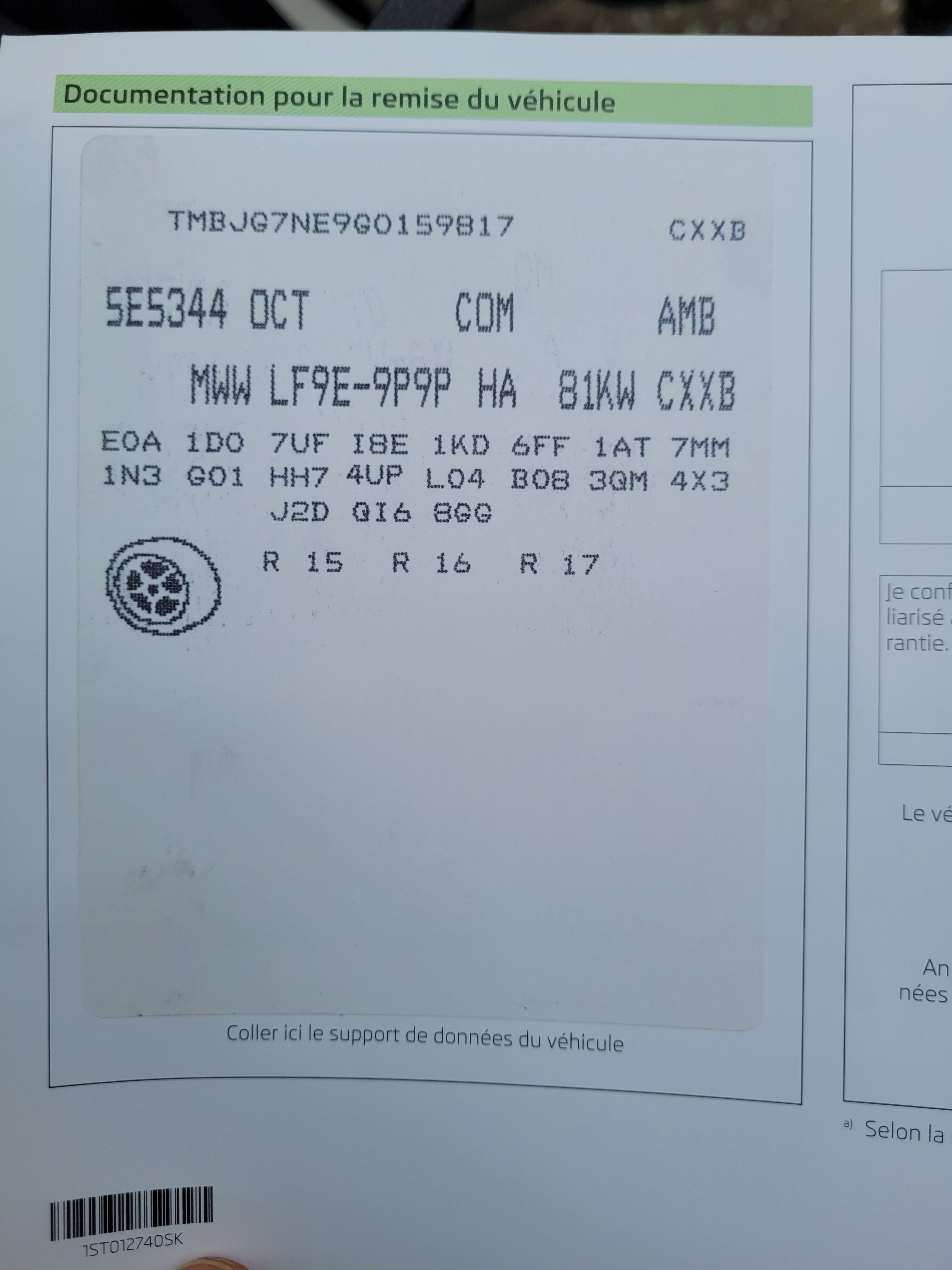
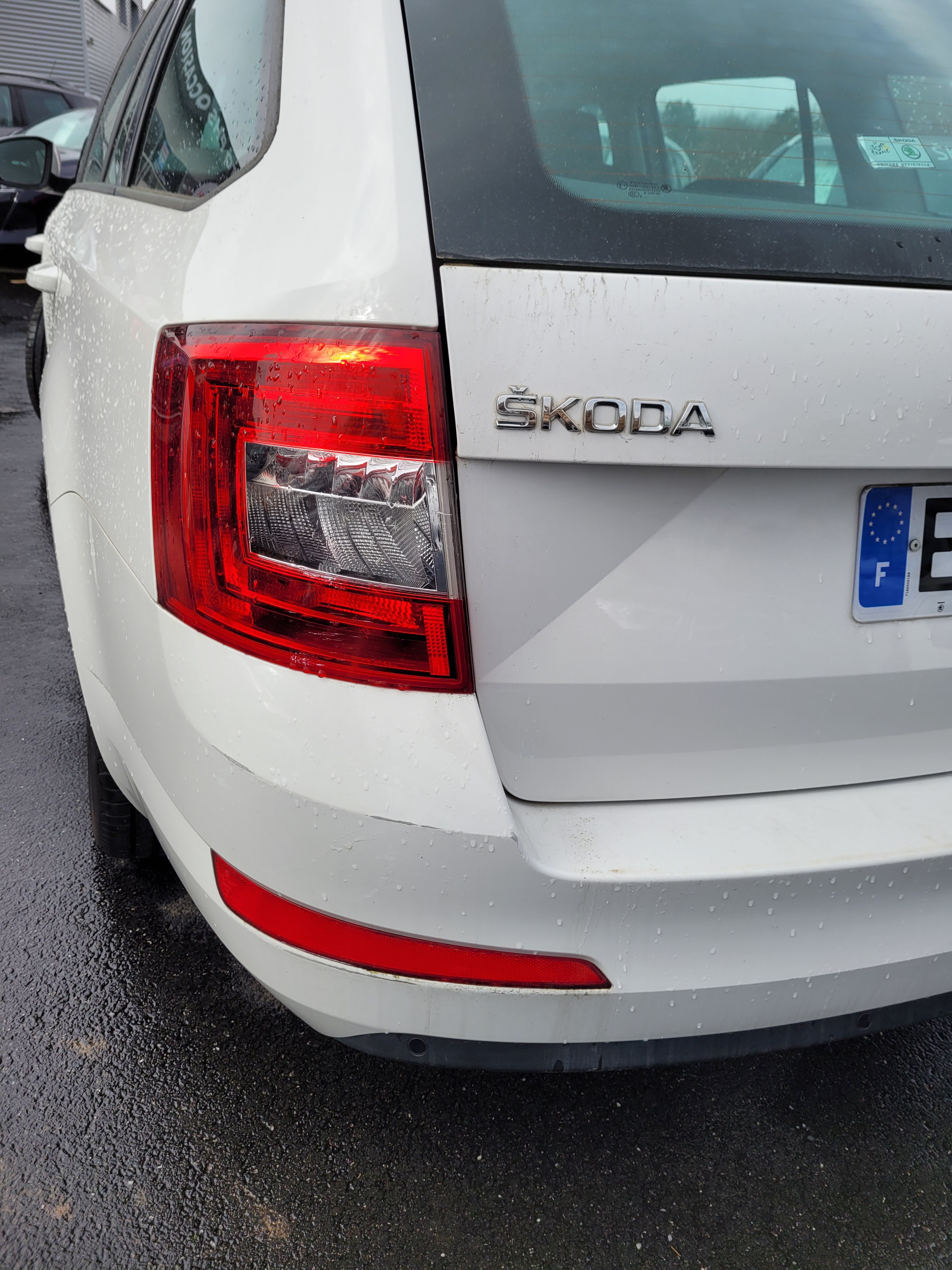
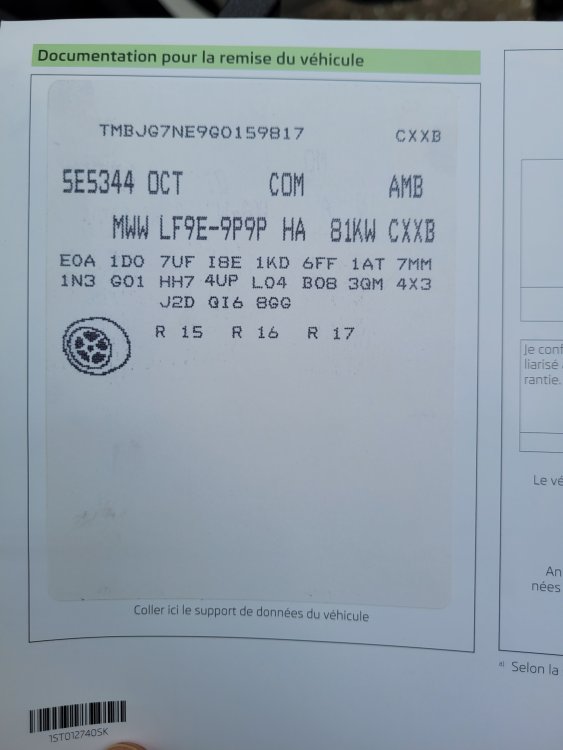
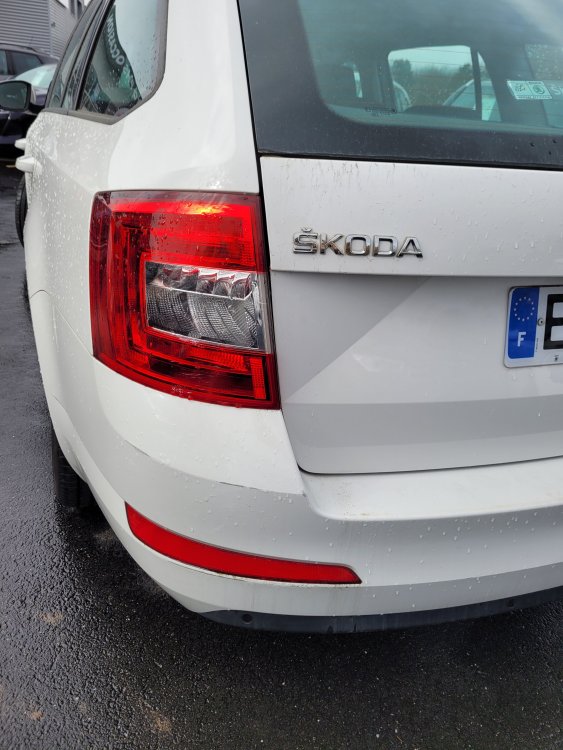
Hello, I've been racking my brain about the colour references for my car (to paint over some scratches) My local car dealer has said the paint is B9A, but the sticker on the car says LF9E. When doing a google research both come up as "Candy White". Some results come back for just F9E or 9P9P. Is there a difference? Are the references the same paint? Is one for Skoda and the other for VW? What paint should I get? Any help is much appreciated.
-
I used some contact cleaner on the stalk. Injected it down the sides. Left it over night and it works a treat. I used WD40 contact cleaner btw. There's no residue and dries quickly. CC works everytime now!
-
I also have this button on my steering wheel and it does nothing. Is this a faulty button or does it simply mean my car isn't equipped with lane assist etc?
-
I have an assist system button on my steering wheel, but when I press it nothing happens. Is this normal? Why would I have a button that doesn't do anything on the steering wheel? Thanks for any help you can provide.
-
I have the button on the steering wheel but it doesn't do anything
-
I replaced the clips yet it's still not a tight fit. However it is a little better...
-
I know this is a very old thread but I just wanted to confirm that on my 2016 Octavia the A pillar trims are also loose. I have verified the clips and everything is in order but they're not tight. Is this considered normal? Does anyone else have this issue?