Henry1977
New here
-
Joined
-
Last visited
-
So, having tried LITERALLY everything to fix this issue in our Scala - culminating with being charged £300 by our garage to upgrade the software to the 'very latest version' ("well we have to do it manually you know") I tried this as a last resort, with zero expectation that it would do anything. And you know what? It worked. No issues for the remainder of the (3hr) journey. Hallelujah. Thank you.
-
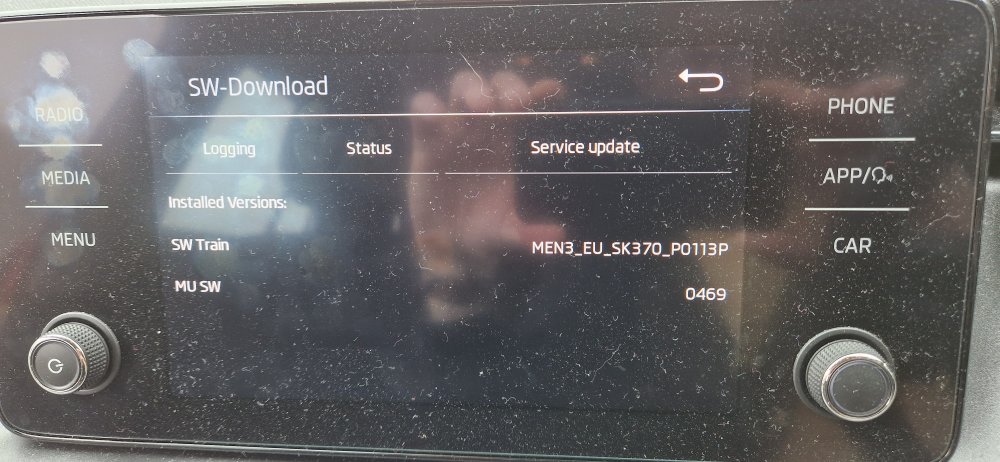
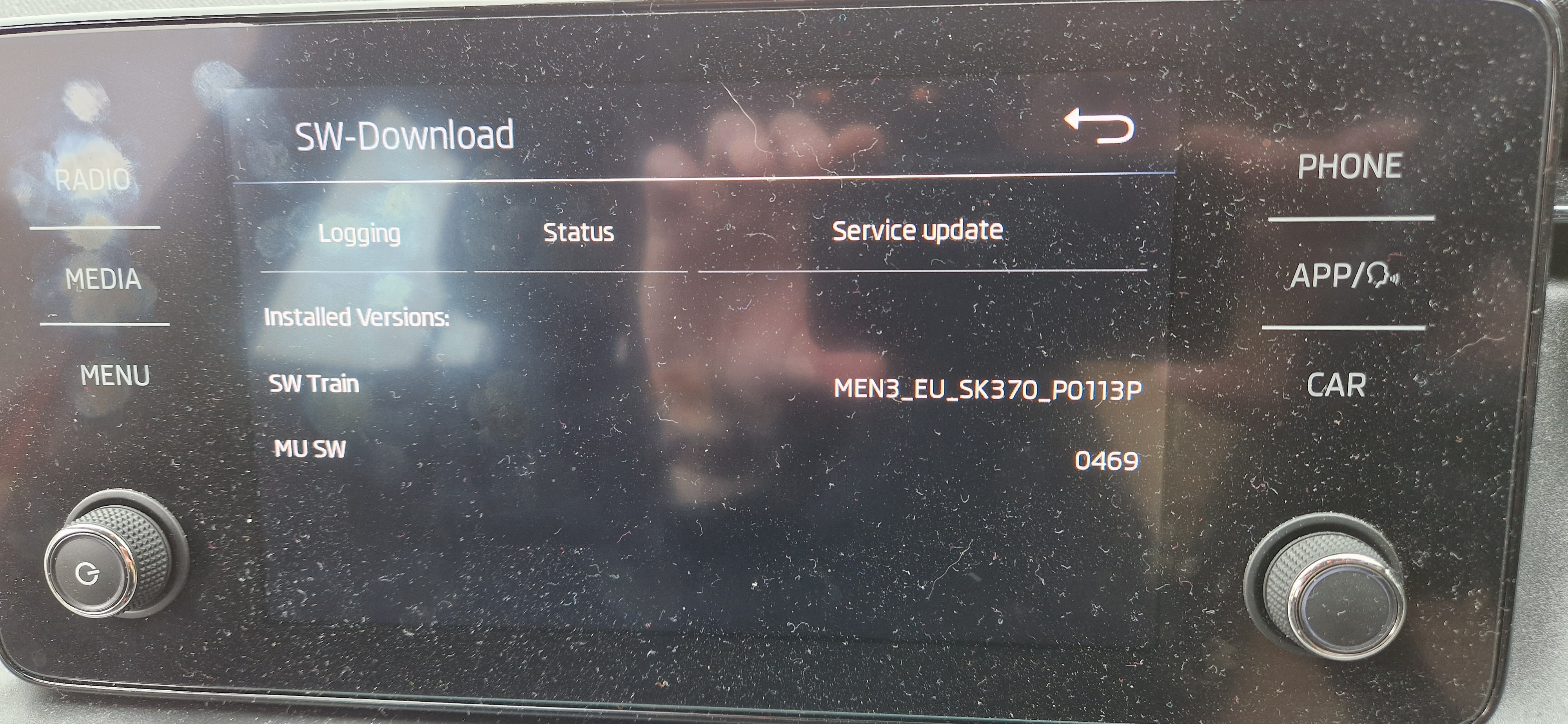
Hello. First post on this forum... I am a Scala owner who recently got a shiny new S22 and am thus having exactly the issues described here with Android Auto. I'm happy to have a crack at updating the infotainment system if a) there's a relevant update and b) someone can walk me through the steps required? I've hopefully attached a photo of the current firmware etc.