Jamieframer
New here
-
Joined
-
Last visited
Everything posted by Jamieframer
-
I’ve been looking on here due to a friends Karoq electric boot not working, so far I found someone investigated the issue themselves after Skoda told them they needed new struts and after pulling back the rubber, they found a broken wire. See link attached. https://www.briskoda.net/forums/topic/514406-karoq-electric-boot/?do=findComment&comment=5790384
-
Yeah, it comes with double sided tape around the edge, so I simply bonded it on top of the old digitiser and it works better than expected. You really don’t notice the extra layer of glass, although it is very thin. I’m really chuffed as was prepared to spend up to £200 on a repair or £500 on a new Sony unit.
-
I can’t see a difference, the touch screen digitiser is so thin that you don’t really notice any distance between the LCD panel and the Touchscreen.
-
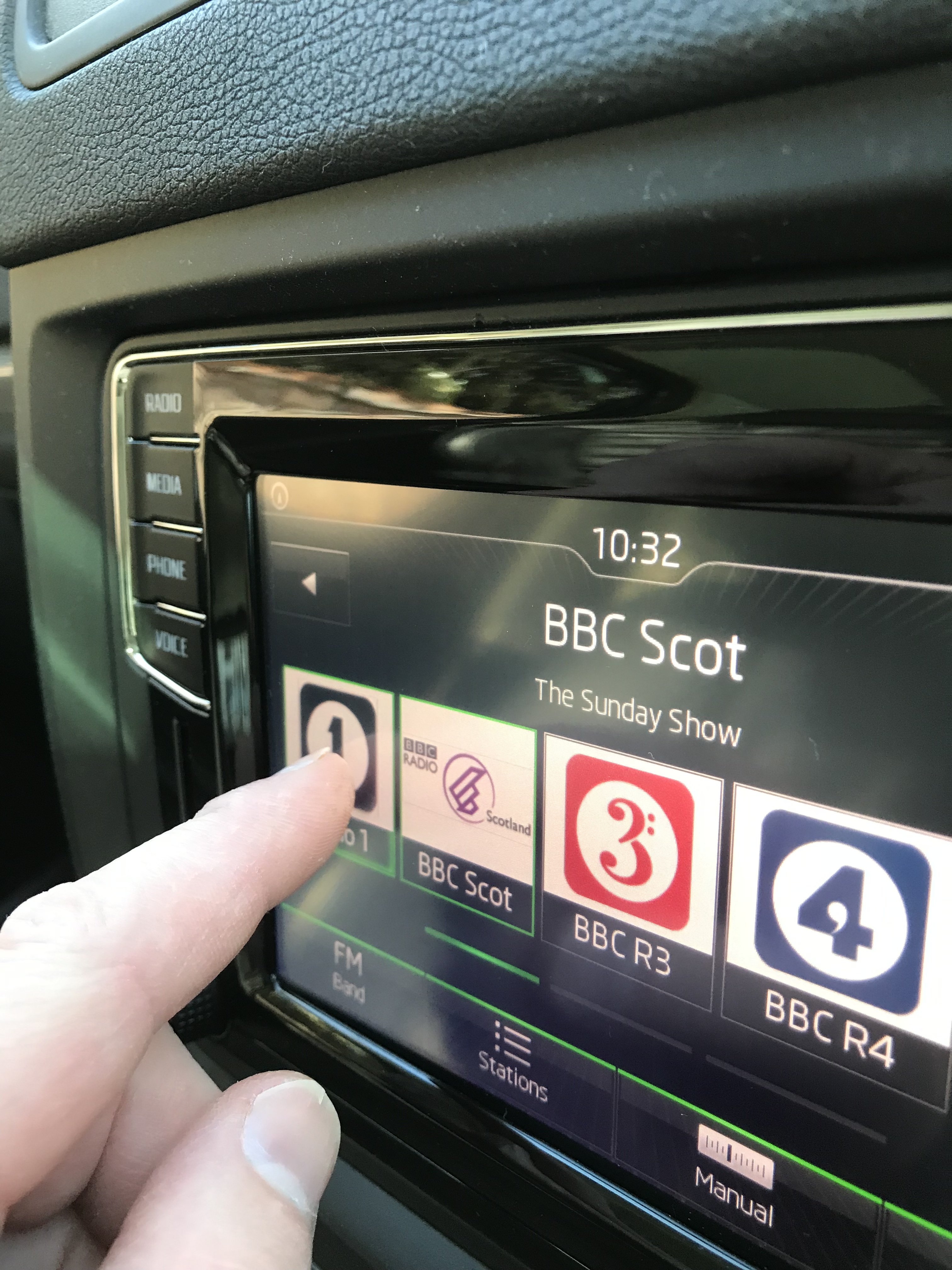
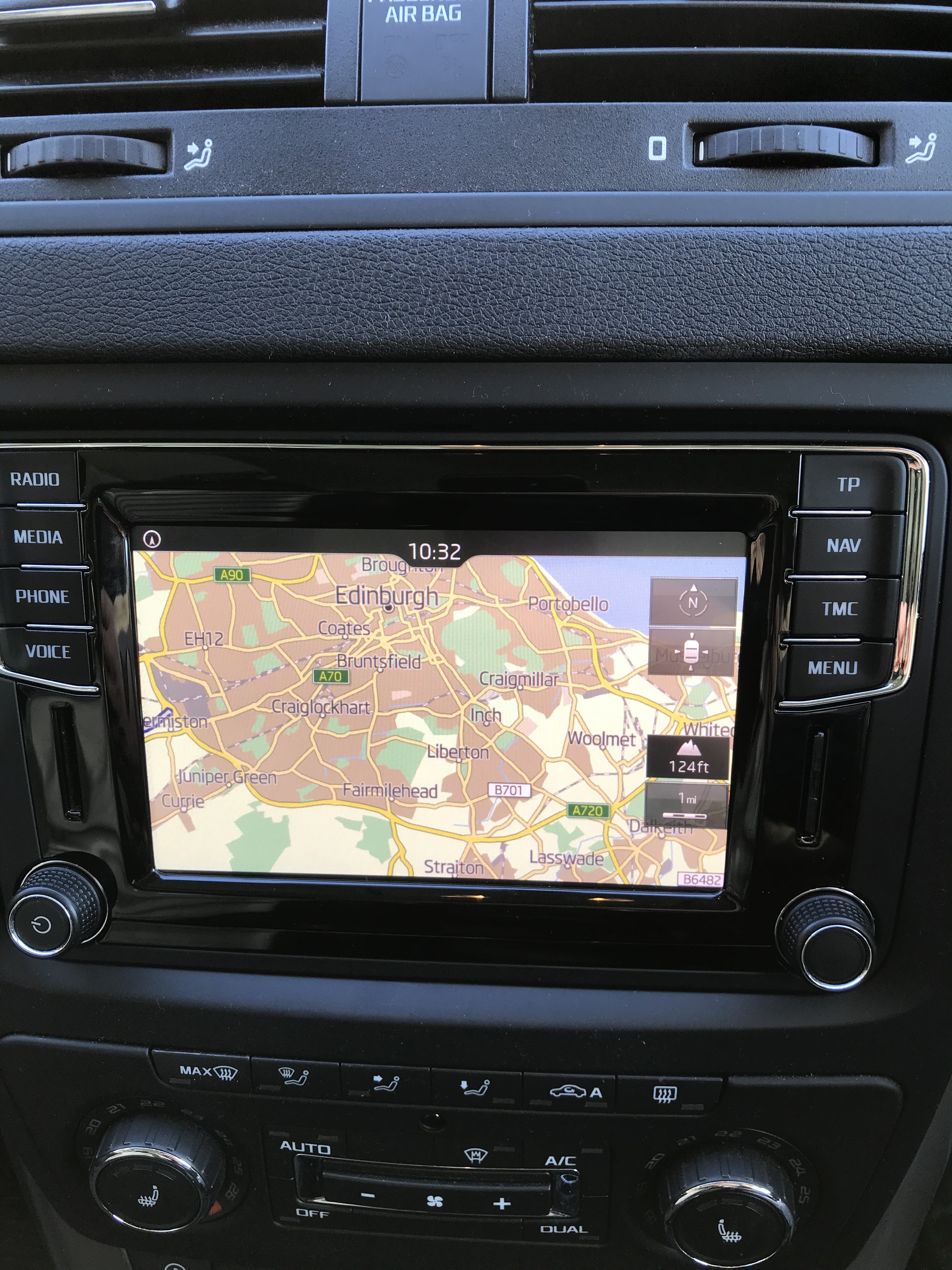
For my 2017 Yeti, I couldn’t find a replacement touchscreen for less than £50 incl delivery and taxes etc (bought on eBay and shipped from Poland to UK). Anyhoo, bought it, fitted it last night and it worked 🙂 like a brand new infotainment panel. Just to be clear, you DO NOT REMOVE THE OLD TOUCHSCREEN, just the silver frame and bond the new touchscreen panel over the old one (get some good glass cleaner first). There are quite a lot of torx screws to remove to gain access. Message me through here if you need any help.
-
Hi Paco, I’ve just fixed our one. On our 2017 Yeti outdoor the centre of the screen (top to bottom) wasn’t responsive, the visuals were still there but the touch part didn’t work. I tried all the tricks but in the end decided they touch panel was broken. Just over week ago I bought a new touch panel on EBay For about £50 and connected it last night and hey presto, it works. we had been quoted over £500 for a new stereo or up to £300 to repair the old one so I figured it was worth taking a chance with £50. Feel free to message me if you need advice in the fitting as I almost removed the old touch screen when you are meant to leave it attached.