




Lennart
Finding my way
-
Joined
-
Last visited
-
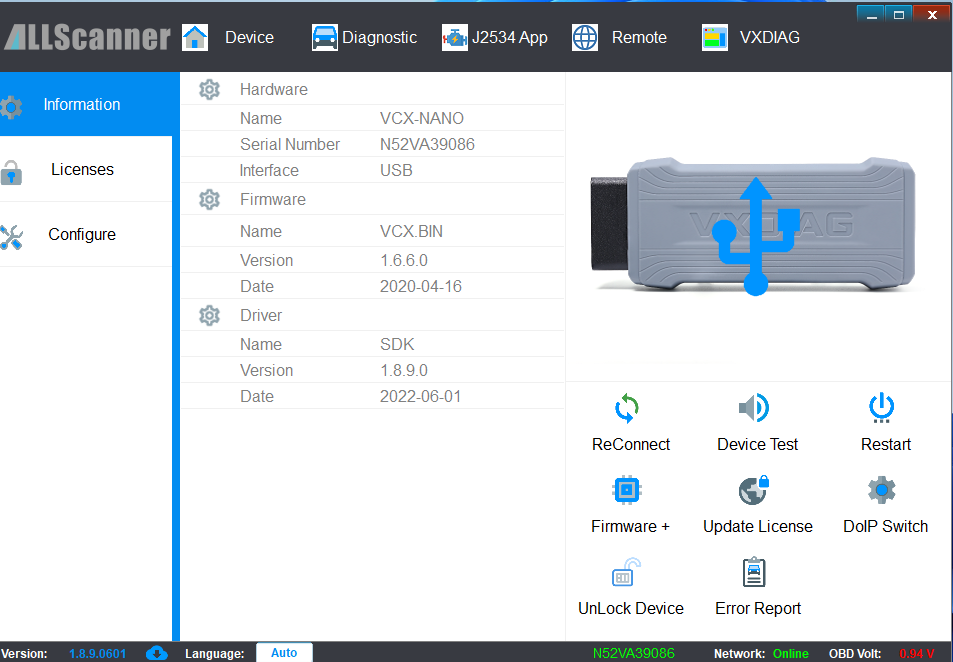
Sounds like a dealer answer 😉 but indeed you need a code to get it up and running again. I fried my OCU, that’s not what happened to you I assume. Check the posts of Rob, he fixed it and even got more data (including the list, if your VIN is on it, you can make it active again). You need a VCI device, odis and online geko. Everything is explained by Rob, including downloads. I own the VCI from vxdiagshop but there are a lot of options…
-
I think indeed you need a odb device, besides that, you can’t downgrade so there won’t be a problem when you have a newer version. and indeed, like rob said. Don’t worry about your nav when you are on 270 already. edit: after ocu replacement I got back the 088 version. That version worked also on 0304, perhaps not ideal but worked. when owning a vag car, a odb device is almost a must to clear some errors 😉 worth the money
-
@danakajoel check this post: It gives a link to the excelsheet and an brief explanation how to enter it.
-
Nice explanation Rob! Again, good job!
-
@Alfred-Superb, send you a pm!
-
Do you have the code to activate the navigation also? From the dealersheet? Otherwise navigation will not start anymore. The update from 0156 -> 0278 was the hard part… after that a walk in the park 😉
-
Jep! Online communication works much quicker too. Weather apps, everything smooth.
-
Jep! Correct. I updated to 0324 (via varooom) in the meantime (this time no problems 😉
-
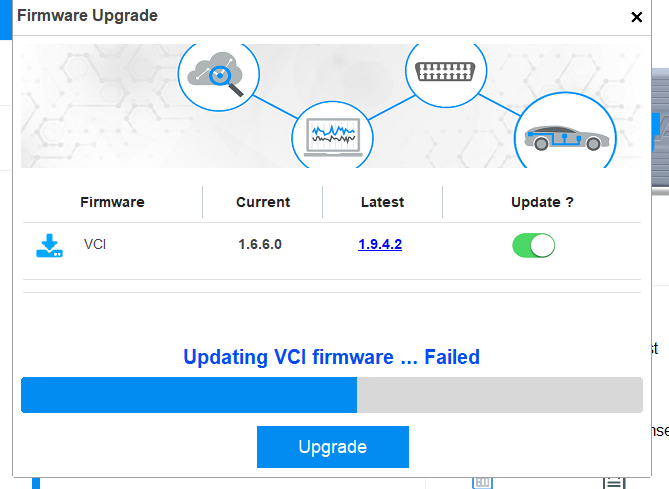
Well, time for an update 😉 Everything works now! Thanks to varroom, I also updated to 0324 with a sidestep to 0308 (0306 —> 0308). The main problem I had, was updating the OCU. Somehow, it went wrong and the parameters could not be updated automatically. Long story short: fried it 😉 they replaced it and now everything works as it should. Long story short: I you are on 0278 already, updating is a straight proces. No need for odis stuff etc. If you are on 0156, a lot more coming on your way. - Need to update parameters via odis for infotainment and ocu - try to find a friendly person on a dealership who want to give to the activationcodes on the excel sheet for the predictive navigation so you can activate the FEC in odis (according tpi) - You need a good vci… - Have to build up odis knowledge when you don’t have it (not hard but very less info or youtubes online..) - Odis online required Should I do it again? Yes, the system is more responsive, new screens, working apps (news, weather —> not relevant but now they work). Quick startup. The infotainment of my car works now like I expected when I buy such a car… Some notes: Somehow dealerships are not familiar with this stuff. If it aint broken, don’t fix it. Most of the time they hold the power button to reset the unit 😉 They aren’t aware of new updates, it’s not a proces on maintenance etc. Besides that, I can’t remove my above post: it was a result from a chinese VCI clone, avoid it 😉
-
yes you can do it yourself (the update part) but you need odis for configuration. Search for TPI: 2060553.8 on this forum (or online) for detailed instructions but be aware of: - After the sw update you need to activate a new SWAP function. The code is connected to your VIN and placed on a mentioned excel sheet which can’t be found online. You need to fix it via a dealer. If you don’t activate it, you will see the message “loading maps…” all the time. Activation is easy btw and after that, the maps are working immediately. - You need odis for the new configuration for the OCU and the infotainment system. Otherwise connected features won’t work as expected. That’s where my frustrations were. It was working for 90% but wanted the 100% 😉 With the current knowledge, it could be done within an hour (maximum). Indeed my OCU is fried 🙂 hope to get a new one next week (finally).
-
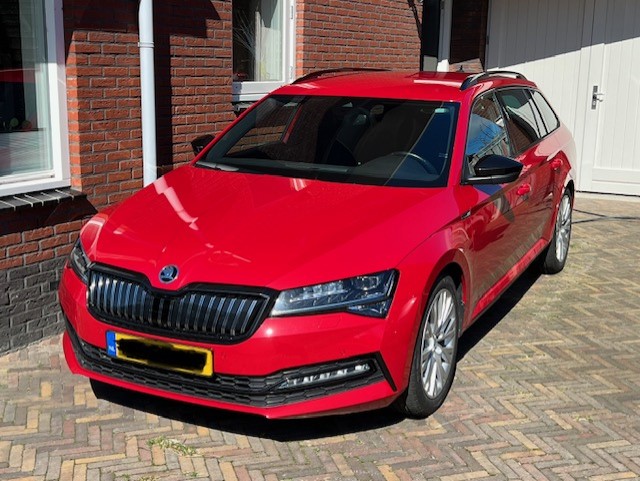
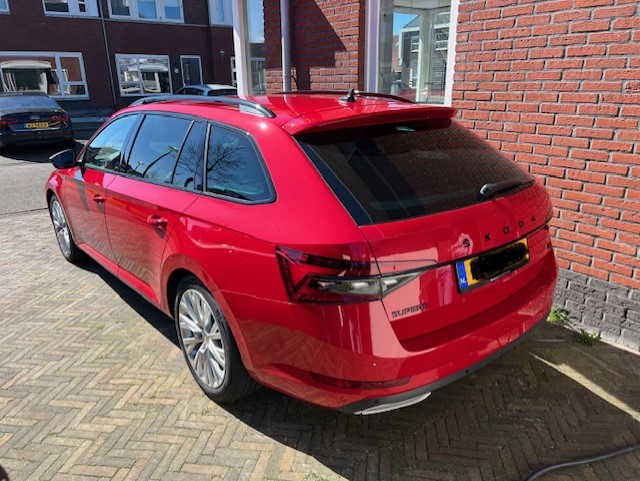
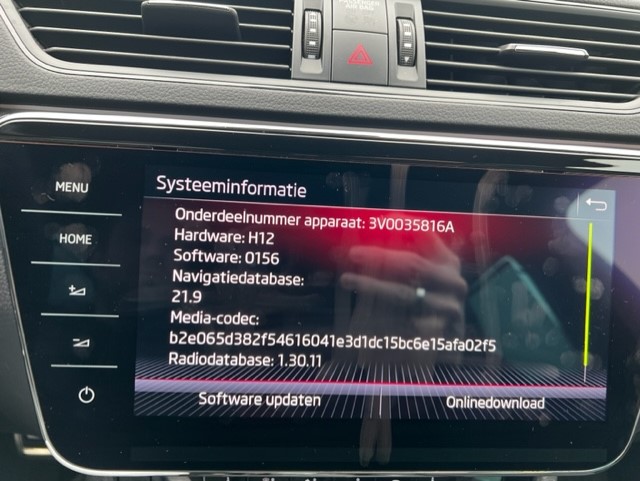
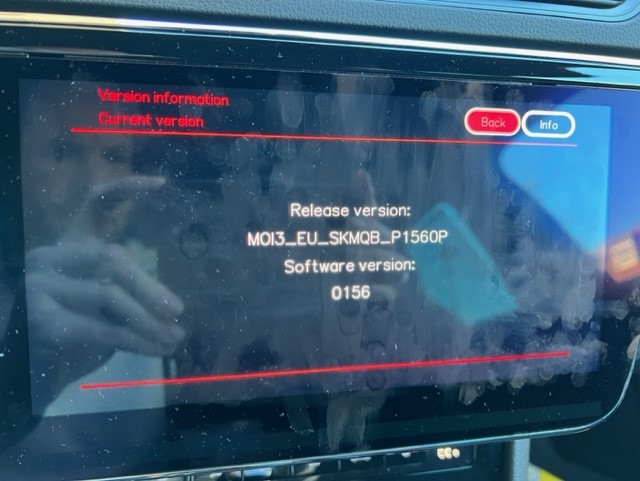
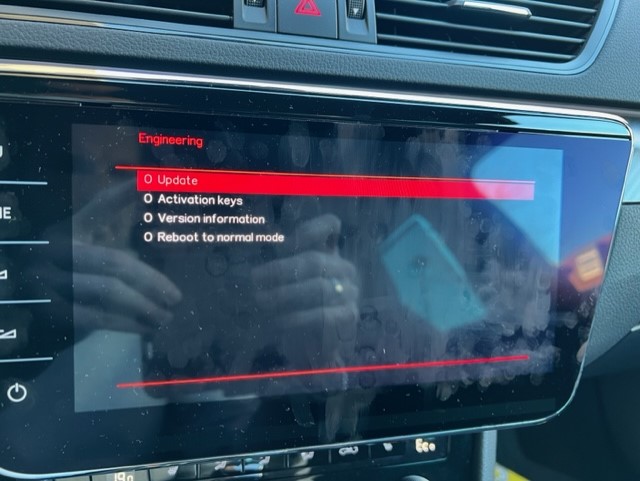
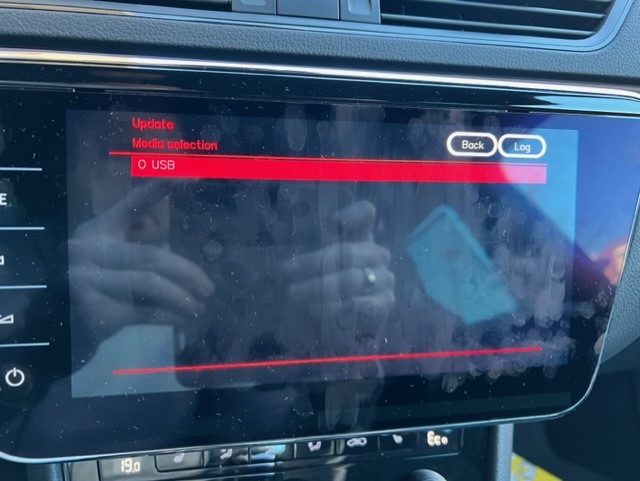
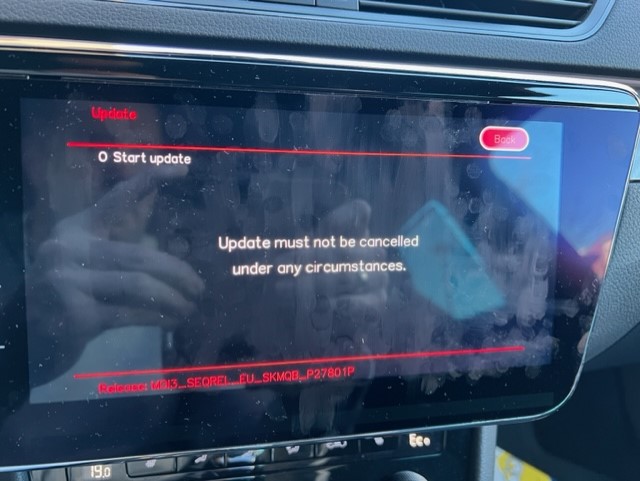
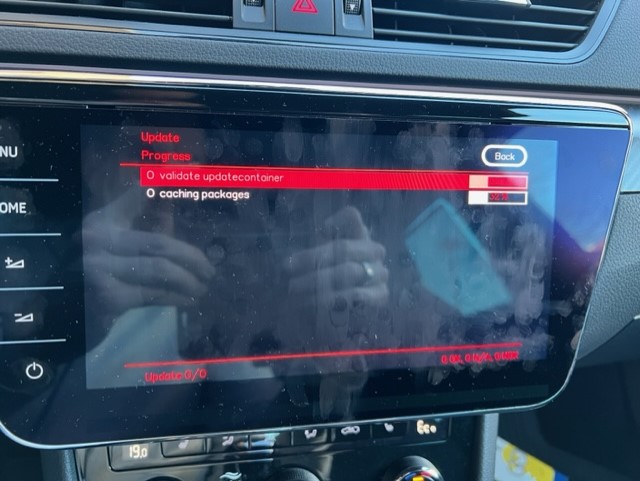
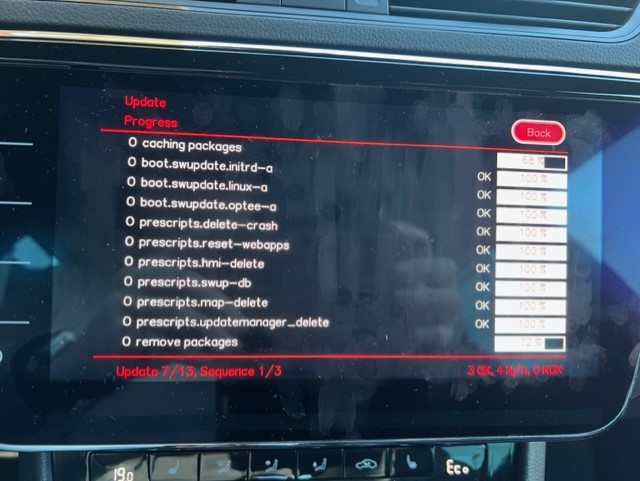
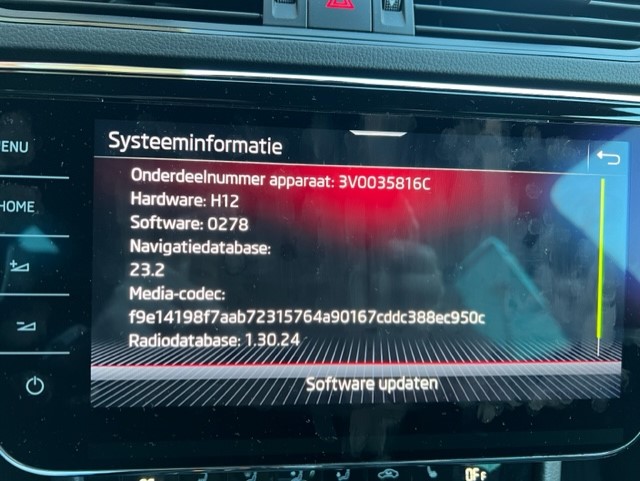
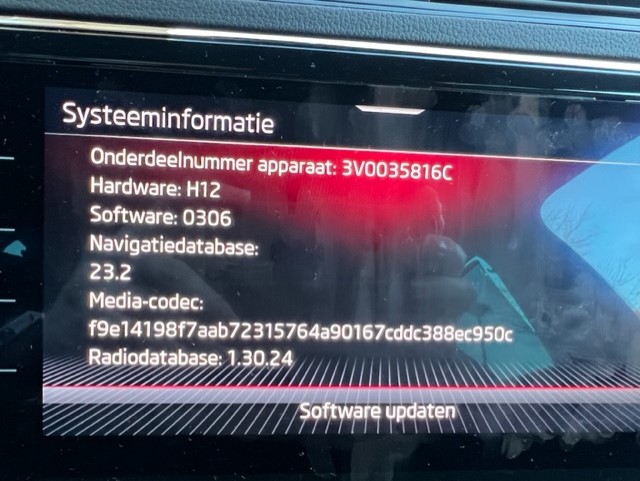
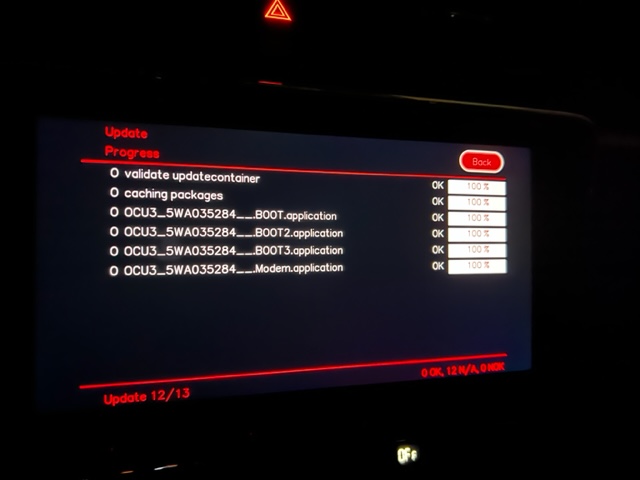
A short guide to update your firmware (in my case from my superb iv from 0156 to 0306. First off all I want to thank @varooomfor navigating me too the right firmware files! Without him, I couldn't even start. Let's start with some pictures from my beauty: A superb IV Sportline Business with almost every option available. DCC, area view, columbus etc. Build in 2020. Initially it had the base firmware: 0156 (language is Dutch btw) After one night, navigation was updated (no picture available but you can perhaps imagine). Slowness of the infotainment started me to look around and messaged Varooom for the last update available for my software train. It seemed that 0306 is the last one. A triple update to 0278 (via 238 , 268 --> 278) and the final update to 0306. Steps: - Create an USB C (or A with C adapter) including the triple update. Extract the base file and put it on a disk. Format as exfat. - Go to the service menu (columbus -> hold menu button) Press update: Notice the message: Keep your ignition on or use a battery charger. This update takes 45 minutes... in case of IV just enable the car and the battery will be charged during the process. Updating starts. It first reads the packages. After several restarts (don't worry) the sequence below goes up to three. (3 steps) after that you get a fresh reboot: Notice the difference in devicenr (onderdeelnummer). First step done. Up to the 0306, same procedure: - Prepare usb - Service menu - install update After this I have two issues: - Skoda connect doesn't work anymore - Navigation won't start According to several tpi's, a feature must be enabled. To be specific: 00071C00. I still have to do this. I have the code, pin etc but no odis available (step 1). After this, the navigation should start again. Skoda connect is a different story. I can't find out why it's not working (right now) already updated the OCU to 0143 (thanks Varooomer) but it is not working like it should. Shop is grey (no icon) and juridical stuff the same. Profile can load but not saved, annoying. Keep you posted about updates!




Important Information
Welcome to BRISKODA. Please note the following important links Terms of Use. We have a comprehensive Privacy Policy. We have placed cookies on your device to help make this website better. You can adjust your cookie settings, otherwise we'll assume you're okay to continue.