SuperbDan
Finding my way
-
Joined
-
Last visited
Everything posted by SuperbDan
-
oh! ok😫🤦♂️
-
This was the one actually not valeo
-
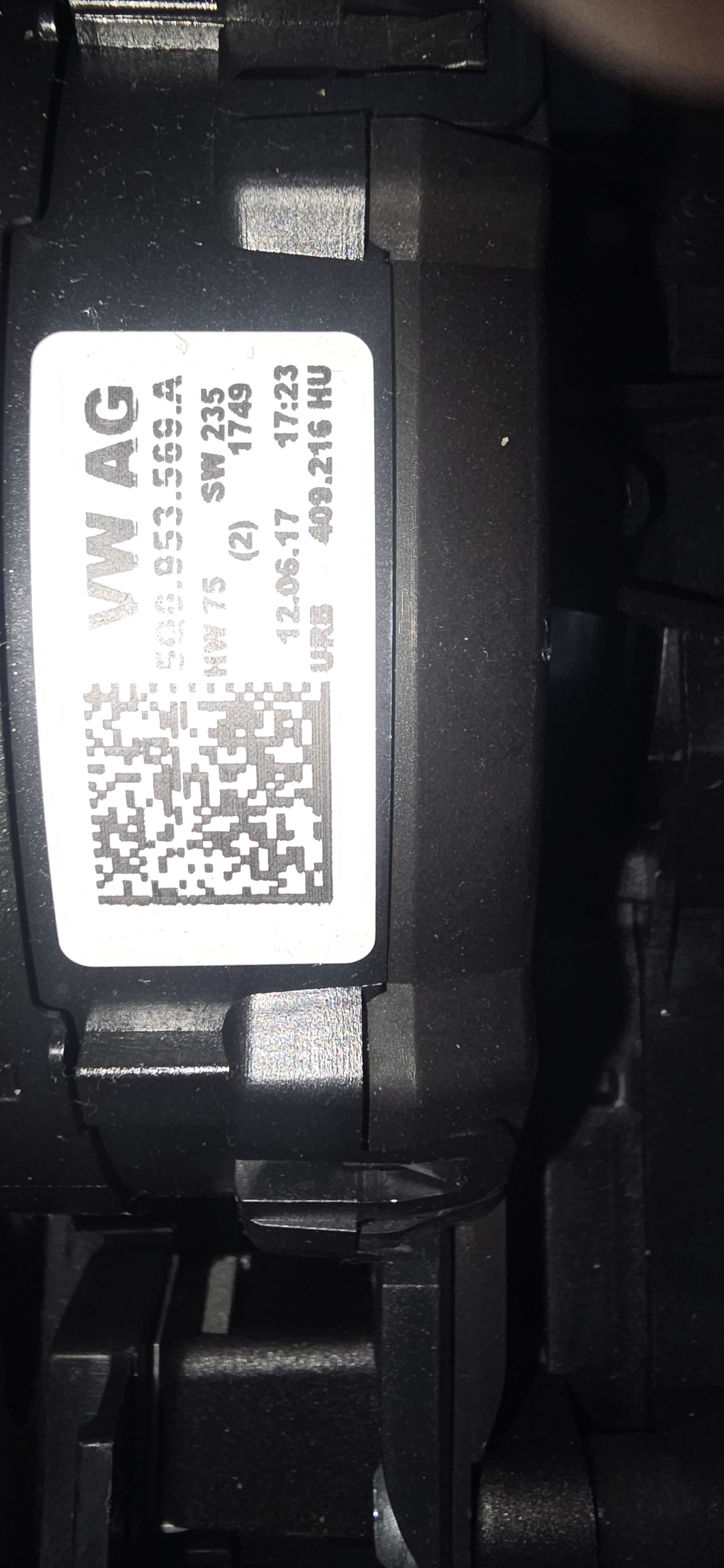
5Q0.953.569A
-
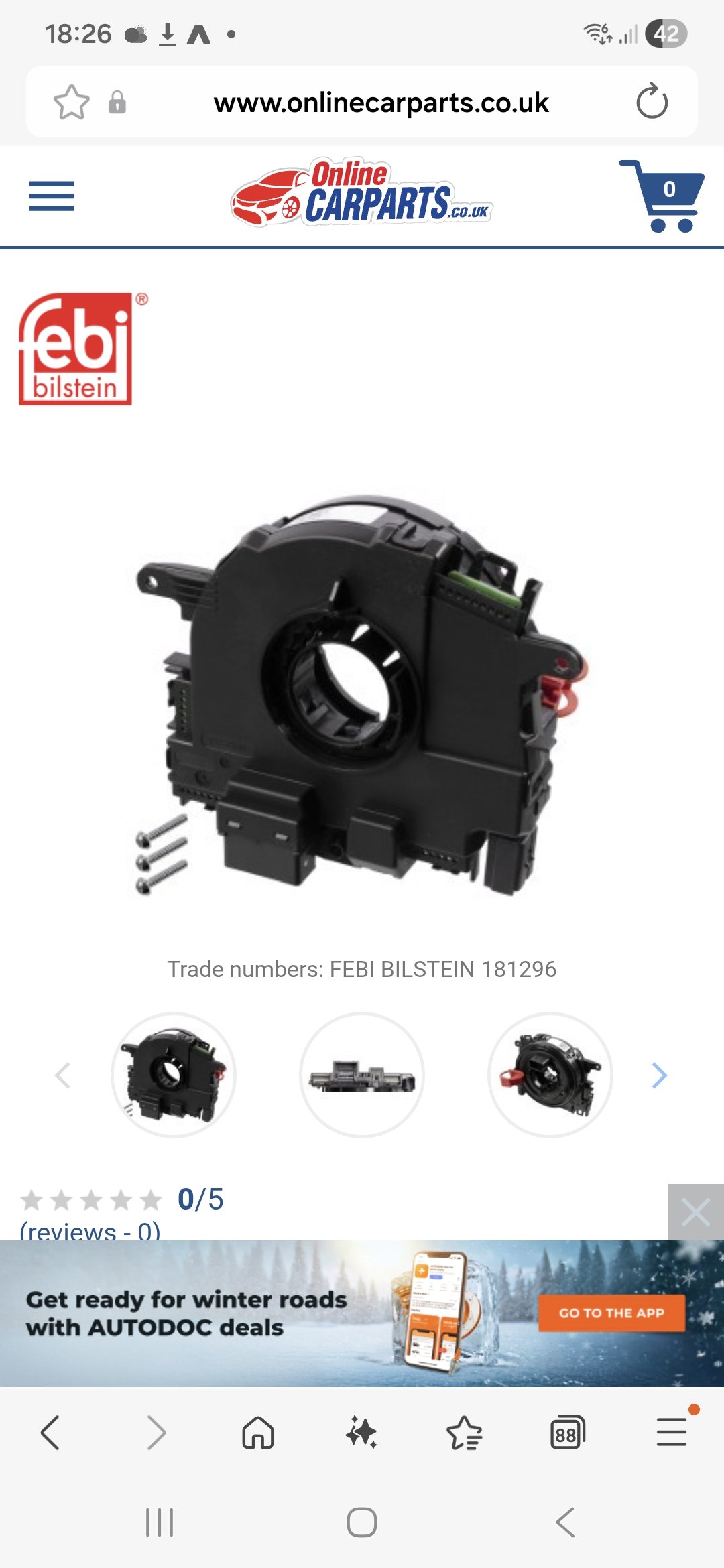
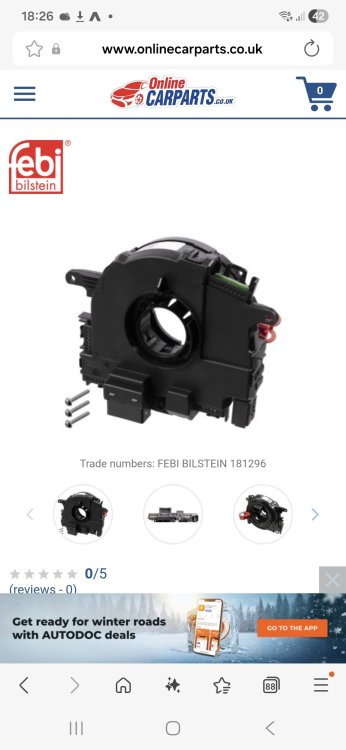
Clockspring I got was valeo brand, Said it fits my car, but obviously was cheaper than the crazy dealership price. But now wishing I just paid up. How can I get original code without the old part, tried one dealership who previously service car and were very un helpful.
-
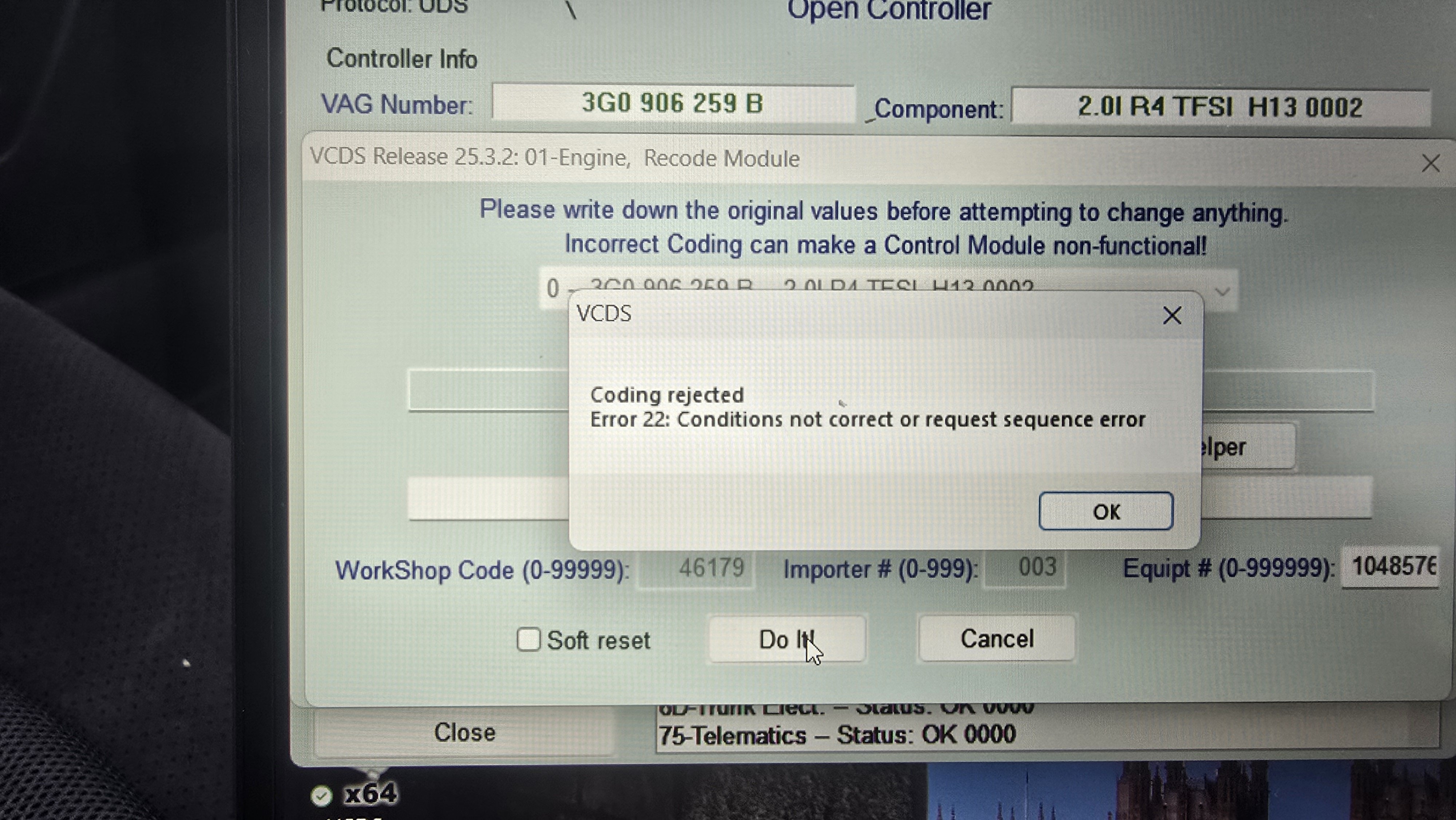
tried ha lastnight and hot the message
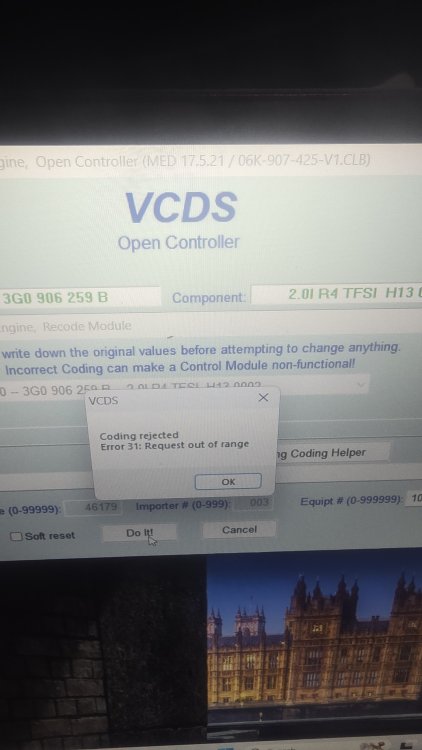
-
Tried again, this is what i get
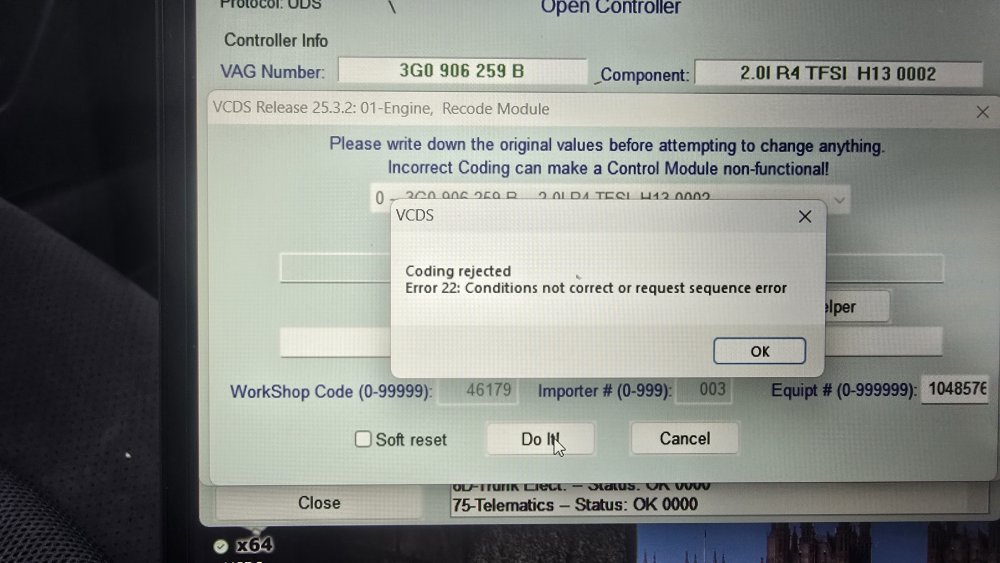
-
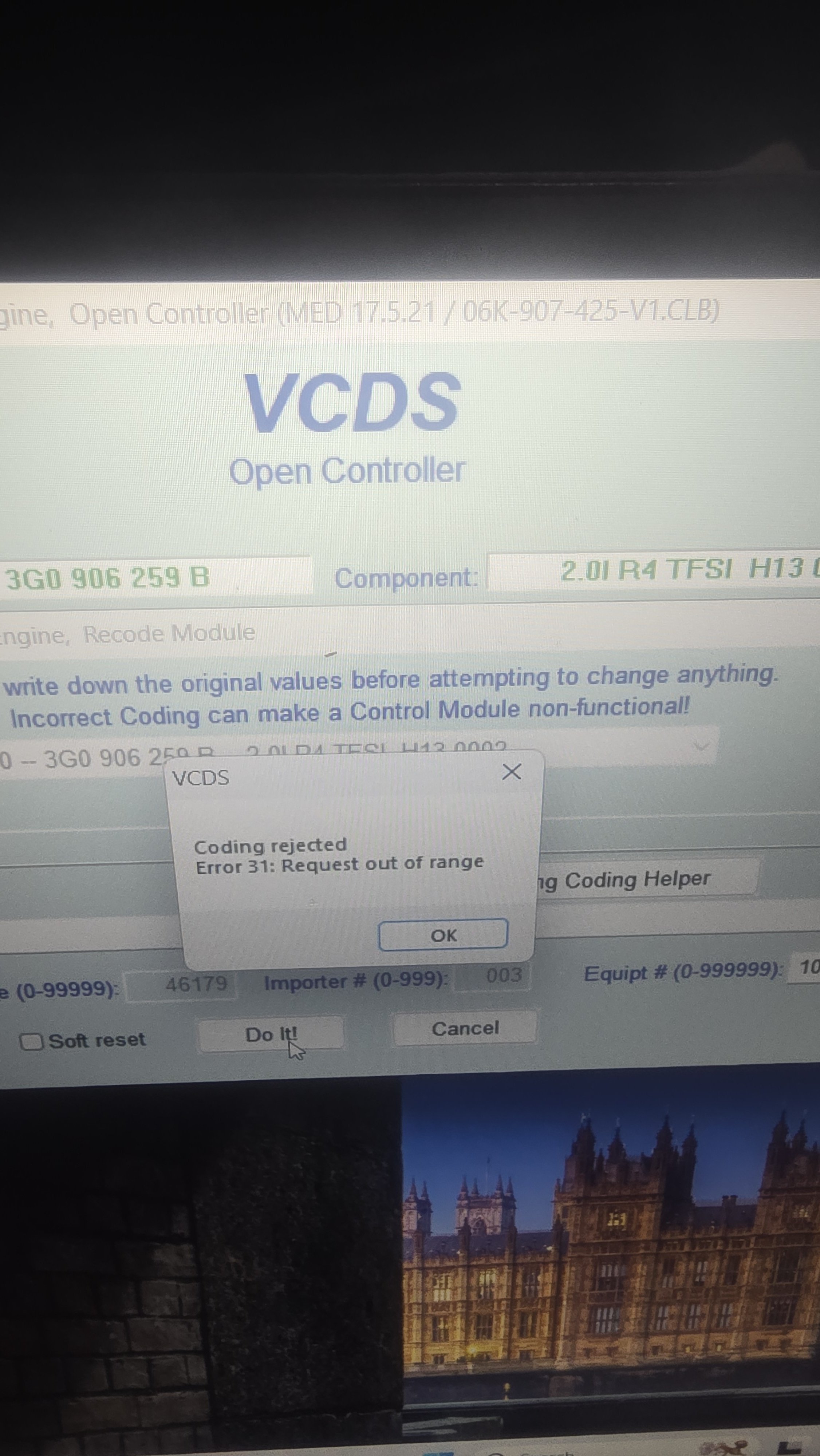
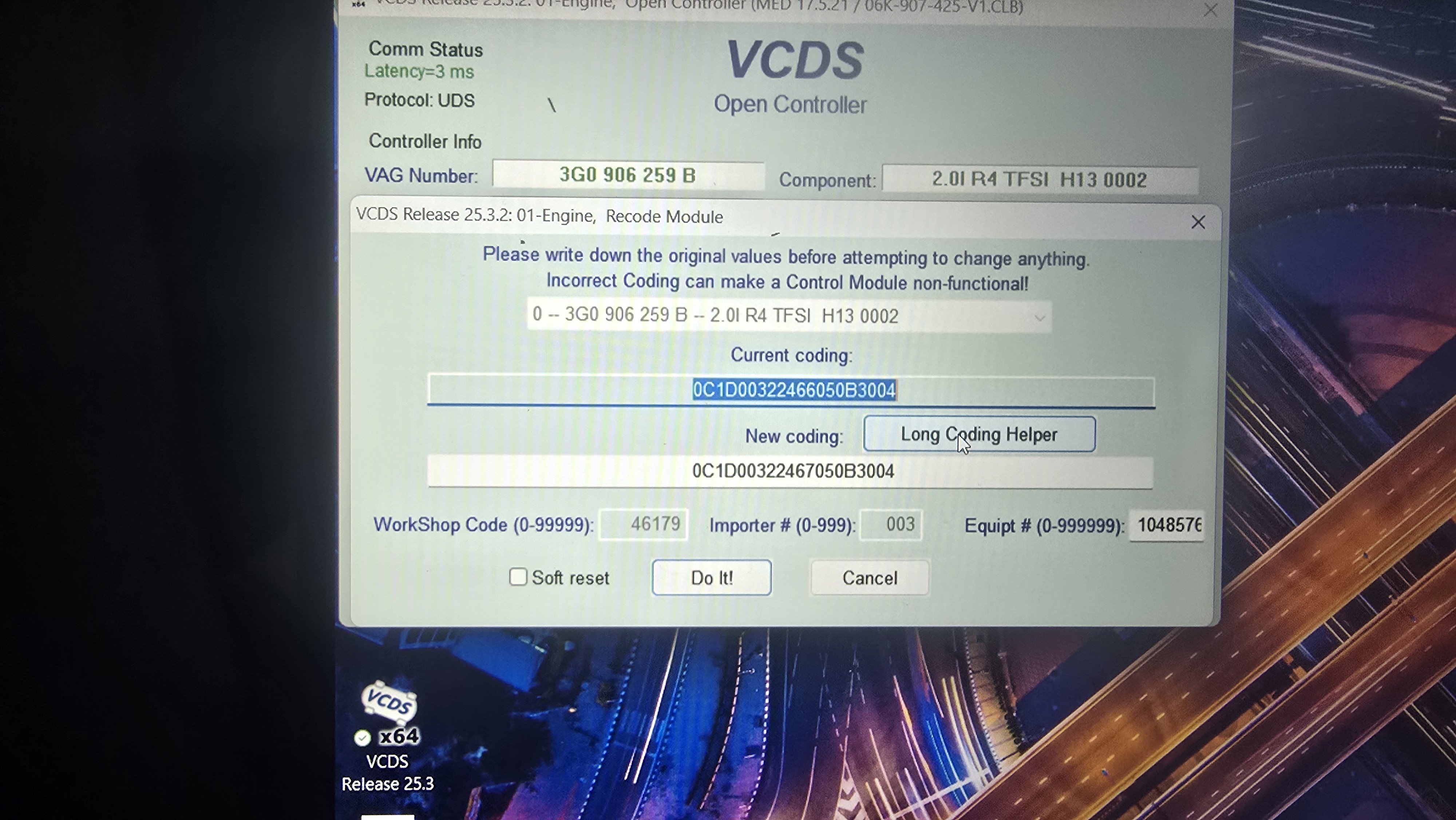
I did that and it says code not accepted,
-
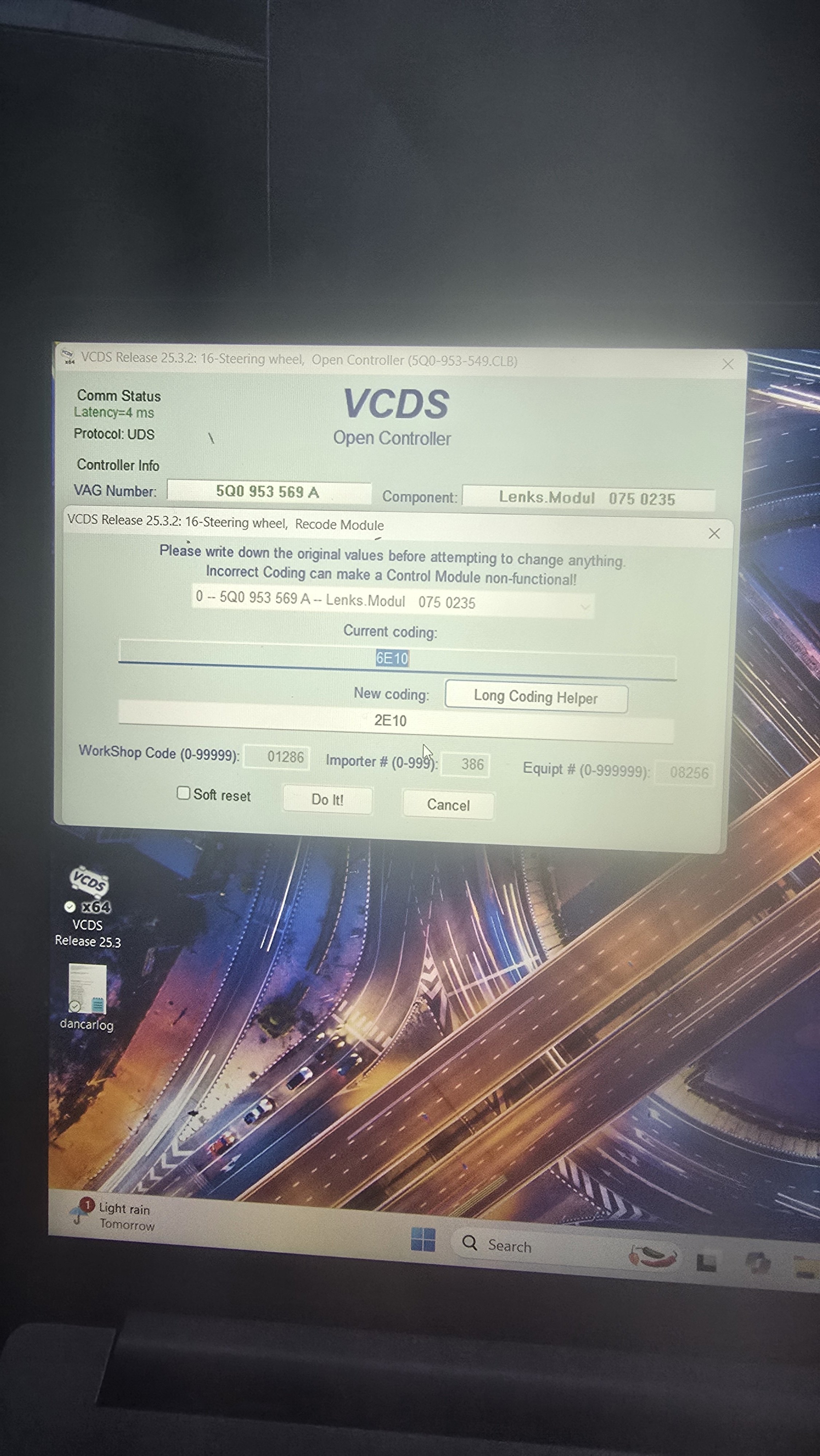
this was original, part number which i replaced with same number.
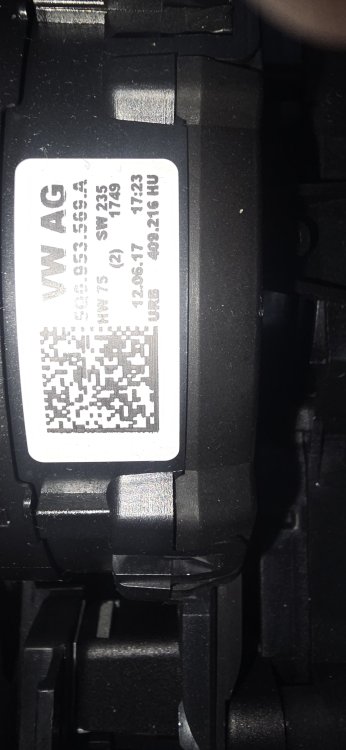
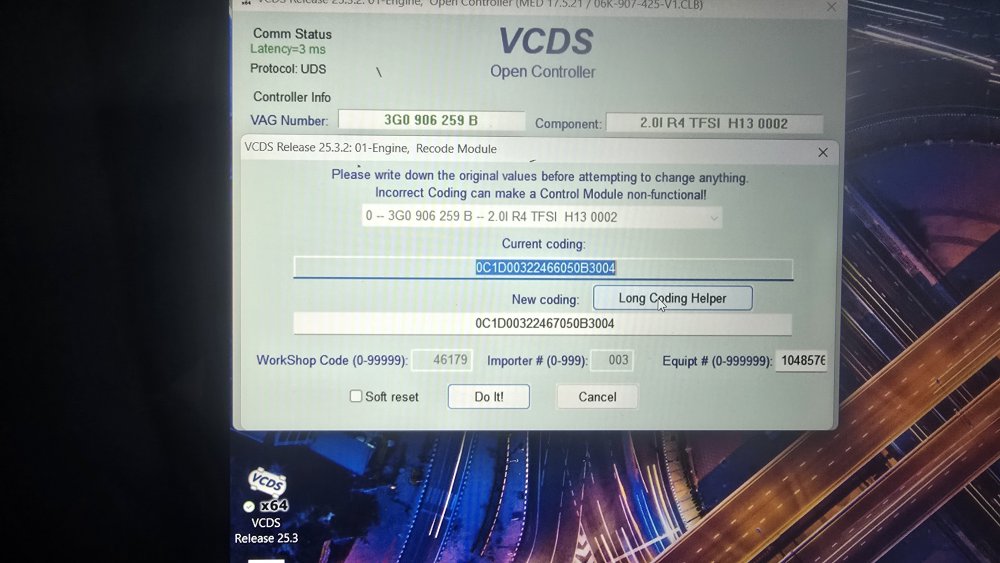
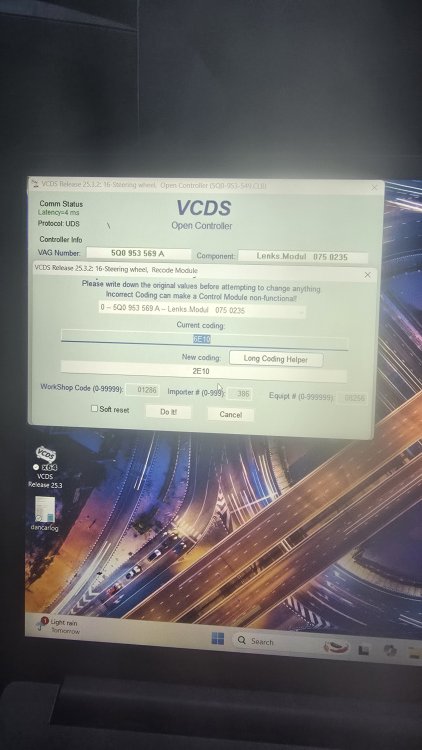
-
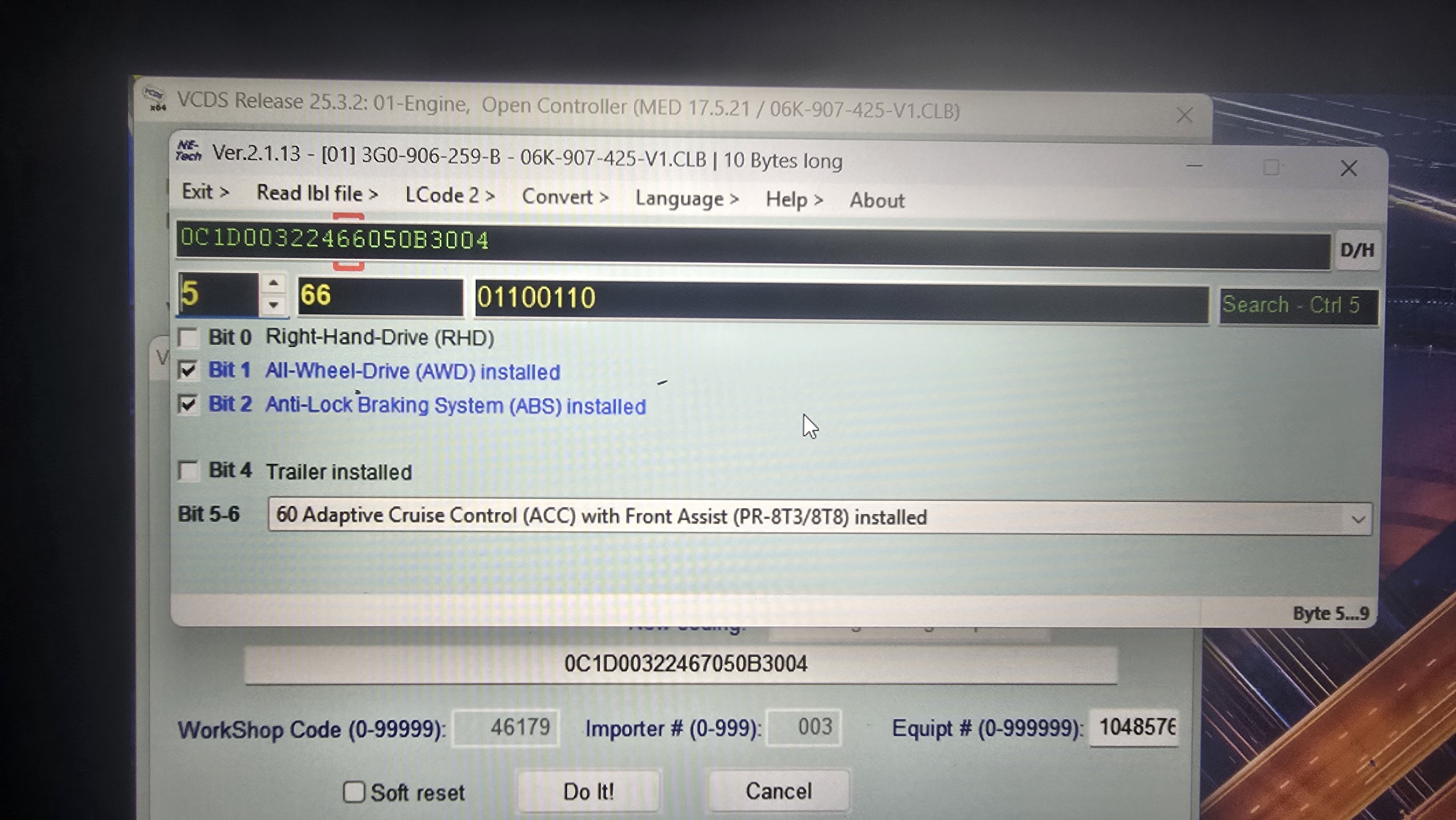
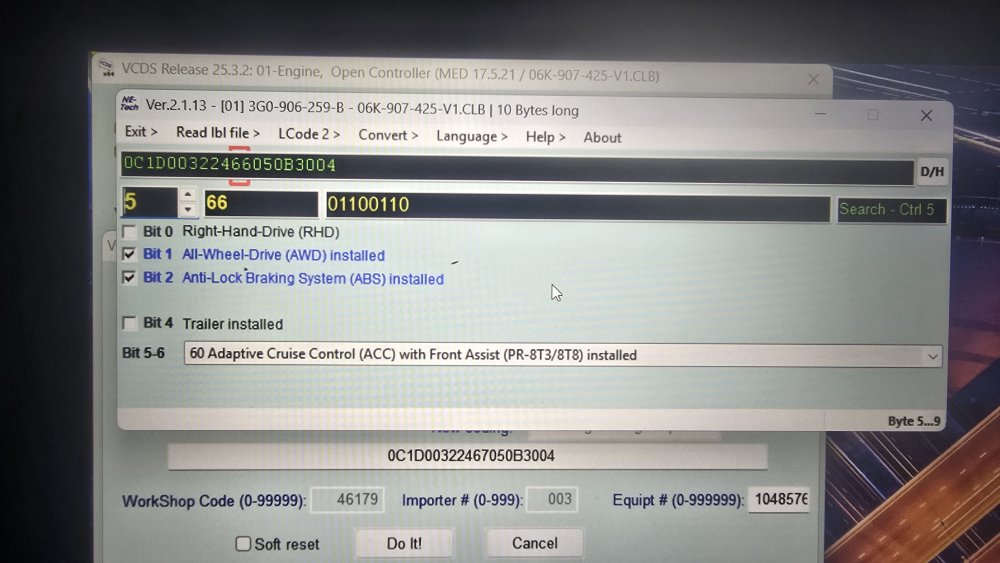
Noticed that there is a box unticked which says RHD , should this be on, did try changing it but it wouldnt accept code. Is there anyone that can tell me if this information can be found on odis? Will try the dealer that serviced/ repaired my car previously, hoping they scanned it then.
-
Ok appreciate your help, will persevere
-
Tried changing the code to 6414, but I then got an error message on dash saying please return lever to park, seek worksop repair. I changed it back and it worked on test drive, cruise control Working but then dinged up saying unavailable. Any ideas?
-
Thanks, car has third stalk, problem is i dont have old one as was broken, and stupidly threw away. Can this one be coded? or do I need the other version?
-
Hi I need some help with my Superb, clock spring replacement, im new to all this. I replaced the clock spring a little while ago and have had no cruise control since, i replaced the old unit with a new one with exact same part number 5Q0.953.569A . Was told by my mechanic friend that it needs coding. everything on steering wheel works except the ACC message that appears on start up. I have vcds now and ran a scan but have so many faults now. Need advise please. many thanks dan dancarlog.txt