




jimmyw147
Finding my way
-
Joined
-
Last visited
Everything posted by jimmyw147
-
Anyone know what the control module is? Is that the part in glovebox? Or the whole unit?
-
Can these units be replaced by a different brand, do other units come with the part in glovebox also
-
Maybe similar issue but when I start car lot mornings no volume, and during the day after car locked and restart. And volume control button very bad response from it when no audio, bars go up slowly but no sound. Then when sound works, volume control and bars all move properly. Annoying issue:(
-
I updated it today and still the same volume issue, sometimes volume works and other times when start car no volume and mute part on screen and volume control not functioning. I wonder is it the screen need to replace or the part in glovebox? Will I need someone then to code the new system to the car?
-
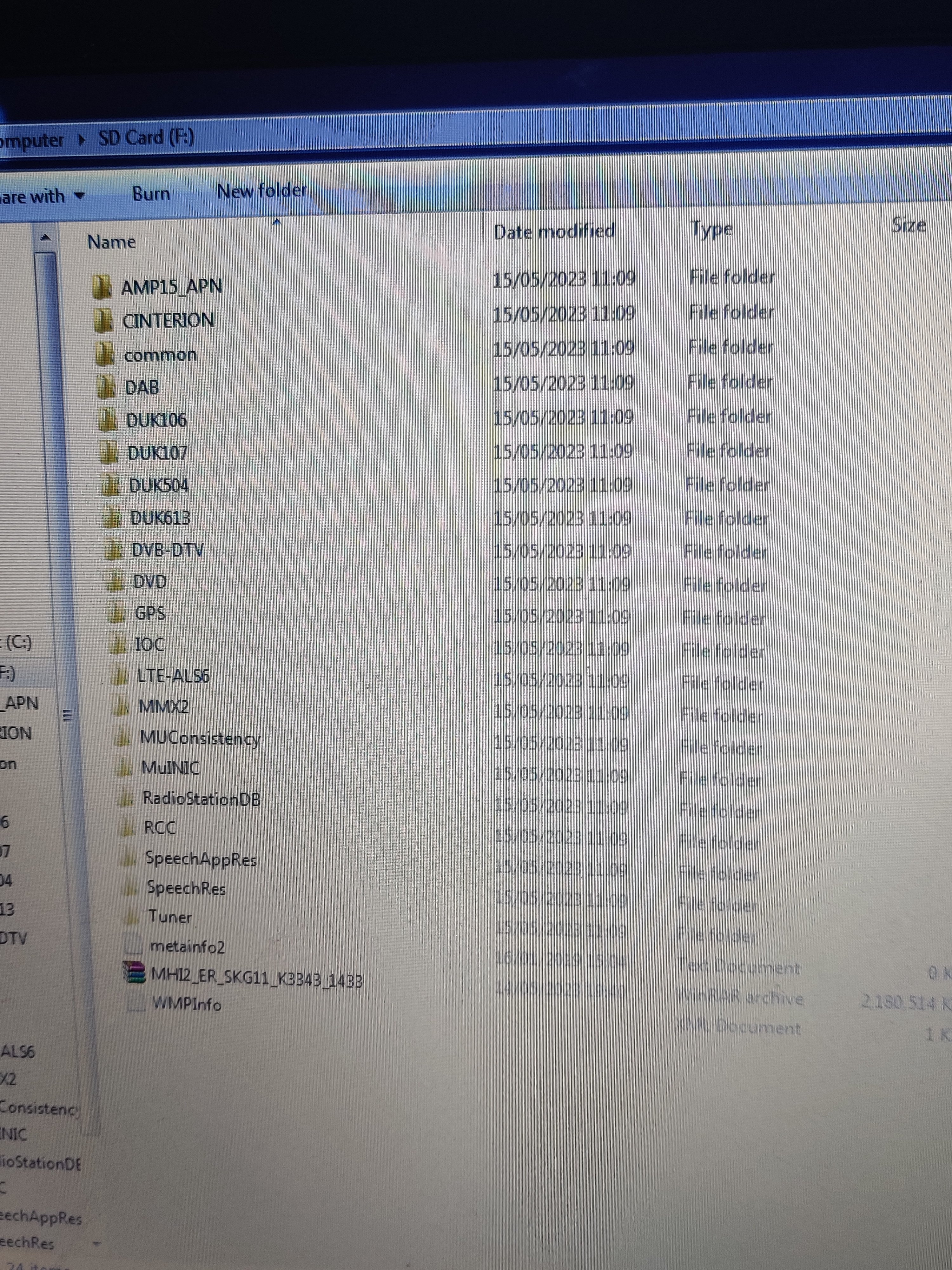
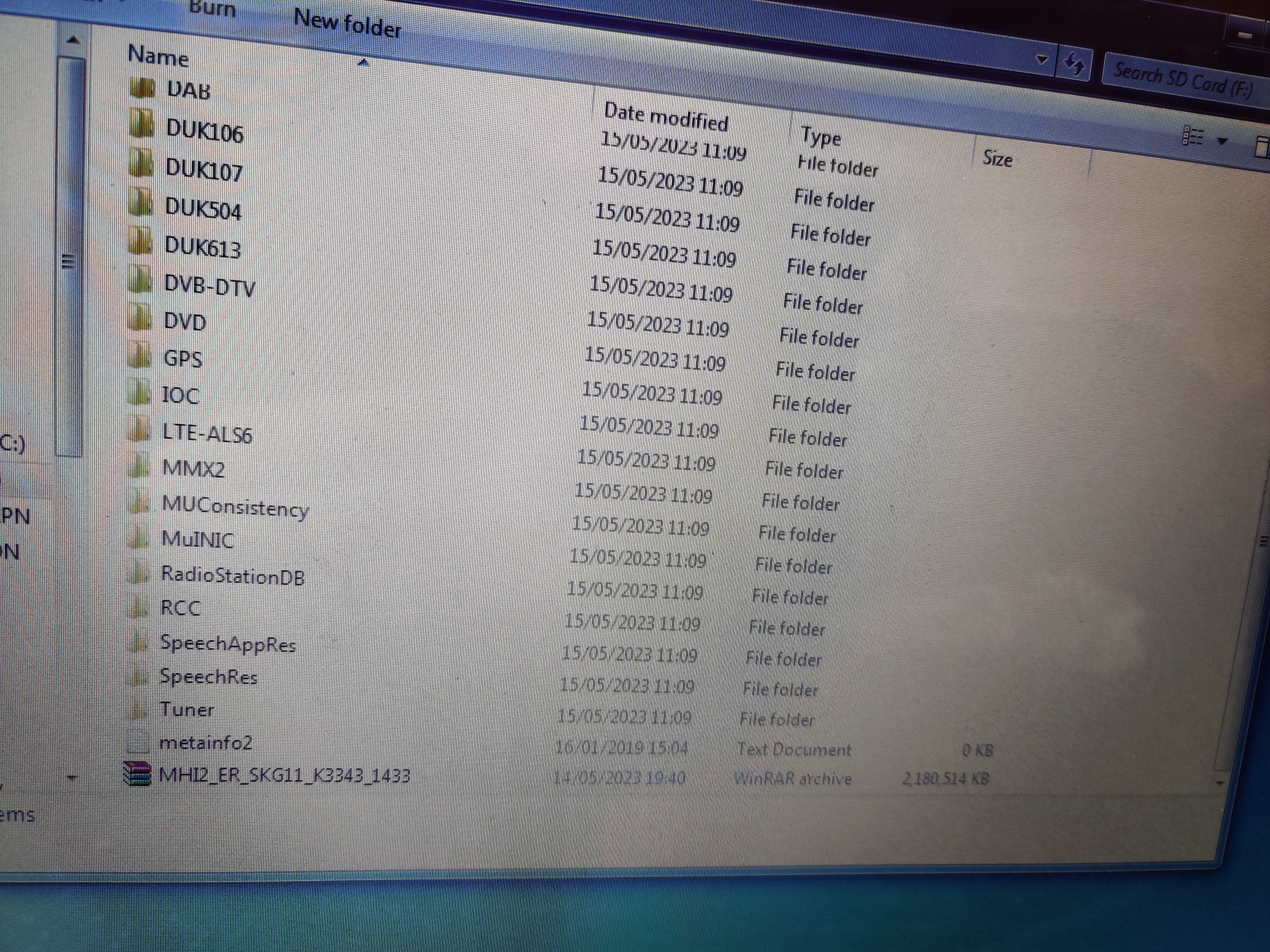
Hi varoom, that's pic of full SD card files, not great camera sorry:)
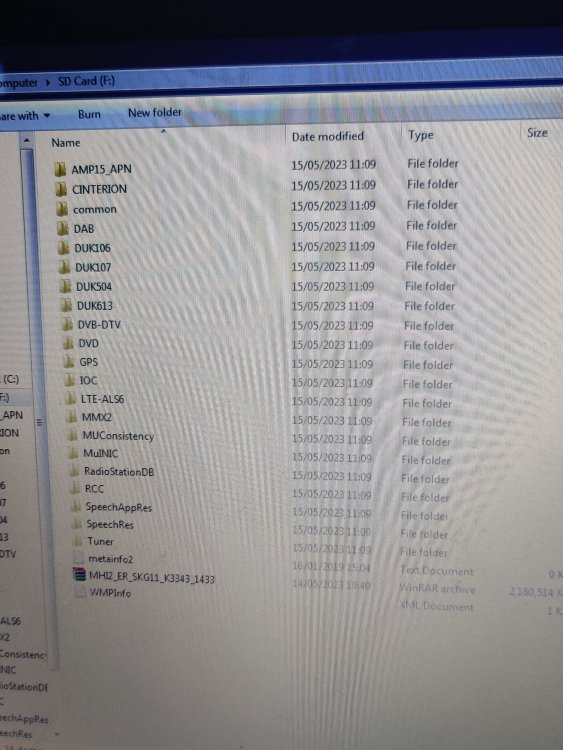
-
Hi varoom That is the contents of SD card if that's correct
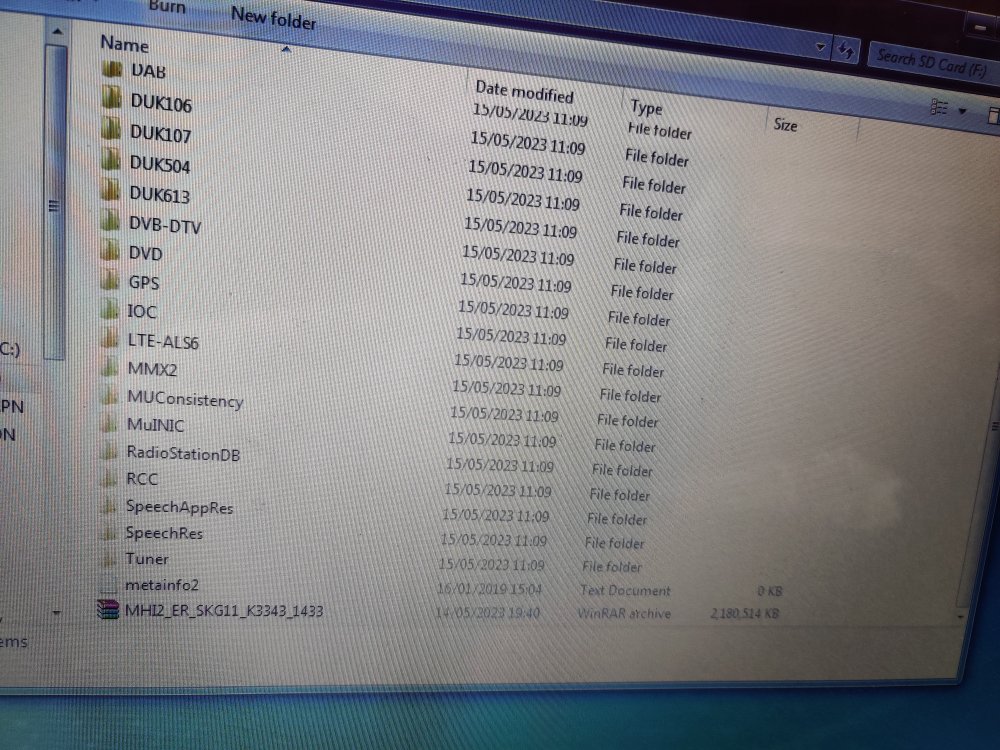
-
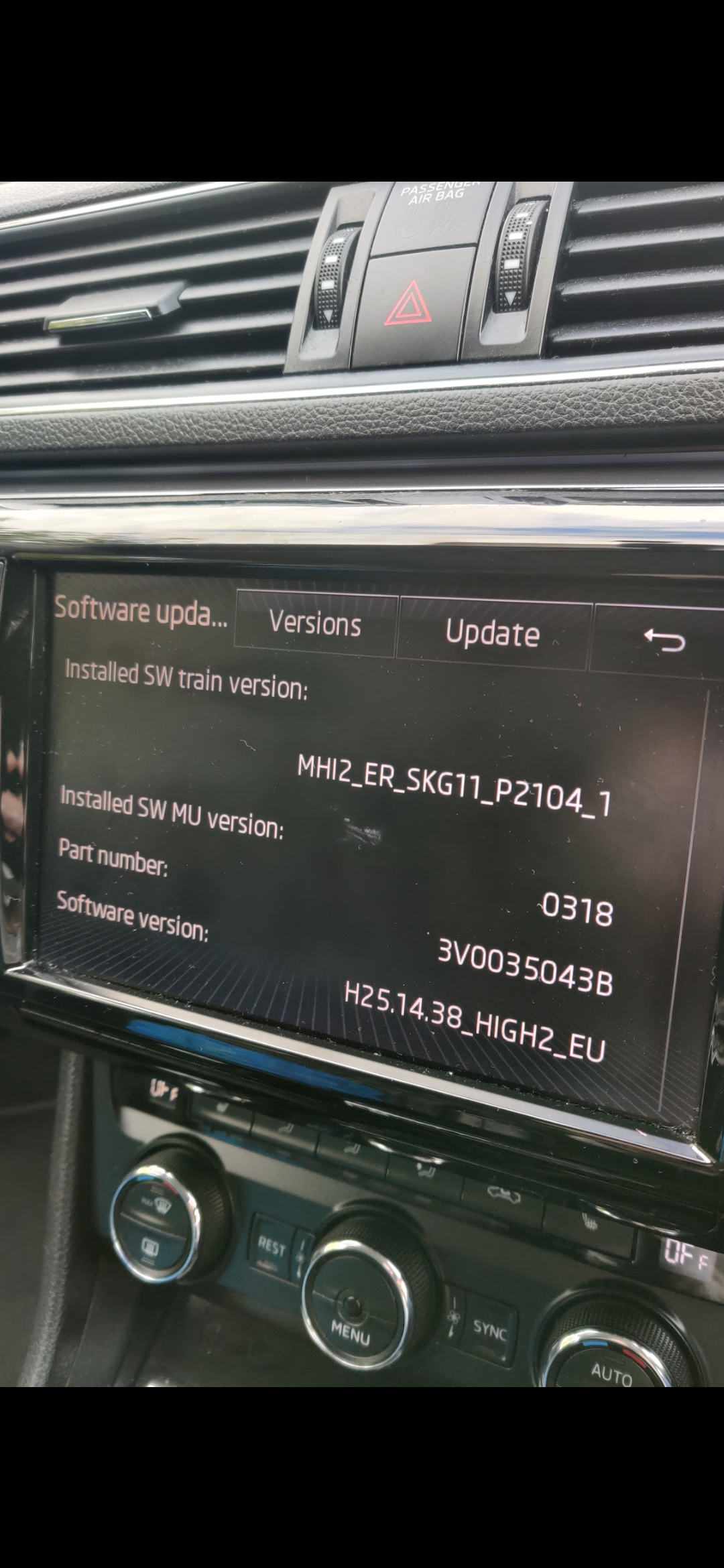
Not sure name of it but this is the system and when I press update, the options arent lit up, ie SD card etc
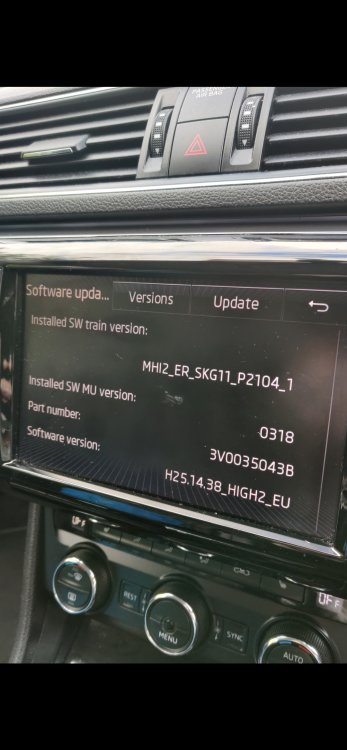 Hi all, new to the group, was told to post my querie here. I have a 2016 Skoda superb, only have the car a month, and the radio volume won't work, then at times when I start the car it will work. Sometimes if it's not working, I tried holding menu and pretend to update, and that makes the volume work at times. Everything else seems to work on the unit itself, sat nav etc. When the radio is not working, I noticed the volume control has no response, seems to be frozen at times. Wondering if anyone has any ideas, not keen on spending 3000e on a new unit. Any advice appreciated Cheers

Important Information
Welcome to BRISKODA. Please note the following important links Terms of Use. We have a comprehensive Privacy Policy. We have placed cookies on your device to help make this website better. You can adjust your cookie settings, otherwise we'll assume you're okay to continue.