dbskomo
Finding my way
-
Joined
-
Last visited
Everything posted by dbskomo
-
I see that the firmware file is now available on MIB solution under MOI3 so everybody can freely download it there. 😎 Use guest twice to log in.
-
I've installed it. No issues after two drives.
-
I did. Will let you know how it works after I take another drive.
-
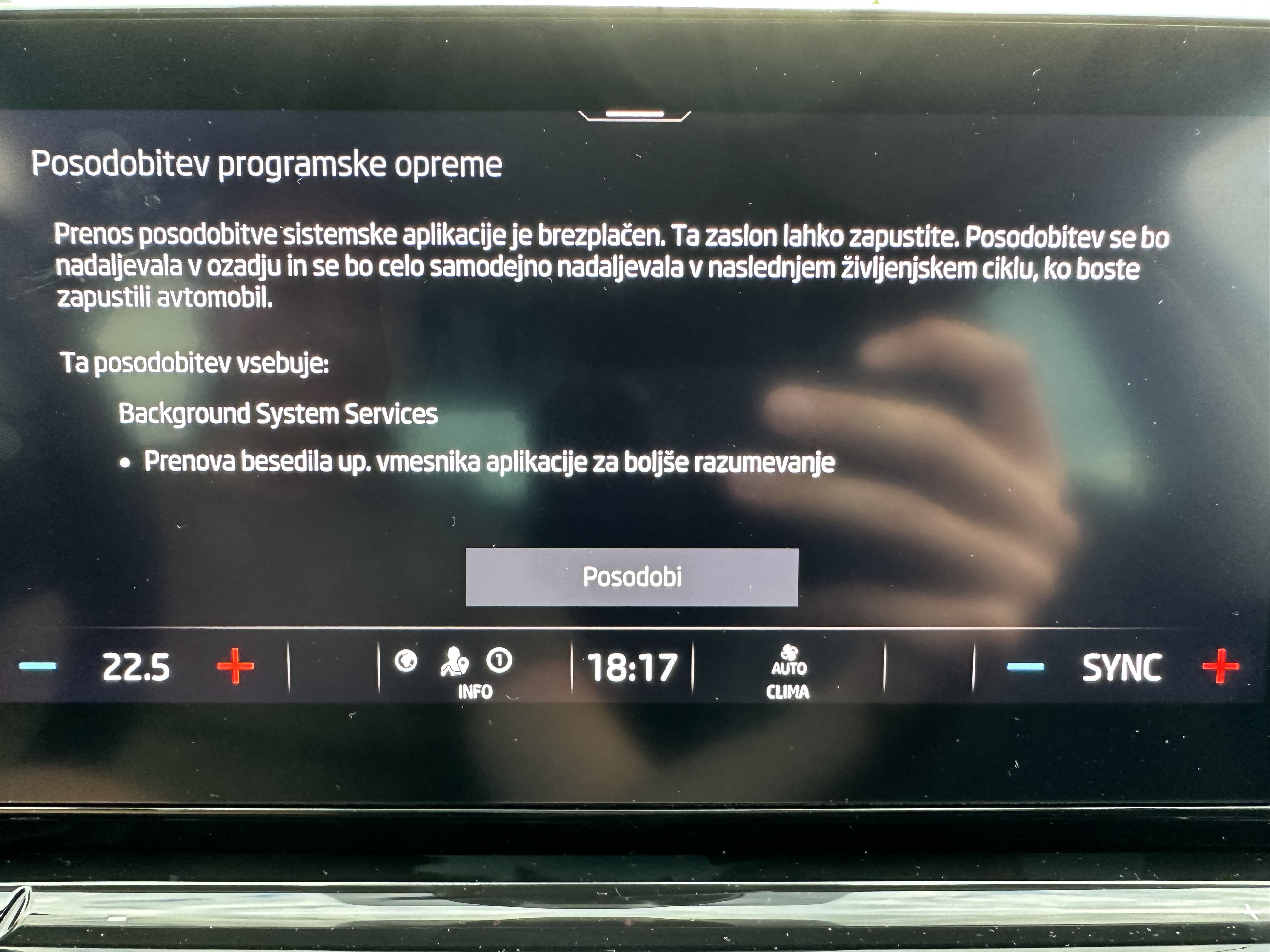
Today, I’ve received a first update since updating to 1941 about a month ago. Here’s the English translation of the changelog:
-
I drive 2023 Skoda Octavia that does not seem to have ambient lightning in the cockpit. Does anyone happen to know if the hardware is still present in the car and I could enable it by coding?
-
Reading this feels like Skoda is stuck in year 2000. The legacy automakers like Skoda are so far behind the new ones like Tesla, Lucid, and Rivian. Skoda’s infotainment system in comparison to theirs feels like it’s from stoneage.
-
It also contains Slovenian.
-
Plug in the USB before you start the ignition. Report back if it works.
-
I also received this OTA update after updating to 1941. It installed right away and has been working flawlessly.
-
I’m pleased to report that more than a week has passed since I installed 1941 and no bugs have occurred ever since. So far, 1941 has been rock solid for me. The car should have worked like that since the very beginning.
-
Okay, here’s my report: 5 days have passed since the 1941 update. I did 630 km so far and no reboot or any other bug. I use wireless Apple CarPlay all the time with Spotify and Google Maps.
-
Thanks! That was super interesting to read!
-
I’ve experienced both types of reboots you described but the reboots after the start of the car were more pronounced. Sometimes, I even had 4 reboots in a row immediately after starting the engine which was super annoying. Since the update, this hasn’t happend. And yes, I drive 2023 Octavia.
-
Ask @Rainesh or @varooom for the link.
-
Another update after installing 1941: I did a 6-hour drive (515 km) without any single reboot. All systems are working as expected, I did not experience any other/new bug. As far as I’m concerned, this update did the trick.
-
It’s totally the same.
-
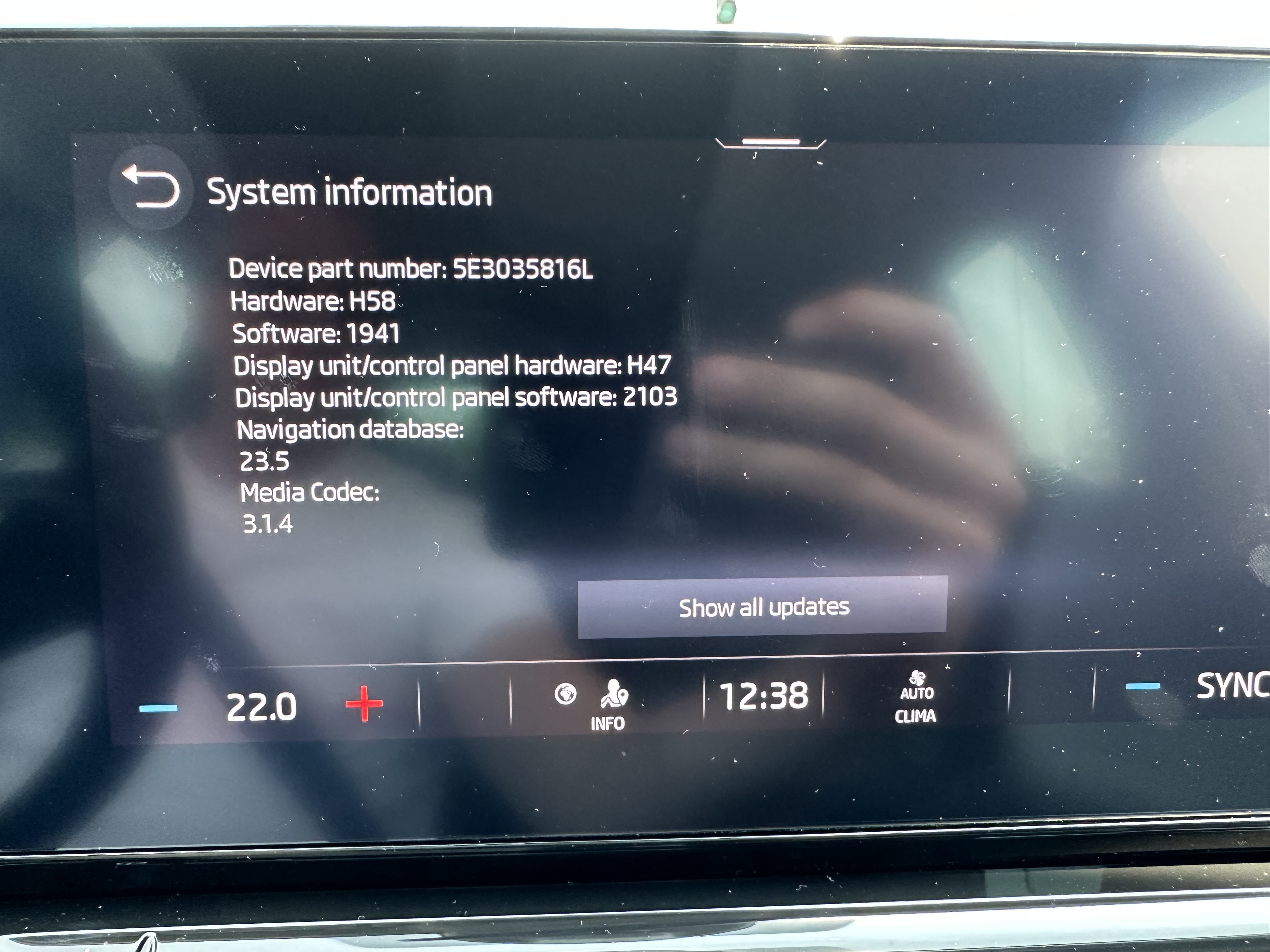
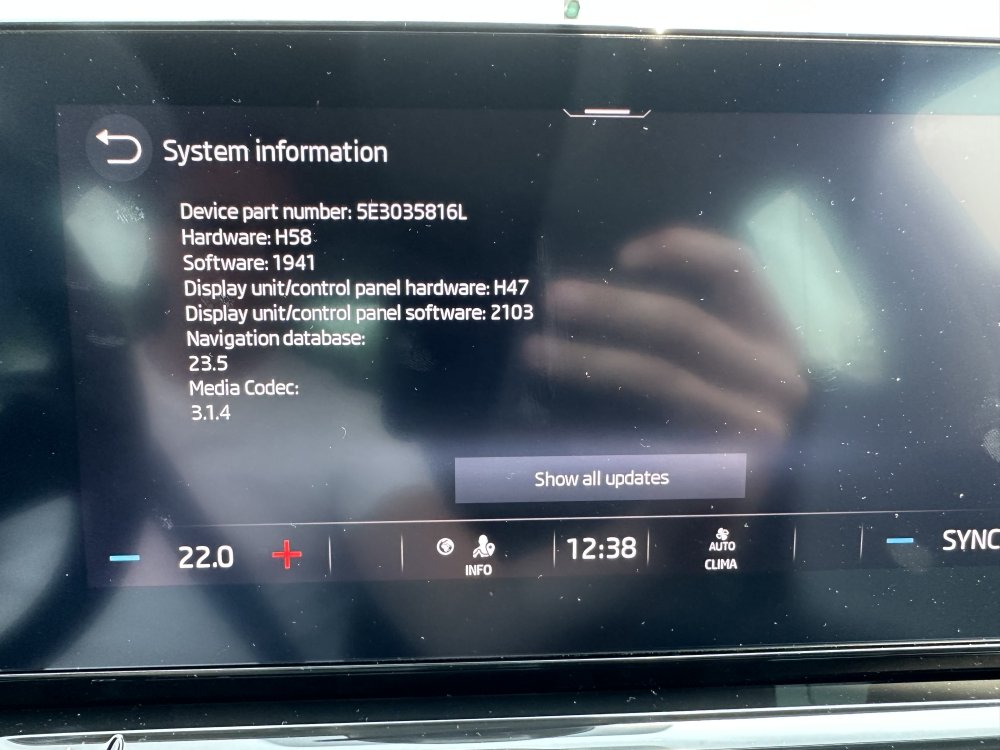
I had so many spontaneous reboots this week with even 4 occurring on the same day that the infotainment system was practically unusable. That’s why I decided to go ahead and install 1941 yesterday. I did two 2-hour drives since and everything seems to be running smoothly. No reboots and any other hiccups. Hope this stays like that. Notes: When the engine was running, the engineering mode did not detect the USB was plugged in. Once I shut the car down, it detected it successfully. It took approximately 15 mins to complete the install on H58. After the install, I received another small update of some system apps. I didn’t notice any other changes but I didn’t take much time to look for them.
-
I think you should try. 😆
-
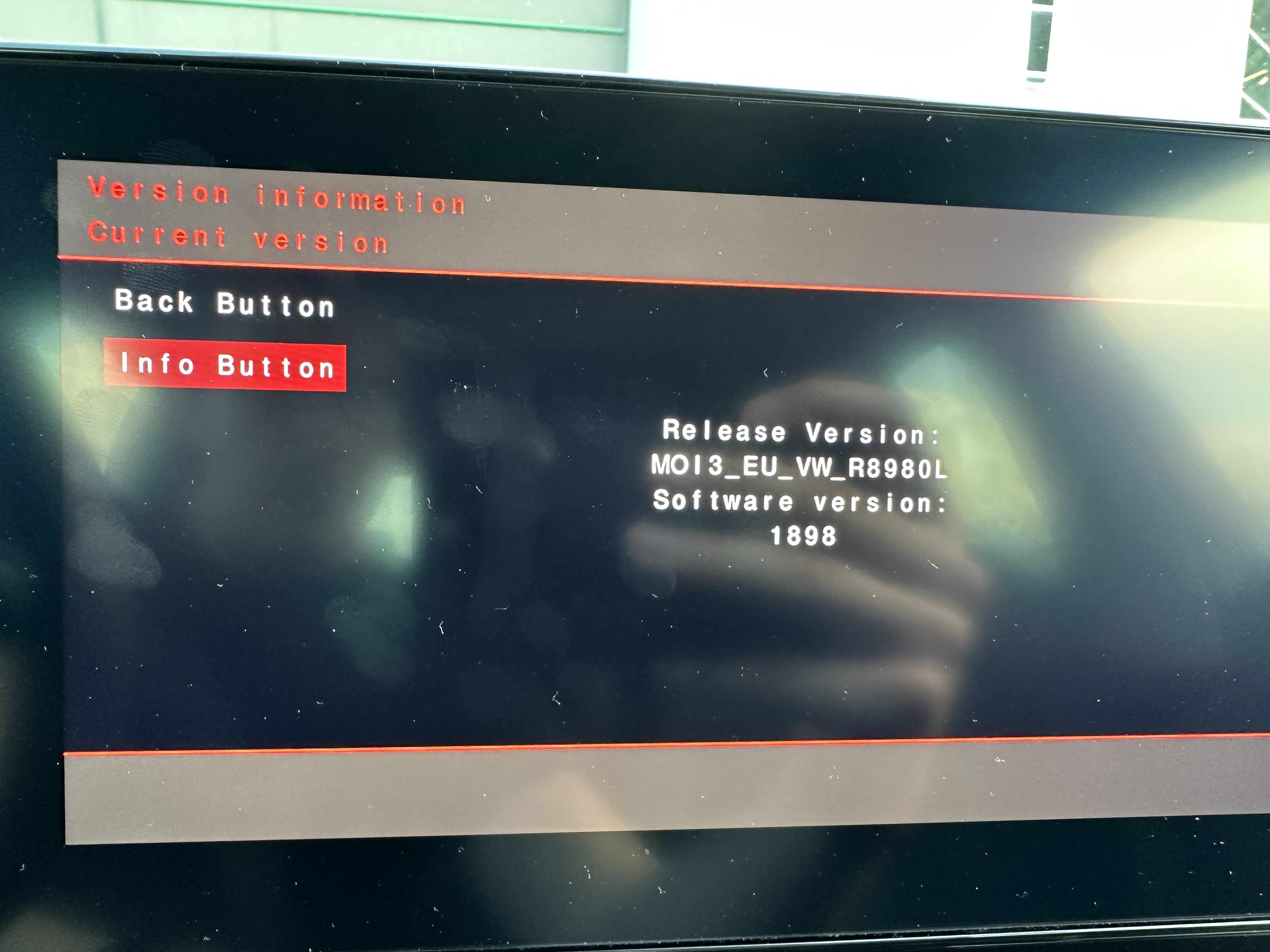
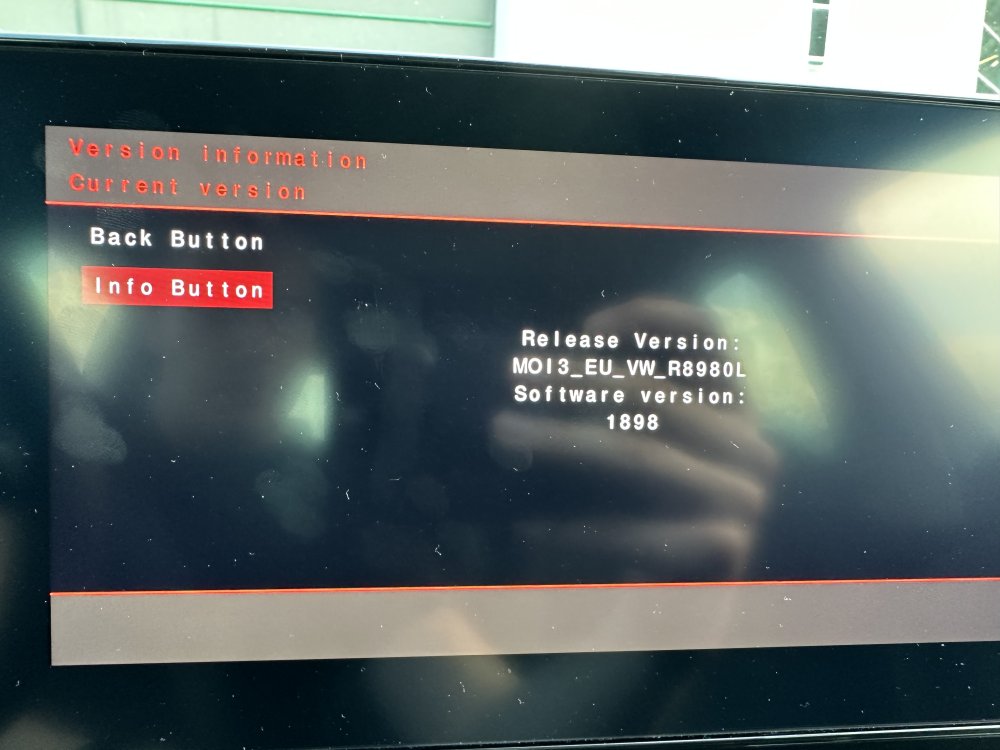
Here’s mine. Also running VW software. I guess it knows it’s in Skoda and only applies Skoda’s skin when it’s running.
-
This issue is widespread. We rock at least 30 Škoda Octavias where I work and everybody occasionally experiences spontaneous reboots of the infotainment system. Keep in mind that our fleet includes mostly newer cars made 2021 or later. I drive 2023 Octavia with (H58, SW 1898) and had two spontaneous reboots just today immediately after I had started the car. Bummer!
-
I think it's all digital now. You'll have to check Skoda erWin...