ssuperbb
New here
-
Joined
-
Last visited
Everything posted by ssuperbb
-
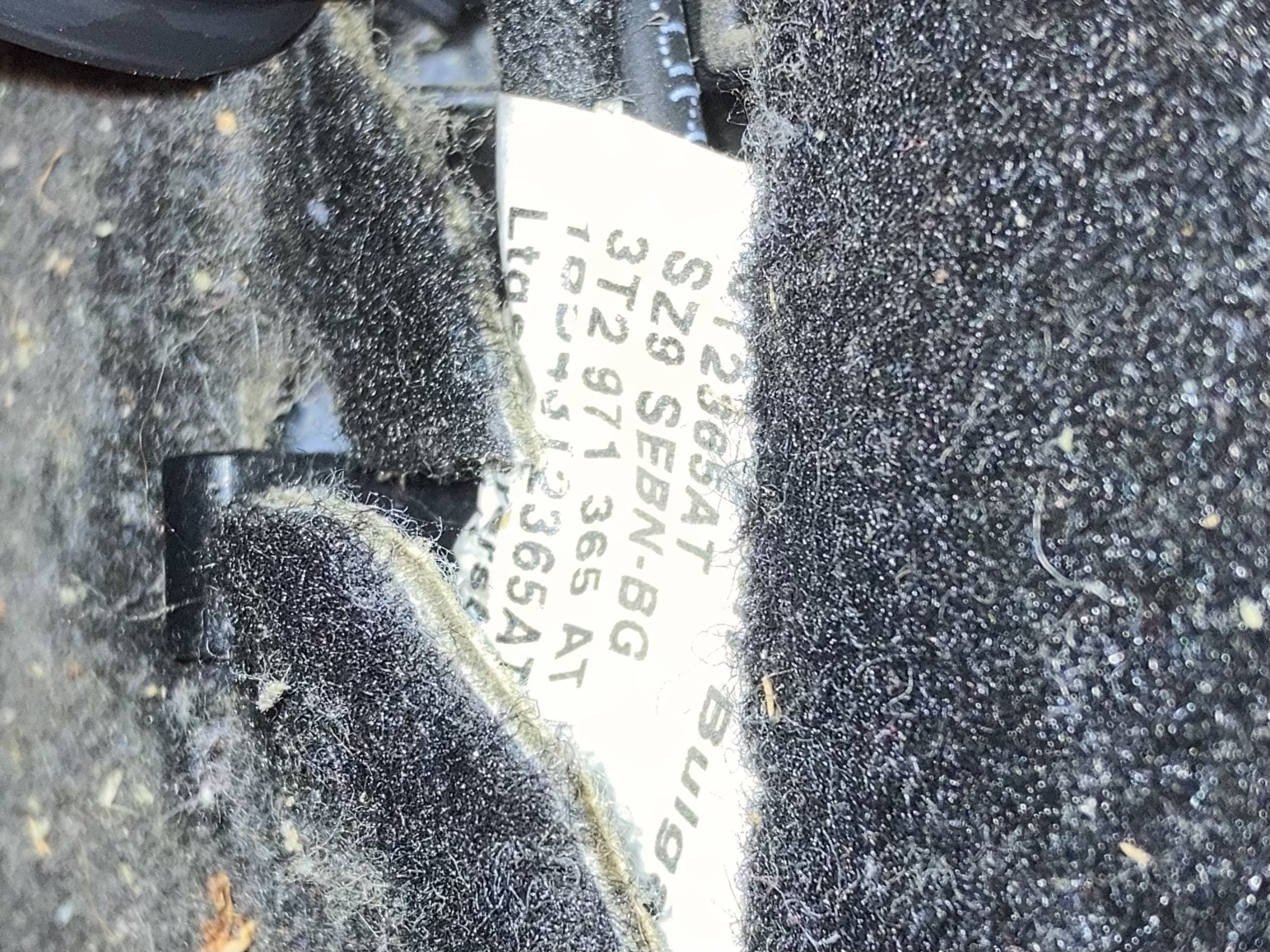
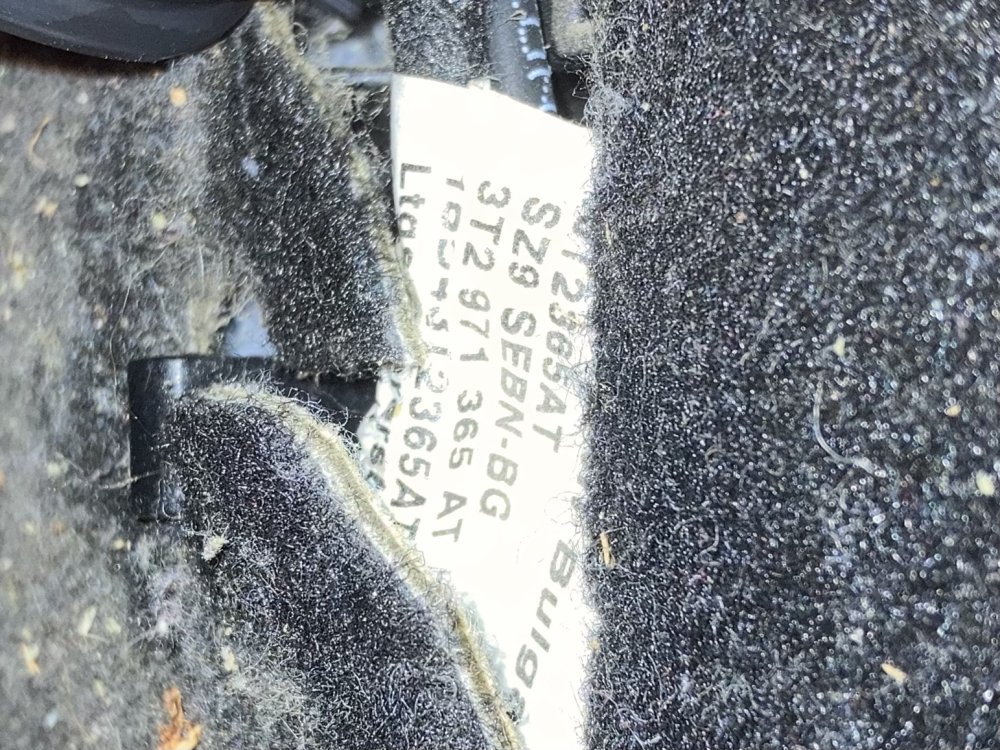
Yeah mate. I apologise for the poor quality.

-
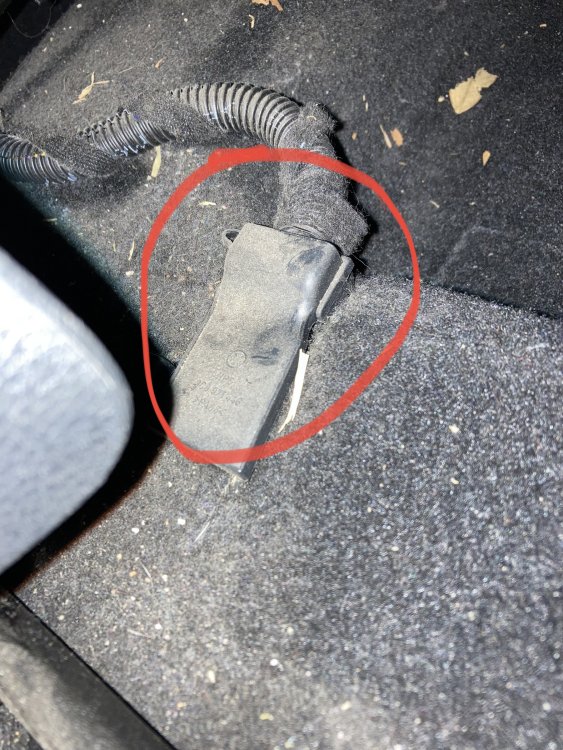
I believe it's a Bolero. I cannot connect to the bluetooth so I'm not sure if it works for calls. I have found the module, but I can't seem to unplug it. Thanks.
-
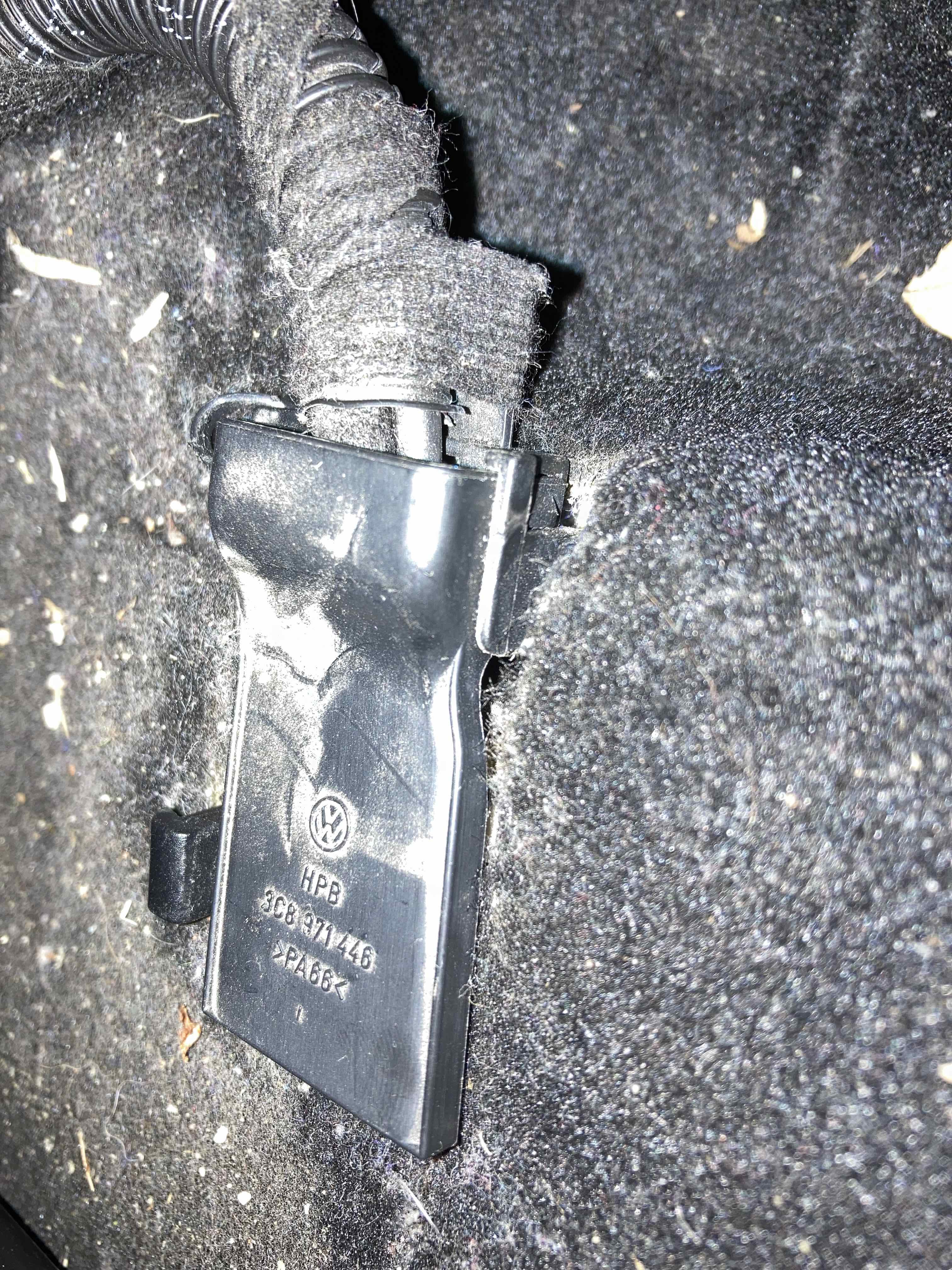
I've attached some photos of what the B-T Audio button looks like and I have shown a photo of what I hope is the bluetooth module. If it isn't please let me know. Many thanks. IMG_4160.HEIC
-
Hey everyone, I have a tidy 2010 Skoda Superb 118TSI Ambition Wagon that I've had for 10 years. I've never used the bluetooth (I have been using AUX), but recently I've wanted to. My Superb is a pretty low spec and it doesn't have any navigation (wondering if I still follow the same steps for resetting a Columbus system). I have an iPhone 7+ and an iPhone SE 2ND Gen, I have tried to connect both however it does not show up on either phone's bluetooth settings. I have tried to active and deactivate the bluetooth in the system's settings but when bluetooth is active it is greyed out in 'Media'. I'm not sure if I need to unplug the module or reset the headunit (if so please advise on how to reset it) or if there is something else I can do fix the issue. There is no Skoda dealership where I live. Maybe upgrading the system to a newer Columbus would work? Thanks everyone.