Celt01
New here
-
Joined
-
Last visited
-
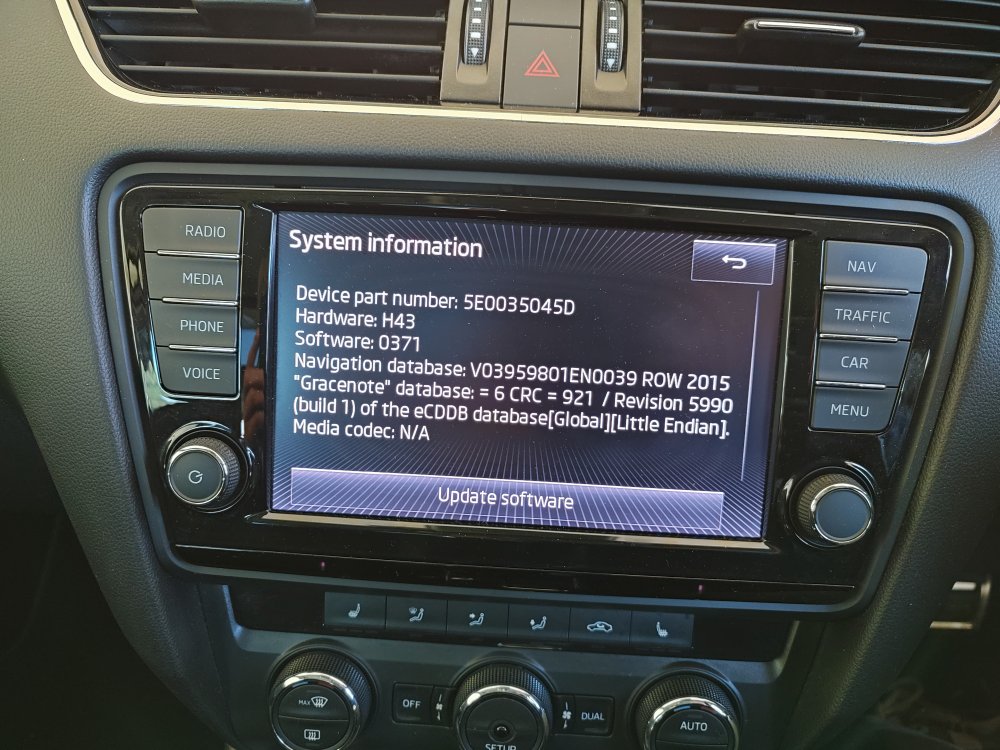
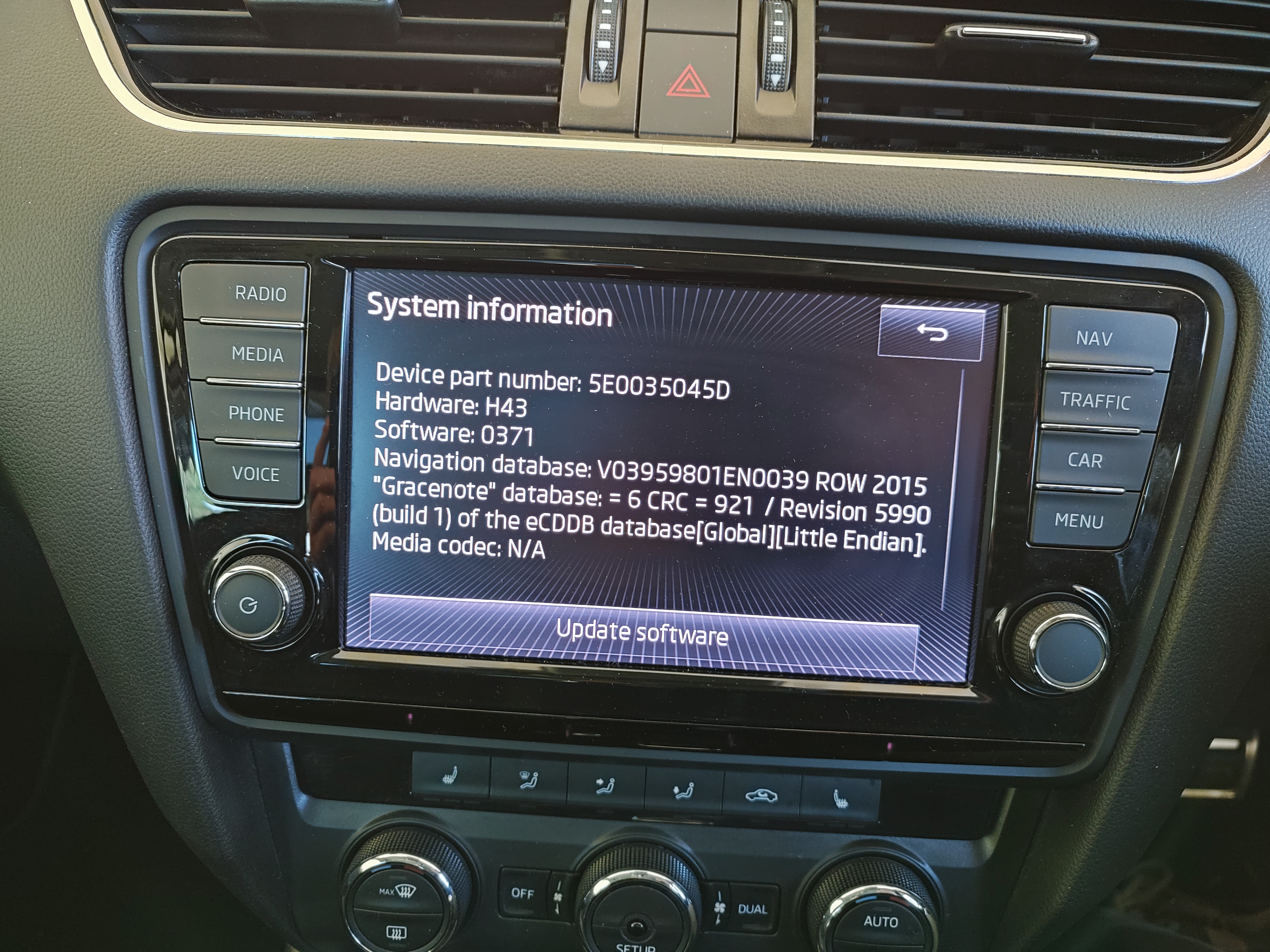
Hi guys, I'm new to the forum and new to Skoda and I notice you all seem to be very knowledgable. We recently aquired a MY15 Octavia Scout Premium. Love the car but I'm very frustrated with a couple of things. Firstly the Navigation maps are very out of date and I don't seem to be able to find an update that works for Australia. Skoda Australia don't seem to have a solution although there are ROW maps available on the Skoda Portal. When I try to install these my unit simply responds with "Error: no data available ....". I'm using a 64gb exFAT SD card, files extracted with Windows 10, files are in the root directory. I've made many update attempts but no success and I've considering getting an Android head unit from AliExpress but I assume it would need to be coded into the car. Coding it into the car would be additional complication so I don't know what to do. Pretty sure it's Columbus MIB2. My other problem is that I want some additional head lights, a small light bar but I can't find a high beam signal wire to trigger an electronic relay, canbus is very annoying in this situation. I've been told a canbus module is needed, so again coding this would be a problem since I don't have a VCDS tool or understand how these tools and modules connect and work. Any advice would be very welcome as I'm feeling like I may have made a bad decision buying the car. Thanks in anticipation