Hobbayne
Finding my way
-
Joined
-
Last visited
Everything posted by Hobbayne
-
My letter was only about the airbag. There was nothing about the rear backrest so thats good.
-
Yes. I got a letter this morning. I got it booked in on 19th Sep for a check. If it fails, then I will need to rebook it in for another day.
-
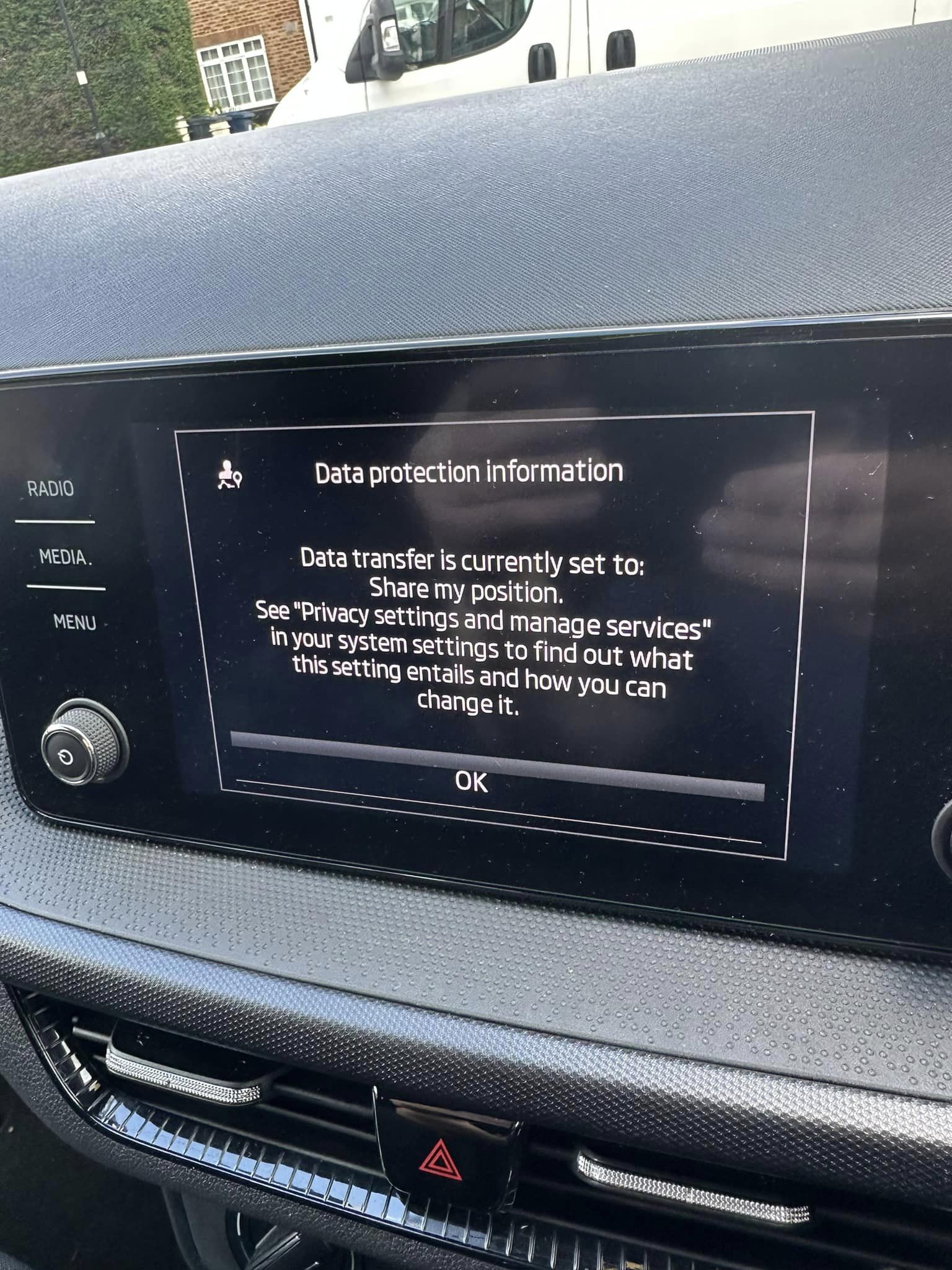
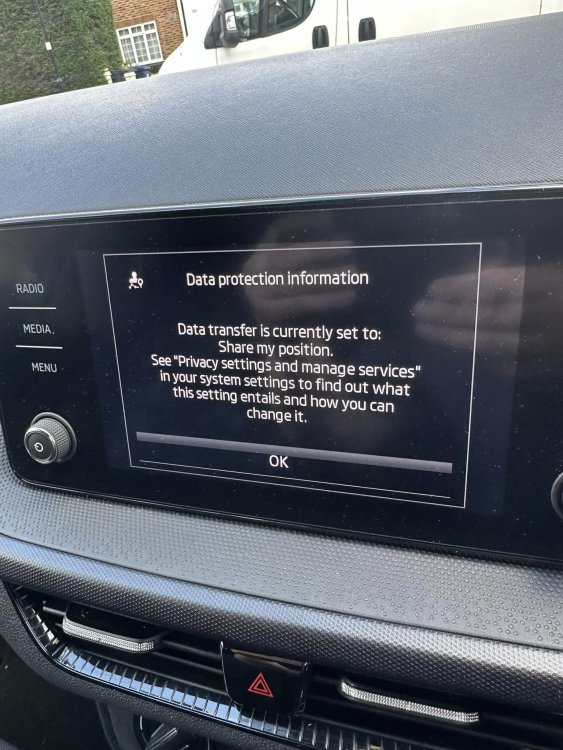
Thanks for replying. I know its not the end of the world having to acknowledge it every time, but I cant even see the clock until I do. Even if I choose do not share my position, I still have the flipping thing popping up.
-
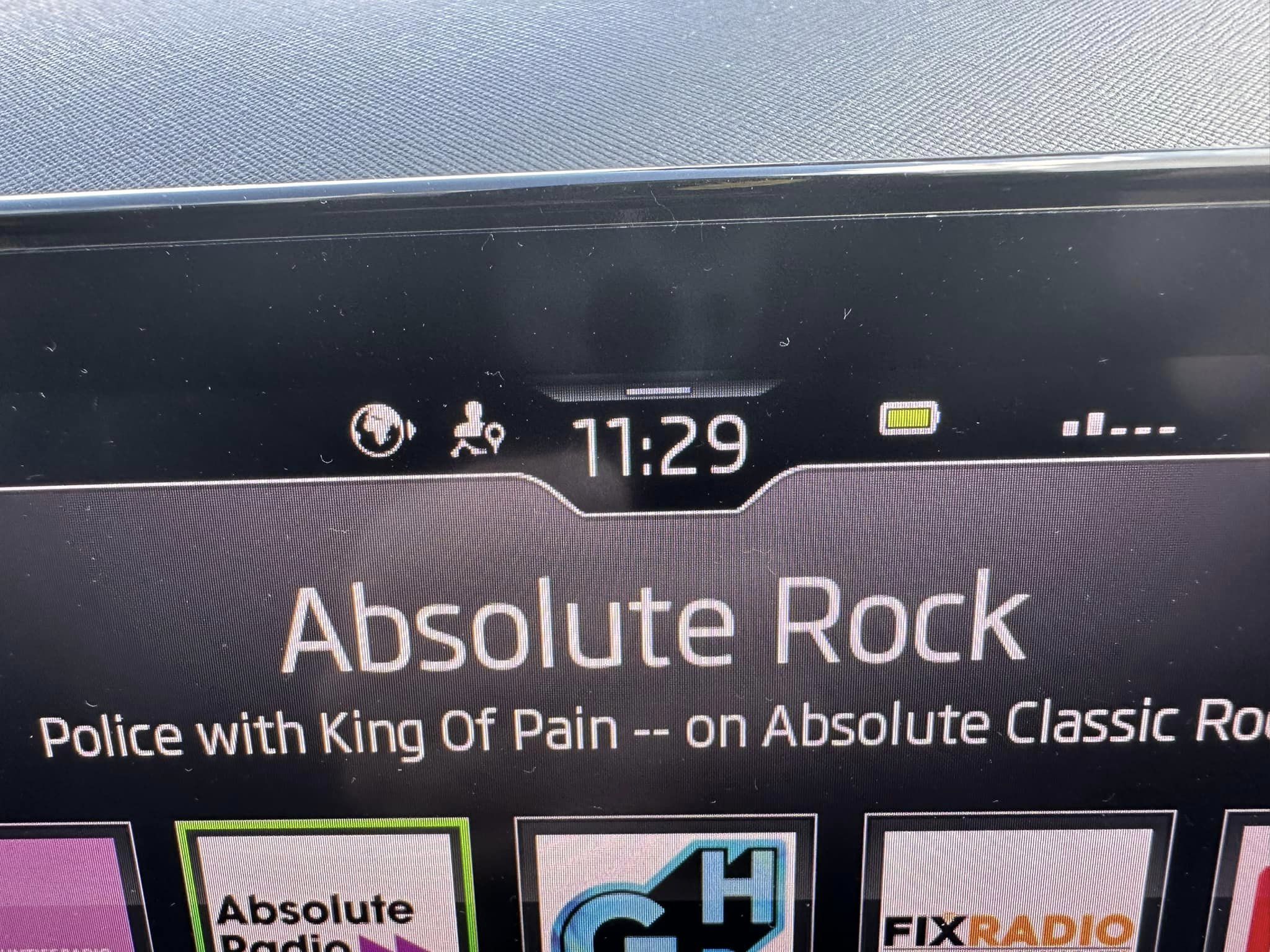
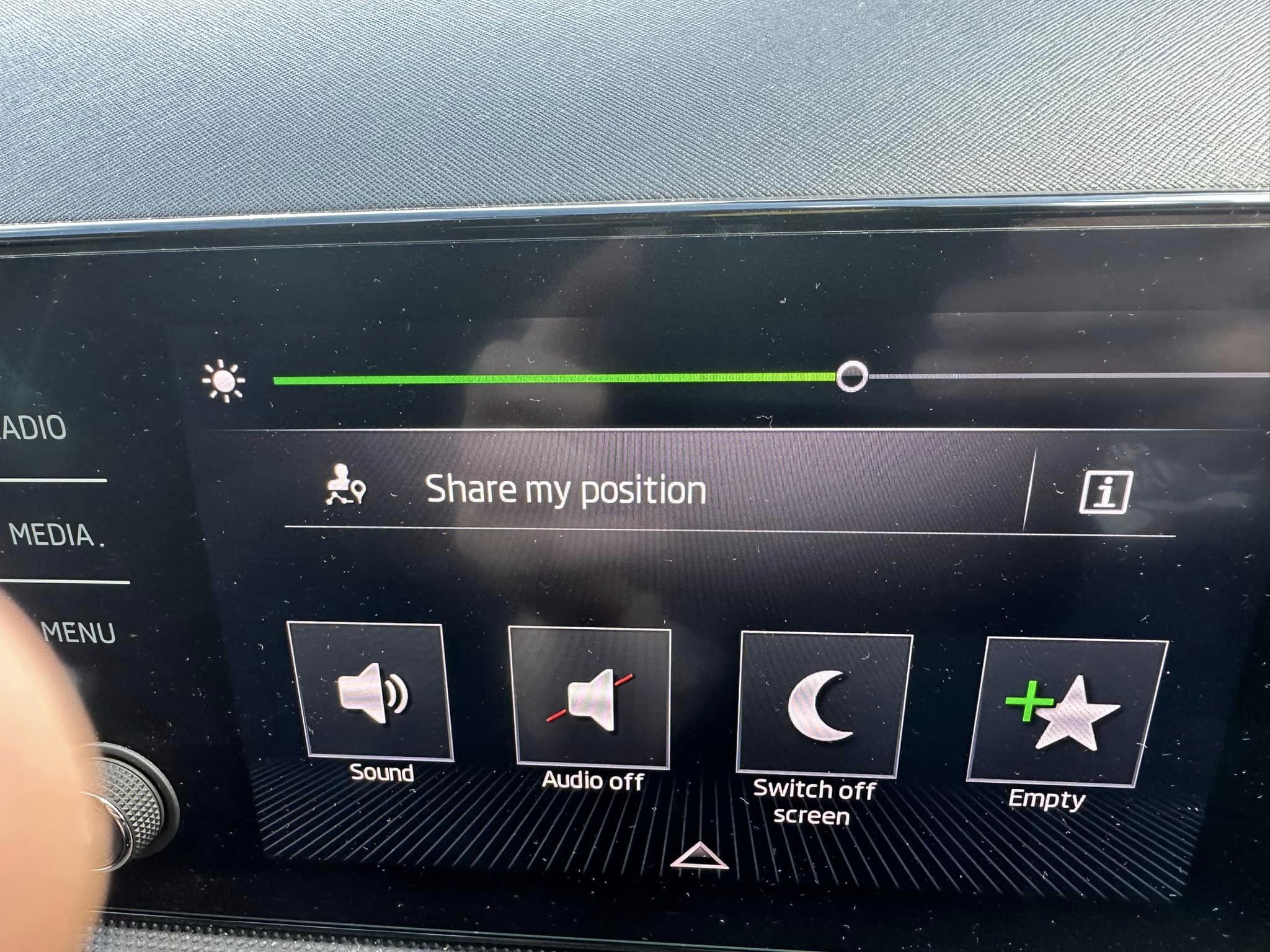
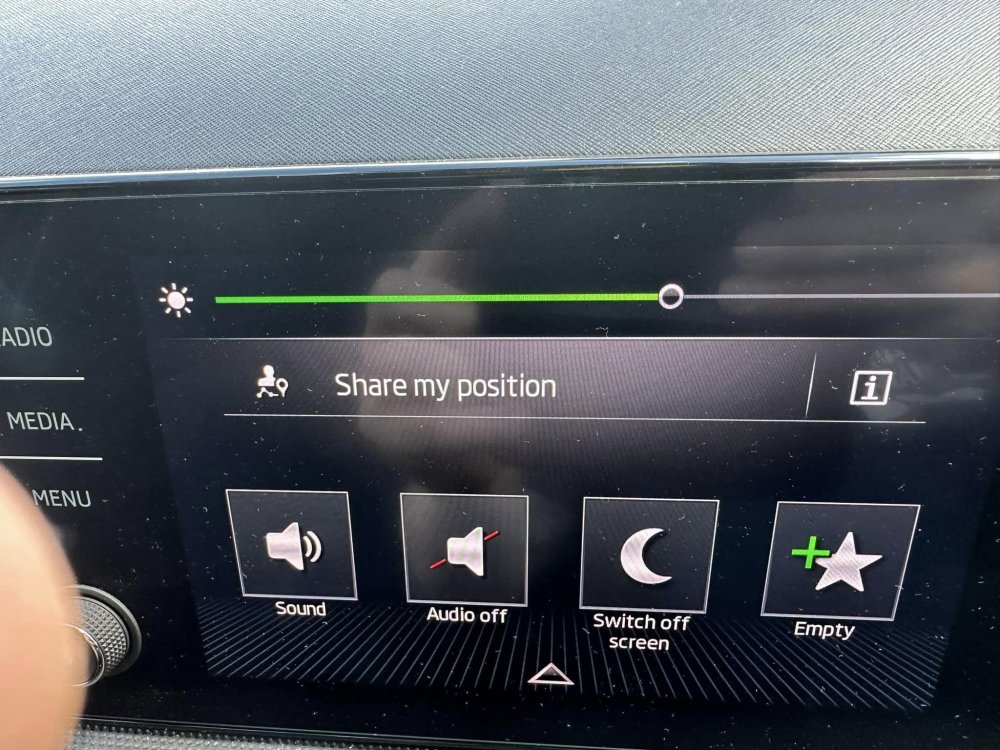
On my mark 4 Fabia, every time I start the car I get 'Data protection share my position' on the infotainment system. I have to acknowledge it before it goes away. Is there anyway I can stop it from doing this and go straight to the radio? And what is the little icon at the top of the picture of the absolute radio photo it looks like a little globe icon. I never had this on my Mk3.
-
Yes. You are correct, I confused myself as I have already ordered the centre boss. I should have said 17mm.
-
I,m looking to take the plastic aero trim off and fit some caps to the wheel nuts. I believe these are 56mm. What size will I need for the locking wheel nut cap?
-
Willis let me test drive the brand new shape Fabia without any problems. They even let me go out on my own without the usual baby sitting salesman in tow. I was so impressed I bought it.
-
Hi from London. Just upgraded from a Fabia mk 3 to a Fabia mk 4. Looking forward to reading all the comments about this fantastic car. 😁