Phaserrr
New here
-
Joined
-
Last visited
-
No I haven’t had any issues with headlights or radar. Although I did end up taking the car back to have the DCC recalibrated because the car was feeling a bit harsher in Normal mode. It hasn’t eliminated the slight harshness but it’s been piece of mind for me that it was calibrated properly. All the DCC modes work as they should so if I want a more compliant ride I just change to comfort or individual.
-
So after almost a week of driving, having an alignment done and going on some longer distance drives. I’ve noticed that the springs have settled further. The car definitely rides firmer than it did. I am looking into doing a DCC recalibration and possibly radar. I hope I can regain some of the damping characteristics the car had when stock. To answer your question about which springs specifically the part number is: E20-79-016-03-22.
-
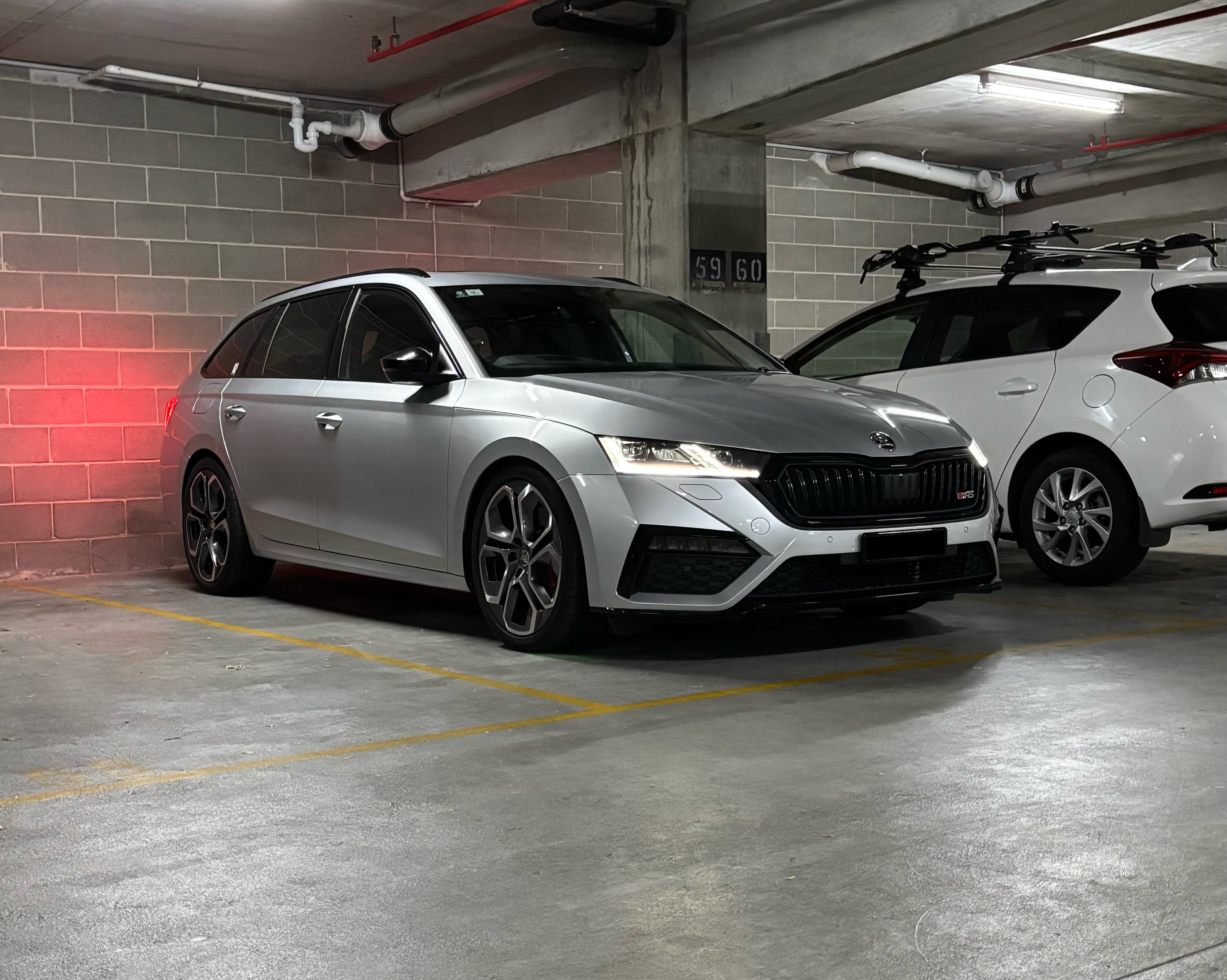
Just installed the Eibach Sportline springs. Going for an alignment tomorrow but the car feels normal, maybe a little stiffer on rebound than stock but the DCC settings all seem to work as they should. I was told by the very trusted shop that did the install that the radar and headlamps would not need resetting as the 30mm drop isn't enough to warrant it. I haven't checked the high beams but I will see how they go. I had H&R springs on my last car and I can already tell that these Eibachs ride better. Maybe its the DCC doing its job. The car is now looking closer to how I want it too!