gav_aus
New here
-
Joined
-
Last visited
-
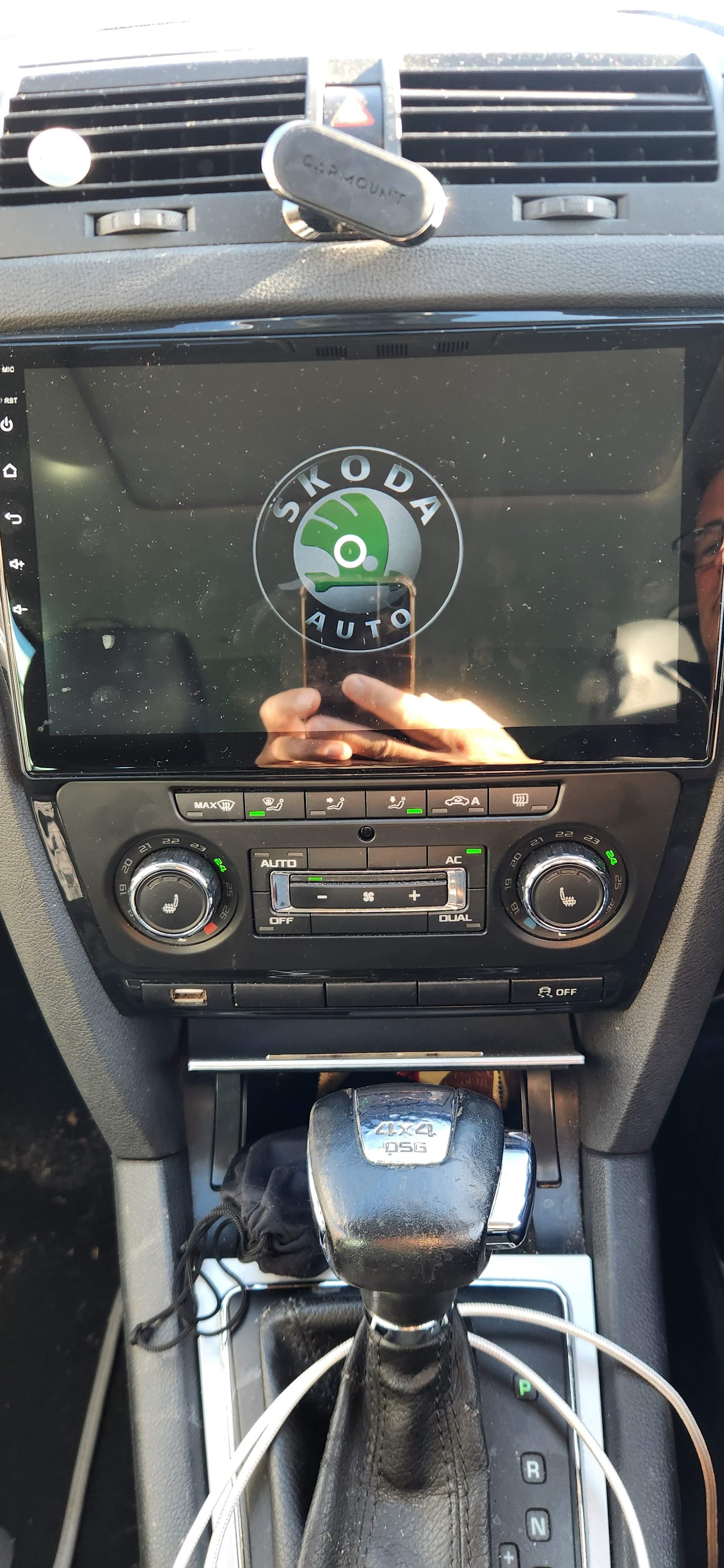
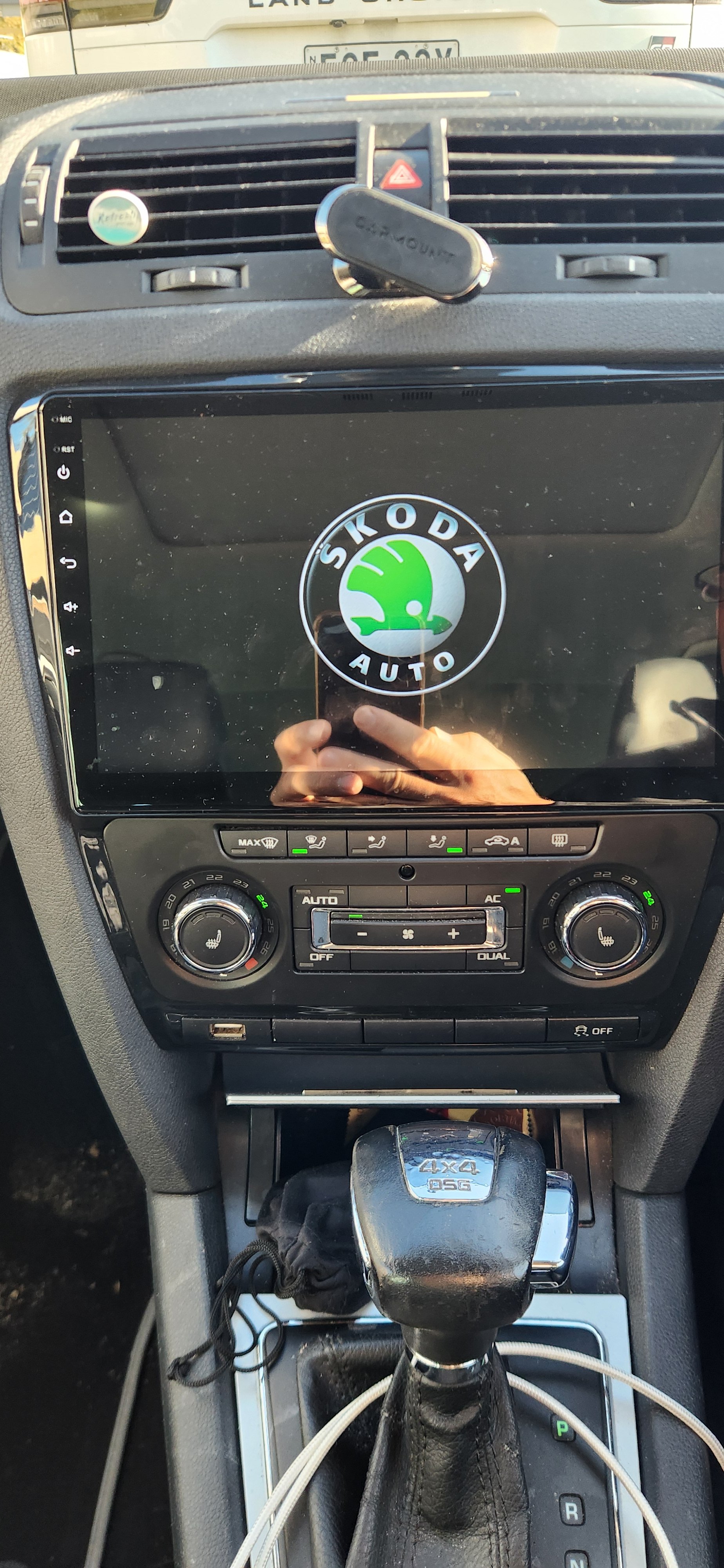
Hey Chris, same thing happened with our 2011 Octavia Scout, a few years ago now. The only fix was to remove it and replace with a cheap Ali-Express head unit. It runs on android, has wireless carplay etc, came supplied with the correct canbus connection to the car so displays all aircon adjustments, door openings, etc, feels very OEM (even has Skoda logo displayed when booting up!) and looks great, wish I had done it sooner, makes the car feel so much more modern inside! The best upgrade you can do I think.
-
I can't find the link for mine,.it's a few years old now, running Android version 11, but this one is probably the newer version running Android 14: AU$220.78 | Carplay Android For Skoda Octavia 2 A5 2008 - 2013 Car Radio No 2din Player Auto Screen Navigation Video DVD Multimedia GPS DSP https://a.aliexpress.com/_mszzoCP
-
I installed a cheapo replacement from AliExpress it was about $300 Aussie. Came with the right connections to plug it straight in, all the climate stuff works fine on the screen and the reverse sensors too. I assume if I had a camera it would show that as well. It's has wireless apple car play and android auto, it's a brilliant upgrade and makes the old 2011 octy feel much more modern. Even has a Skoda logo on the screen when booting up! I also managed to find on AliExpress the right USB plug that fits in the row of blank buttons under the climate control so no loose USB cables dangling out the dash either.