OeschMe
New here
-
Joined
-
Last visited
-
I have no idea why this is on 2nd page of very specific Google search, and why no other forum gives these instructions to do it, but god damn you are a legend. I have exactly those 2>3 shift issues, it's like it's very lazy to shift up, otherwise works pretty well. Got DMF and clutch packs replaced this week, so figured it's prefect time to re-adapt transmission now too. (DMF was failing and clutches were original 300k km driven, "it's on the table so might as well" -type of replacement)
-
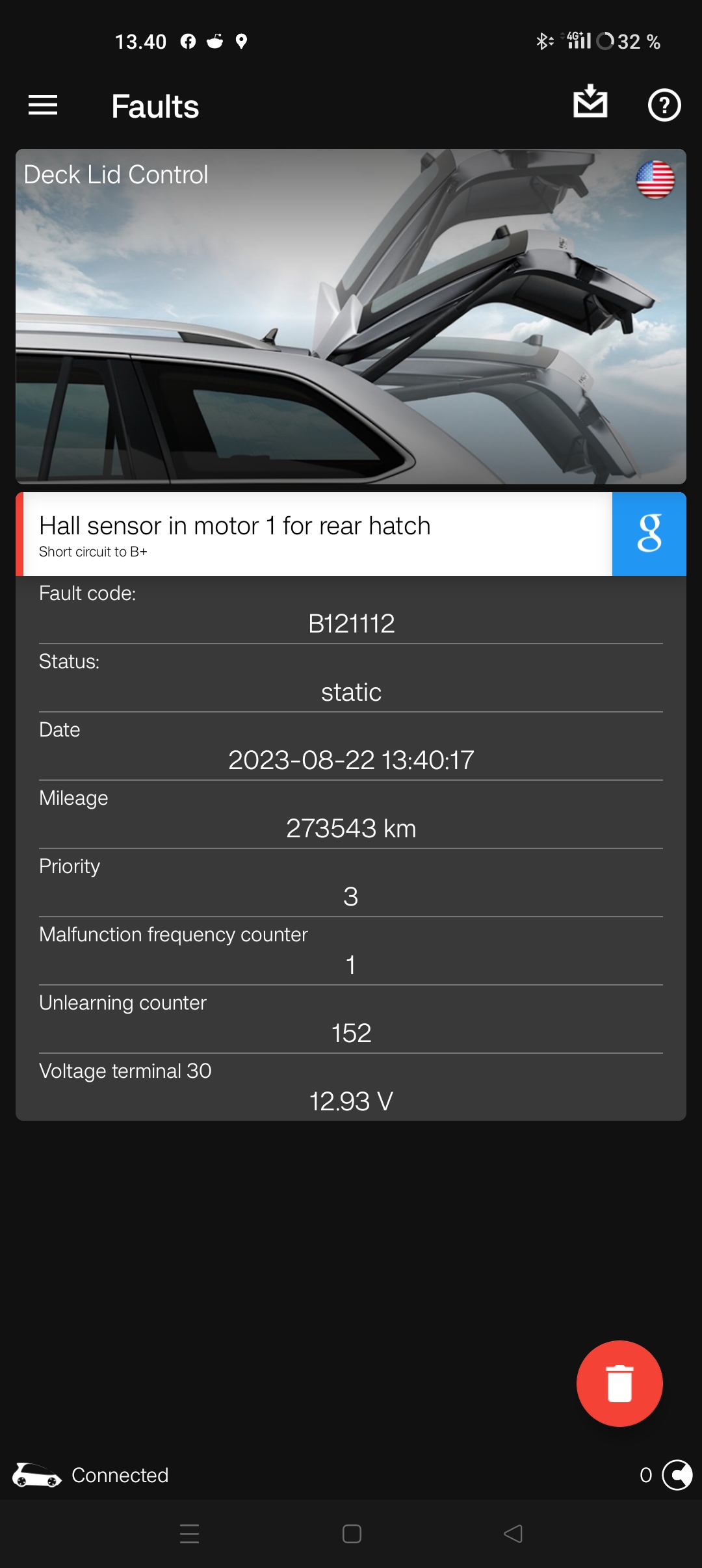
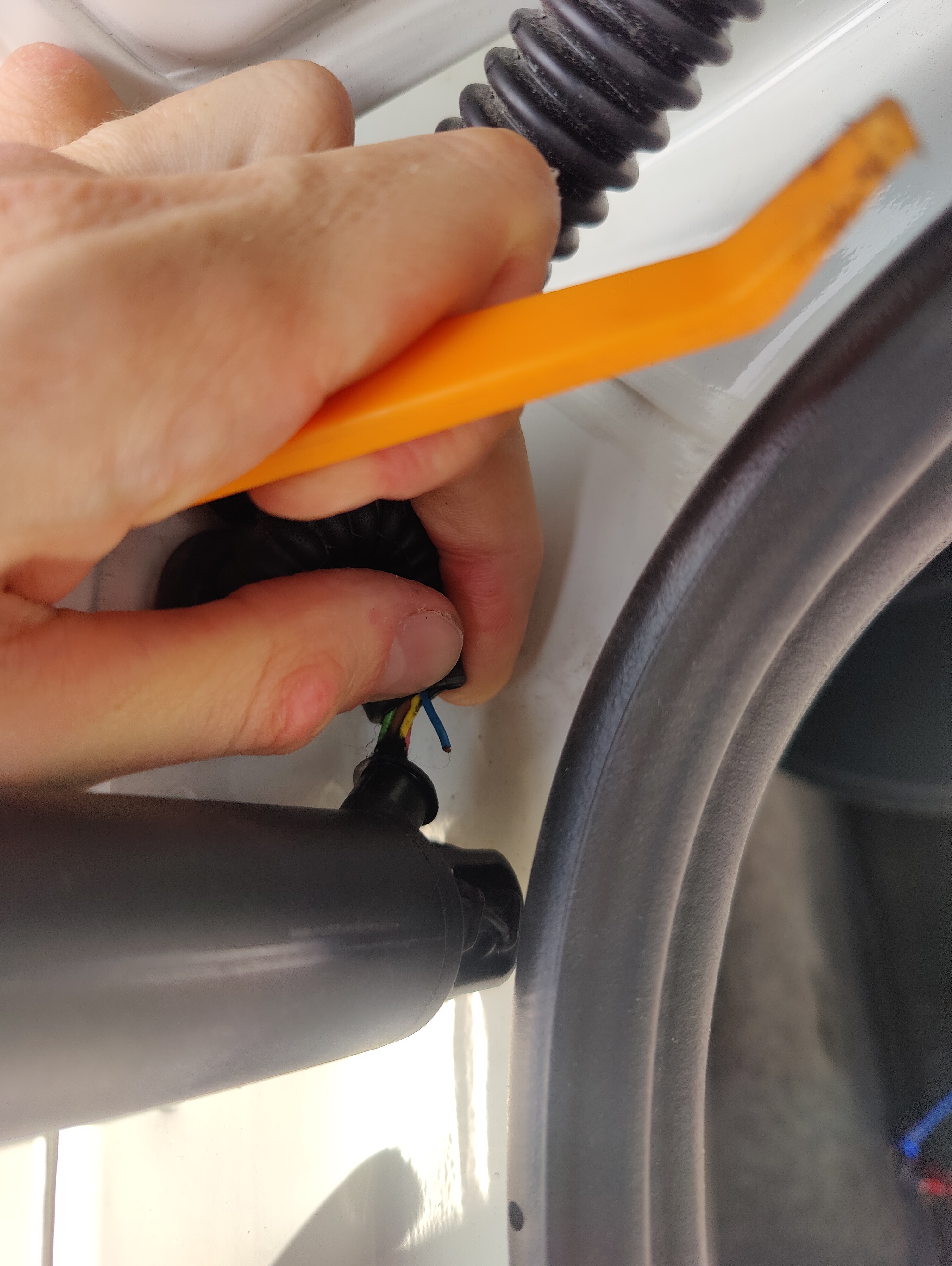
I'm new to these "newer" cars and my MK3 VRS Ocu doesn't open boot from micro switch located in trunk lid. Closing button, fob and central console button works. I've replaced the Micro switch but that didn't fix the problem. I've attached error gcode from OBD11 and found broken cable in left strut wiring, could these cause the button not to work and does anyone happen to have the product code for that strut?
-
NVM I have the older unit (MSTD). Found solution via mib-helper.
- 98 replies
-
- amundsen
- discover media
- maps
- mib
-
Tagged with:
-
All the VAG satnav files should be interchangeable, but yet file tree is different (DL'd VW version) and there's no DBInfo.txt file in the updated package like in original 16/17 had on its card (Octavia) Does it still work, even if the file structure is different?
- 98 replies
-
- amundsen
- discover media
- maps
- mib
-
Tagged with: