yaweebeauty2
New here
-
Joined
-
Last visited
-
I suspected might be battery signal "telling" me something about battery health. I had 2 tablets and a phone charging in 12v lighter socket, thought this might have been related. Also I'd installed a DAB touchscreen radio which will obviously be pulling a bit more power due to the touchscreen. Ultimately, I took the alarm fuse out and now plug in less- I'm not a mechanic - but no issues since and battery health is fine
-
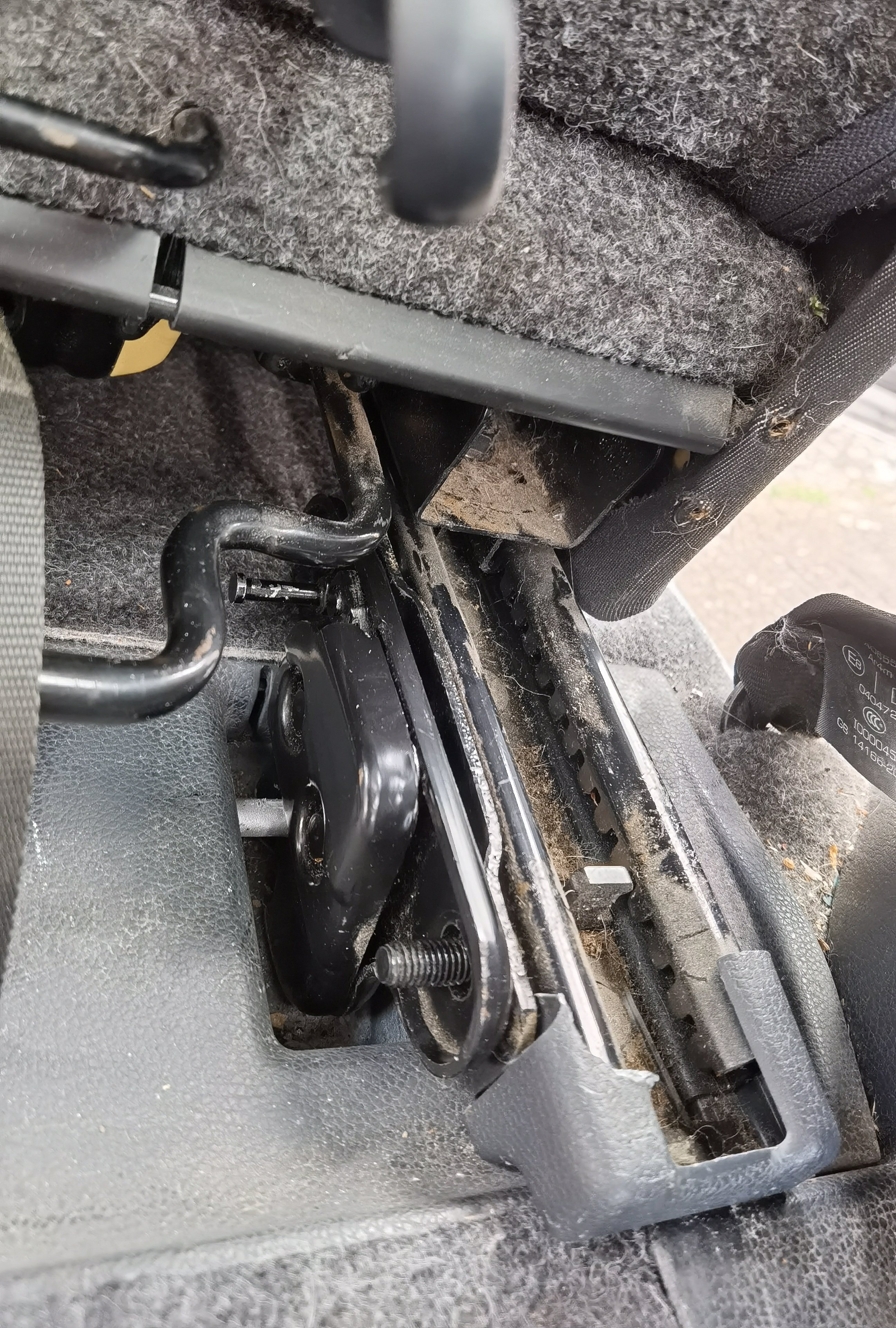
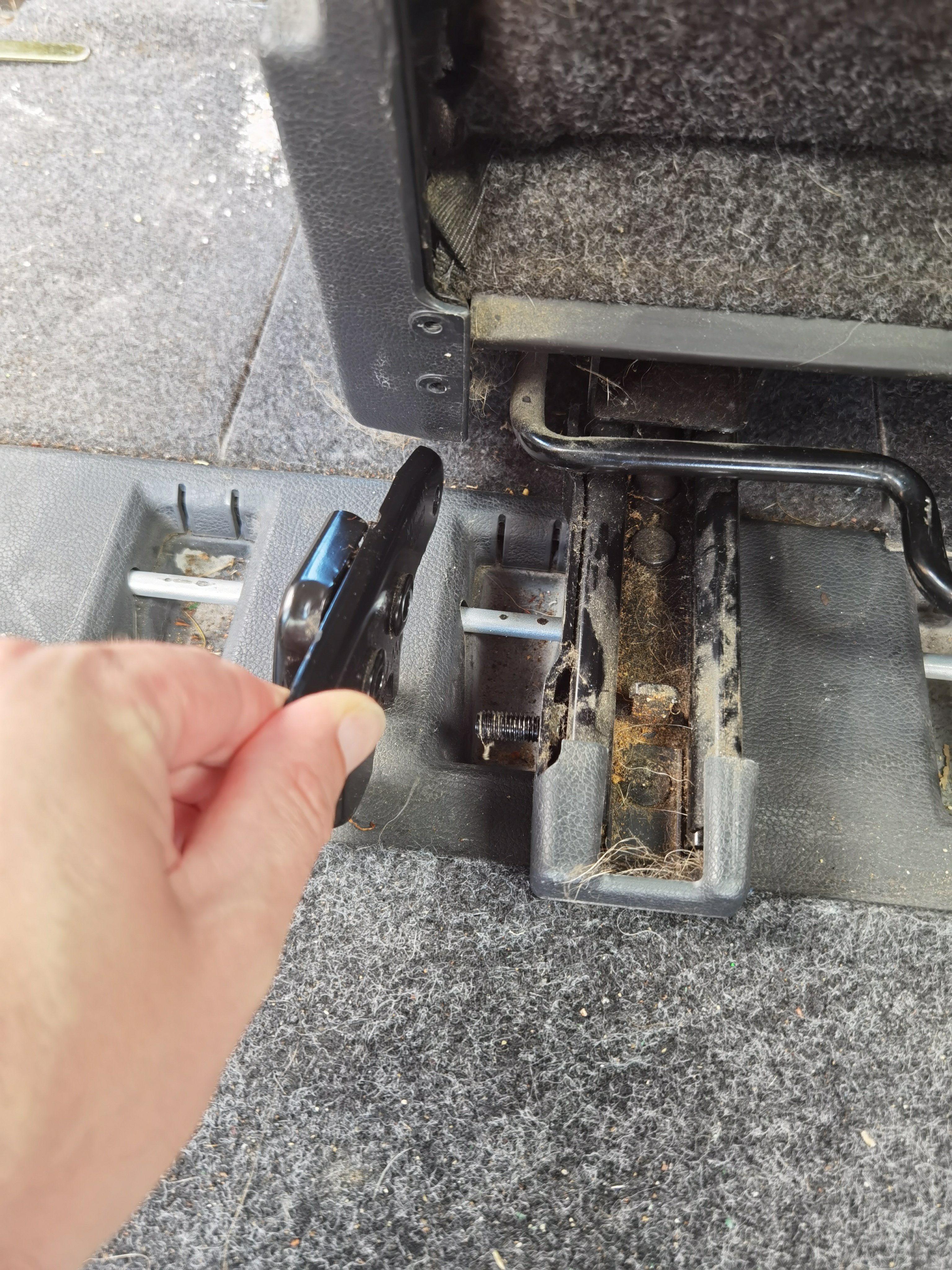
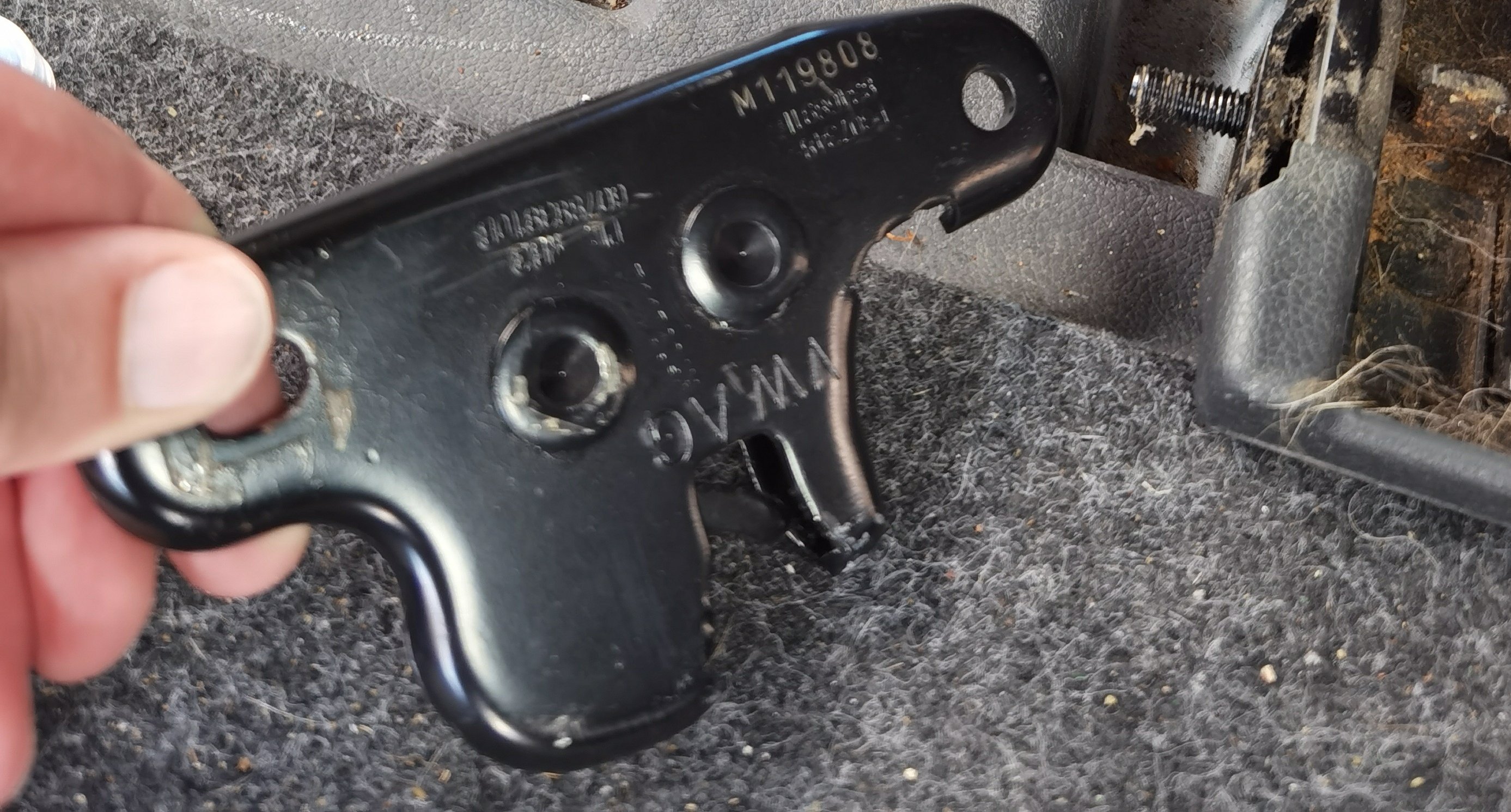
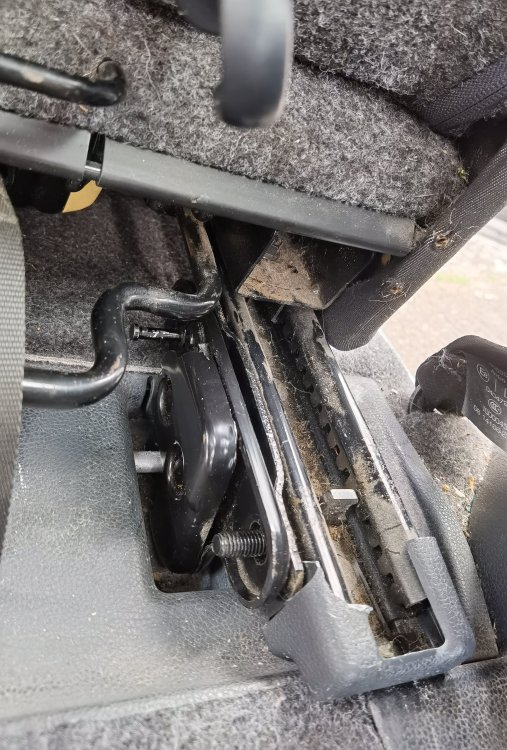
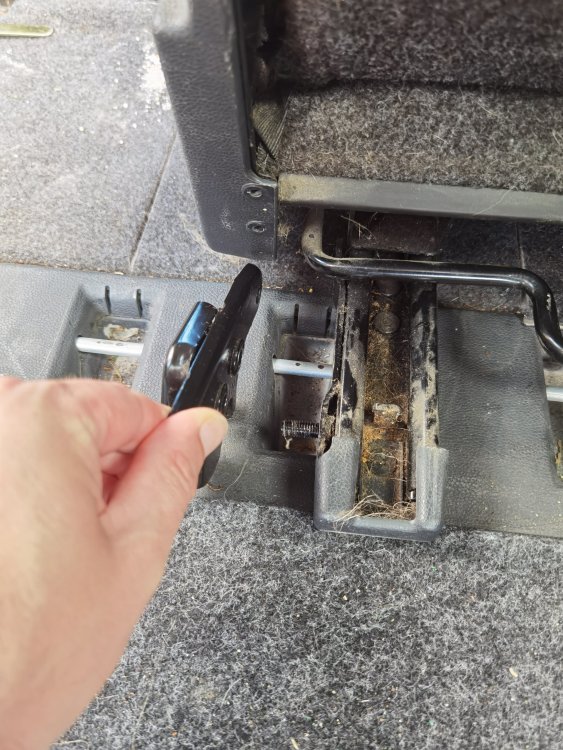
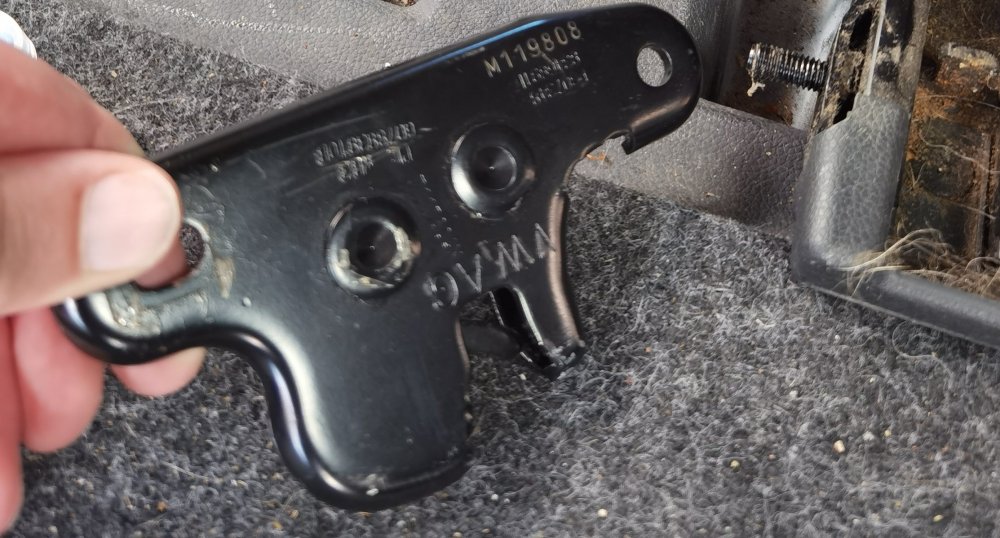
My seat was completely jammed in the rear with no access to the red hooks or any way of lifting the seat. I don't have time or patience to fiddle with screwdriver but managed to remove the seat easily enough using this method. Slide seat FORWARD so you have good sight of the runner mechanism. 2 bolts on the latch, and 2 on the other. Slide the latch off and the seat will detach by manually moving red hooks. You should then be able to manipulate the latch locking mechanism. In my case, it was seized
-
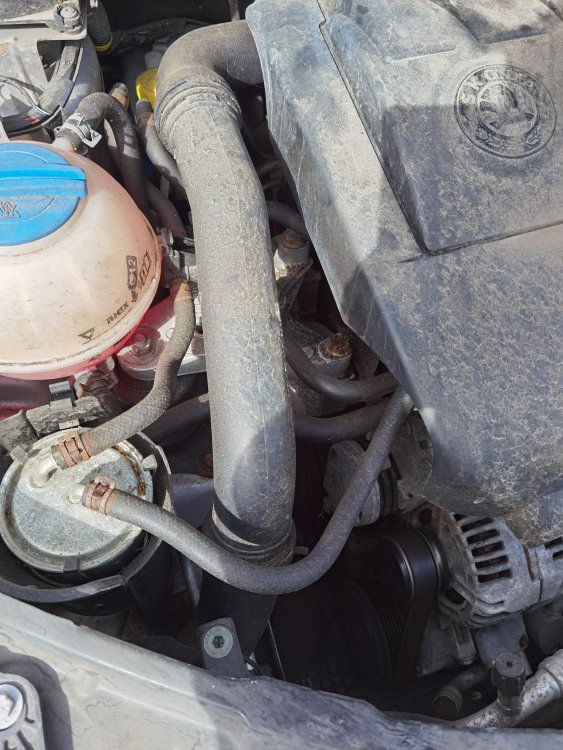
Drove for an hour yesterday and today to my parents. On both occasions the car has been randomly beeping constantly, through the front vent, when parked up. Seems to be better when engine is running but still apparent for a while, & beeps in random sequences and speeds. I've attached a sound of the beeping. Recently changed the battery to lion 027 from Eurocarparts as it is the appropriate fit according to the website, it appears to be securely in place too. I also recently switched from the stock roomster dance head unit to an aftermarket kenwood dmx125dab. I unplugged it to see if this was the issue but the beeping continued anyway. There is no parking sensors on this model either. Any suggestions on my next steps? Thanks 20230827_155141.m4a I should add it's a 58 plate 1.4 diesel