Jack_GR
Finding my way
-
Joined
-
Last visited
Everything posted by Jack_GR
-
I didn't saw them. I ll search in the forum thank you. 😊
-
Thank you for your time and the precious advices. I ll find an expert. But I was wondering if I can program it for no active cylinders. So always 4 cylinders working.
-
Hello 👋 I was wondering how safe should be to remap this engine. 1.5 tsi 150hp manual transmission. I tell this because it has the active cylinders. So is it safe to boost for stage 1? It's about 25 hp and 50 NM. Also does any of you knows if the active cylinders materials are weaker? For example the rod, the rings, the injectors. And i am wondering for future problems from the less wear of active cylinders. Thank you in advance, and excuse me for the bad English. Bye 👋
-
Thank you very much. I appreciate this. 🙏
-
Sorry mate I don't understand. You mean from the menu of the car ?
-
But how can I download them ?
-
Good morning Steve. Thank you for your answer and your time.I tried all possible solutions. Yesterday it connected 2 times. After these 2 connections I couldn't establish another connection. It's probably a bug of the app or a bug to my phone.
-
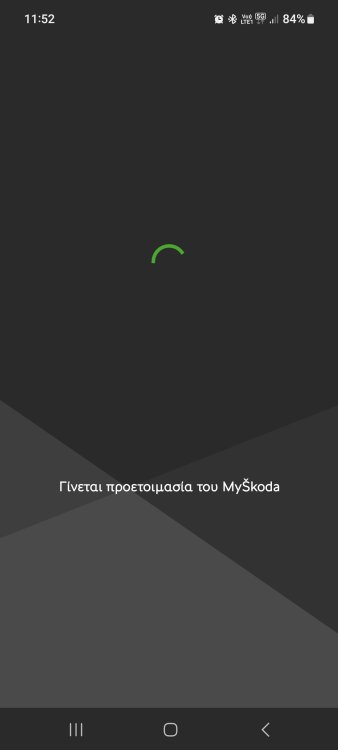
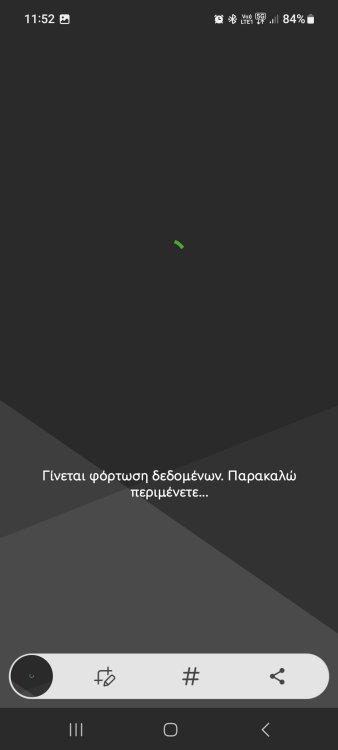
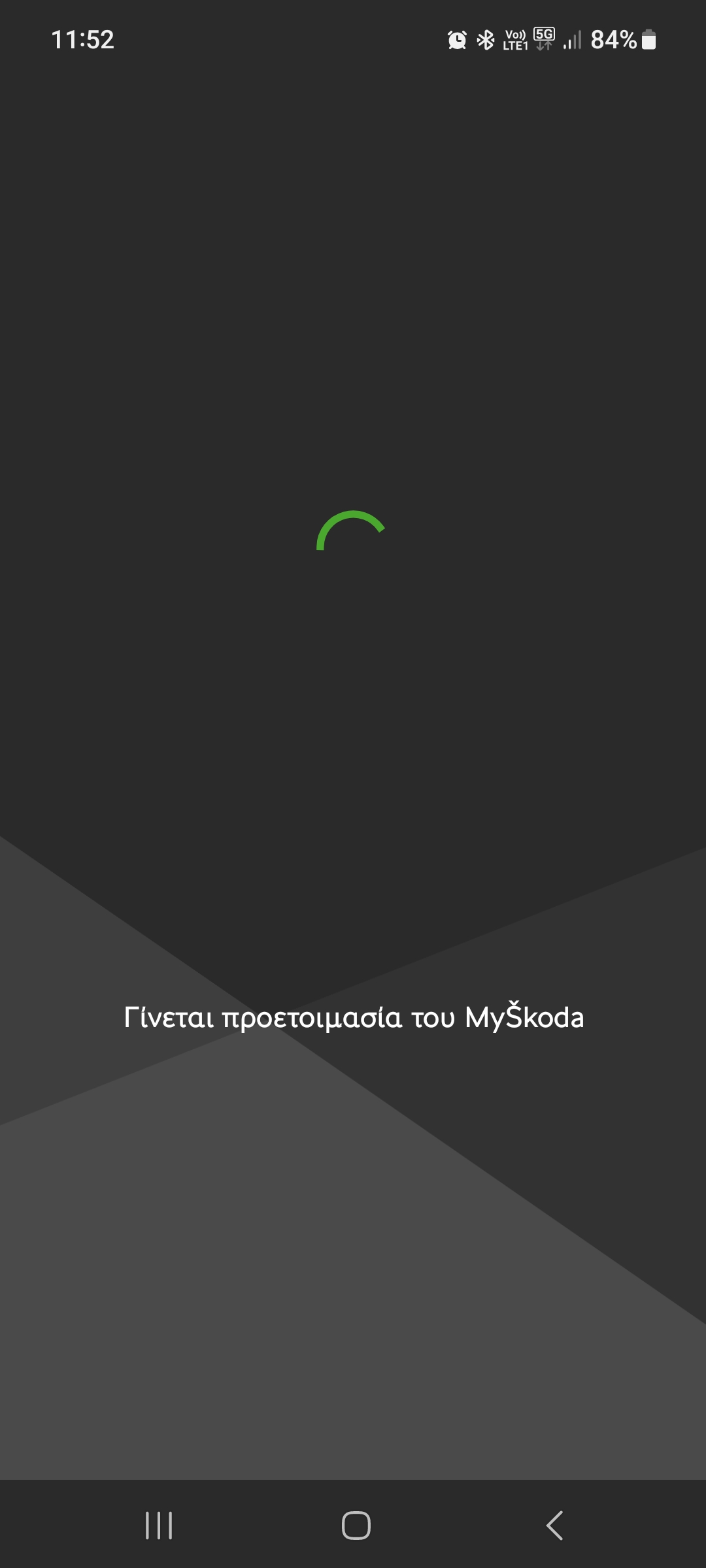
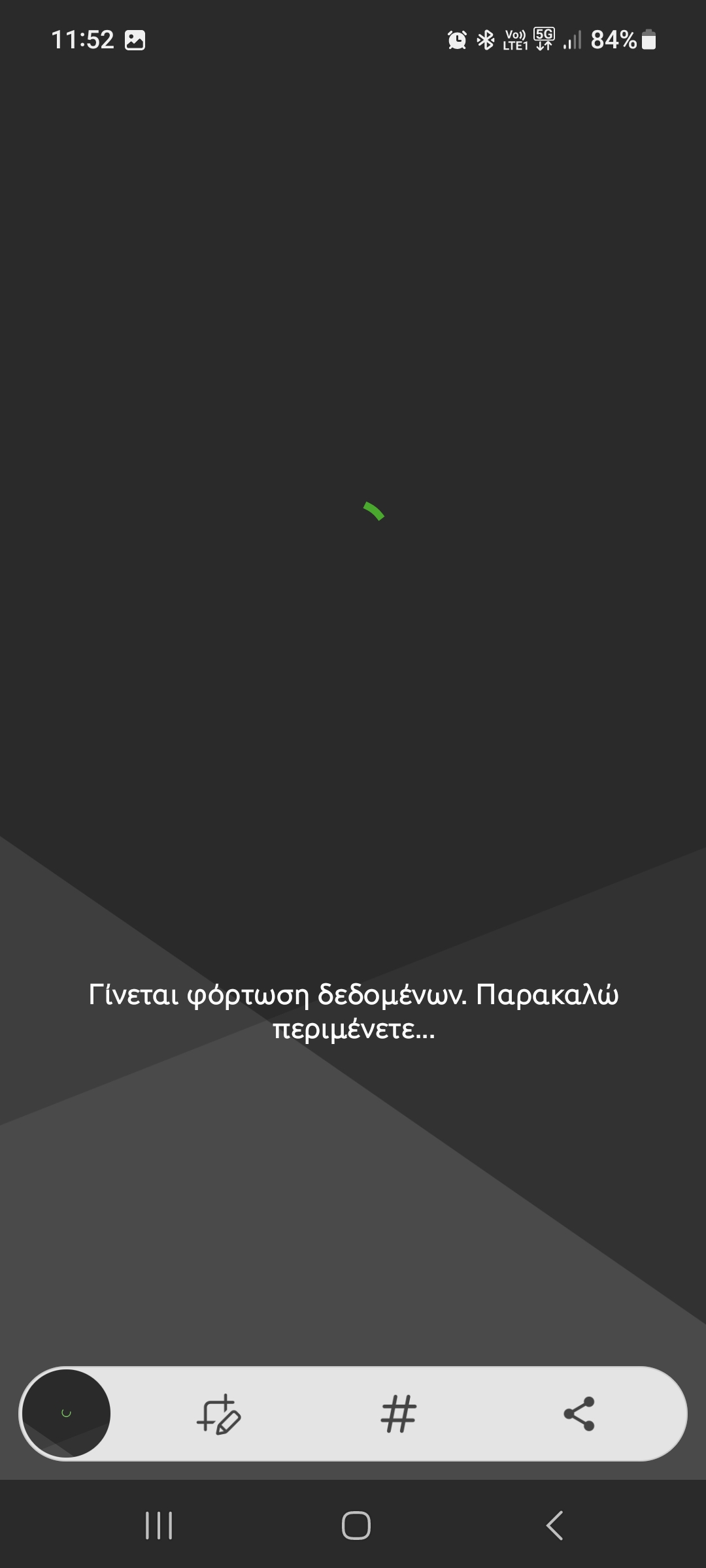
Hello 👋. I am new here and also just got new skoda octavia. I have an issue with the application Skoda essentials. I registered I enabled the app, I created the primary profile. The application opened only the first day after then the app can't open it only says please wait. I contacted the support team of skoda but they didn't helped me. Furthermore the application opens from another device. I unistaled the app re installed nothing happened. Again the same message says plaese wait. Once i waited for about 10 minutes still didnt opened. The device i use is Samsung galaxy a 52. Thank you in advance. 😀