




mattw86
Finding my way
-
Joined
-
Last visited
-
I've recently purchased a 2012 1.2 TDI Fabia Estate, and previously had 2007 1.4 TDI Fabia as a learner vehicle for my partner. Looking though the Digital Haynes Manual i purchased at the time It only covers 2007-10 and the 1.4TDI. I could do with the torque setting for the rocker cover and inlet manifold if someone is kind enough to pass on. Thanks, Matt
-
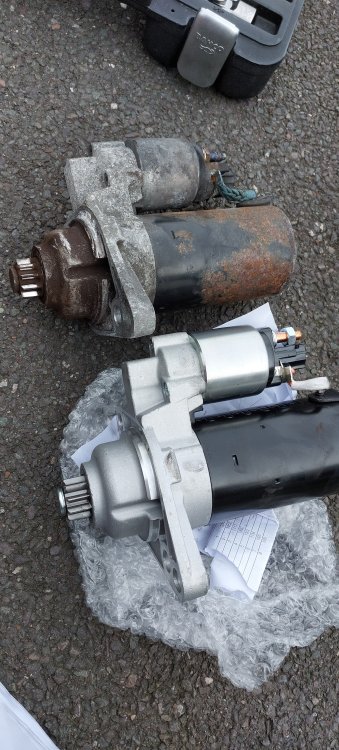
Should have changed it sooner, tells the story.....
-
Since owning the 2007 Fabia, there seems to be an issue with cold starting regardless of the weather. I changed the glow plugs, fuel filter and battery soon after buying it a year ago. If the car is sat overnight it turns over really slow until starting. Hot starts are not an issue? Has anyone else seen this problem? Thanks, Matt
-
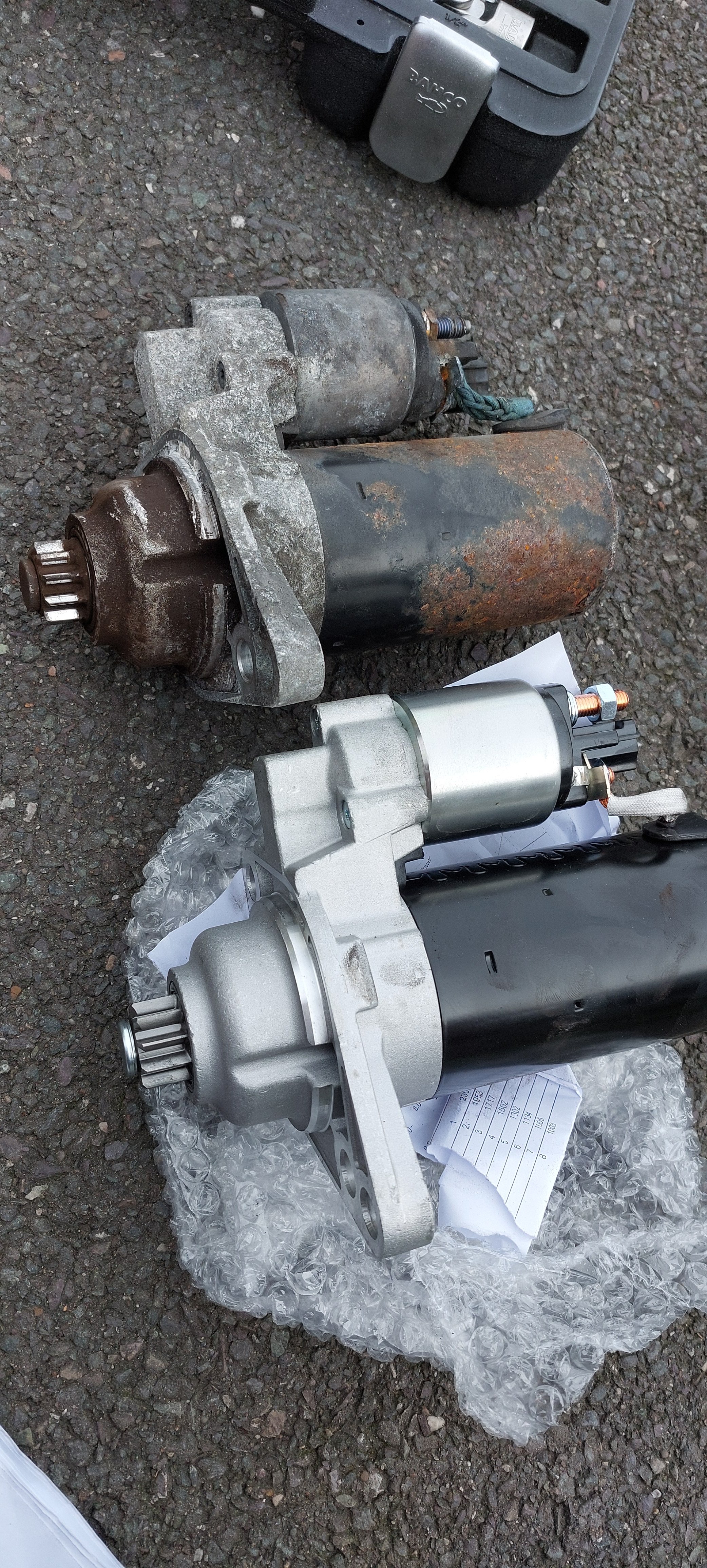
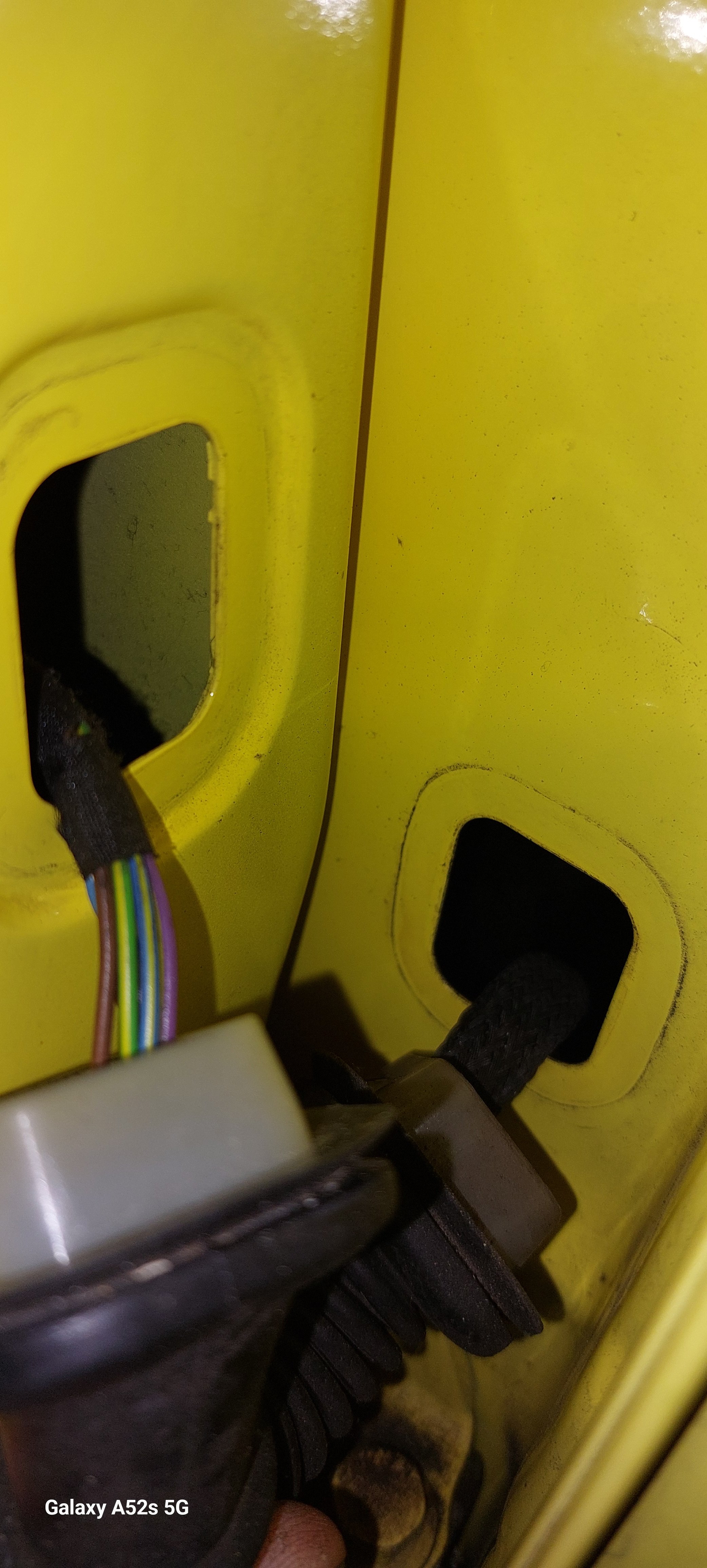
I'll take a pic tomorrow, unlike the Mk 1 with a connector it appears to pass straight through a grommet in the pillar.Thanks for that Pete, I can assume that the earth path is fine as the micro switch operates and shows on the dash when the door is open. I have changed the lock module for a used one. The wiring goes straight through the B pillar. There's no connector so it's a pig to bell out, I found the convenience control module. It looks to need half the dash removing.07I have an issue with the rear n/s door not locking. Is there a schematic available so I can trace the wiring? What voltages should i see at the door lock module connector? Thanks, Matt

Important Information
Welcome to BRISKODA. Please note the following important links Terms of Use. We have a comprehensive Privacy Policy. We have placed cookies on your device to help make this website better. You can adjust your cookie settings, otherwise we'll assume you're okay to continue.