



Stoker
Members
-
Joined
-
Last visited
Everything posted by Stoker
-
@Carlston I'm getting a sign in page to view the content from link you sent. But no option to sign up. Is this something that you set up when you get the car?
-
Thank you also @Carlston I read somewhere that the 16" is difficult to prise out of the wheel well due to the weight vs clearance for your fingers (perhaps the bolt holes could come in handy I honestly won't know until I have the Kamiq I guess. But I agree that 17" feels a better option though I see that the ET goes from 35 to 40 and the width is 6.5 instead of 6. I have no idea yet what the Braja 17is in those terms. Worth considering.
-
@Kenny R Thank you very much for the info Kenny.
-
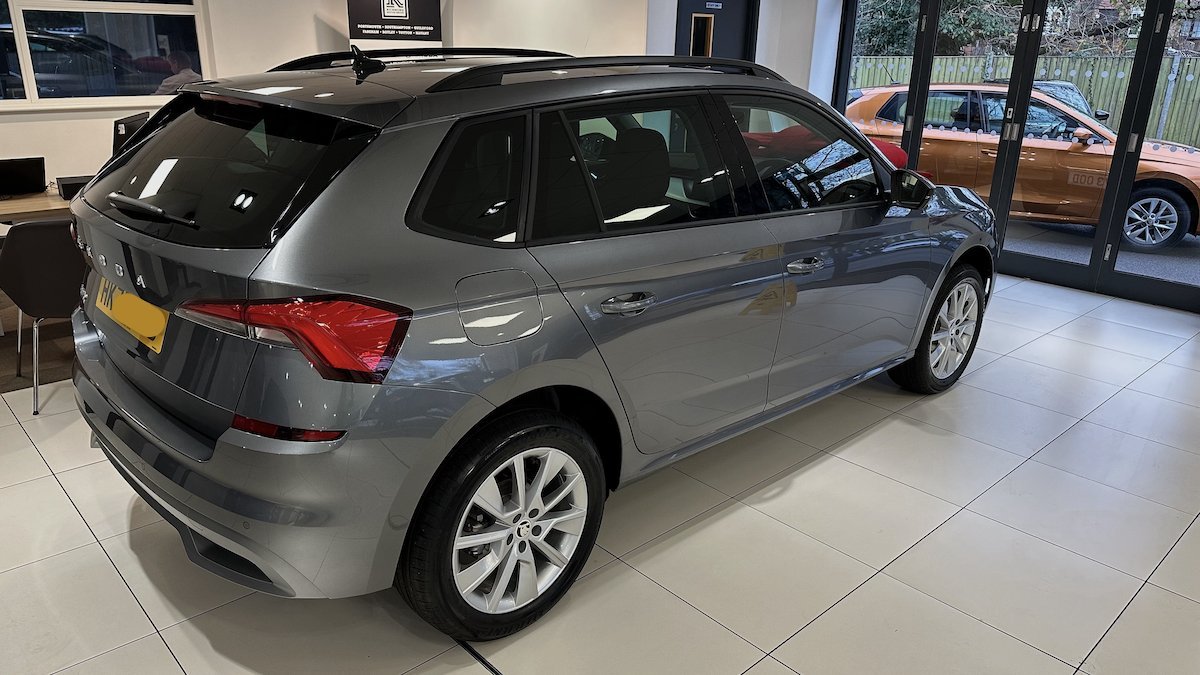
Hi all, In spec'ing our new build, long story short we didn't spy a spare. Should have and wold do even the chance again but.... On a Kamiq shod with 17" wheels standard Braja. What size is the space saver? I am assuming it's an inch down at 16" can anyone confirm? Thank you.
-
HI, You are not new any more I am 😃
-
Hello, We've Just ordered a cancelled motordbility SE Drive and was able to adjust the options but being in the system already but not at stage 20 means we have have an earlier build slot than a fresh order. I signed up on the Kamiq forum a week or so ago and no topics are moving, it is the slowest moving forum I've ever joined so hopefully there's a bit more enthusiasm here.🤞 I supposed like most I've had my fair number of vehicles so won't bore you with the history but we are replacing a Kia Cee'd with the Kamiq and our other drive is a VW California. Thanks Nice to be here. Stoker
