dougyt
Finding my way
-
Joined
-
Last visited
-
No, I'm just trying to get the seat motors working.
-
I have a 2014 'Black Edition' estate, 1.6TDi, manual. I'm currently swapping out the seats - half-leather Superb Mk3 seats in the front and a half-leather Octavia rear seat. Considering getting a stage 1 remap. Might wire in an extra 12v socket for the passengers in the back. And of course the most important upgrade - I'm waiting on an AliExpress delivery, going to swap the bloody chrome trim around the front grille for a black one... A bigger engine and an automatic gearbox would be nice, but I might as well just buy another car in that case.
-
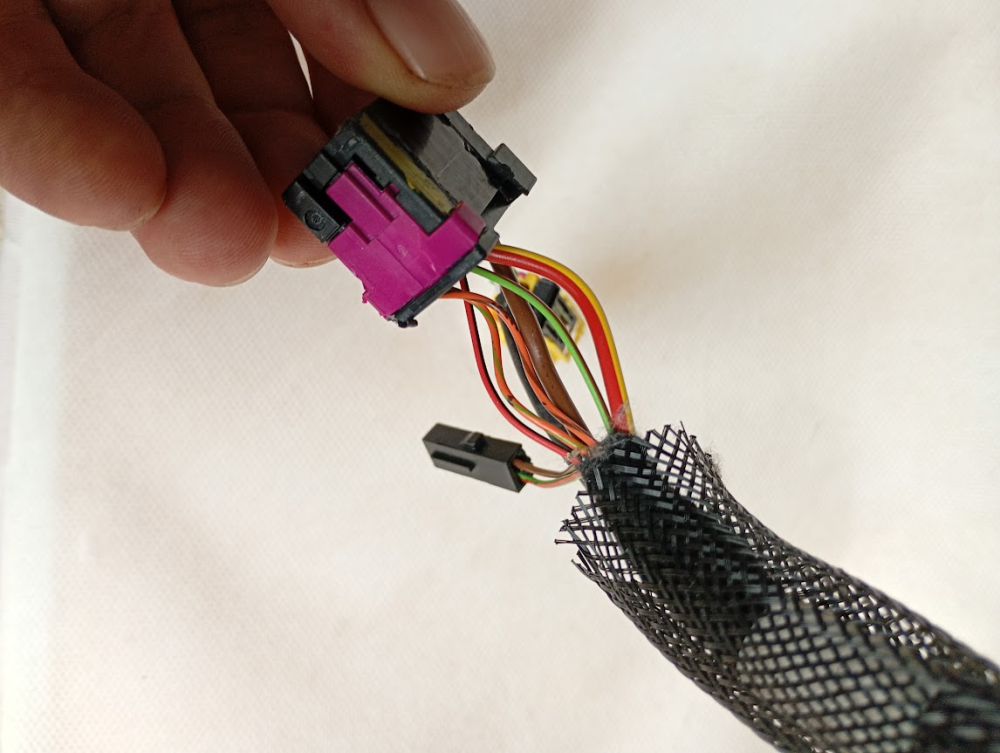
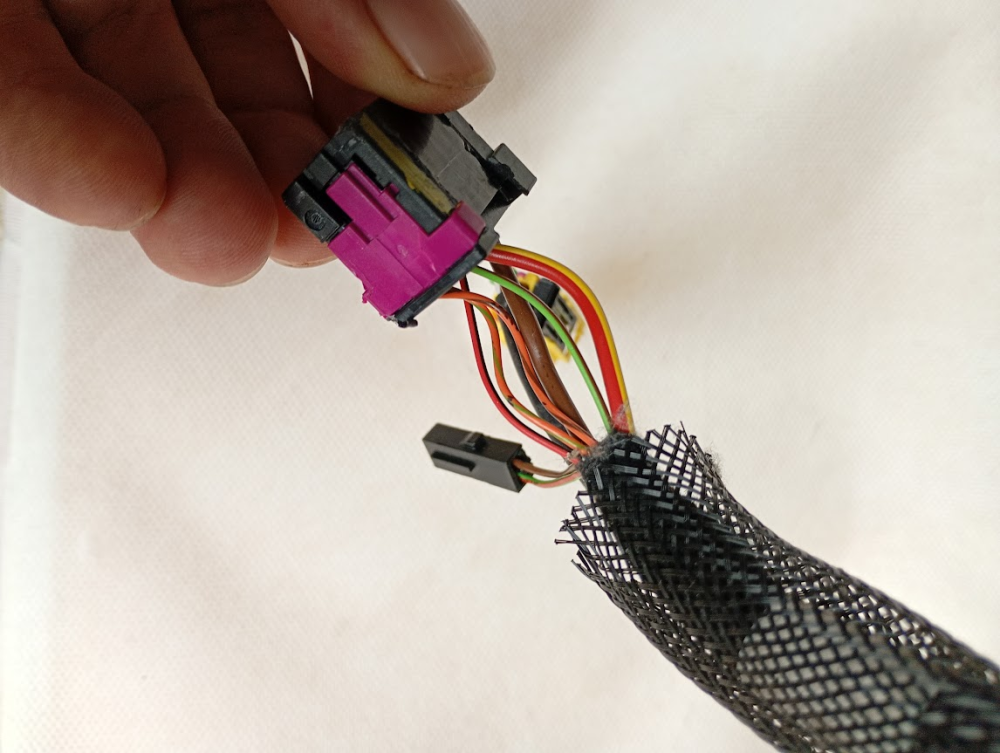
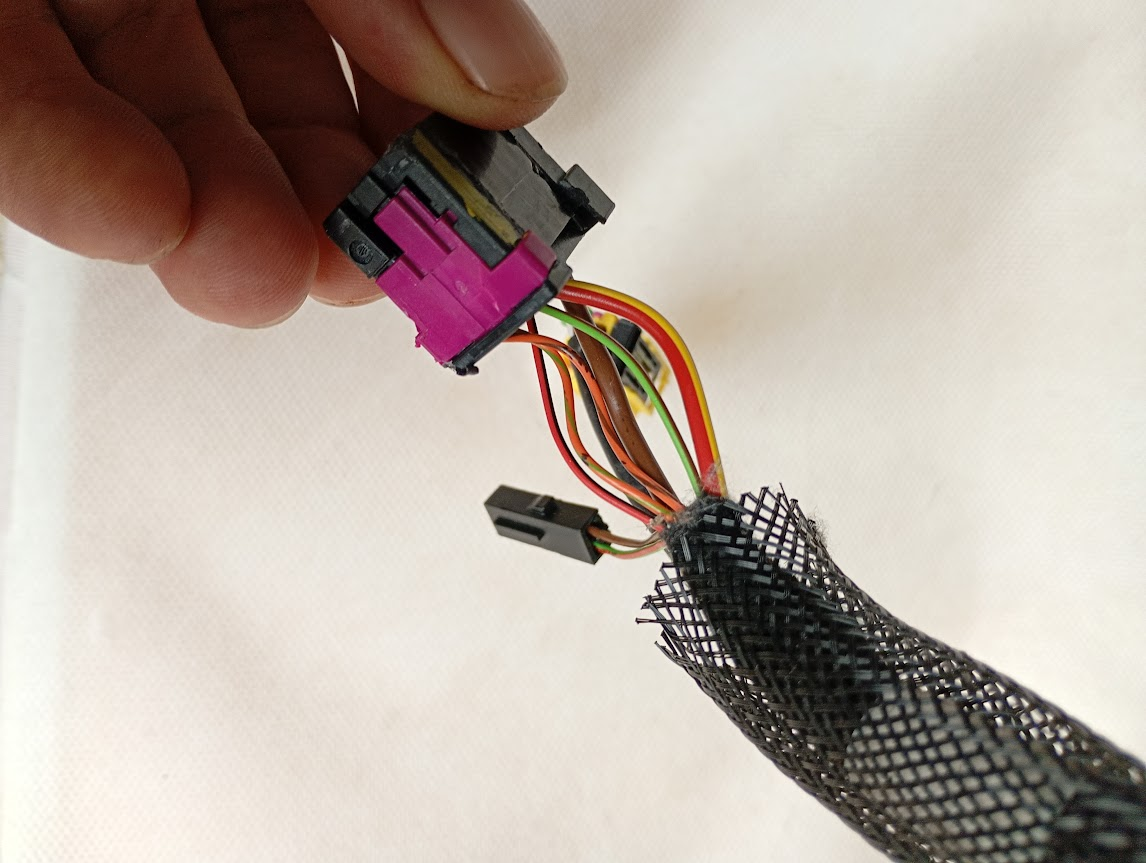
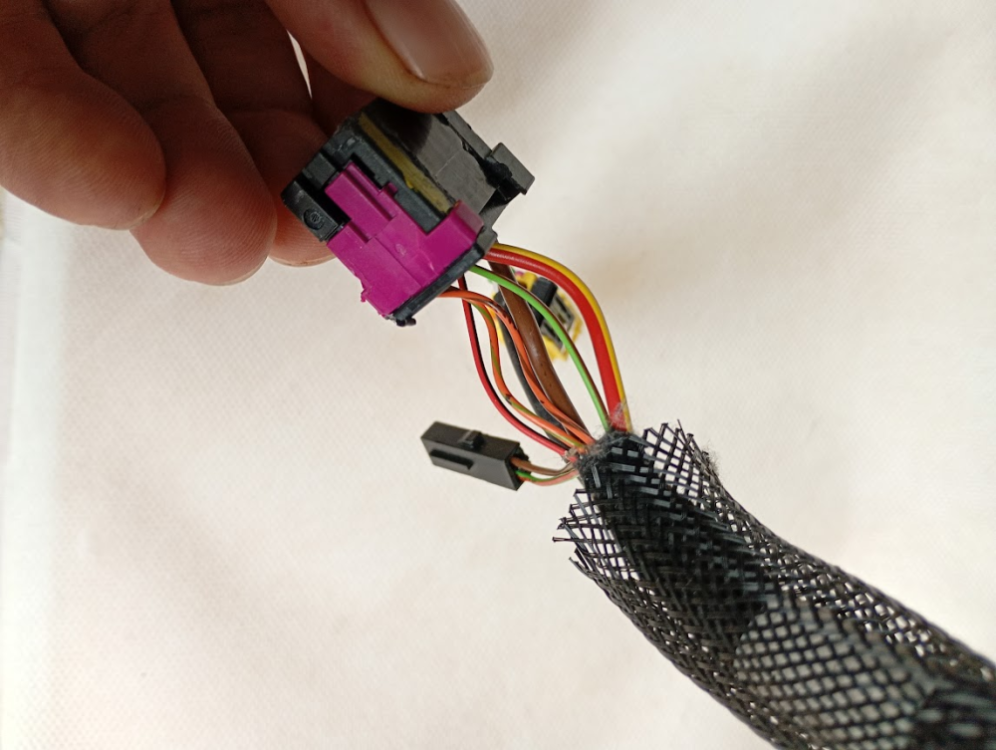
@leolito you were correct, Brown=ground and Red/Yellow=live. I managed to get the seat powered up. Thanks very much mate!
-
In case it's useful for anyone else - I got it powered up, the brown wire is negative/neutral/ground and the thicker red/yellow wire is live/positive.
-
I'll try those first and see what happens I guess!
-
Apparently I don't have enough 'content points' to PM you 🤷♂️
-
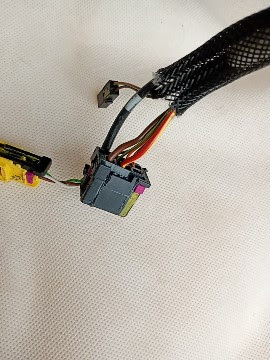
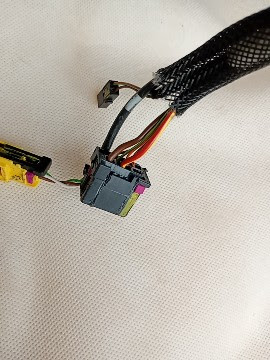
I've bought a pair of Superb Mk3 front seats to fit into an Octavia. The Octavia doesn't have power seats, so I will need to wire a power supply to the driver's seat. Can anyone please tell me which wires on this harness are the live and ground to power the seat motors?
-
I've bought a pair of Superb Mk3 front seats to fit into an Octavia. The Octavia doesn't have power seats, so I will need to wire a power supply to the driver's seat. Can anyone please tell me which wires on this harness are the live and ground to power the seat motors?