LaurMihai
New here
-
Joined
-
Last visited
Everything posted by LaurMihai
-
Hello, I've had a relatively similar issue on my 2009 1.9TDI BXE. Check the fuel pressure (right after the fuel filter). The issue on my end was due to the cap above the fuel filter. It has some valves within it which, over time, can fail to function properly, especially when hot. The issue itself was that not enough fuel was able to pass through the valves which caused my engine to die when attempting to start (it even died sometimes while driving). I changed the entire thing about a year ago and all issues went away (but it took me a loooong while to figure it out).
-
Hello, I want to change the front and back seats on my 2009 Octavia 2 Facelift 1.9TDI with some better ones. I currently have the cheapest ones with no options. Can you recommend me some seats? I aim more towards comfort than sportiness. A lot of people told me to look towards the Superb seats, either Superb 2 or Superb 3 but I don't know if and how they will fit. Thank you!
-
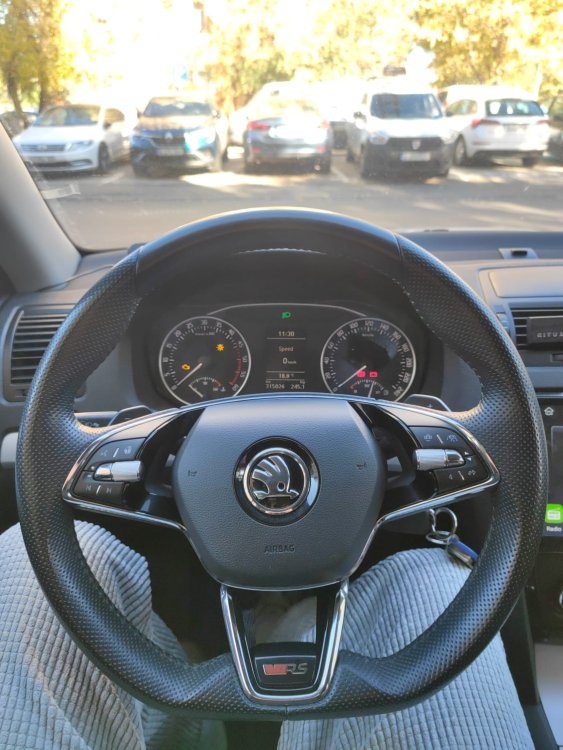
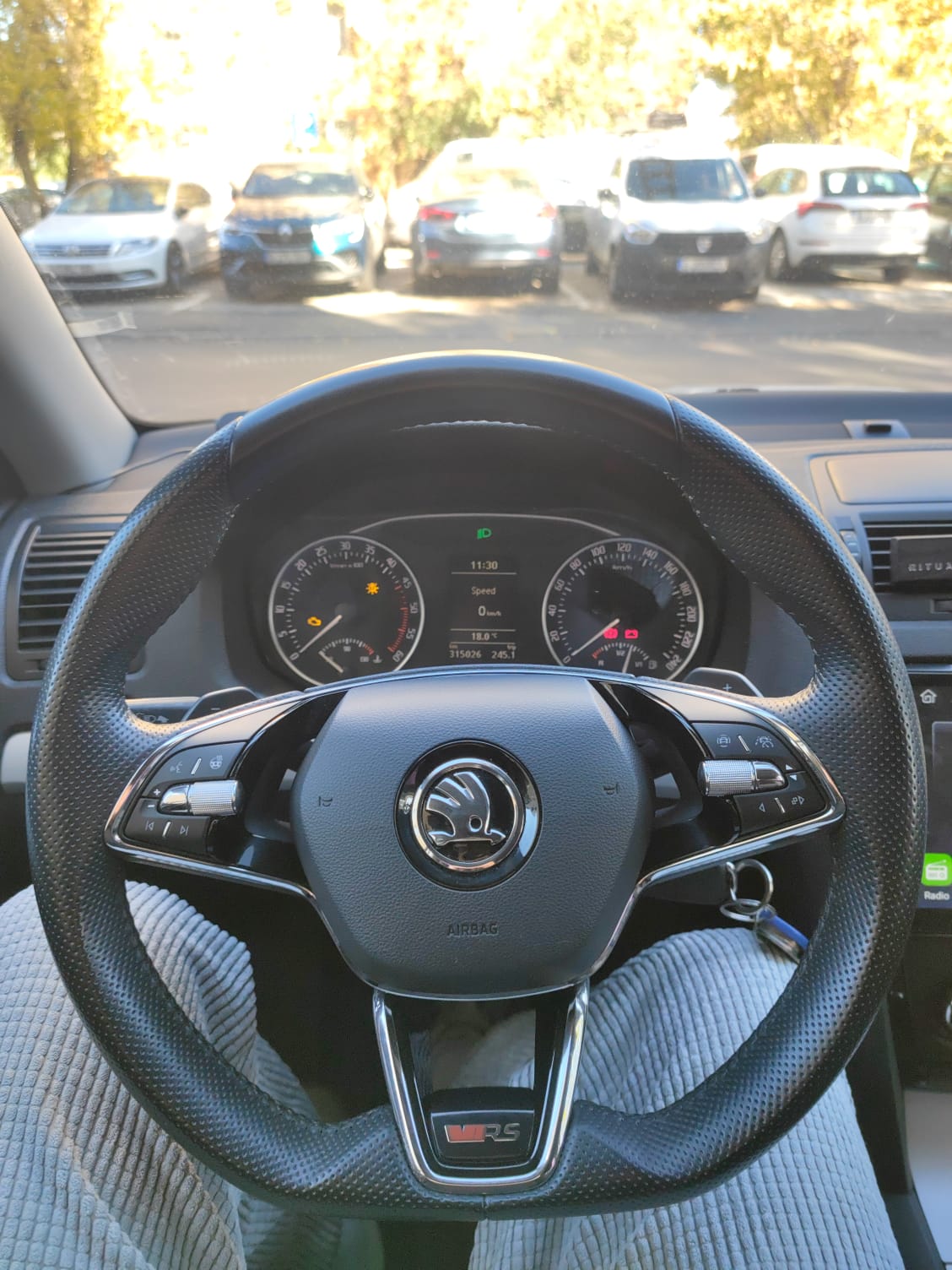
Hello everyone! I recently got a Octavia 4 VRS steering wheel on my Octavia 2 Facelift (1.9 TDI, manual, 2009). I want to know what is it I need to do in order to make the steering wheel buttons function. My original steering wheel: No buttons, No autopilot, Maxidot clocks, control unit code: 1K0953549CN (midline) What are the pieces I need to change in order for the buttons on the steering wheel to work and to light up? This wheel also has Heating, but I doubt I can do anything to make it work. I also have access to VCDS for it in order to properly activate/deactivate the functions, so giving me VCDS instructions as well would be very helpful. Thank you!