DamoD
New here
-
Joined
-
Last visited
-
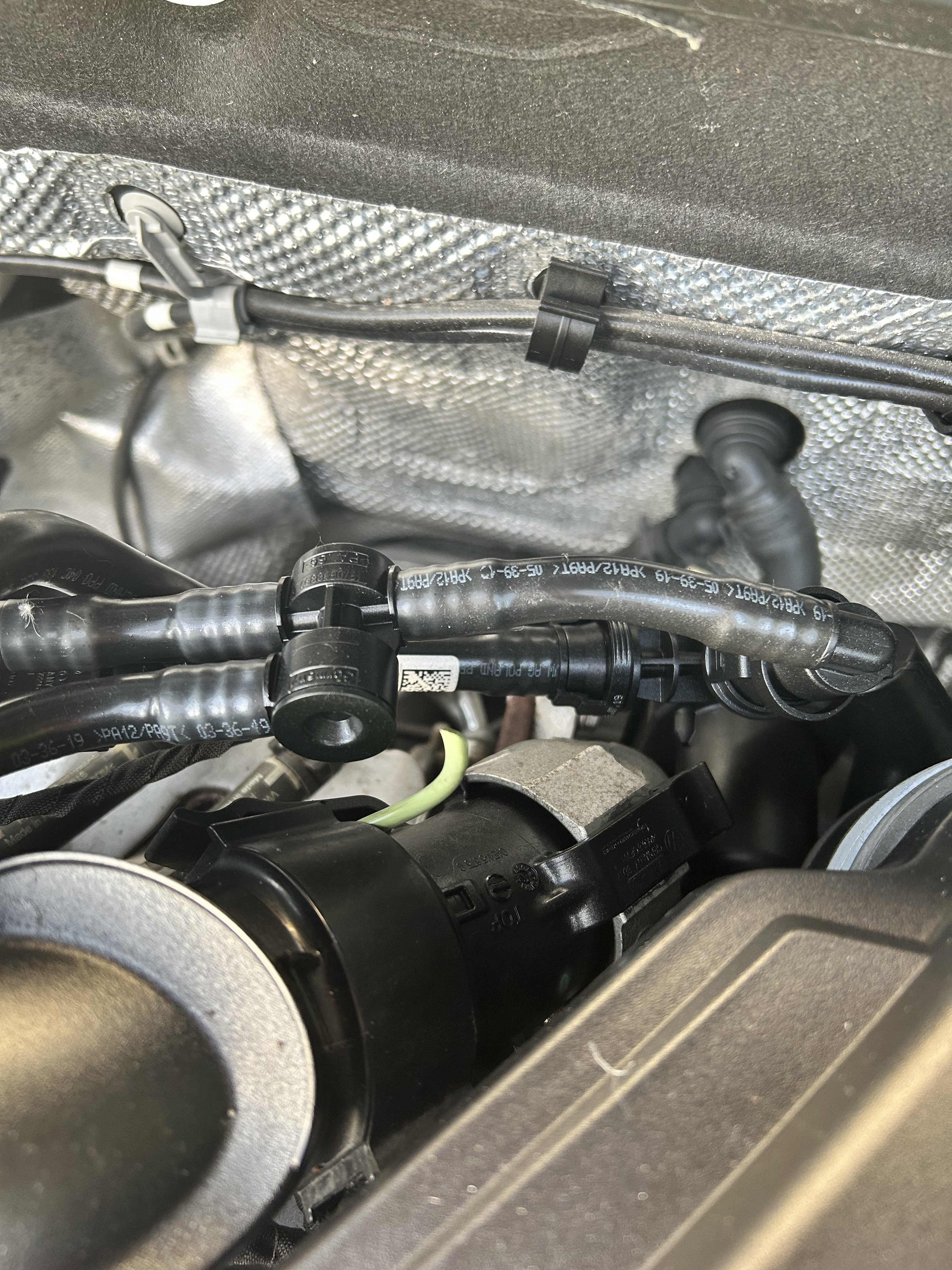
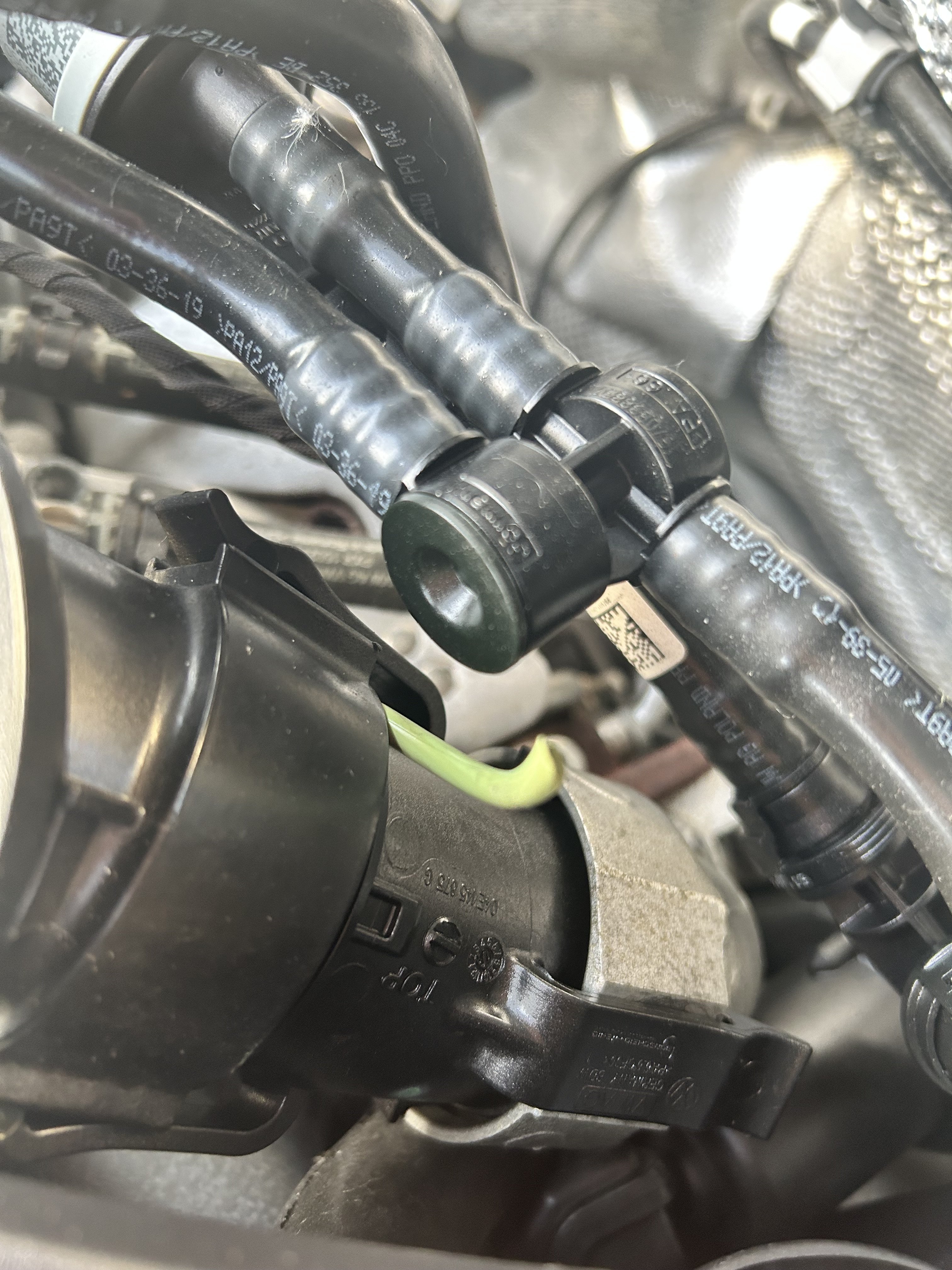
Have been getting the Code P04F0 so I was looking around the engine and came across this brightly coloured tube sticking out its solid inside not hollow so it’s not a wire casing anyone any ideas? It’s a 2021 Skoda Octavia 1ltr TSI . Thanks
-
I’m just passing on the information I received from Skoda directly a quick search shows they revised there maintenance schedule in July also a quick search on the forums shows where that’s been acknowledged . So in that respect I tend to go with what the manufacture of the car states. It’s like if you Google Ford focus timing belt replacement you’ll get all sort of information mostly wrong stating the belt needs replacing every 60k when in fact it’s a 10 year wet belt or replaced 130,000 miles whichever comes first
-
Her sources are from the manufacture of the car so I’ll tend to lean towards what the manufacturers say .. plus my mechanic also said more or less the same thing inspect it at 250k … there’s no schedule in the manual but for the Diesel there is
-
Hi I recently just bought an Octavia 1 litre TSI 2021 with just 35k on the clock & I had the same issues as you getting different answers so I decided to contact Skoda Ireland & this is their reply and answer . Hope this helps anyone else who is trying to find out information Good afternoon Damian, Thank you for contacting SKODA Ireland. We have sent your VIN to our technical team to get confirmation on this query. They confirmed that there is no timing belt service intervals for this vehicle meaning it is not needed. They advised that it would only be necessary if some other work is performed that requires it to be changed. Should you have any further queries, do not hesitate to contact us. Kind Regards, Bella