Krywan2494
Finding my way
-
Joined
-
Last visited
-
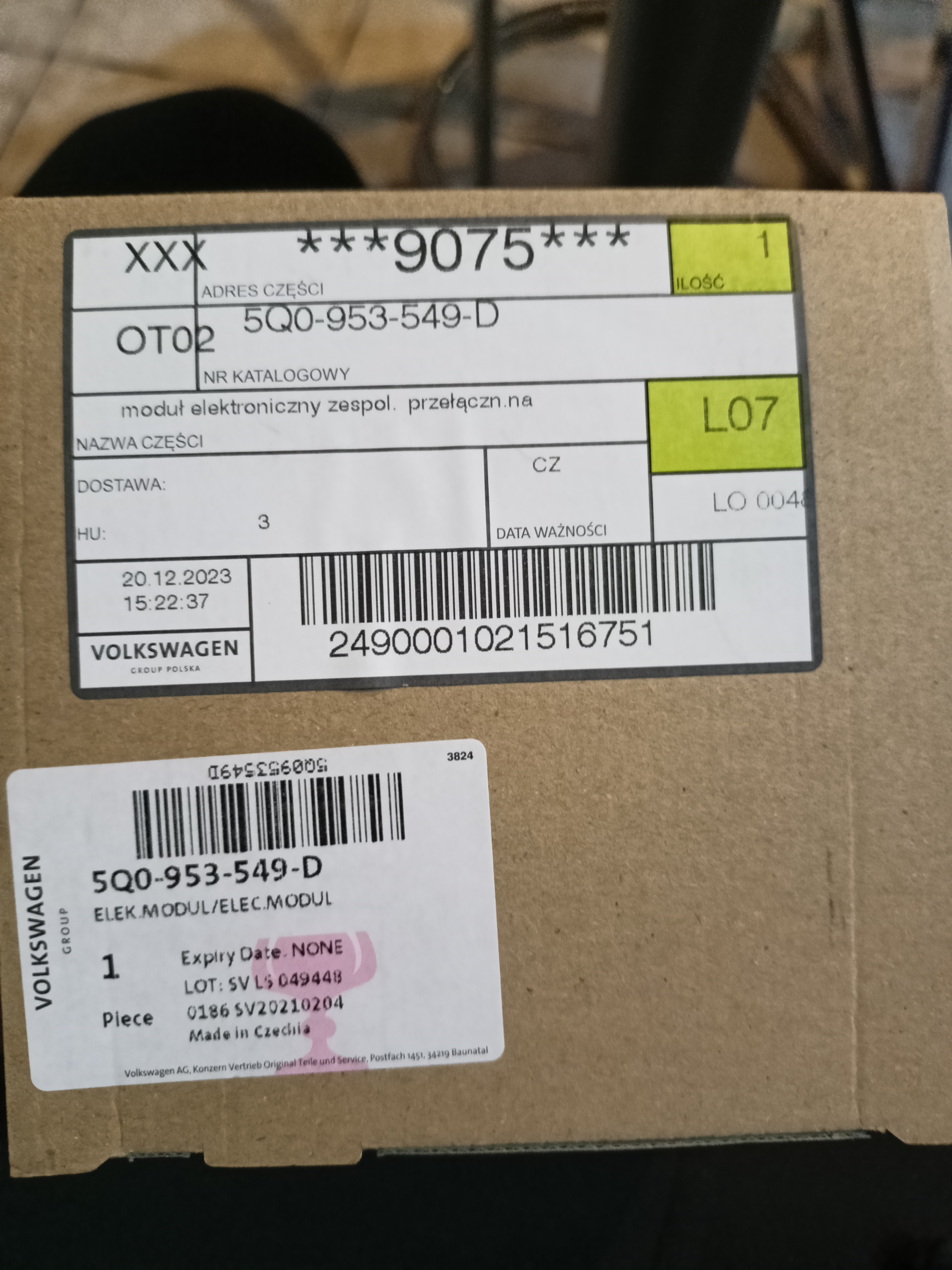
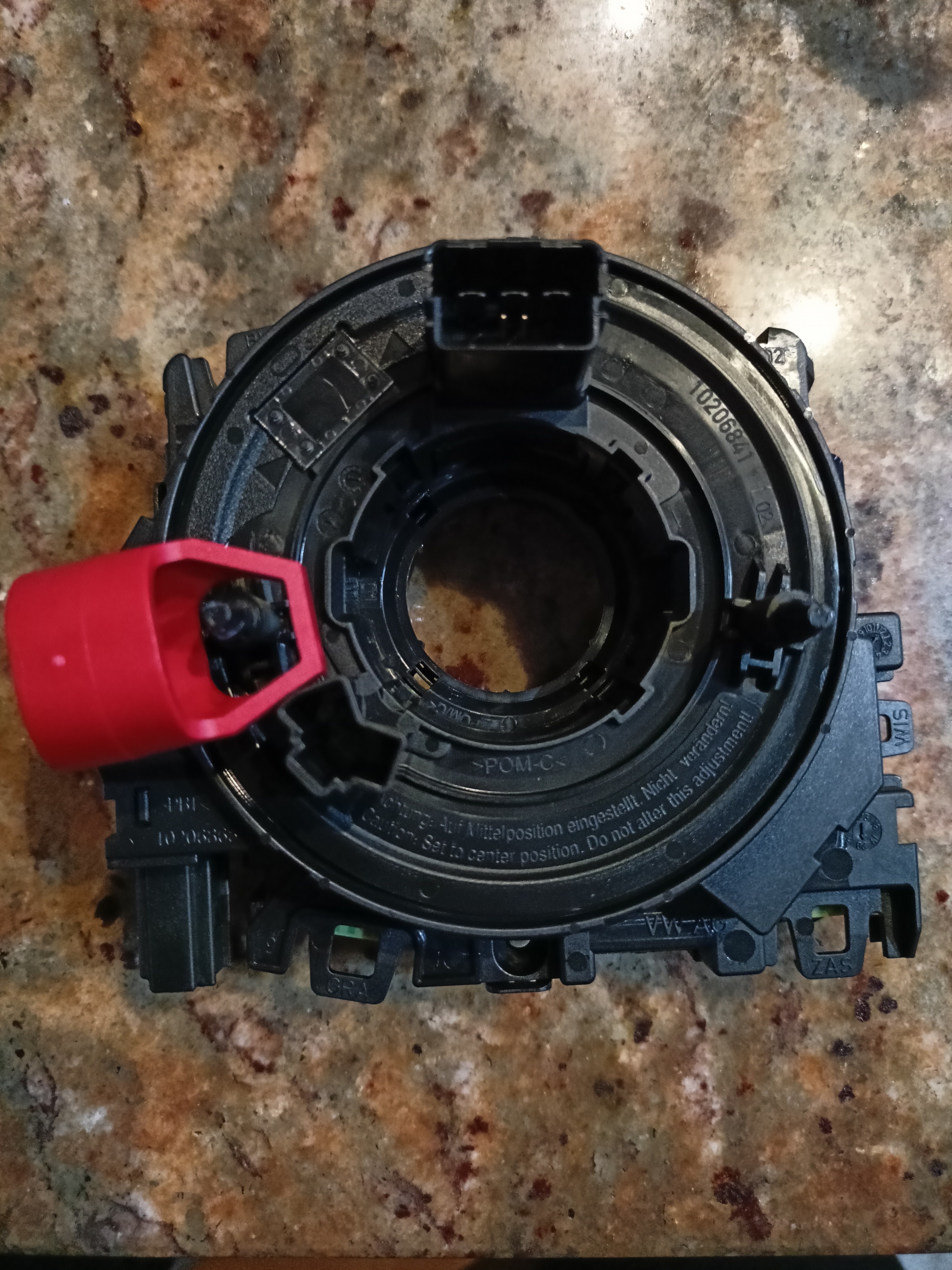
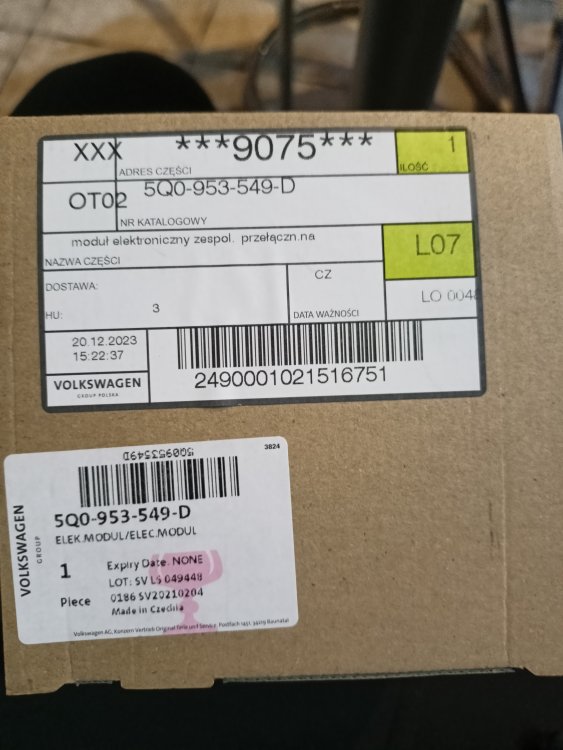
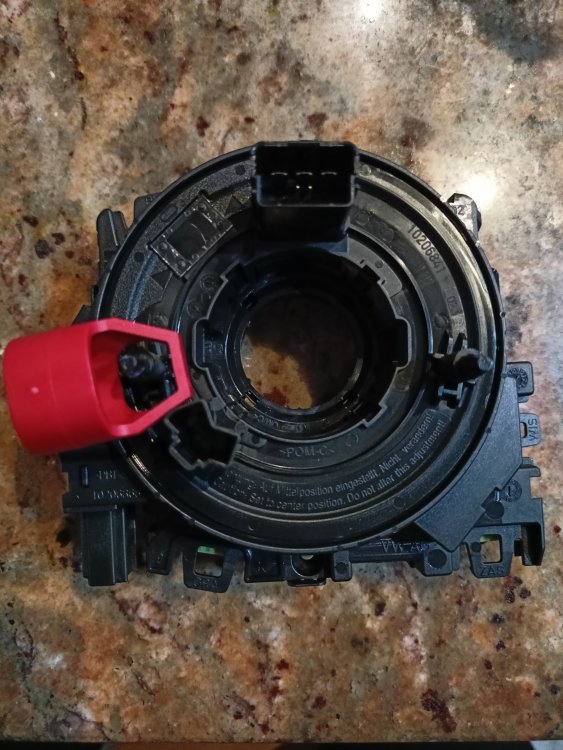
Hi, I have octavia 2014, and clockspring kostal-5q0953549, so I have to change clockspring to 5q0953549d. I updated cangateway - module 19.
-
Images
-
I have new clockspring 5q0953549d for sale.
-
Heating is working! I upgrade can gateway and now everything is ok.
-
Maybe there is another coding or adaptation (in another modules) to be changed , but at the moment I am waiting for news clockspring.
-
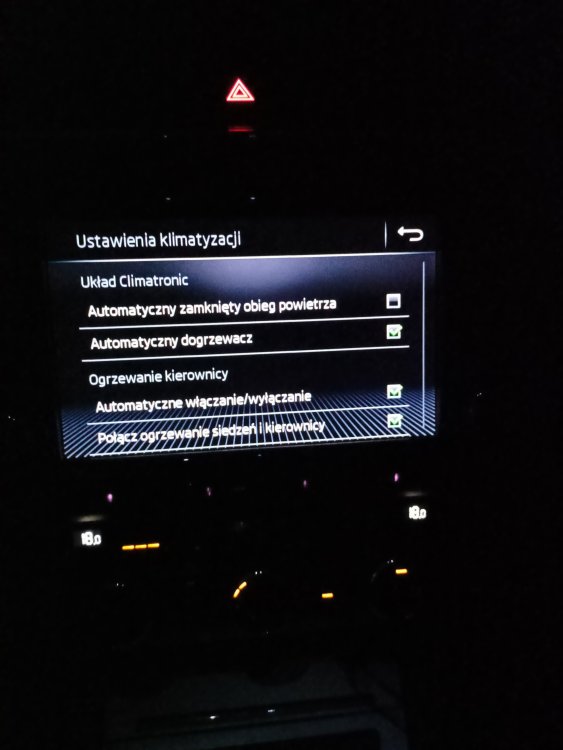
Hi, yes I put a fuse 10a on place of 4th fuse i fuse box. Ground point near fusebox. I correctly repin to 24pin pług, there is no errors in clockspring and everything id working properly (despite heating SW). Coding of byte 11 bit 2 and 3. So I have to by o genuine clospring 5q0953549d.
-
I think Ihave to but a clockspring from VW dealer.
-
There is no errors in other modules.
-
Thanks for response, clockspring is new from aliexpress, steering wheel is used from octavia FL 2019. In measure value temperature of steering wheel is usualy 12-13 degrees Celsius.
-
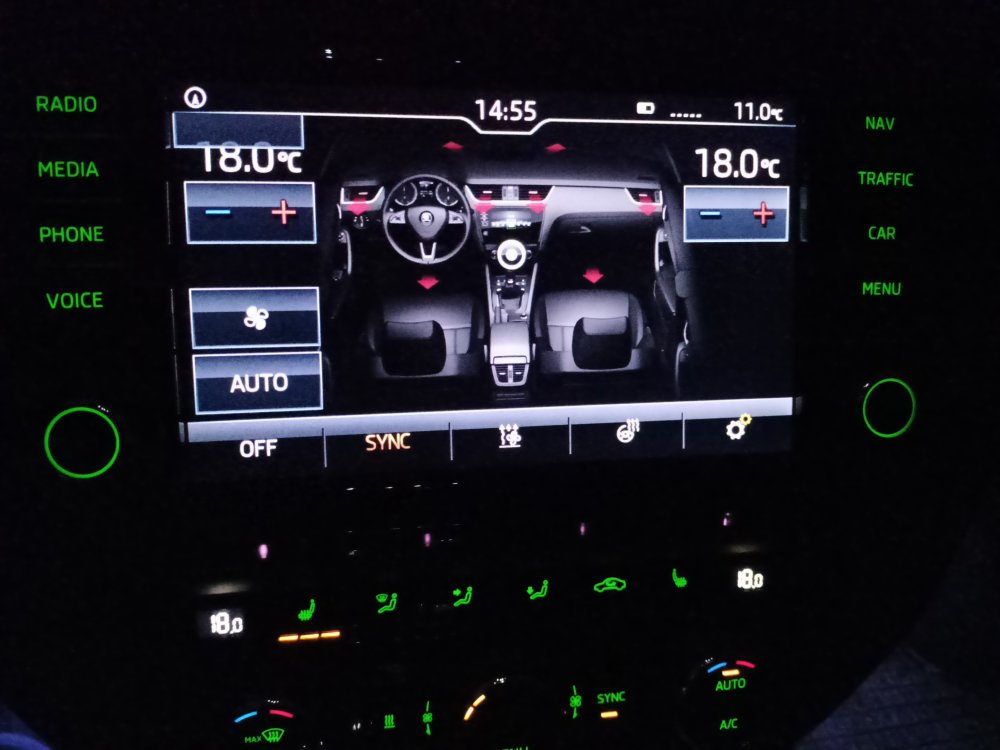
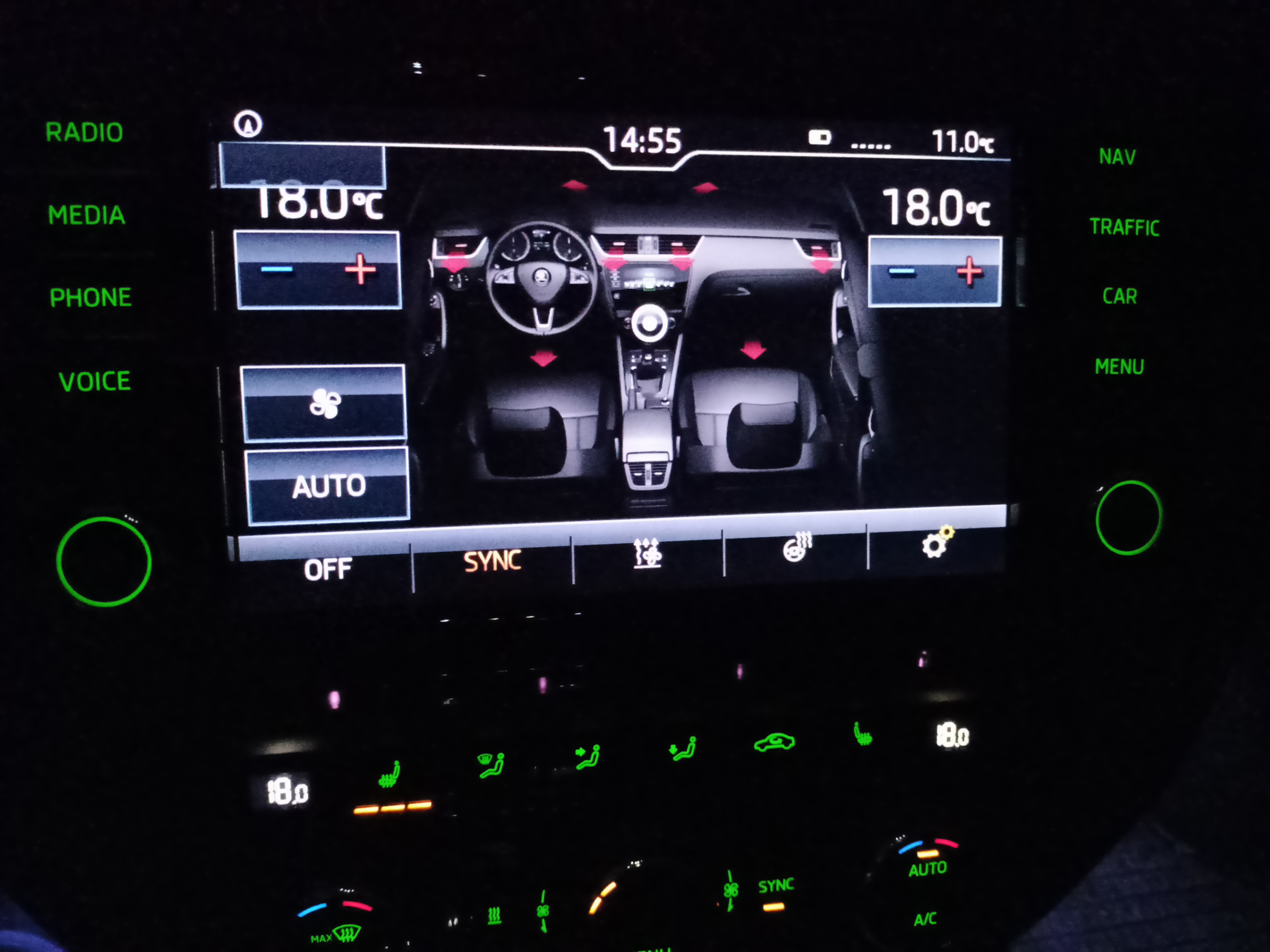
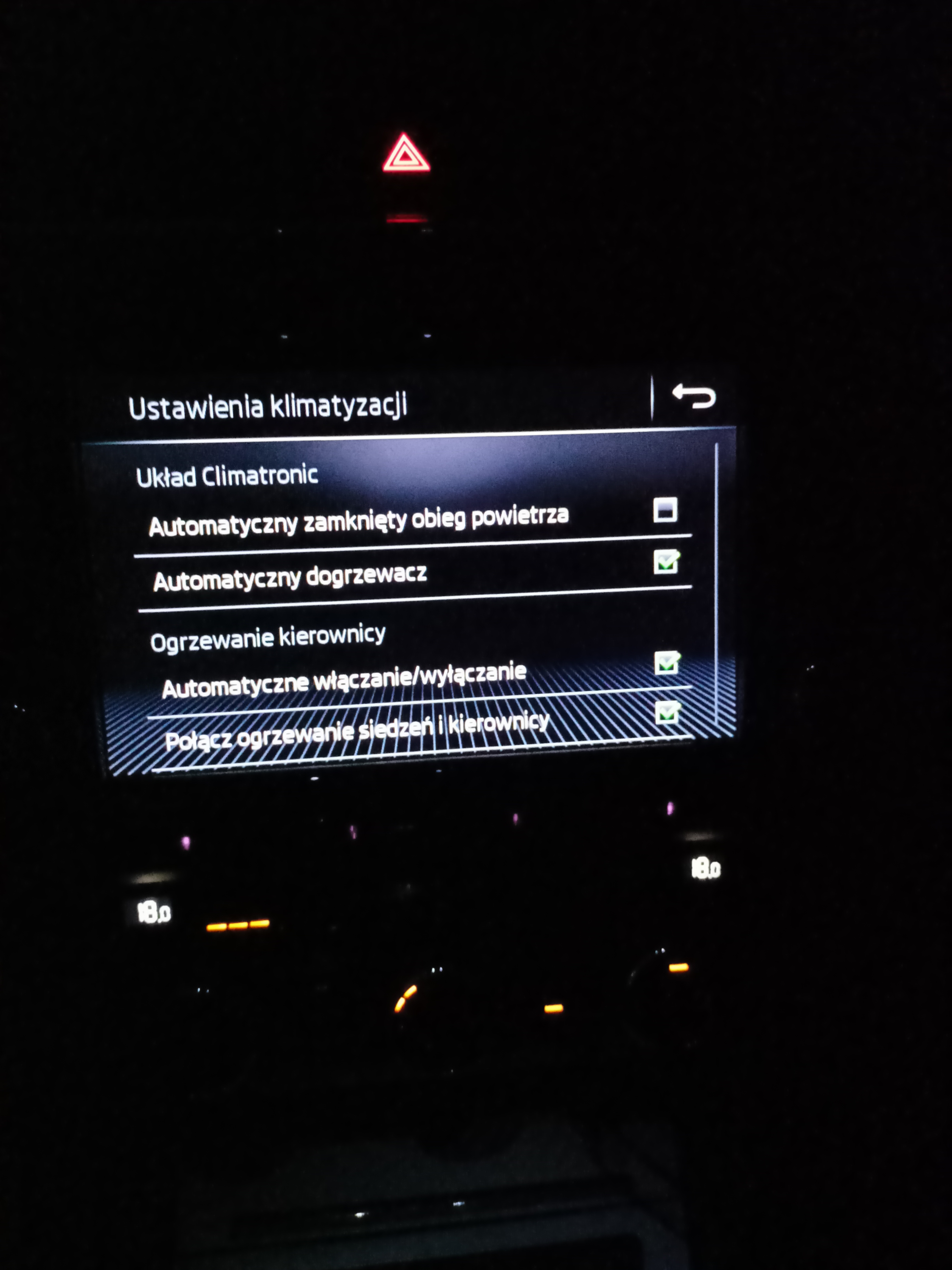
Hi to everyone, i'm from Poland, first of all sorry for my language, I tried to retrofit heated steering wheel on my octavia 3 2014, but without happy end. I changed clockspring to 5q0953549d, add wire connections, changed steering wheel with heating. I coded HVAC byte 2 and 3. After that heating is not working and three is no errors on HVAC. The icon of heated steering wheel exist, but highlights Orange just one second and after that still is white. Thanks in advance for your help. Adam