




PaulZZZ
Finding my way
-
Joined
-
Last visited
-
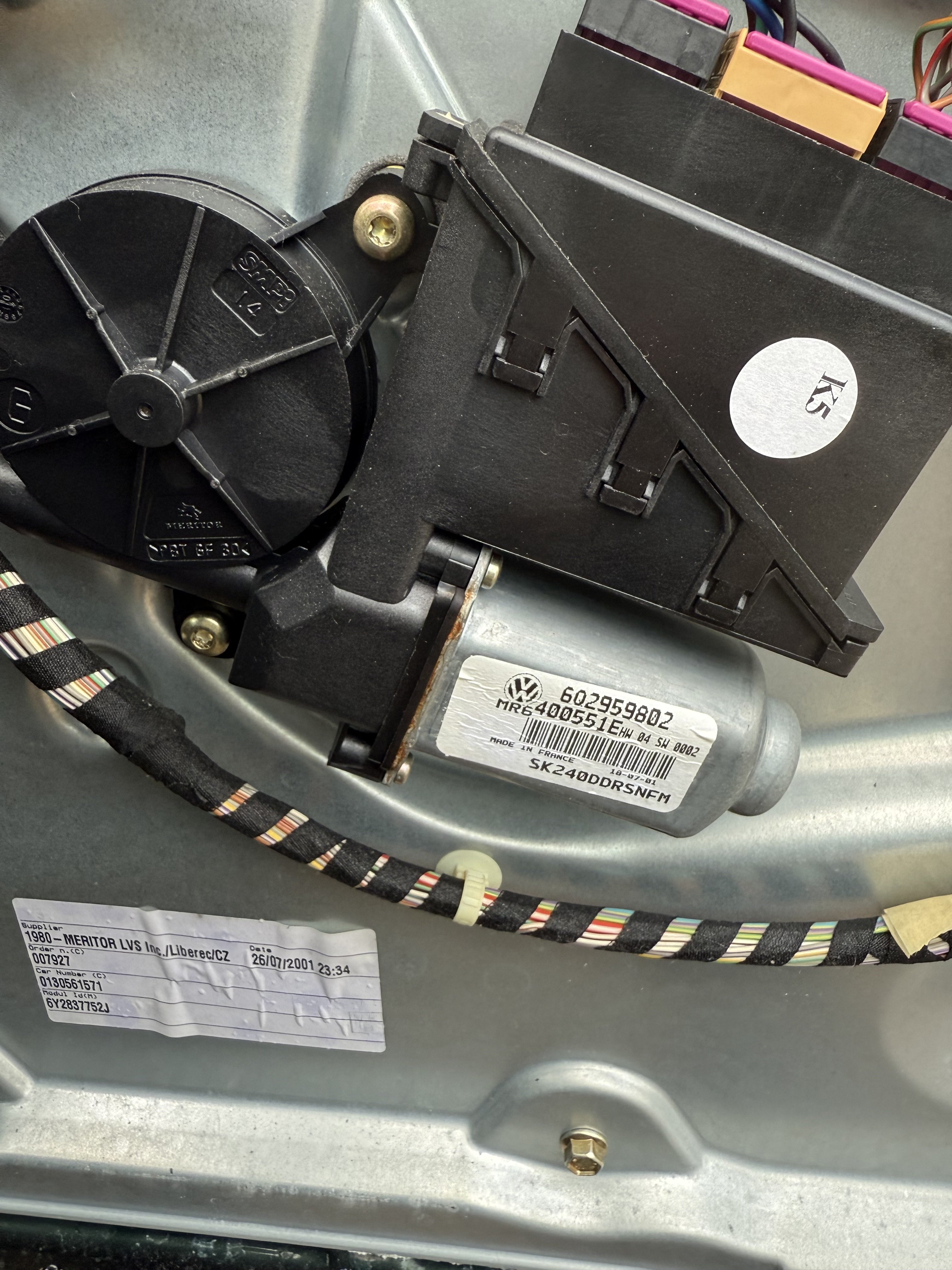
All working again now found a replacement on eBay £45! Swapped it over and working again! If you want the old one to try and repair and keep for yourself or find out about I can send to you pm me your address. cheers for the help!
-
Ok thanks for your help I’ll see if I can get one… fingers crossed it’s that! is it worth trying to see what’s wrong with this unit and open it up?
-
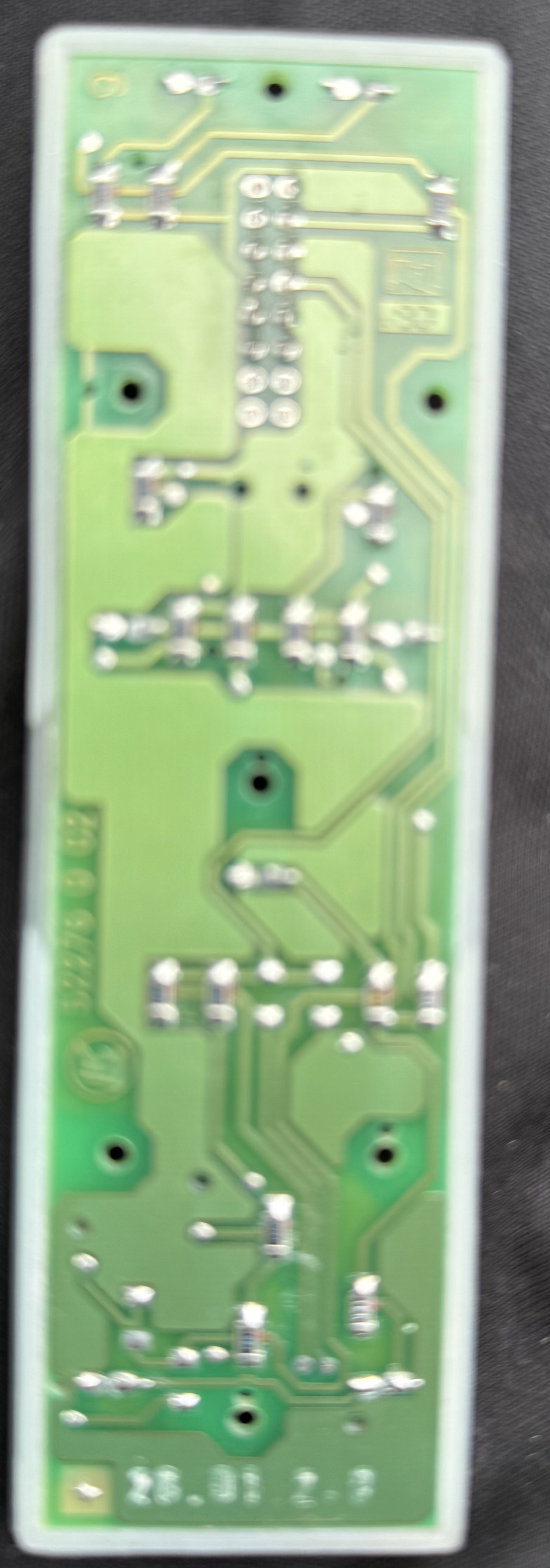
I’ve taken all the door connectors out and just checked them for continuity all ok. All wires from plugs seem fine. I’m just thinking that it can only really now be the driver door motor/control unit? there isn’t really anything else is there? is it worth trying to open up the window motor unit to see if anything can be done there?I’ve opened up the old switch unit I replaced last year was only the window switches sticking lock was ok. Tried putting it on live and putting an earth to the pins got nothing! there appears to be nothing going to the switch unit no feeds at all!
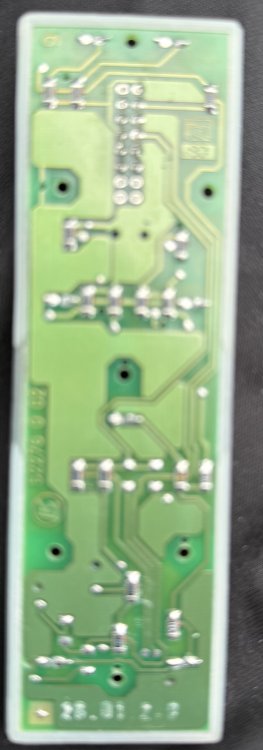 Backlight not working on the switch unit passenger and rear all light up. i guess I’ll have to strip the door down next I’m guessing its going to be a feed/earth maybe from the motor?Any more thoughts on it still can’t figure it out bizarre really found the wiring diagrams and as you said how does the door locking button get affected as well as the electric windows! You mentioned earth connection before if that’s broken somehow going to the door switch unit will that stop both working? could I run a piece of wire from earth to switch connections to prove that?Yes courtesy lights come on and off with door opening. Lights left on alarm sounds when door openedFYI I also unclipped the brown clip connector in the door loom rubber, that makes the central locking operate when plugging in and out. So clearly power going through that to door mechanismOk battery disconnected for few minutes no change. central locking works fine on key remote. And inserted in lock. Turning key in lock does only open the rear windows though not either front. Front passenger works on it’s on switch ok. Don’t think the backlight on switches is working but it is sunny today so will double check that later.Ok cheers! did seem odd that only just failed after battery went flat don’t know if that’s a coincidence or not! Pulled off door rubber and wires all look fine. Having central locking not working seemed odd as well. I did still have the original switch unit tried that in case they had failed nothing worked still.So after eventually sorting my Windows out replaced the door switch unit that got the drivers working then new motor and mechanism panel as that had broken on passenger side. Been ok for nearly a year! 😂 now drivers switch unit has stopped working on all windows as well as locking not working all windows except drivers open separately on there own switches. Key in door will only open rear windows and close neither front operates. is this now the drivers module failed? Does that affect central locking as well? All fuses and wires seem ok. i did recently have the battery go flat as hadn’t driven for a while and left dash cam plugged in 🙈. its Fabia 2001.My drivers window was similar intermittent so replaced the switch unit of eBay easy to do and was about £10. I would change that first.What’s the sensor that comes from the EGR valve to the engine? Is that the DPE sensor? can’t find what it is thought maybe that’s got something to do with the fault codes now?I’ll replace that I think I’m sure it’s not great.. hopefully that sorts power steering .. but not sure about the exhaust valve issue unless that’s also battery drain?

Important Information
Welcome to BRISKODA. Please note the following important links Terms of Use. We have a comprehensive Privacy Policy. We have placed cookies on your device to help make this website better. You can adjust your cookie settings, otherwise we'll assume you're okay to continue.