
carsibekir
Finding my way
-
Joined
-
Last visited
Everything posted by carsibekir
-
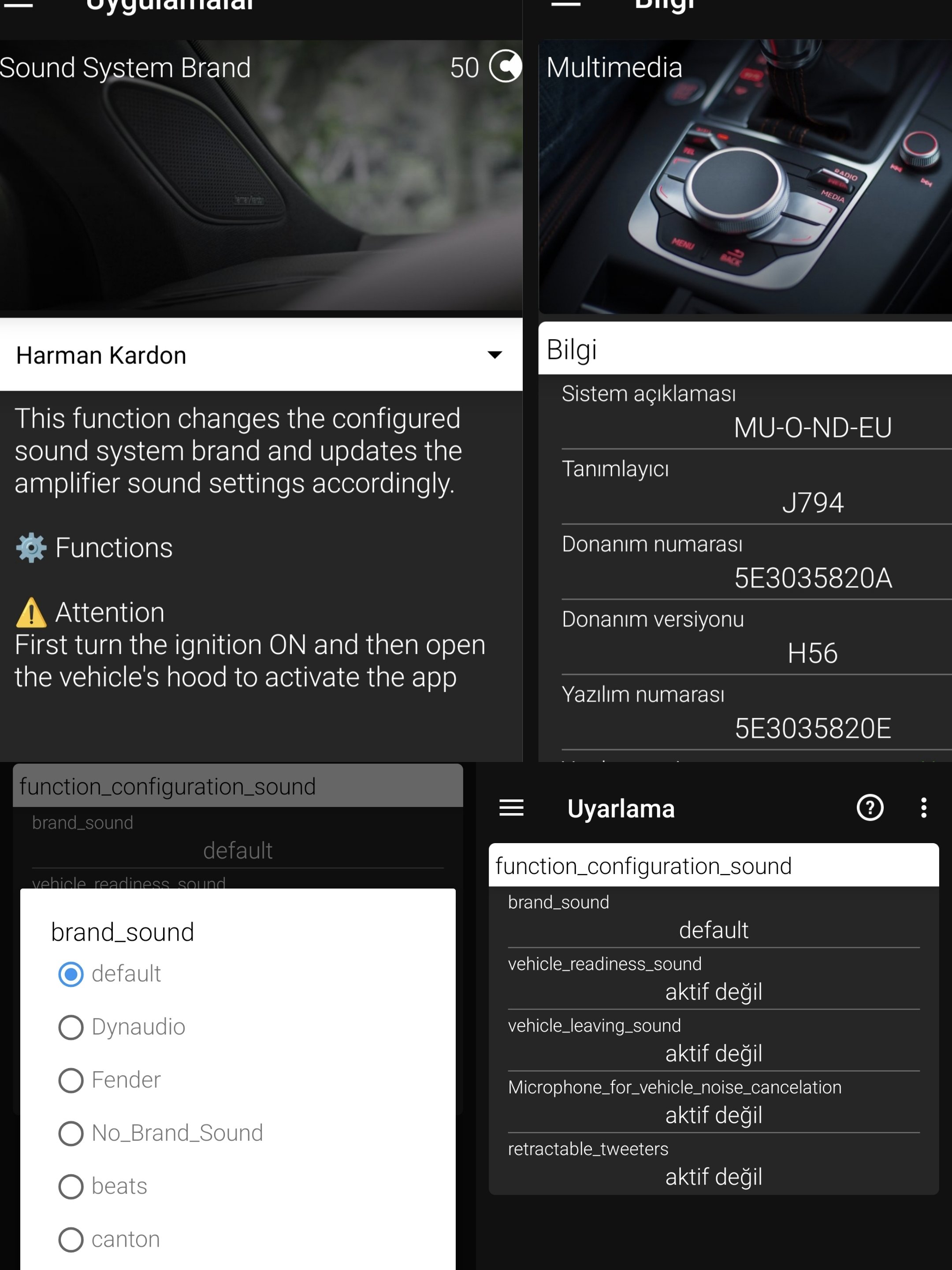
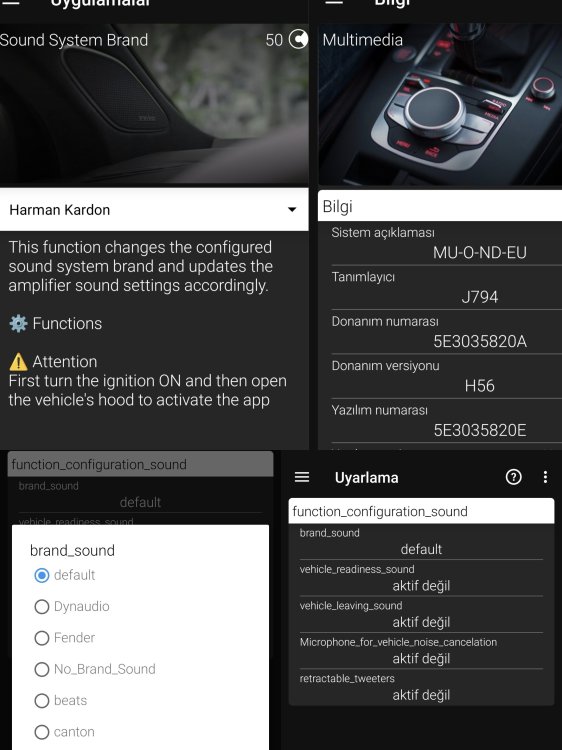
Greetings, I tried these sound settings one by one with Obdeleven on my 2022 škoda Octavia A8, but unfortunately nothing changed.
-
Hello everyone, does anyone know the name of this program? VID-20240129-WA0022.mp4
-
You are up to date but 0480 update can be done
-
https://mibsolution.one/ P0480
-
Can the active smartlink be turned off after the update? So what is in use disappears?
-
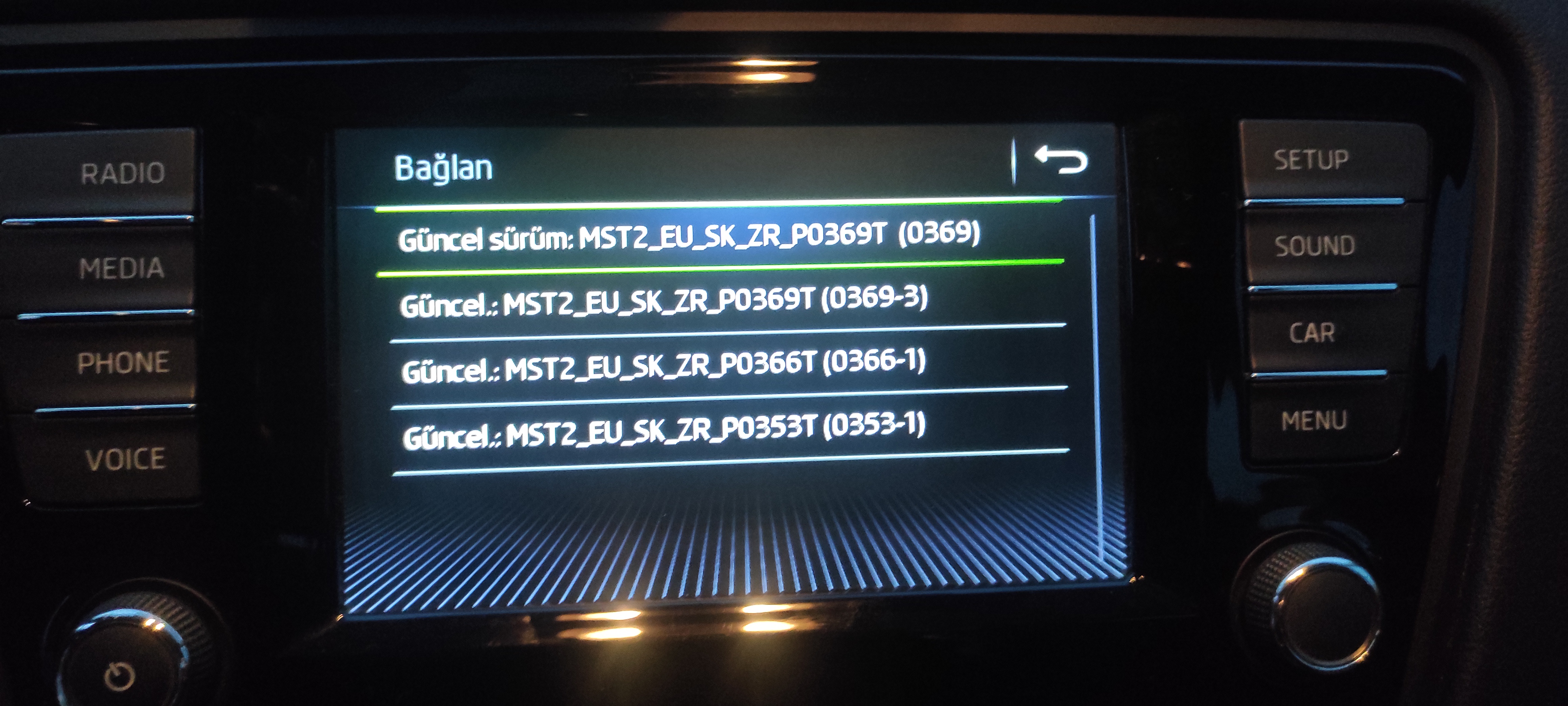
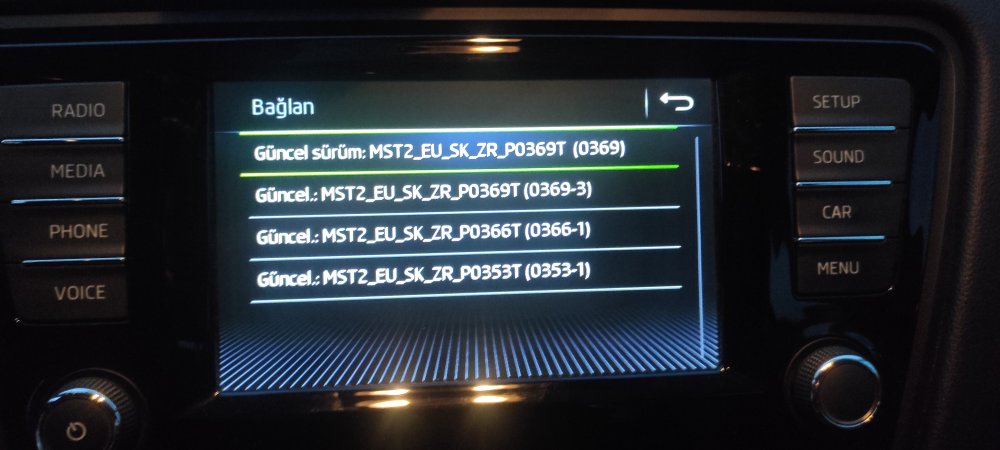
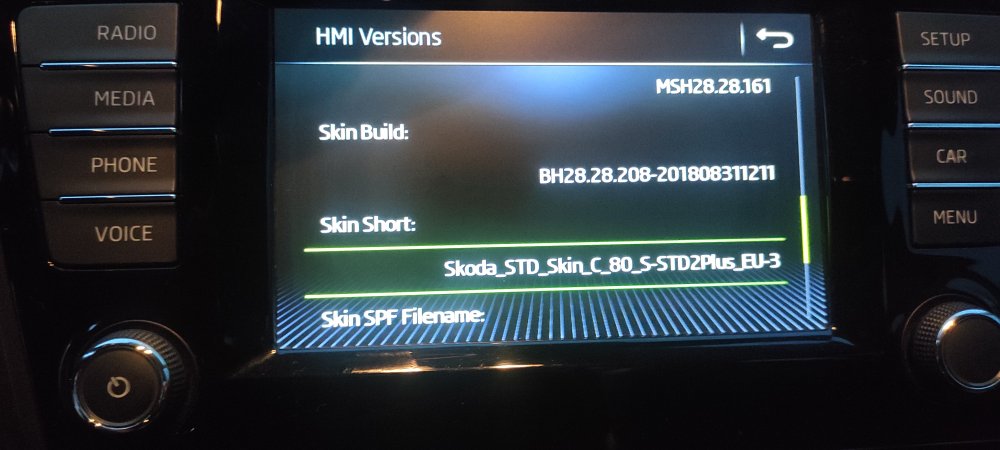
Hello how are you? The current version has been installed with 369, but can I upgrade to higher versions?
-
Thank you for your interest, I will let you know if there is an update.
-
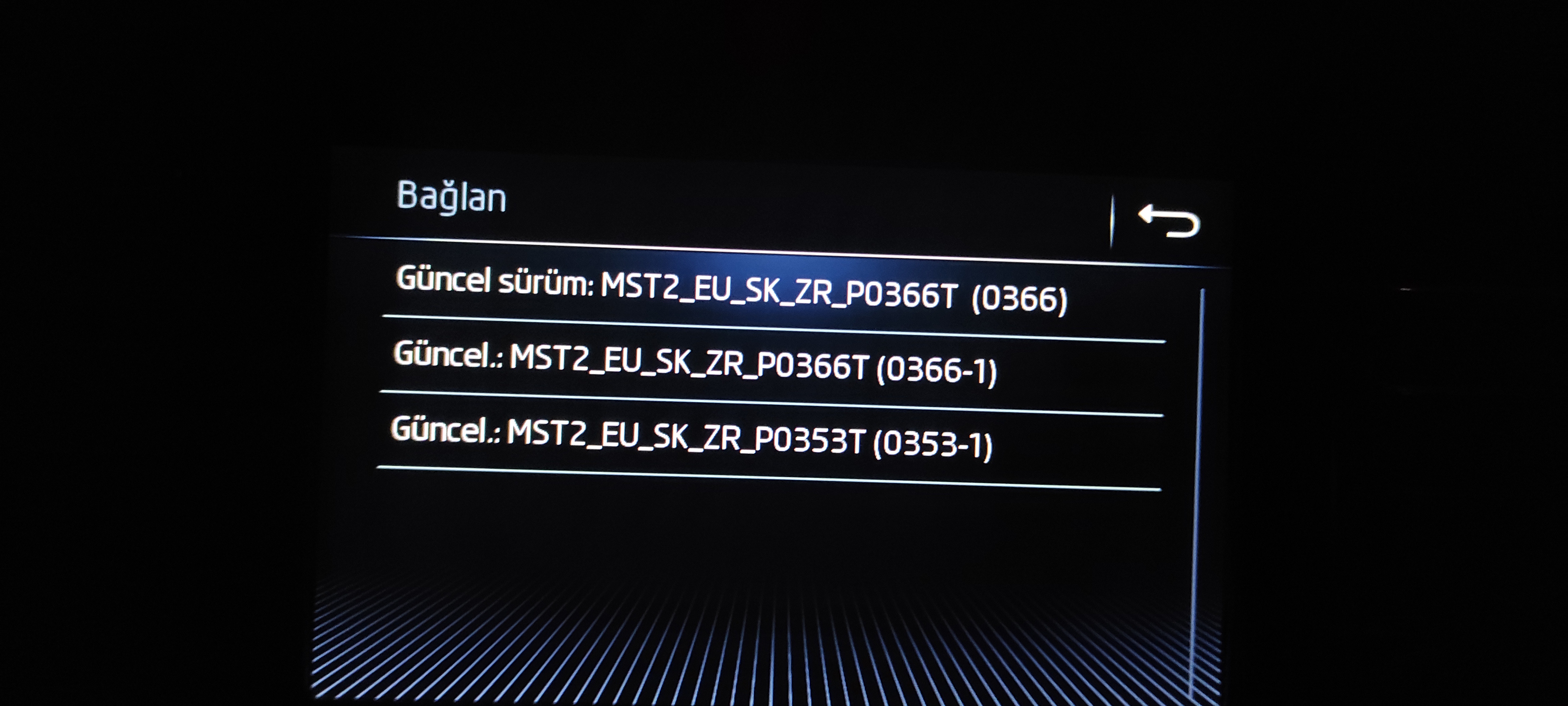
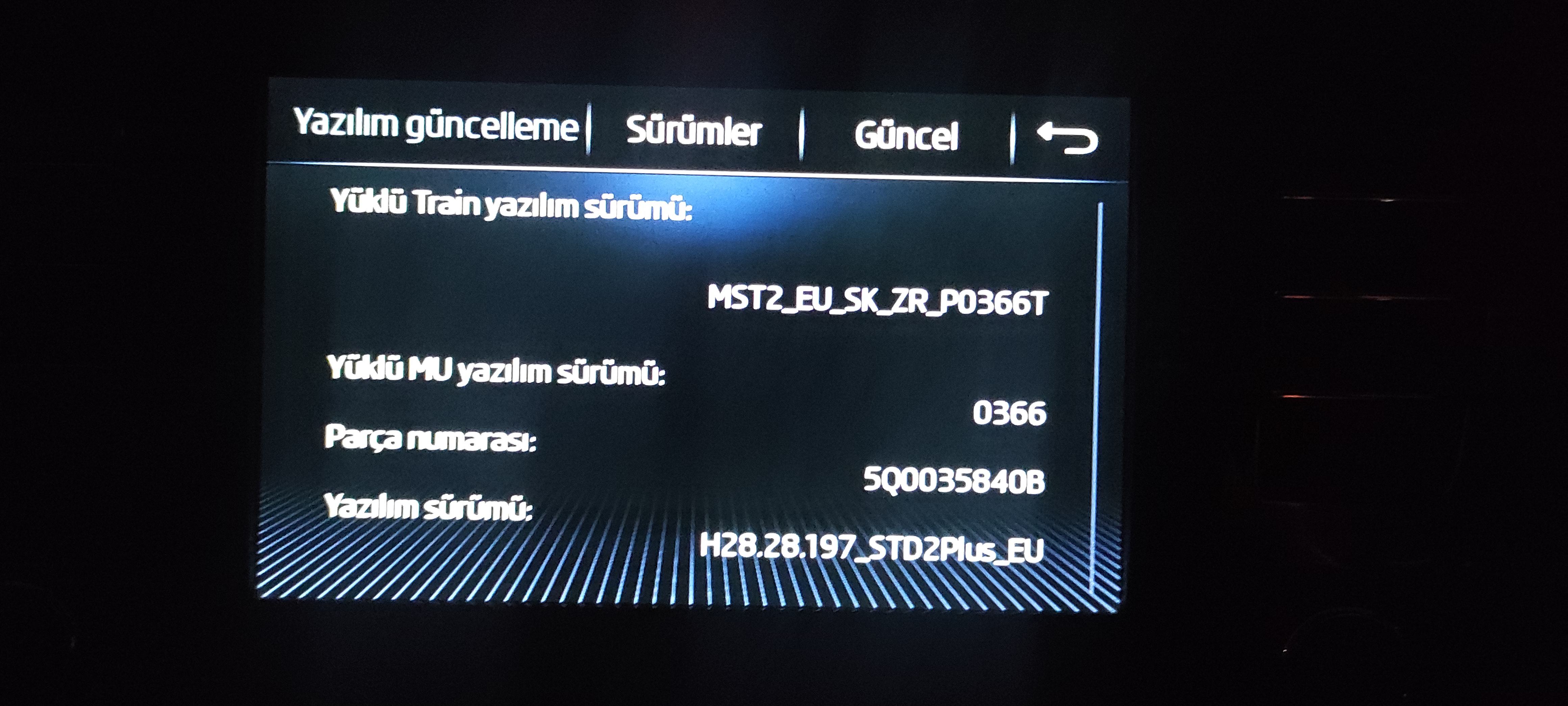
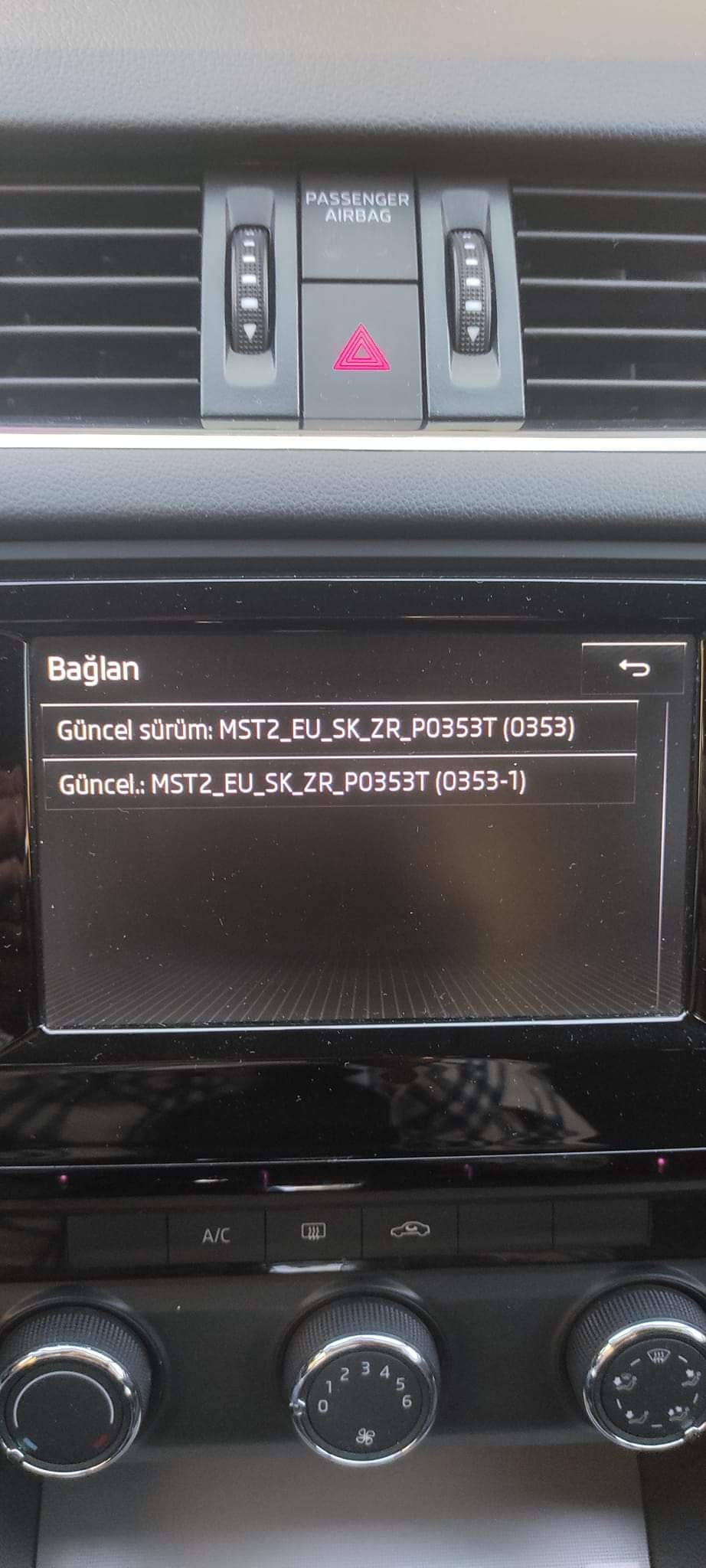
I updated it to 366, I get an error between 369 and 353. I will try 369 again. So is there a file for the toolbox?
-
How can I generate activation for Smartlink?
-
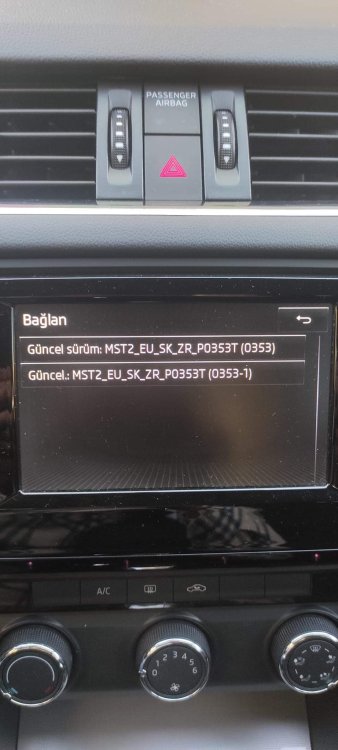
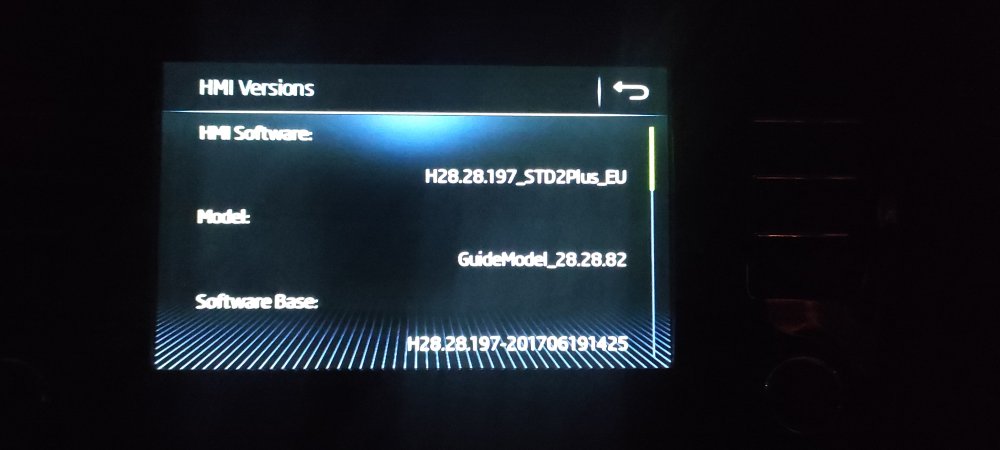
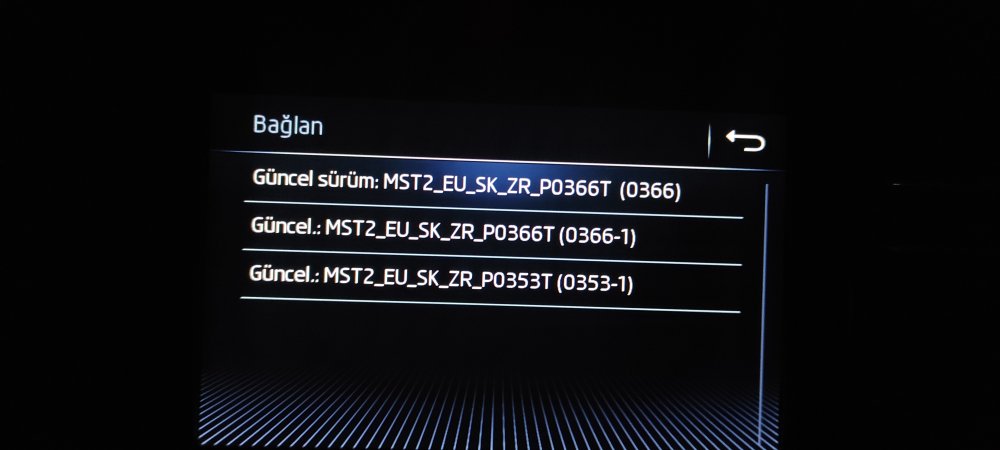
Hello everyone, I updated the unit from 353 version to 366 version. I will update it with 367, 368 and 369 in the coming days.
-
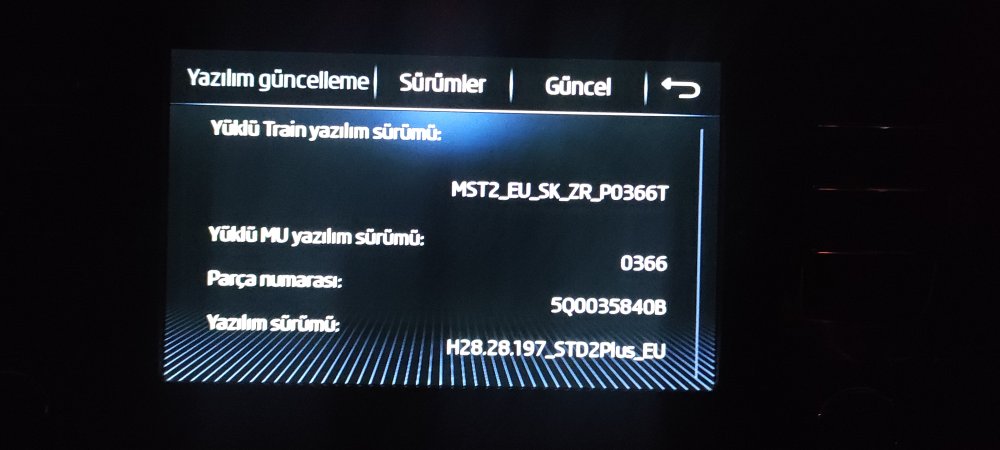
Hello everyone, I updated the unit from 353 version to 366 version. I will update it with 367, 368 and 369 in the coming days.
-
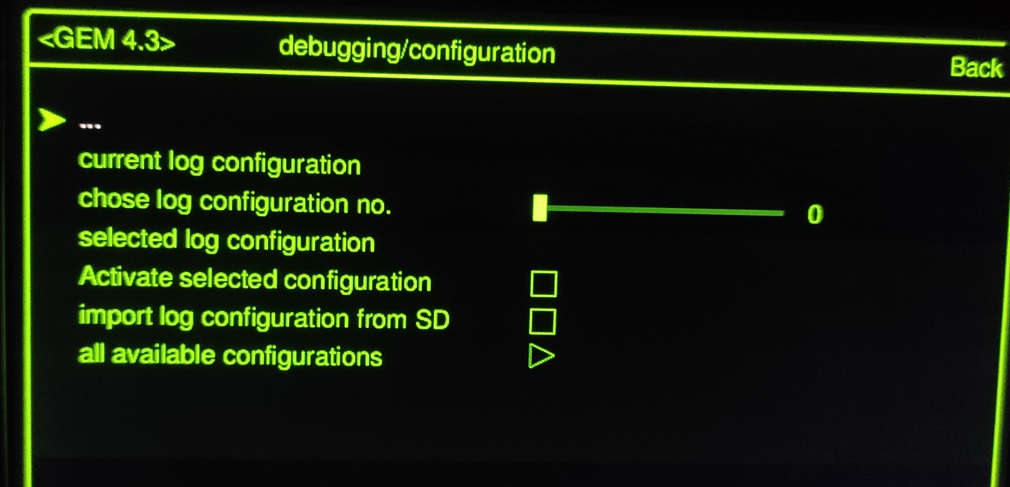
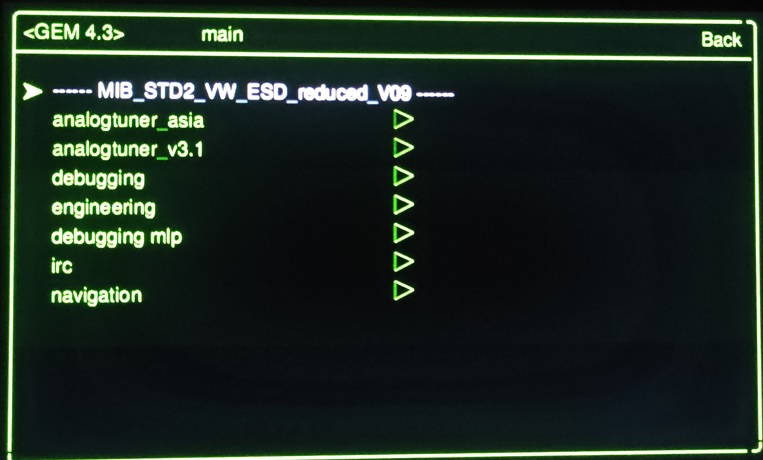
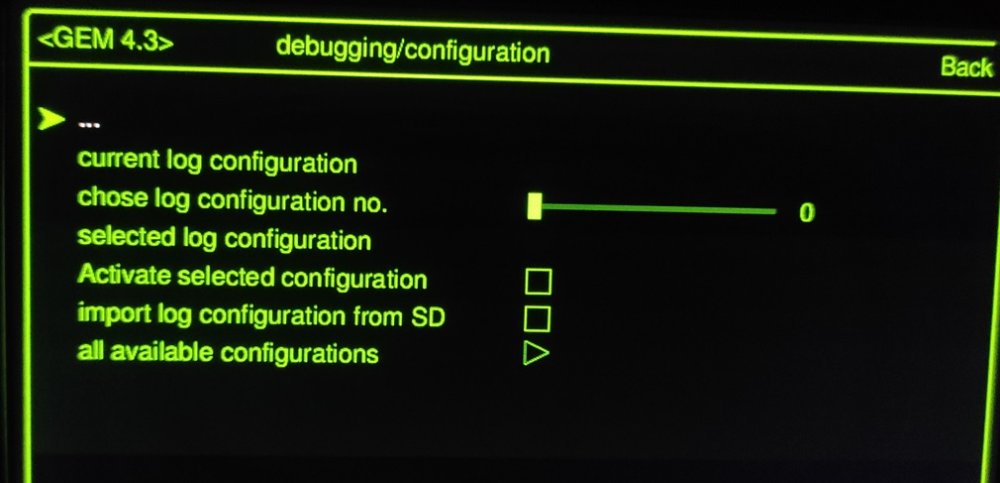
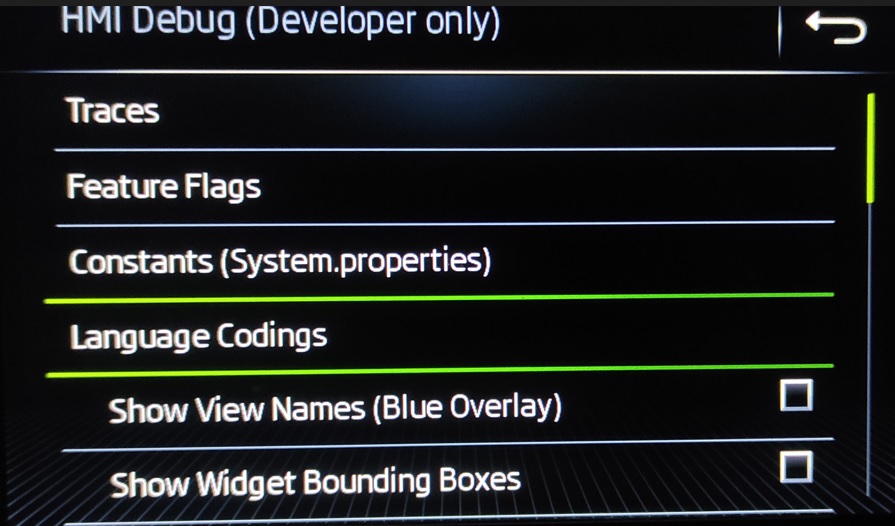
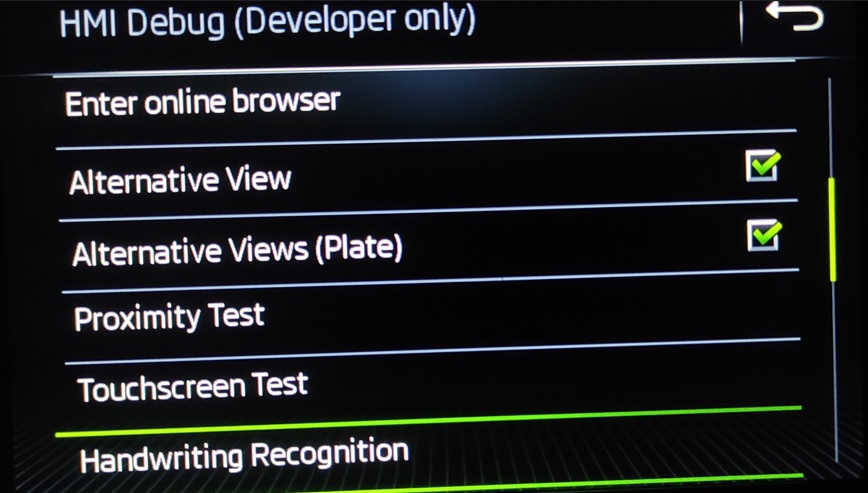
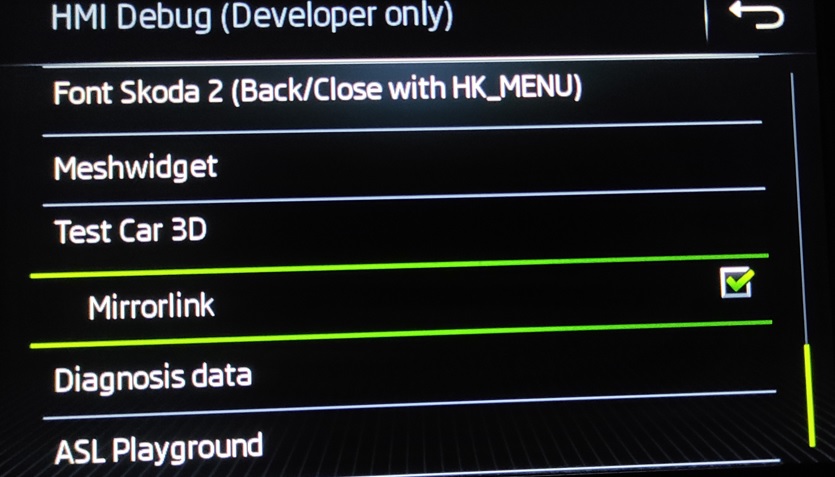
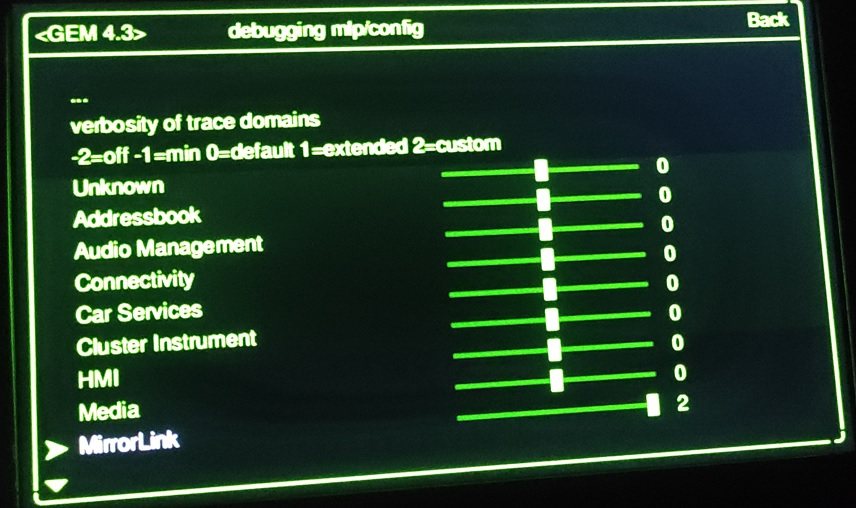
Hello everyone, what kind of actions can I do with this menu while the green menu is active in my car? i'm activating the mirrorlink, but a message is coming out to contact Skoda.
-
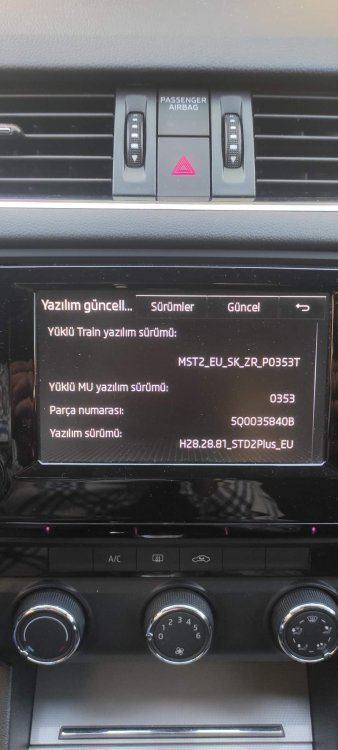
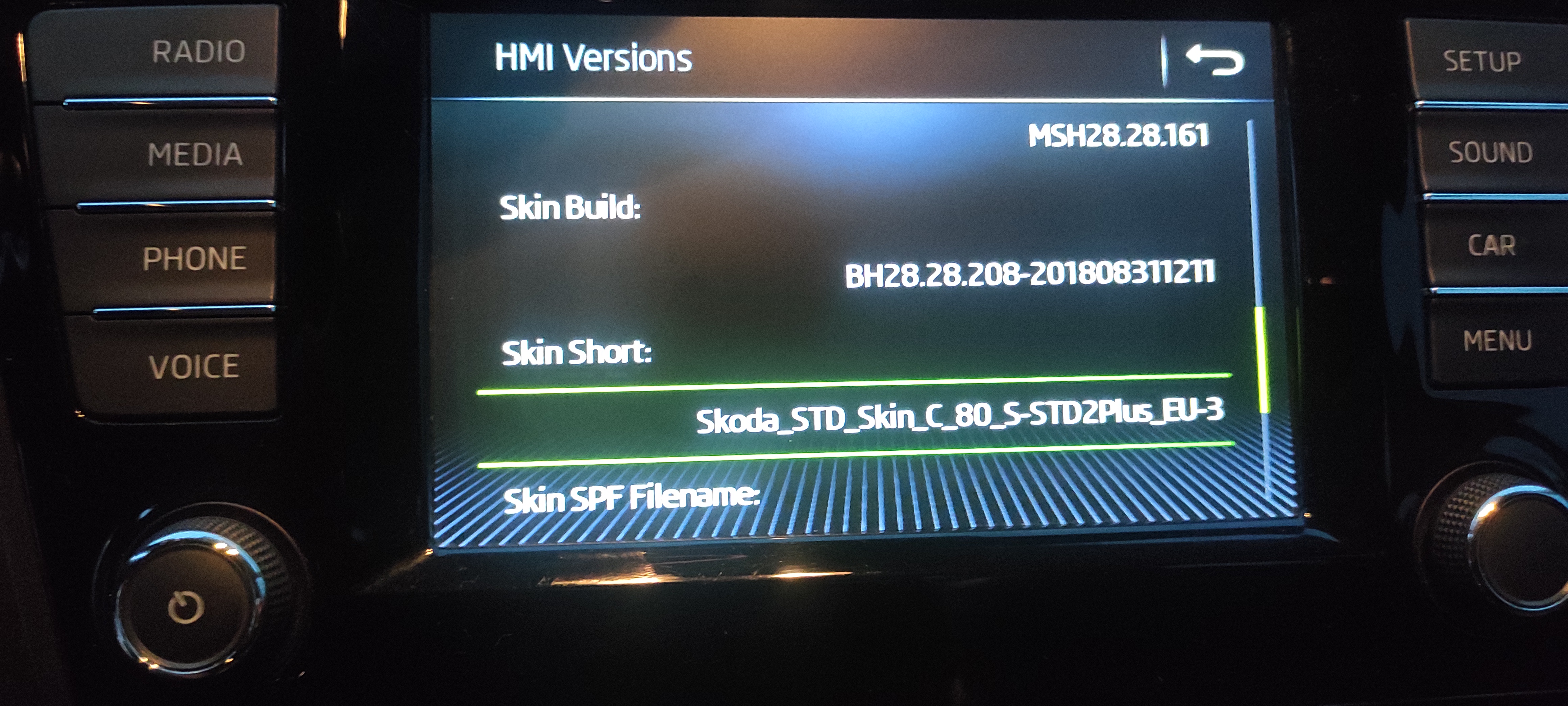
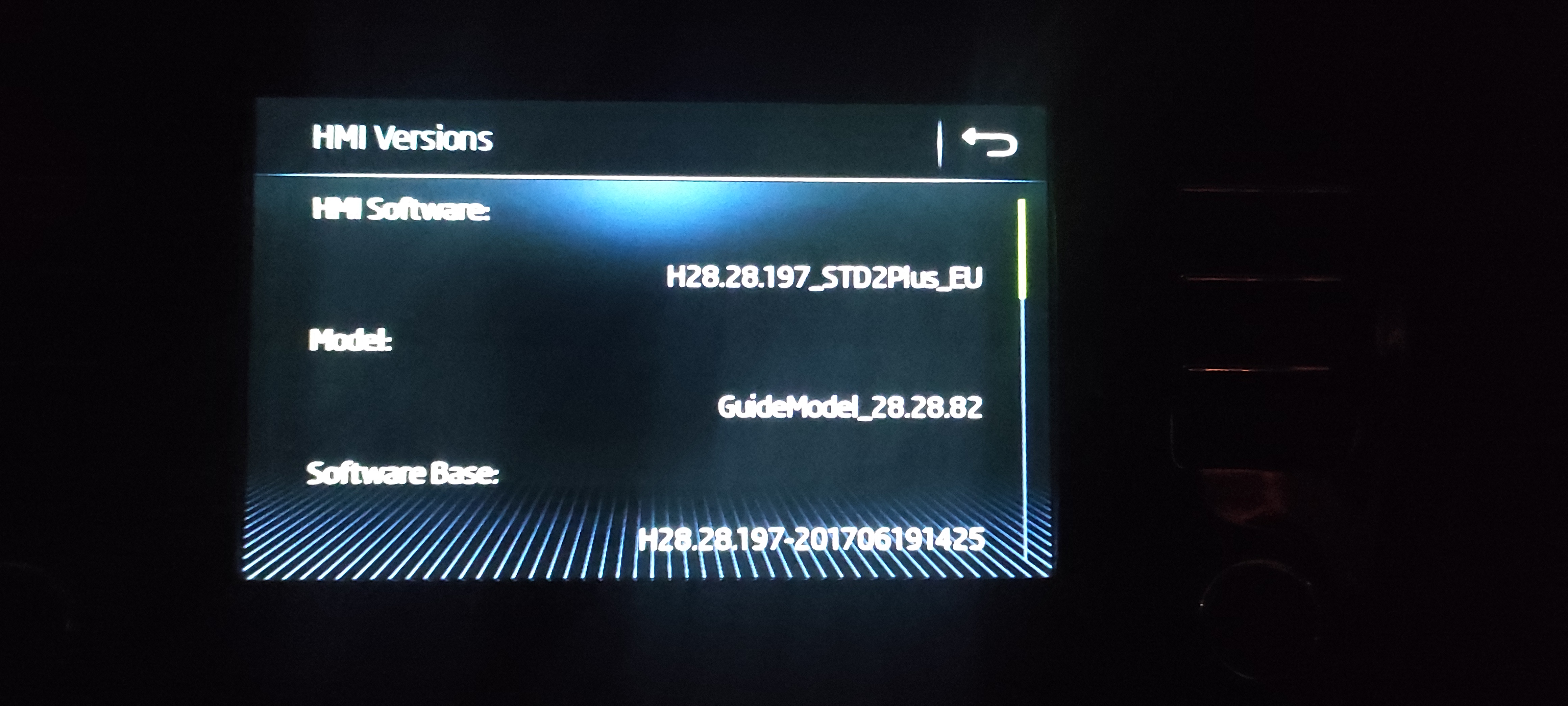
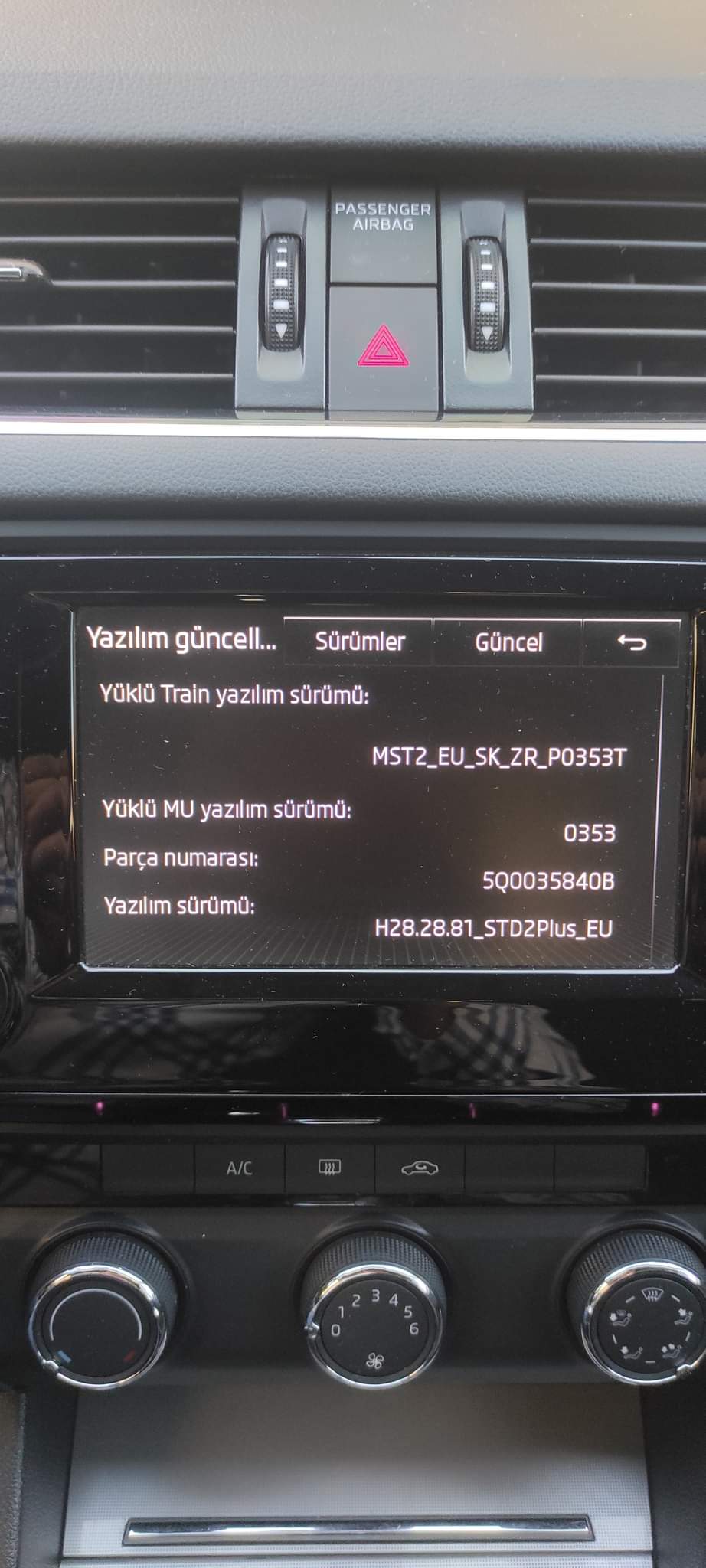
Hello, I have this device in my vehicle. 5Q0035840B. Is this unit a Mib2 bolero?
-
Merhaba aracımda bu cihaz mevcut. 5Q0035840B. Bu ünite Mib2 bolero mu? Hello, I am aware of the situation, my English level is a little low, so I'm sorry. I am writing it with translation to make it as accurate as possible.
-
Merhaba aracımda bu cihaz mevcut. 5Q0035840B. Bu ünite Mib2 bolero mu?
-
Hello, I just joined you. Greetings to everyone and I wish you good driving with the 2016 Skoda Octavia 1.6 TDI DSG Optimal package.
-
Yes, unfortunately, my English is not very good, I get some help from Google Translate. thanks for your interest
-
Evet maalesef İngilizcem pek iyi değil, Google Translate'den yardım alıyorum. ilginiz için teşekkürler
-
Herkese merhaba aranıza yeni katıldım. 2016 model Skoda Octavia Optimal dizel otomatik kullanıcısıyım. Aracımdaki MIB2 Bolero multimedya ünitesini güncellemek istiyorum. Bana bu konuda yardım eder misin?