s3bek
Finding my way
-
Joined
-
Last visited
-
well done. I am actually looking for a steering wheel with capacitive functionality as mine has a defective capacitive module, but I am afraid to pull the trigger as I know the beginning of the production those units were defective, just like mine is... anybody has any idea after what year of steering wheel production it is safe to buy a used one?
-
This is fantastic guide. Thank you so much, only part that I am not sure is preparing the new wiring, any tip what thicknes of wires to use?
-
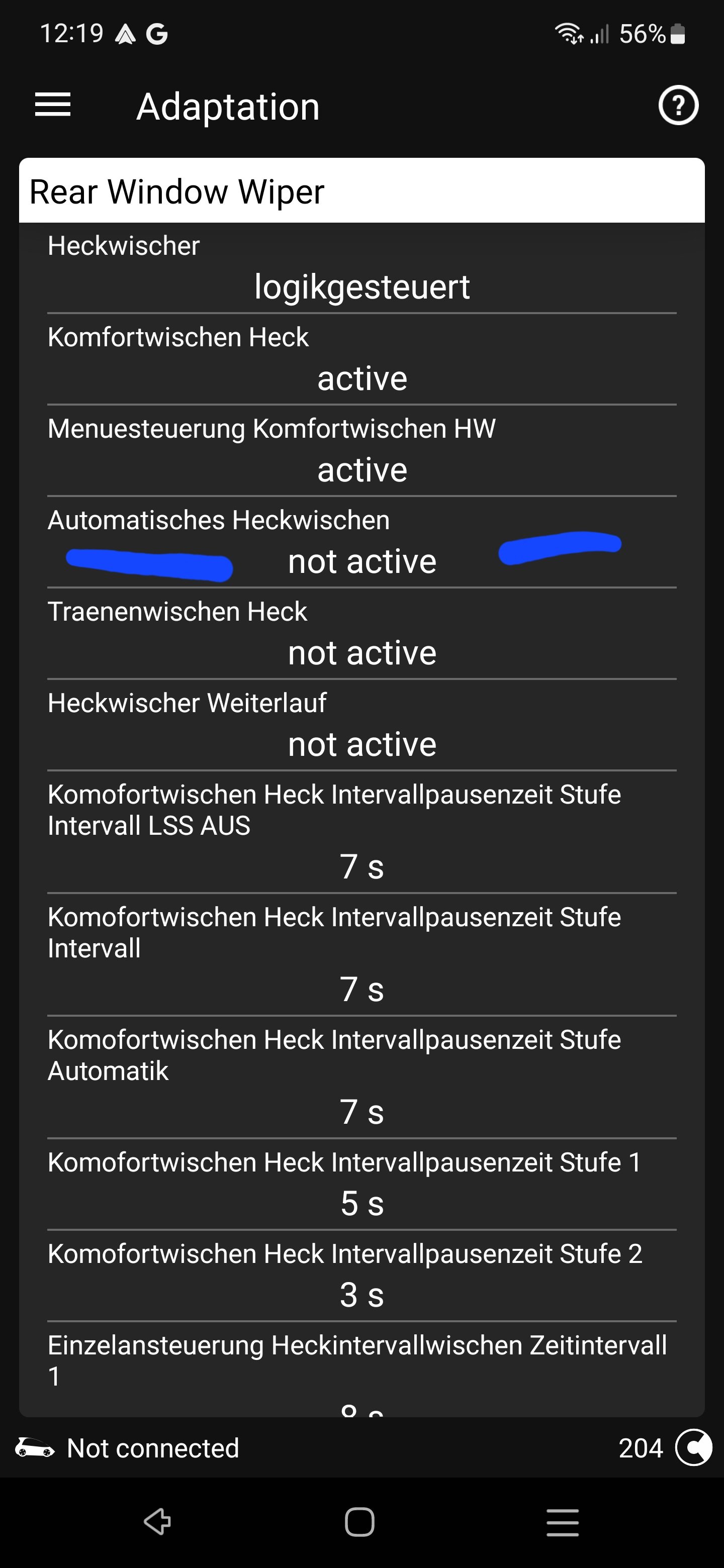
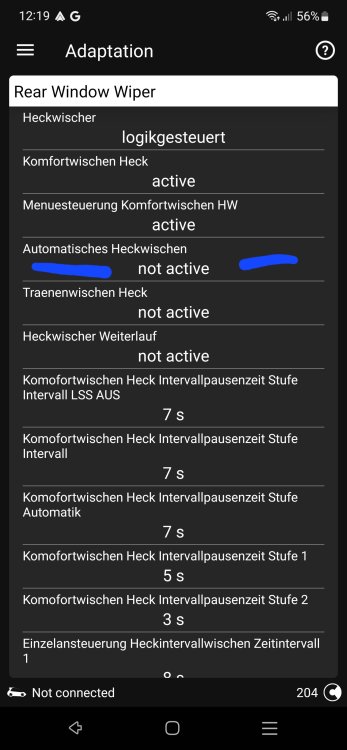
I got this solved, as its was annoying to me, that I either have the automatic wiper when im reverse, but its causes random rear wipes when unneded, or no automatic rear wiping.... The solution is actually coding involved, this way you can have automatic wiper when reverse, but without those annoying wipes when not needed. CU9 -> Adaptations -> rear window wiper
-
Had the same for me, kept updating it. And finally after 10th or so time it actually worked, but the shop is sooo anticlimactic
-
Wow @Carlston this is way more then expected for the info given. Thenk you very very much for this.
-
If I may, could you share with me the parts numbers and maybe some pictures on how the spare wheel is mounted in Octavia? I have mine with the repair kit and would like to buy the spare set, any idea what size wheel fits there? Full sized wheel or maybe just the emergency use one? Thank you in advance.
-
Really interested on how it will turn out as I am also really looking forward into adding the rear usb to my car. Hope you will get the topic updated so we all can benefit