mexicomark
New here
-
Joined
-
Last visited
-
Would someone who has managed to download the manual (specifically the pages relating to removing the front assist cover) please share them? I've tried all options to download this but can't seem to. Thanks a lot
-
Is everyone with the latest update finding the restarting issues have been resolved? I have the latest software but still android auto is restarting regularly. Is there any way to connect to android auto with a usb cable? If that worked I wouldn't mind plugging my phone in.... Thanks
-
Just figured it out 110kw is 150ps! Stupid me and stupid power measurements, what's wrong with good old horse power!
-
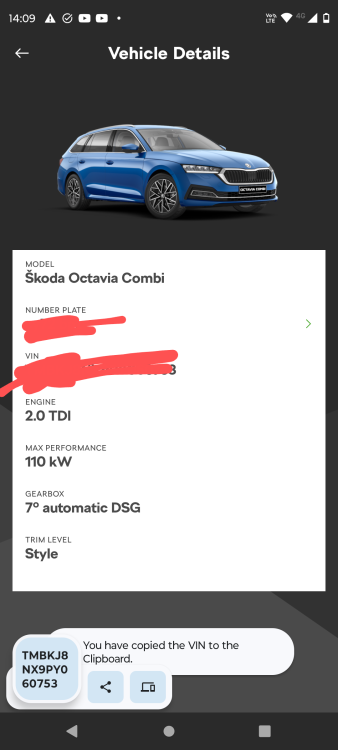
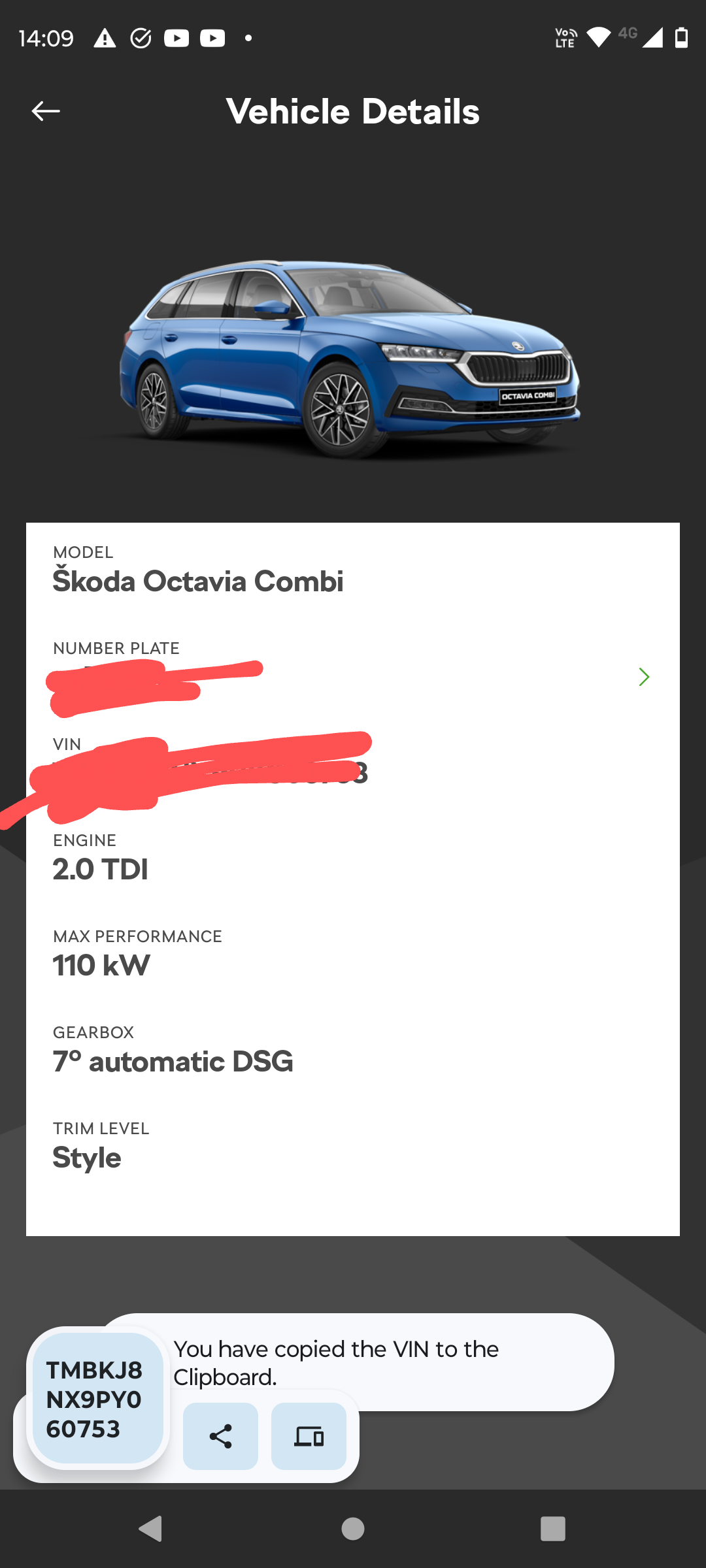
Hi, I've owned my Octavia since January 2023 and have just noticed something odd regarding the engine shown on the paperwork issued with the car. I thought I had ordered (and received) an Octavia estate 2.0tdi 150 SE-L automatic. However looking at the paperwork today (EC certificate of conformity) it states the max net power as being 110kw at 3000(rpm). It also suggests the same in the myskoda app in vehicle details. However all the paperwork issued via my company car lease provider suggests I have received the 150kw model. My question is, was the Octavia estate se-l automatic sold with the 110kw engine? My car was built in November 2022 I believe. I'd like to be able to determine if the mix-up is with the lease company ordering the wrong spec or with Skoda fitting the wrong engine,... I suspect I know the answer but just to clarify myself. Thanks in advance