Mastercard
Members
-
Joined
-
Last visited
-
Okay, that sounds good. No rough termac sound entering the vehicle then?
-
Is the new Kodiaq quiter than the previous one? I will test one this week, thats the plan..
-
Whats "much"? Could you compare to another brand specifically? Volvo XC60, BMW X3/X5 or VW Tiguan?
-
Hi, I find the new Kodiaq really nice. I have not driven one yet. For you who owns one, how is the road noise level on it, specially 1.5 Petrol and 2 litre Diesel.
-
????
-
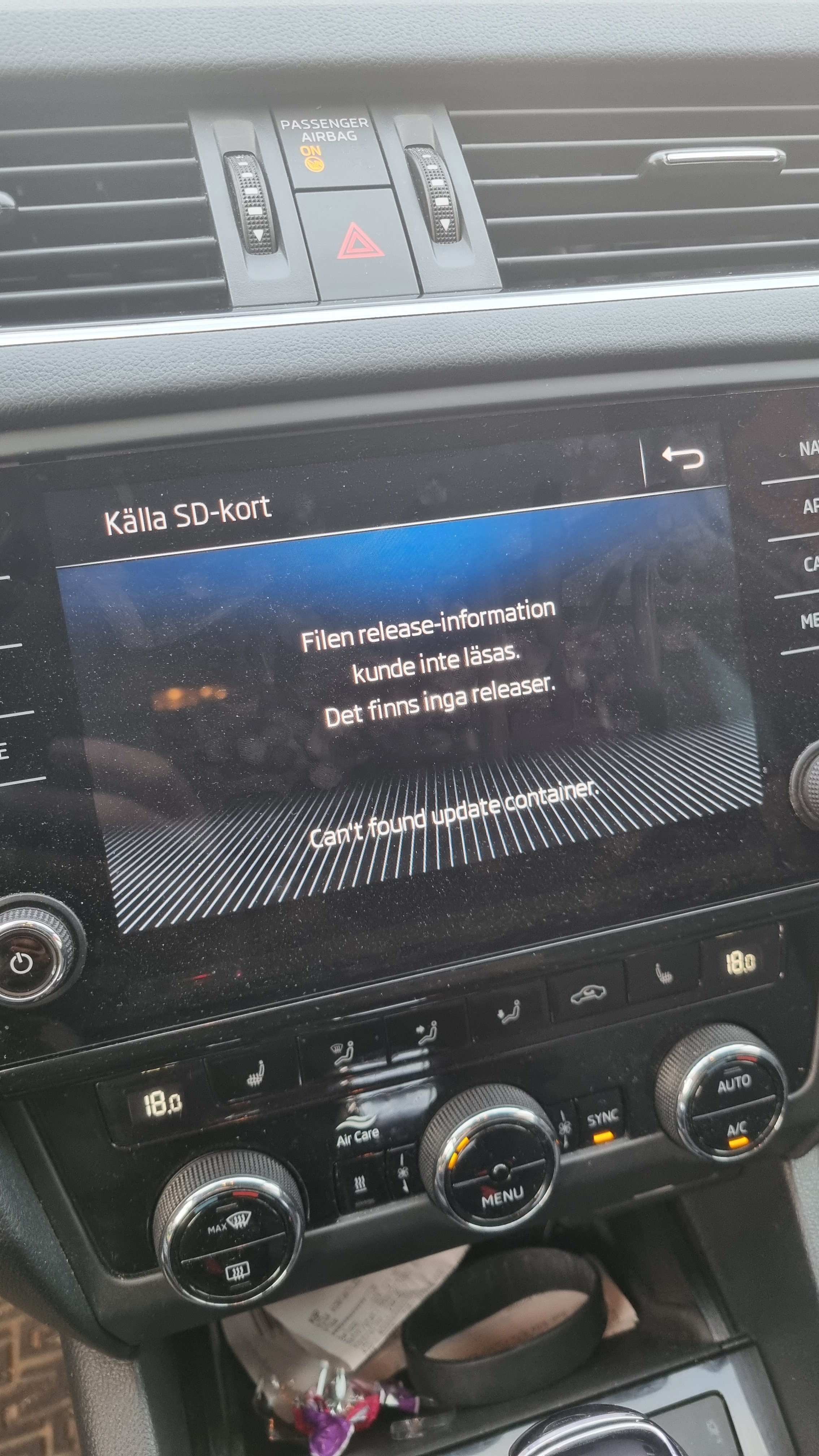
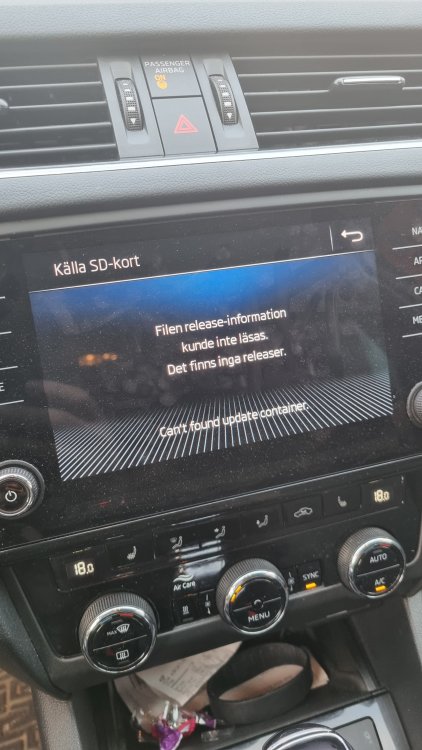
I have now tried to update the software without any luck. I used a 32gB SD card. Formated to FAT32. Downloaded the software-> inserted diretcly on the SD card without any folders. ->I did not needed to be unpacked after being downloaded. ->I inserted the card in SD2 unit, I got the message that the container is empty. What could the error be?
-
But I do have one more question. Why could I only use maximum 32gB SD card?
-
Will do so!
-
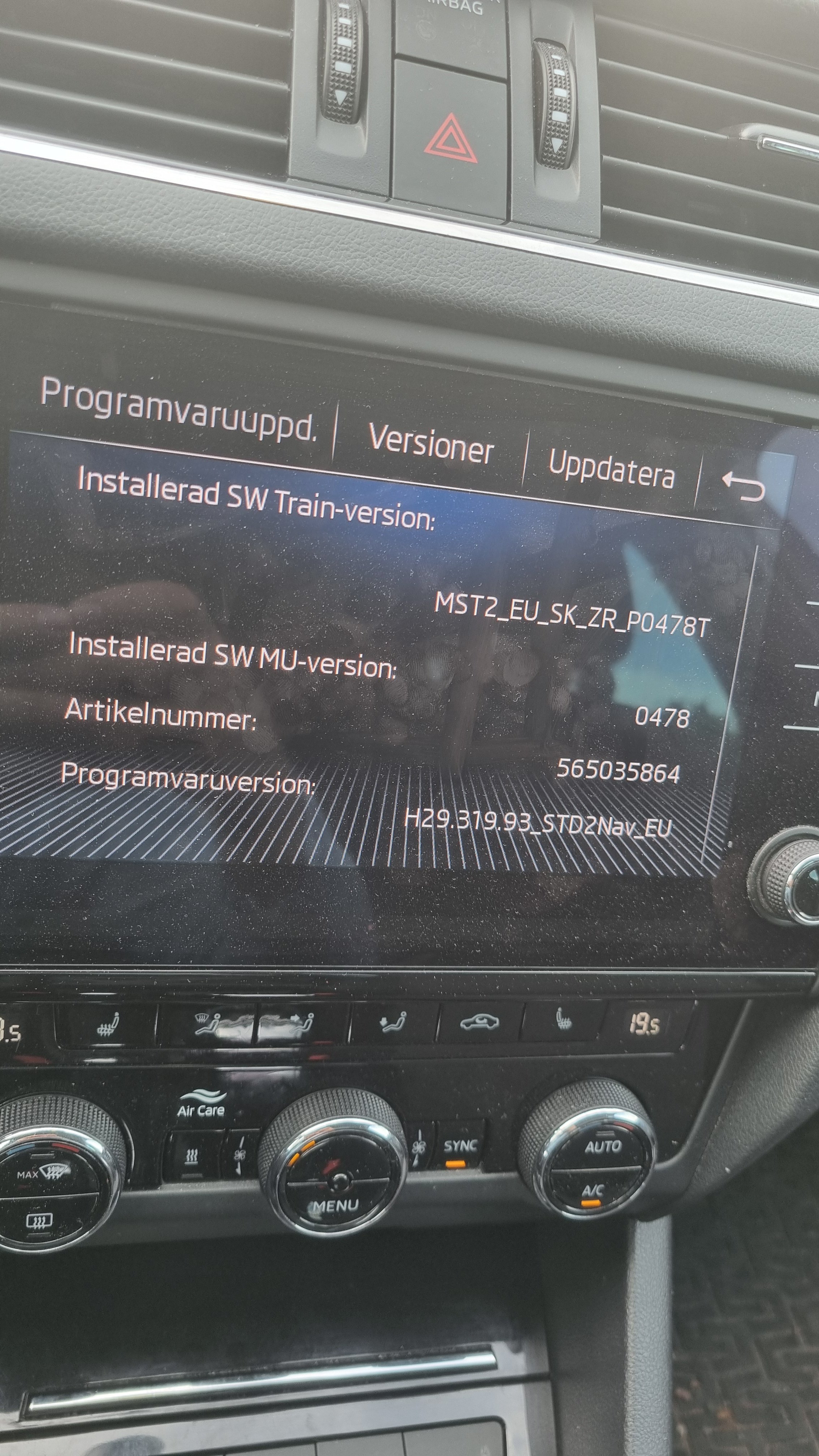
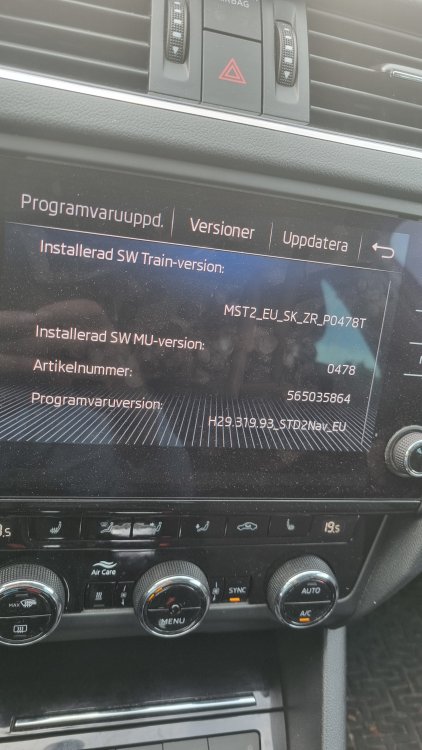
This is my current SW version.
-
Thx! It needs to be downloaded to a SD card and plugged into the tech BOX in the golve box. Right? By the way, i did not have the latest SW I assume?? I will start with updating the software. How is a FW done?
-
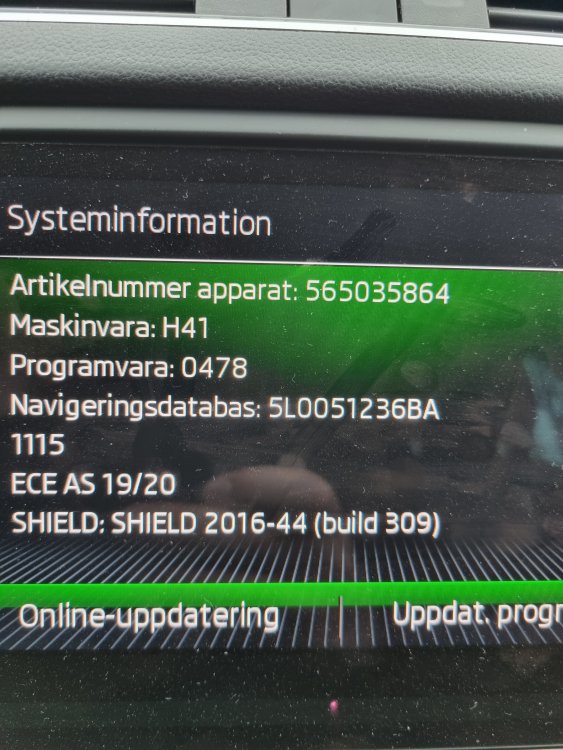
Are you referring to Artikelnummer apparat? In that case, it means Part number for device.
-
Any answers?
-
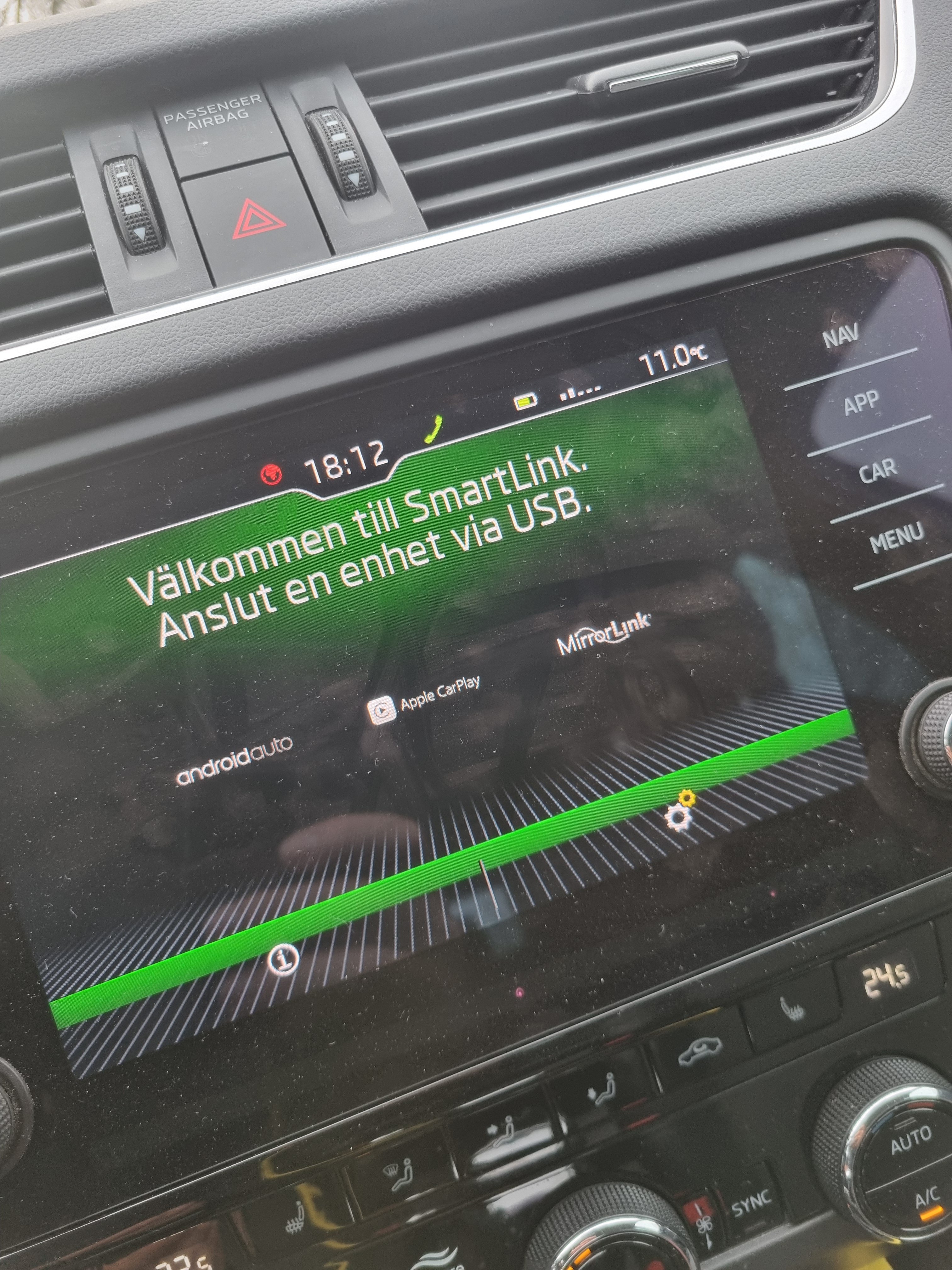
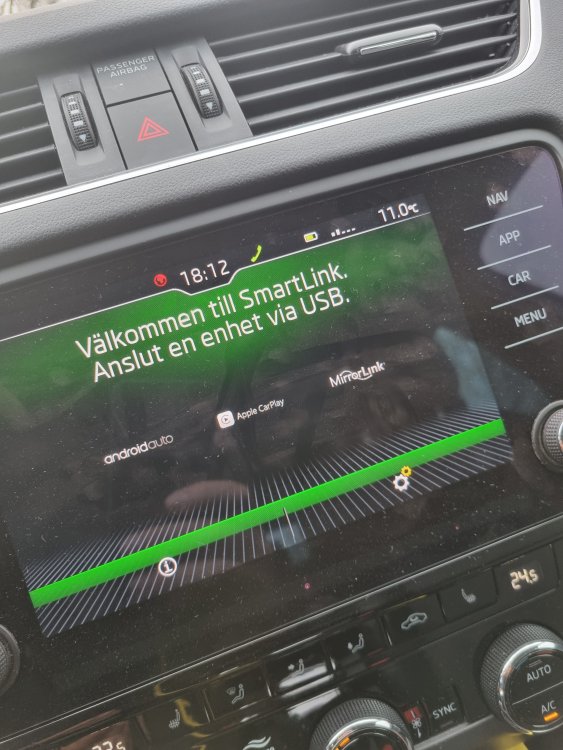
USB connected, nothing happens. But USB is disconnecting and reconnecting...
-
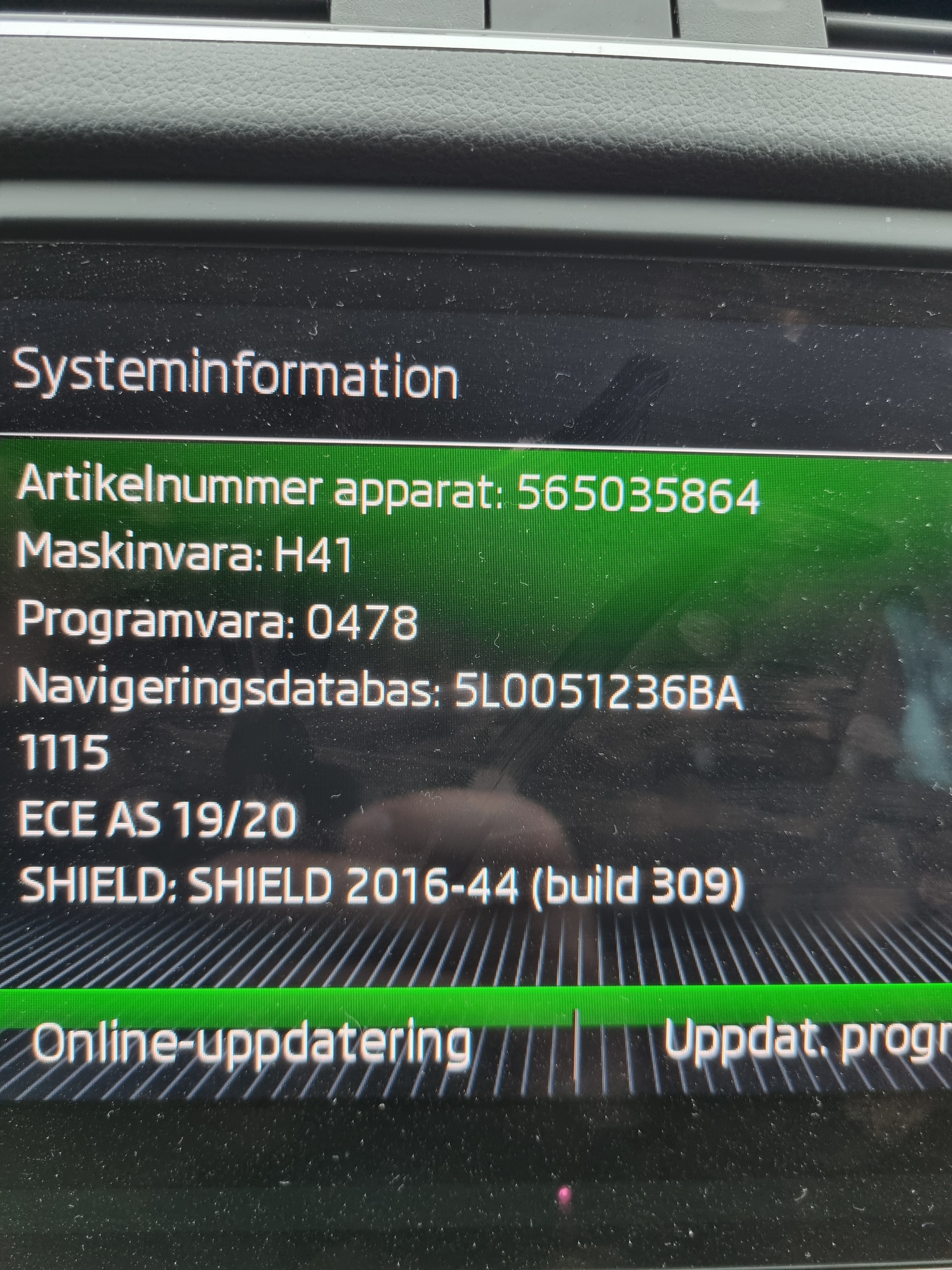
Here is picture on the system information. In swedish though... Part number? Need to remove unit?
-
Im on vacation now. Will take a photo as soon as Im back.