Aluminium
New here
-
Joined
-
Last visited
Everything posted by Aluminium
-
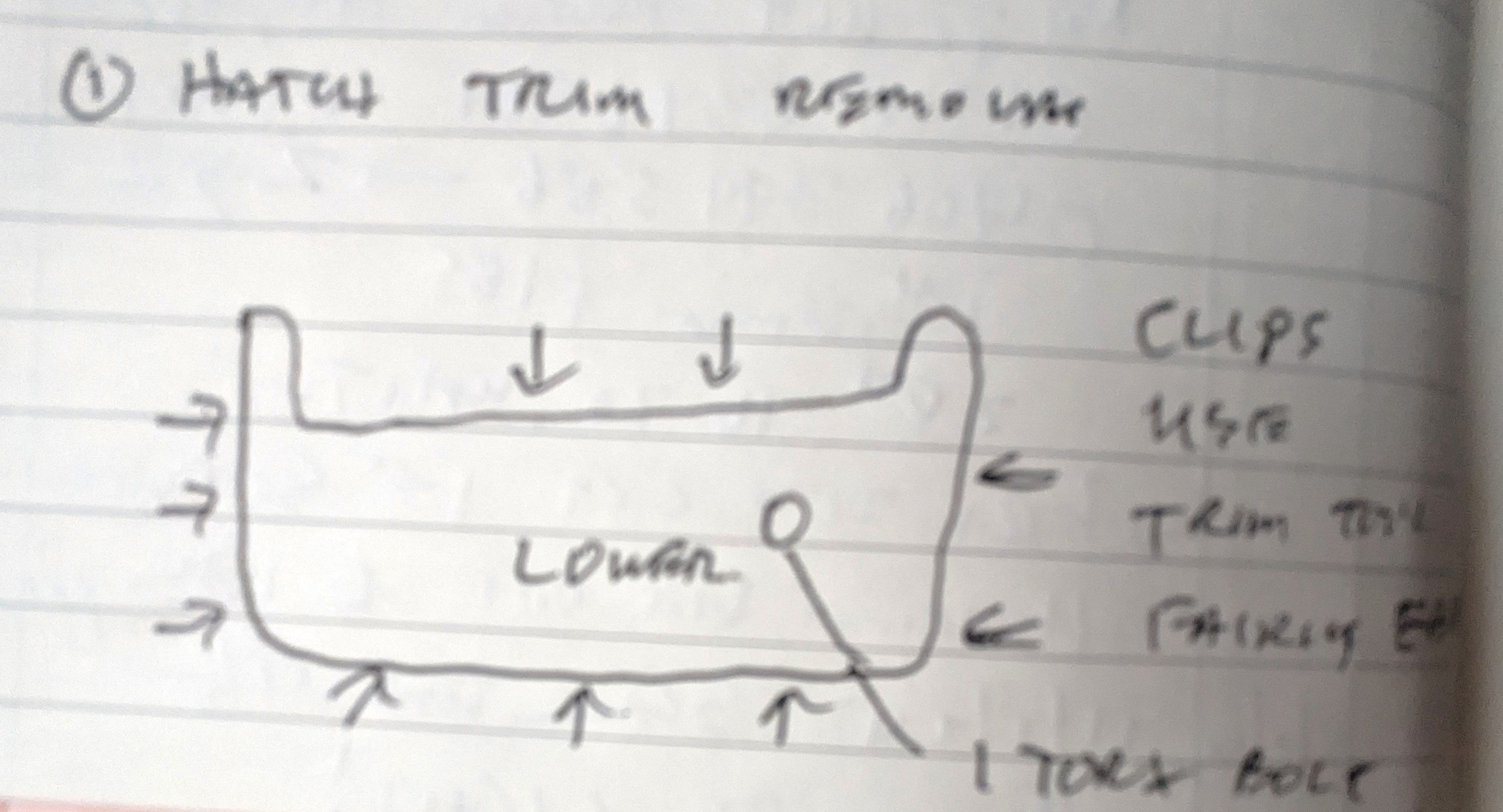
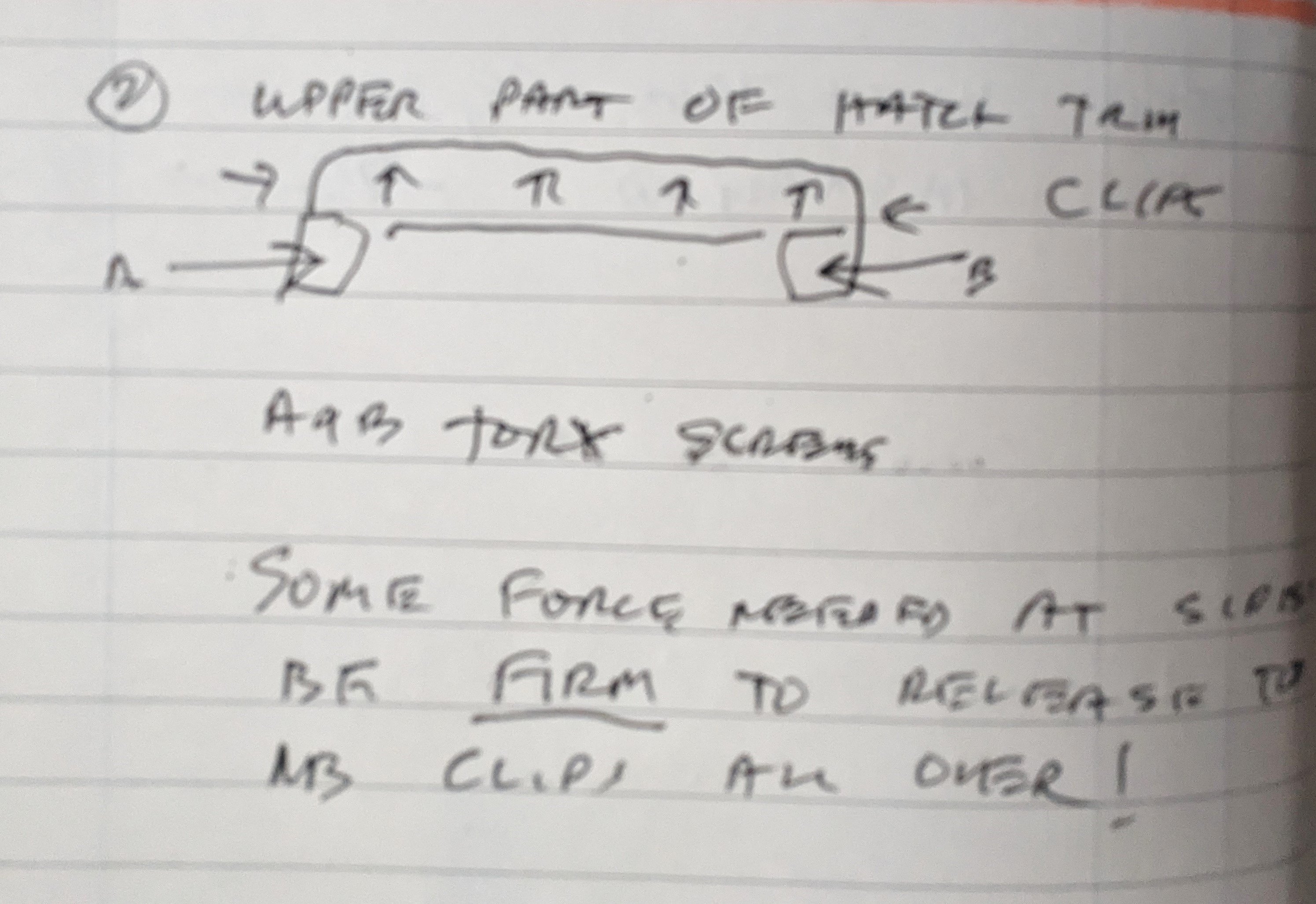
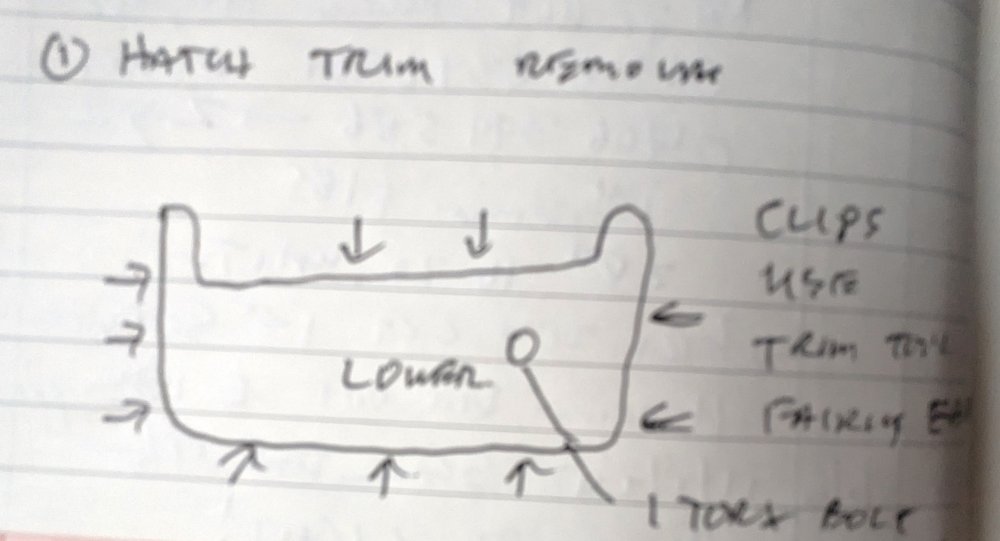
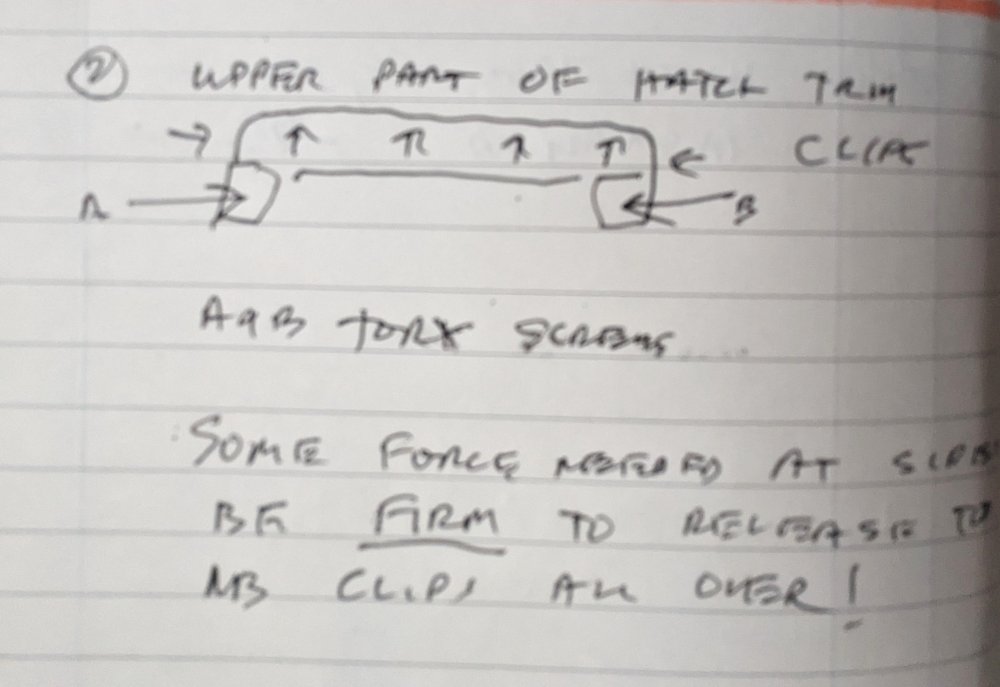
Sorry I wasn't clear. Hatch trim 2 parts. Lower trip starts at hatch lock and covers metal up to glass. See where handle attached with 1 torx bolt. - remove it first. Start with trim tool or thin plastic at one corner of plastic cover. Upper trip goes round top of window, arm down each side. REMOVE 2 tork screws before attempting to lever trim off. DON'T lever anywhere near glass, start at one side after removing screws. There are more springs than shown in diagram. No photos because I've put trim back. 2 rubber concertina boots taking wiring from body to hatch are held in place with plastic clips which are fragile, as others have said. I will sketch them if you like but take it from me, they are tricky! Hope this helps
-
Removed trim from 22 Kamiq today. Lower trim came off with tools easing trim from body and reasonable force. Upper trim a bit trickier. there are 2 hidden torx screws one on either side of upper trim. Use a torch to find them. When they are removed trim pulls away from side and then from top using more force than mentioned above. The dreaded plastic clips holding either end of wiring boot connecting tailgate with body are VERY easy to break, especially as one side is a plastic clip and the other is a catch. However, which is which vcn be determined by loosening rear headlining [ 2 push on plastic studs] and looking under white plastic that holds rubber boot to body. As others have mentioned, a hairdryer warms plastic and with some luck the end with the lug can be GENTLY loosened NOT the end with the protruding plastic lip. I waxolyed clips before refitting, may make them easier to remove in future at any rate will slow down rust.
-
Please use white letters on white background if you want to make message unreadable.