mangio85
Finding my way
-
Joined
-
Last visited
Everything posted by mangio85
-
-
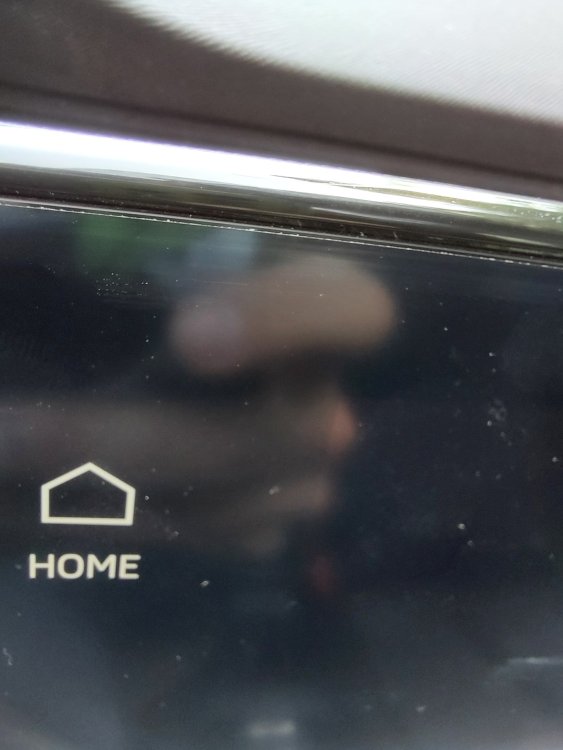
Hello everyone, I own a 2021 Skoda Octavia. I bought it used and therefore I have no way of knowing. Do you think there is a film screen installed? The display appears dull. I would like to remove it, but I can't and I'm afraid of causing damage.
-
You must forgive my English, in the message above I wanted to write that another person has this visualization. Sorry... For the predictive you think I fix another coding? Thanks!!
-
@djmartzian thanks for your support 💚! My car doesn't have side assist. The software installed on the a5 is 3129. I take this opportunity to ask a further question. Is it normal not to have the predictive function when approaching curves or turns? The car does not decelerate. ciao
-
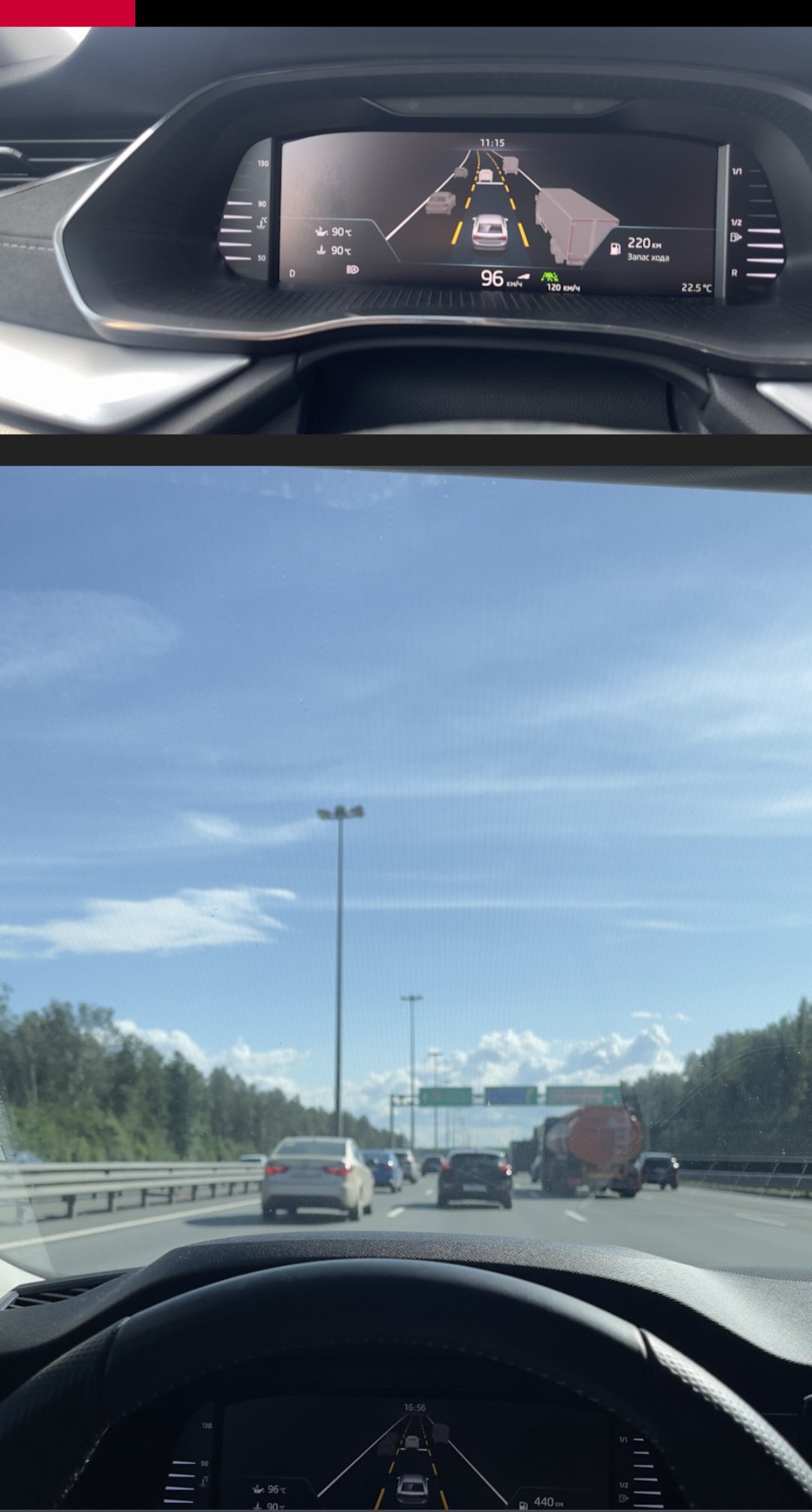
I'm probably wrong, but the person who has this view doesn't have side assist or LCA. I think it's just a new update.
-
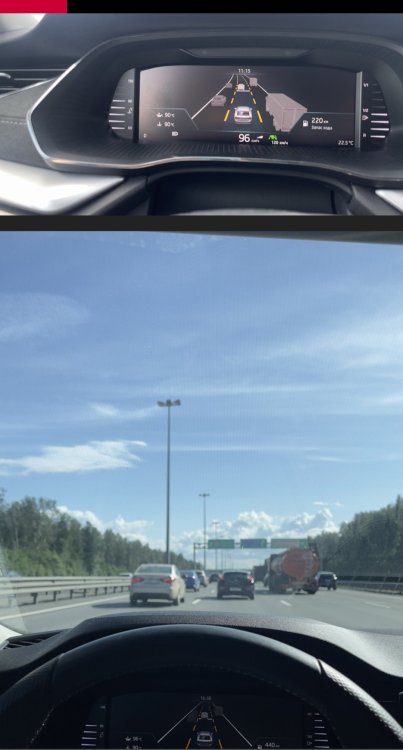
Ciao @Mario_Delgado, My bad infotainment message situation was re-established by changing the following section: CU5F/Adaptation/Vehicle Function List BAP/LDW_HCA_Ox19_msg_bus -> can_fas (this is my old value). Now I would like to understand if travel assist only works with acc and understand why some users see three-lane traffic. I only see one lane on virtual cockpit.
-
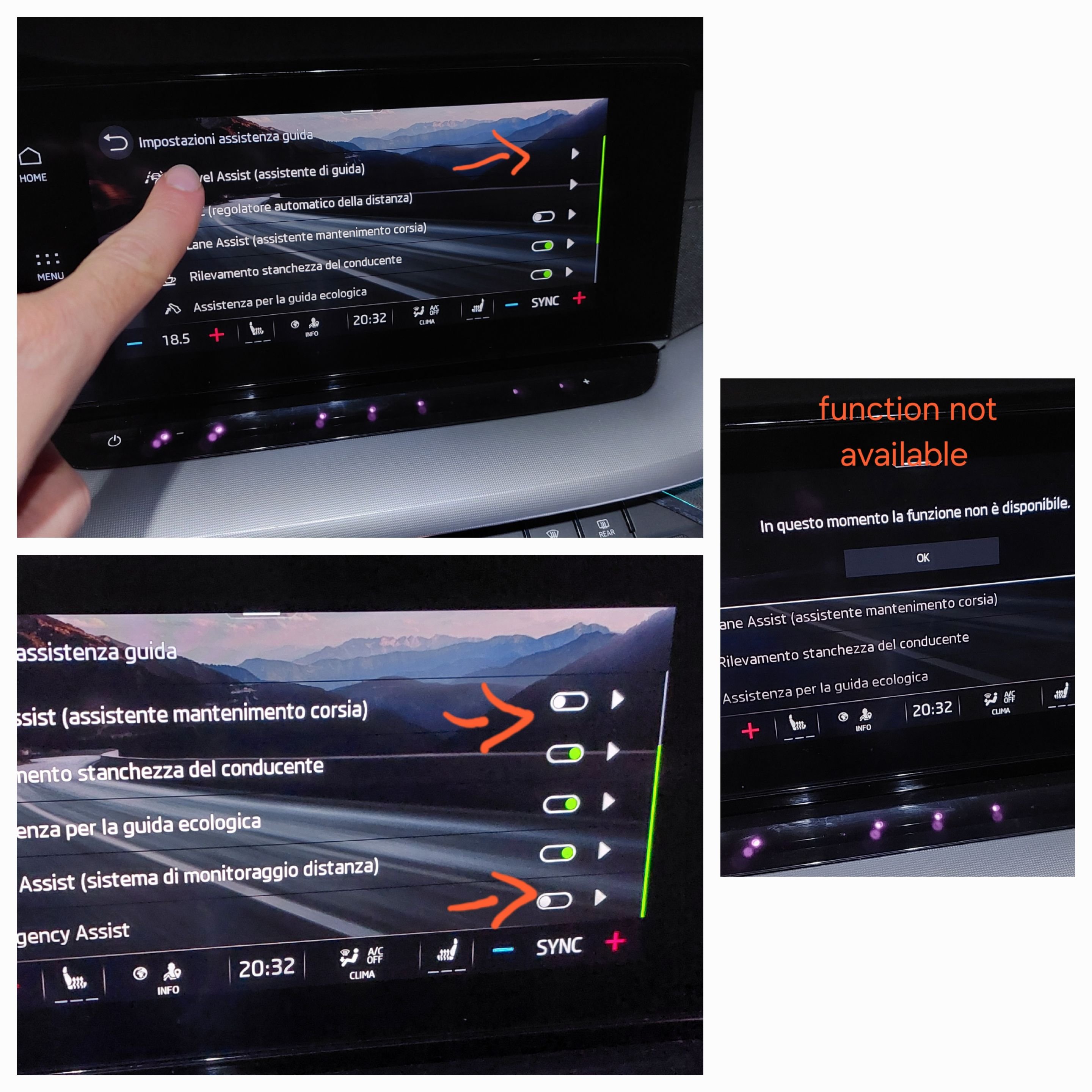
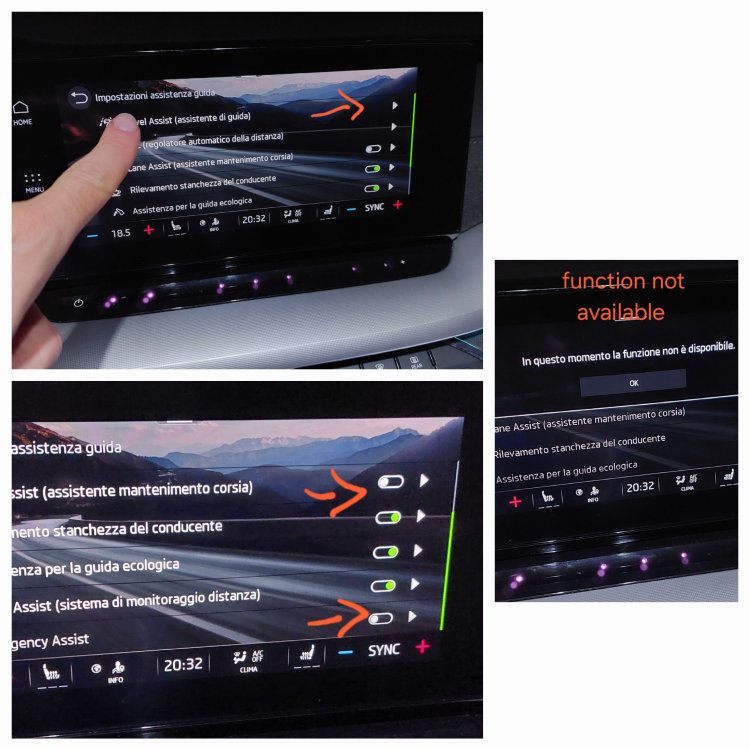
Below is my updated situation. Carrying out a more in-depth test, while driving the car, the travel assist is activated every time I press the TA button on the steering wheel. As you can see from the infotainment, the three functions marked by the orange arrow return a message "function unavailable". I made a collage of the photos to make my situation more understandable. Do you have opinions on this?
-
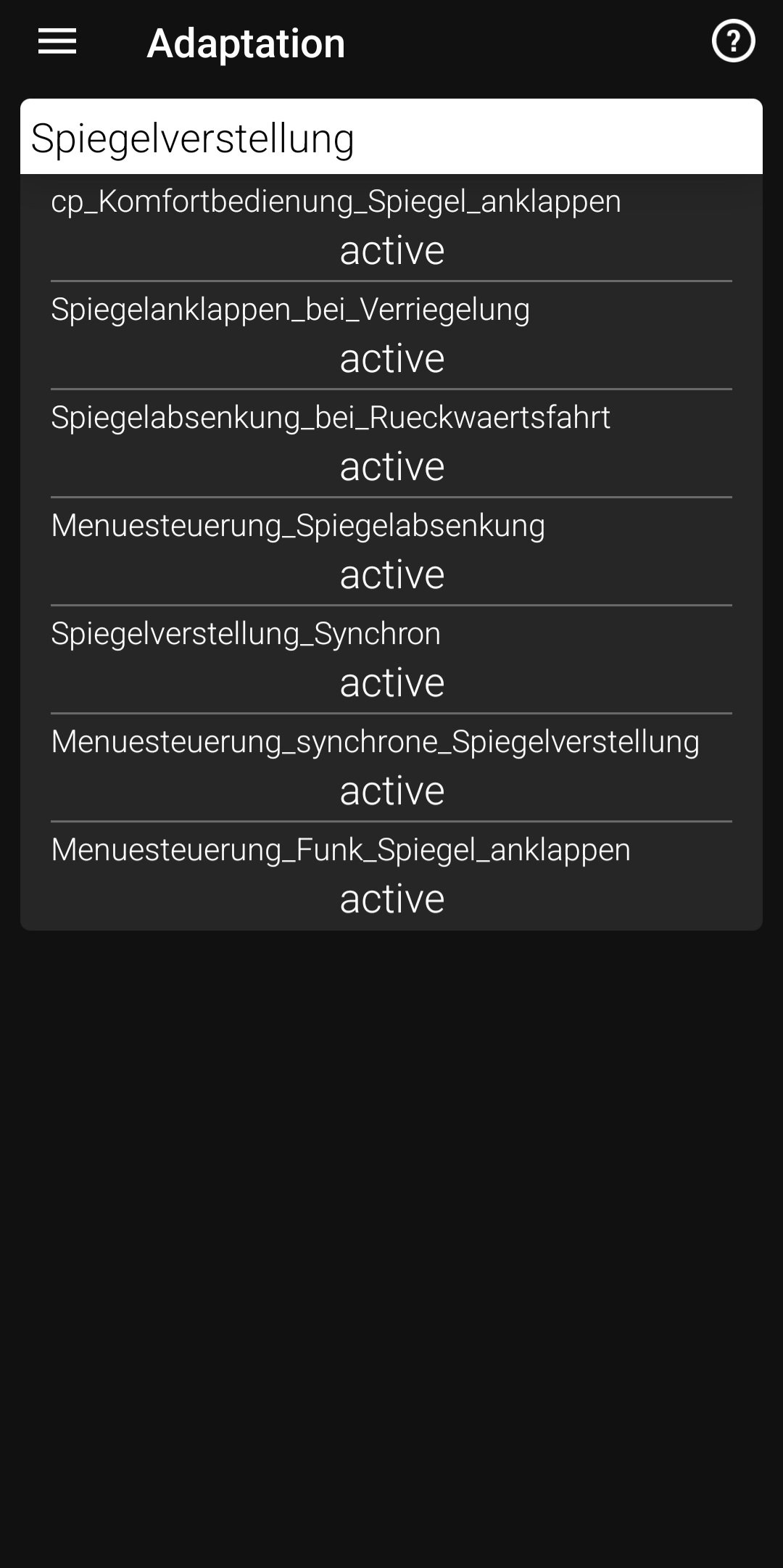
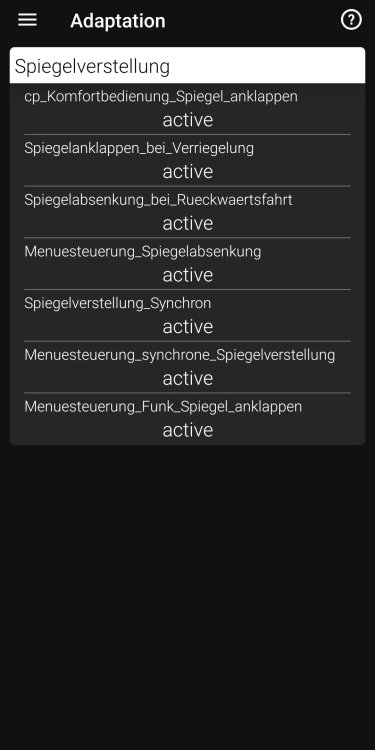
Hello everyone and happy Sunday. I had this feature on my passat b8. Then watching this video I saw that it is also feasible on a Skoda Scala. Video link Below the section about obdeleven but some information is missing. Can you help me to open the mirrors only when igniotion is on? Thank you!
-
But who are you referring to?
-
Hi guys, I was looking for information about altitude in the infotainment. Generally all previous devices had this nice information. Is it me who can't find it or is it not supported? Not even through coding? Thank you so much. Marco
-
Mattian, Thanks for making a recap of the coding that needs to be done. Can you confirm that I only need these or should I make others? Thank you
-
Hi Calore, I think you did an incredible job. Would you like to share it with me? I'm very very interested.
-
I understand, thank you very much. Is it possible to make a summary of all the coding to be done in succession?
-
Hi guys, do you have any developments on this? I purchased a capacitive steering wheel and would like to carry out the coding. What do you recommend? Code and then install? or install and code everything after? Even if there is an order on how to proceed. I've read all the threads but there are conflicting opinions on the matter. Thank you all.
-
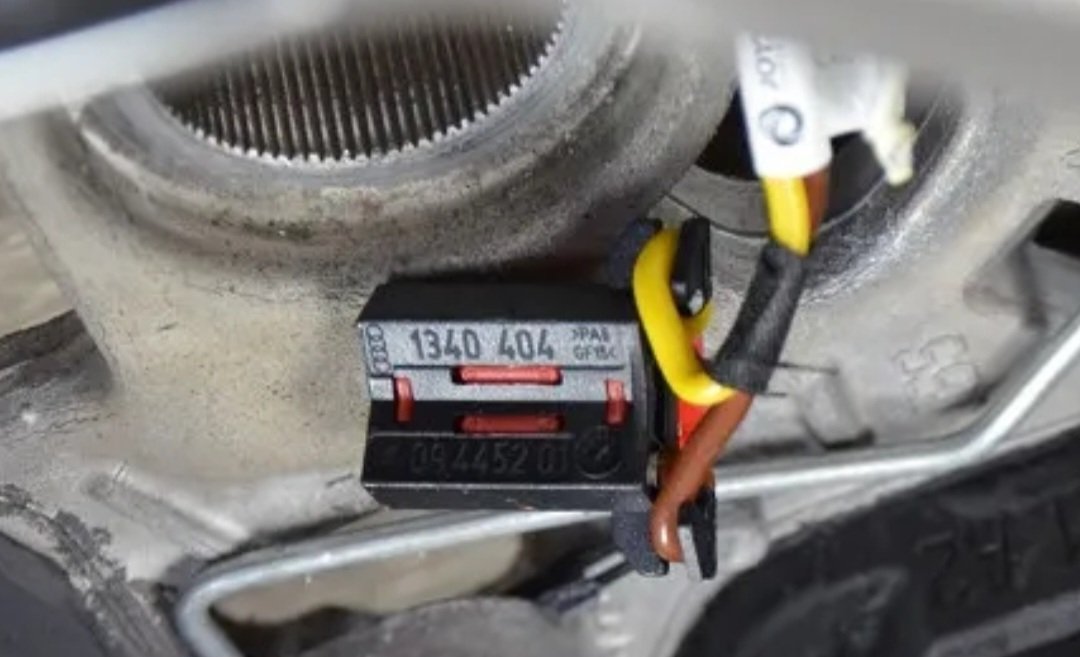
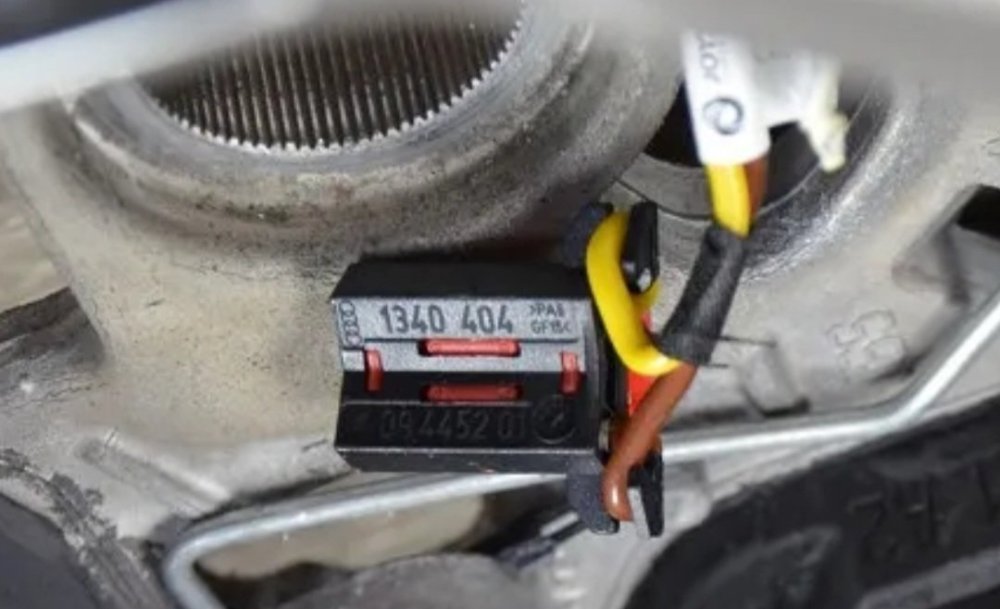
Sorry if I get into this discussion now, in a steering wheel purchased online, the heating cable is severed. Basically I would have to find a plug like this and solder it back to the wires. Do you know if it is possible to find it?
-
Thank you so much. Do you think I can do it without remove the entire headlight? seeing the halogen lamp annoying me.
-
Thank you for your support. You are very kind. Are rubber covers available or do they need to be adapted? I cant find.
-
Hi, sorry if I reopen this thread. I'm not sure if the cap needs to be cut or rotated clockwise. I used a tool trying to grab the plastic end, but it won't turn. In fact it breaks. Thanks to anyone who wants to help me.
-
Hi, guys, I recently owned the Octavia Combi and I immediately felt the need to add two USB ports to the rear. With this guide you have completely answered my question. What do you think of this plastic, with its module? https://a.aliexpress.com/_ExjYUaH For the cable I will make changes. They say compatible with Octavia 2014. Do you know if it's the same as the IV?
-
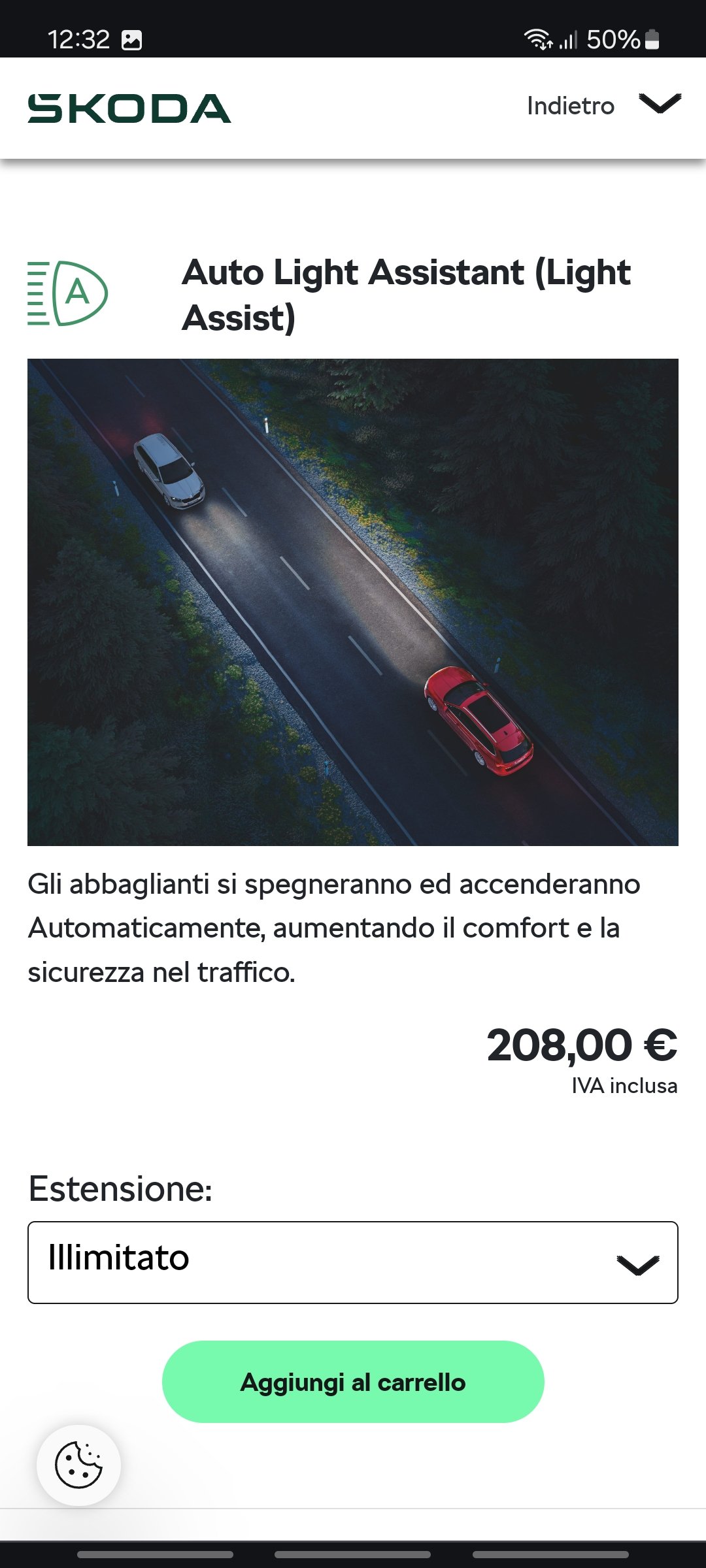
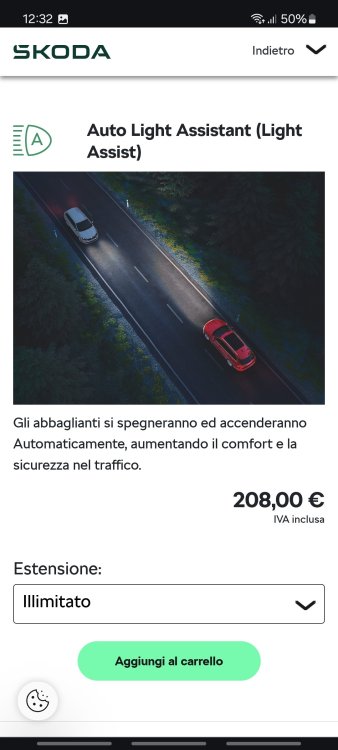
Hi guys, I've been the owner of the Octavia IV for a few days now, I feel great and I'm having fun with obdeleven. Through the my skoda app I saw that I can purchase high beam assist. Is there a procedure with standard or obdeleven coding? Thank you so much.
-
Hi guys, you won't believe, I bought a used Octavia and it doesn't have travel assist.🤔 I come from a Passat B8 where I did the complete retrofit of the A5 module and lane assist without touch at 60 seconds. Now I'm already looking for a steering wheel to reach a similar solution.😎 I have some doubts, I have read all the pages but some remain. I hope you can help me. Forgive my English.🙏 1 - Finding a steering wheel with the assist button, how can I check if the steering wheel really has what some call a "touch unit"? 2- I found an RS model, my car has DSG and heating. the acronym I found is 5E3419093AH VKL. What do you think? I can't find this one in the summary of acronyms. 3- Is there the possibility of deceiving the touch for several seconds, a bit like my passat? I am very cautious when driving, but in the Passat B8 the possibility of leaving the steering wheel for a few seconds was adorable for me, also because a light touch was enough. 4- A further question concerns... as soon as I receive the car, how can I check if it has all the necessary firmware updates and if not, how to update? Thank you in advance, my car will arrive next week and I am already in the process of changing the steering wheel.🤪 Best regards and I'm really happy to join this Skoda green forum.
-
Just think, I bought a used car and you have already won me over with your passion and expertise. Thank you. Happy next 2021 Skoda Octavia GTEC owner.