Octy6614
New here
-
Joined
-
Last visited
-
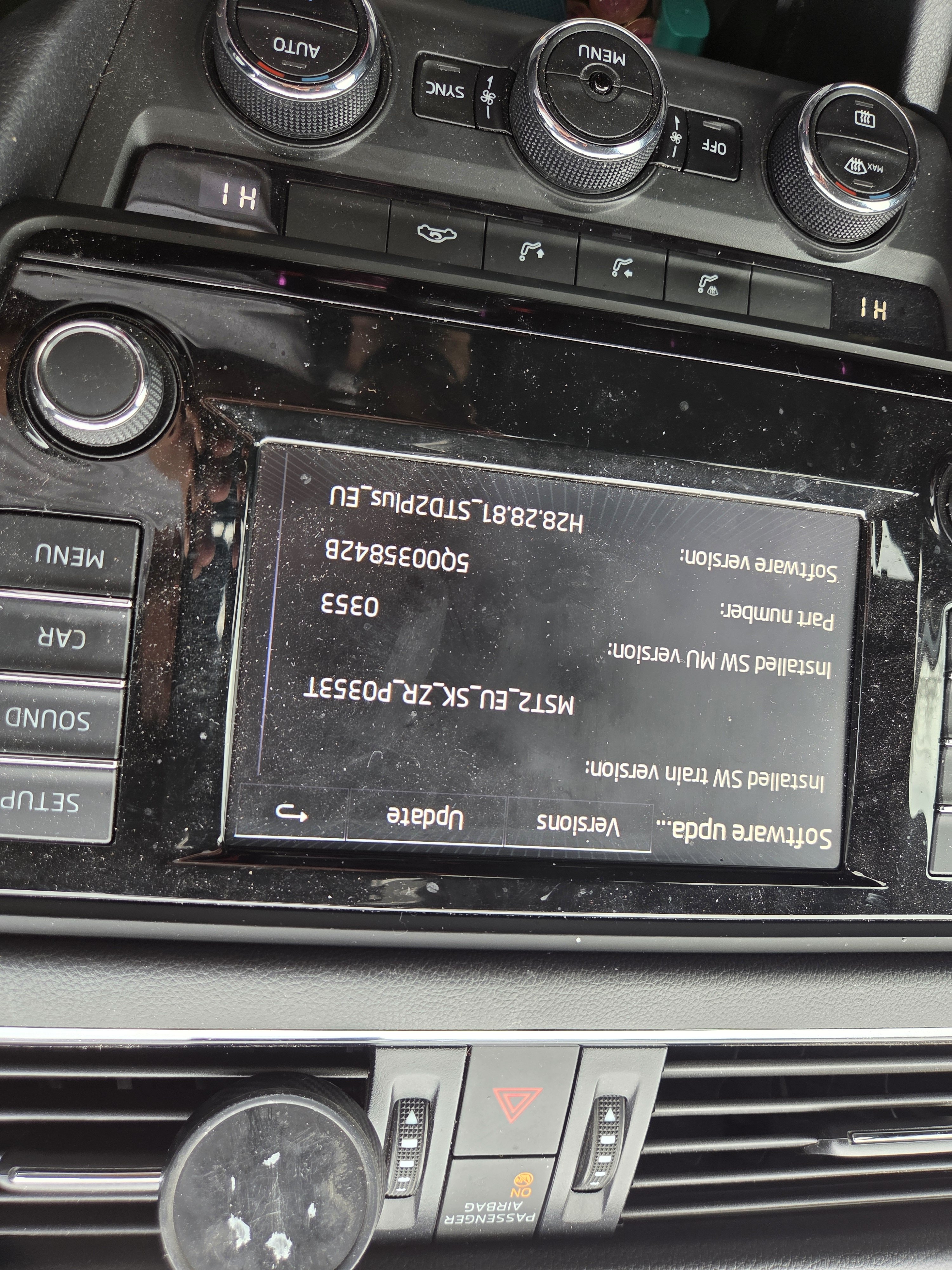
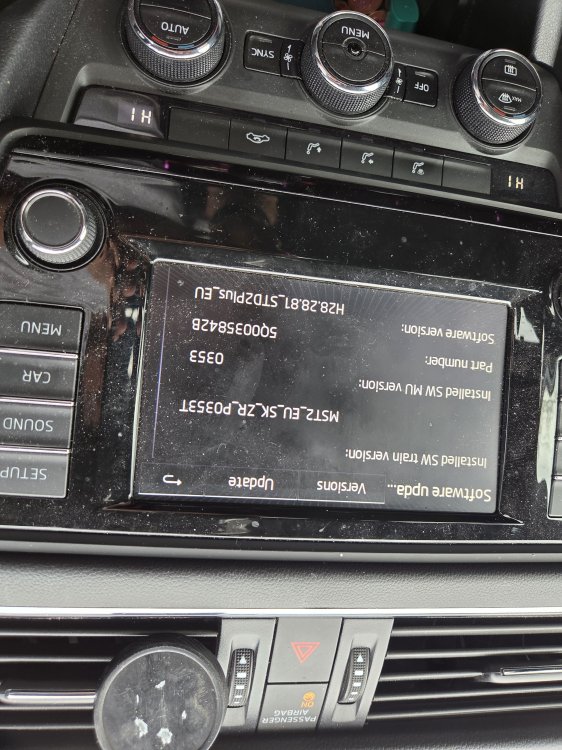
Not sure why the image is upside down. 🙃
-
Hi All, Looking for an update for my Infotainment. I did request one around 1 year ago and was kindly provided a file by Pab567. I downloaded it onto an old computer and totally forgot about it. I've went back into my messages and downloaded it to try and put it onto an SD Card(formatted to FAT32). But gives file errors when I'm trying to transfer the files. I've even tried unzipping direct to the SD and still gives the same errors. Any help would be greatly appreciated. The file I'm trying to copy over is called MST2_EU_SE_ZR_P0368T
-
Got my car a couple of months ago and was told that my cars records could be accessed online.(bought from a dealership in the UK) I've logged into Skoda Connect and now when I come to putting in my VIN number. It gives a warning saying "Your vehicle is not equipped with both "Škoda Connect" and "SmartLink+ features" Also tried the App with the same result. I have an Octavia 66 plate. Any advice would be greatly appreciated. Thanks Joe
-
Hi all, Yesterday I paid for a 66 plate Octavia 1.4 TSI SE from a dealership with 67k miles. Car was immaculate inside and out couple of scratches here and there but nothing major. Going to pick up on Monday. The car was too nice and too low mileage to let it go even though it doesn't have cruise control probably the only thing I would like to improve on the car so far. Curious as to how these cars/,engines get on over time any issues I should be looking out for it's had the cambelt changed twice once at 30k in 19 and again at 49k in 22. Glad to be part of the community 🙏. Cheers Joe