Simonsifi
Finding my way
-
Joined
-
Last visited
-
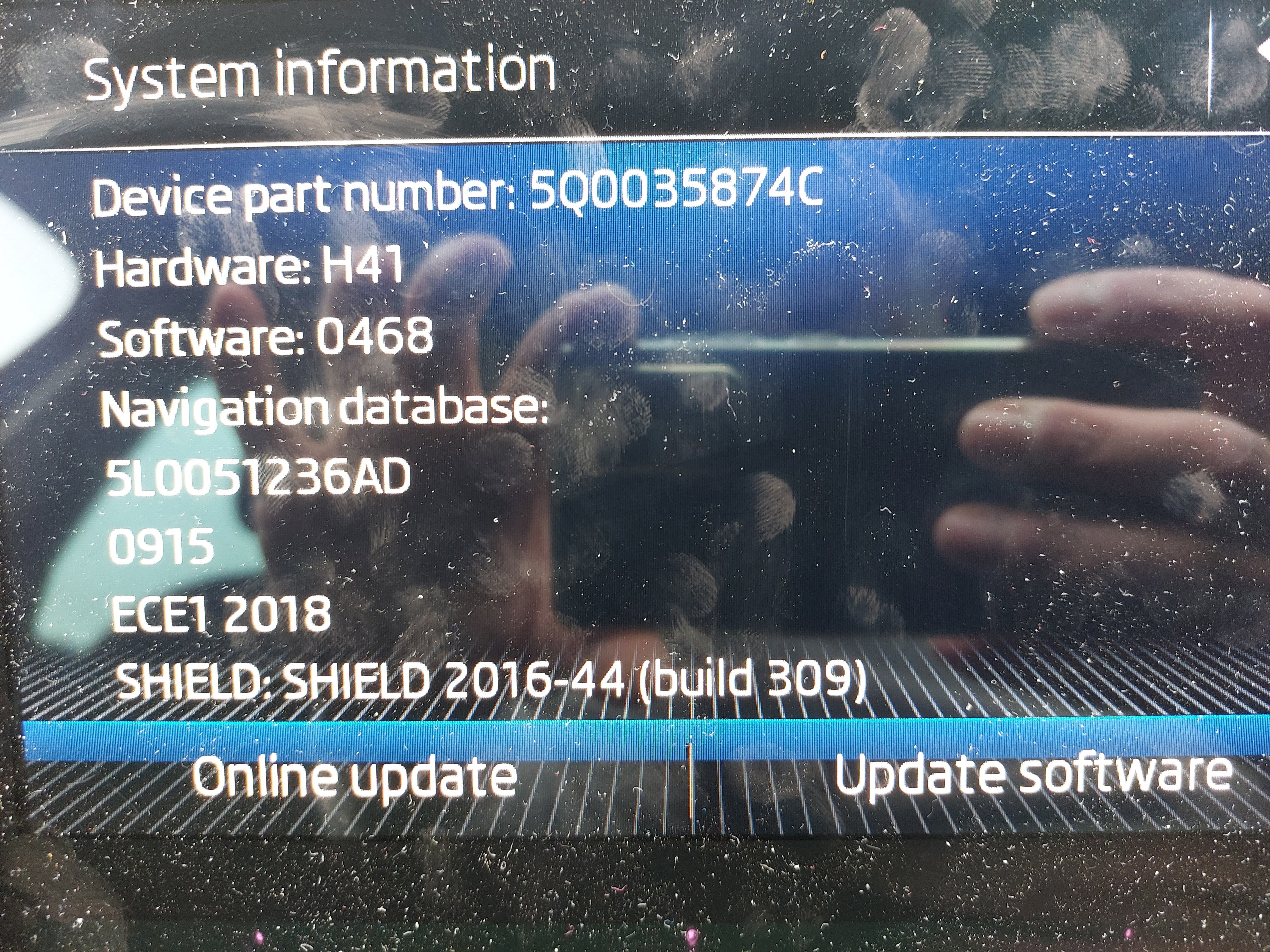
@Joco776 What's the differences out of interest between 4.68 and 4.80? Are there any release notes? Mine seems to be working fine since the upgrade - cheers
-
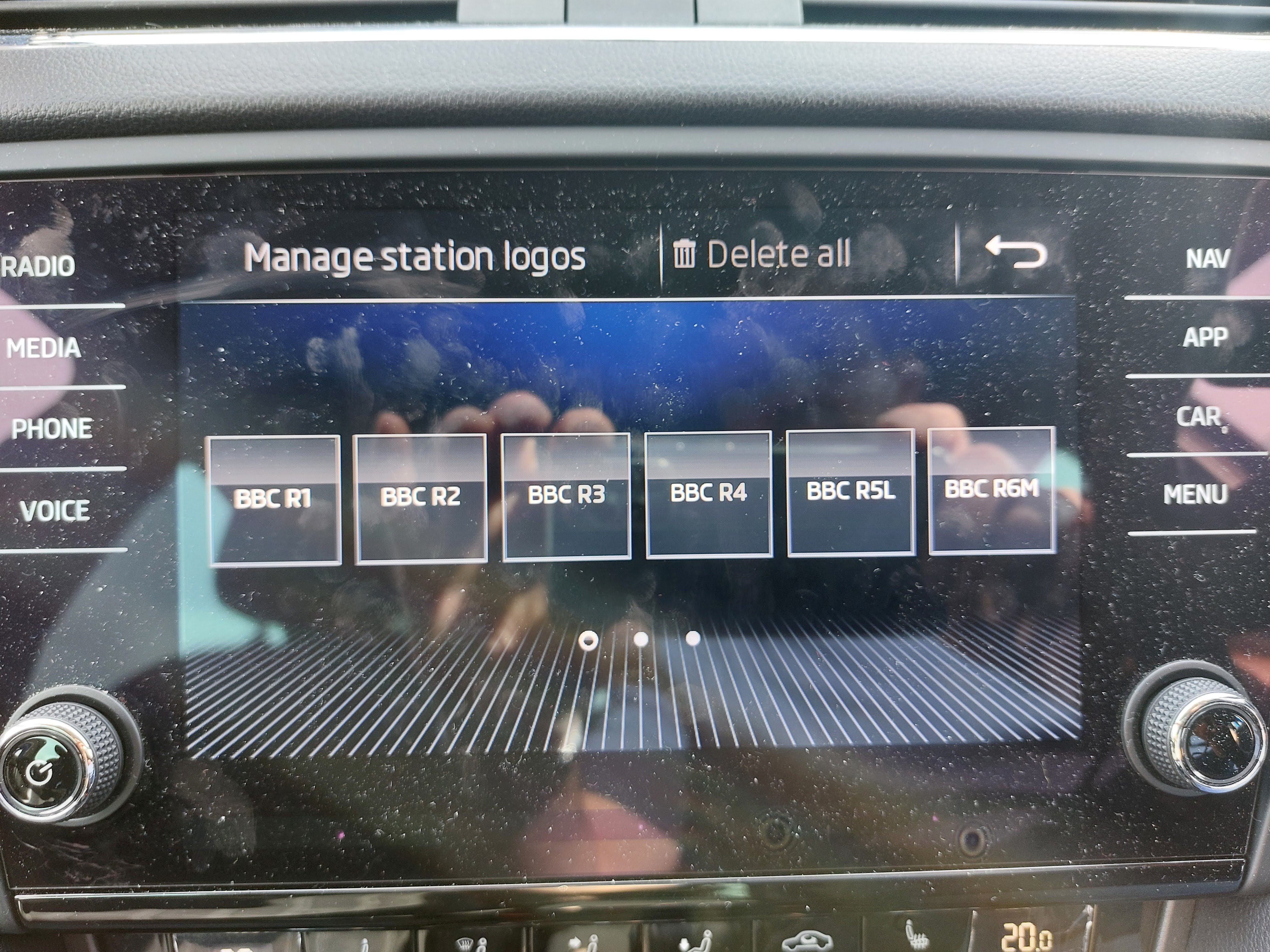
An update, I found by selecting each station, then pressing and holding the memory slot to re-store it brings back the logo for some reason. Anyway looks like it's fine now. Thanks again!
-
Although the download above is not a software database update, it's just a folder full of .png logos - so I don't think they will automatically be assigned to the correct radio stations. I guess there should be a database update? Or do they get pulled down over the air?
-
Actually I've found them https://updateportal.skoda-auto.com/ here along with the latest maps etc, so should be all good thanks
-
@Joco776 I'm in the UK
-
Hey @Joco776 thanks for the update, it worked perfectly - so very much appreciated with your quick and great advice! However I've lost my radio station icons - any ideas?
-
Hi I have an Octavia 2018 which the Infotainment is on 4.68 software, I know there is a 4.80 version - where can I get it and what are the instructions for updating please? I get some issues with Android Auto connection being unreliable, changed cables and phones and the problem persists, so I want to see if a software update helps. Thanks