niall833
New here
-
Joined
-
Last visited
-
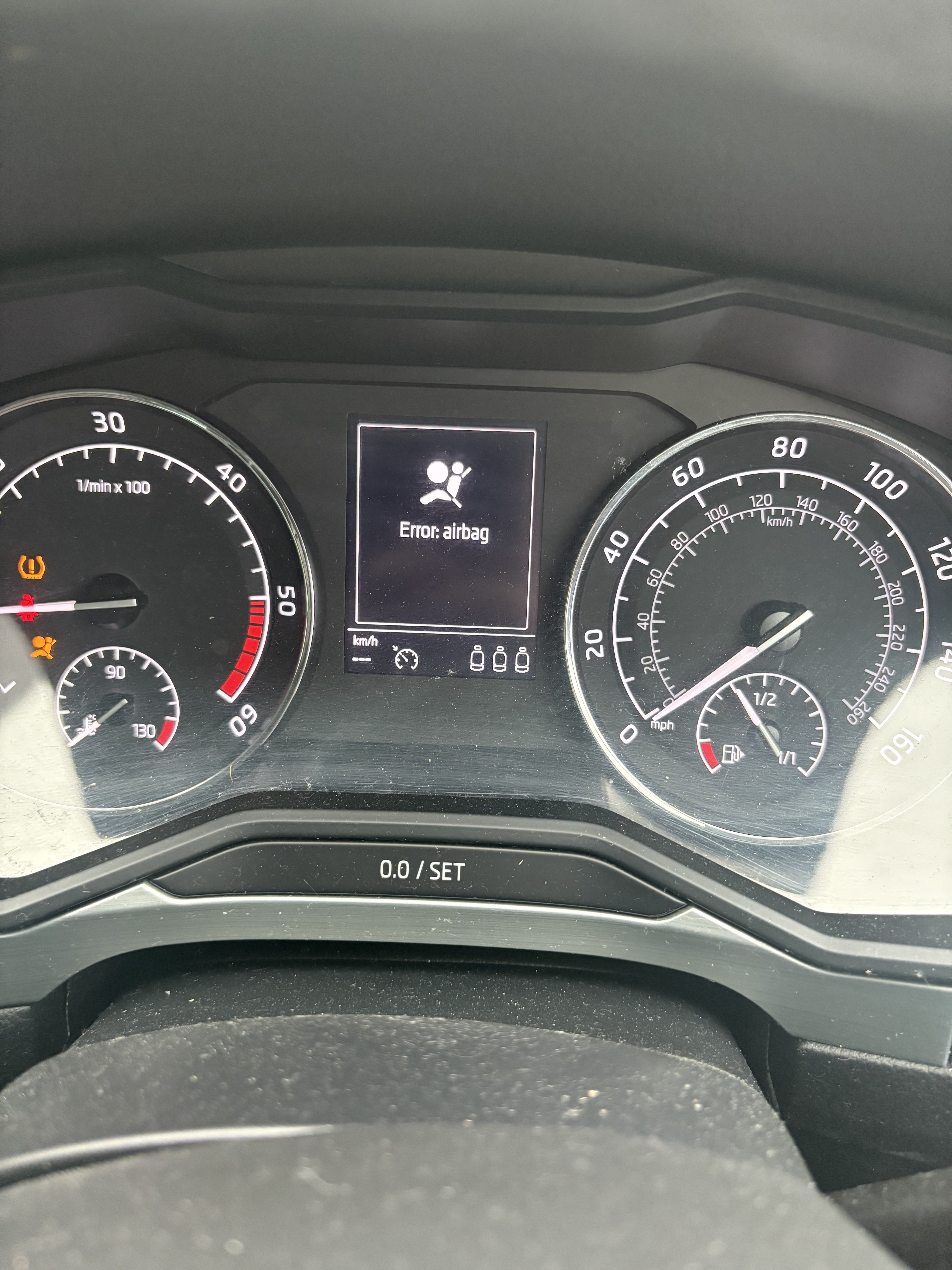
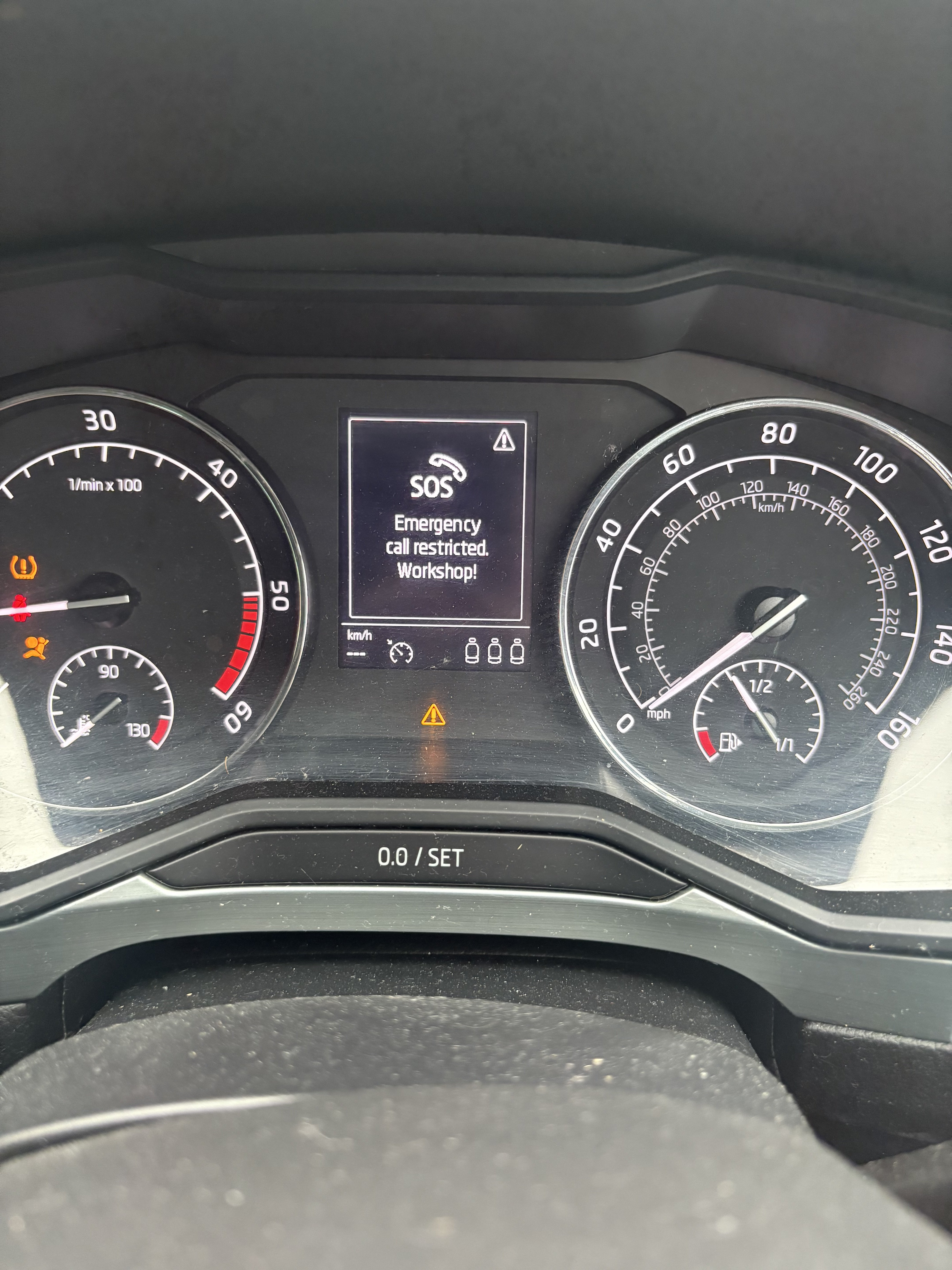
hello folks So I and having and issue with airbag error and none of my steering wheel buttons work including horn. I am also getting an sos error type message coming up. And I reckon it’s got to do with the clock spring ribbon being broken seems to be a common issue. I am trying to figure out how I find out which clock spring ribbon to by for my model of Skoda estate. Or will I have to first take apart the steering wheel to get at the clock spring model number or is there an easier way of doing this. I am planing to just replace the ribbon and reset the faults and hopefully all will be well. I have some photos of the steering wheel. Any help appreciated
-
-
Hello Folks I am a new owner of a skoda superb estate se technology. And trying to get the interior monitoring turned off and the anti tow so we can have our dog in the car and go to the shop for 10 mins and not have the alarm go off. I looked at other posts and we don't seem to have an opening closing sub menu in our infotainment menu. And everytime we untick the interior monitoring the the alarm goes off and we go back in to the interior monitoring option and it's ticked. It's pretty frustrating as we bought the car so we could easily transport our dog around as she's a large breed. Any help would be great.