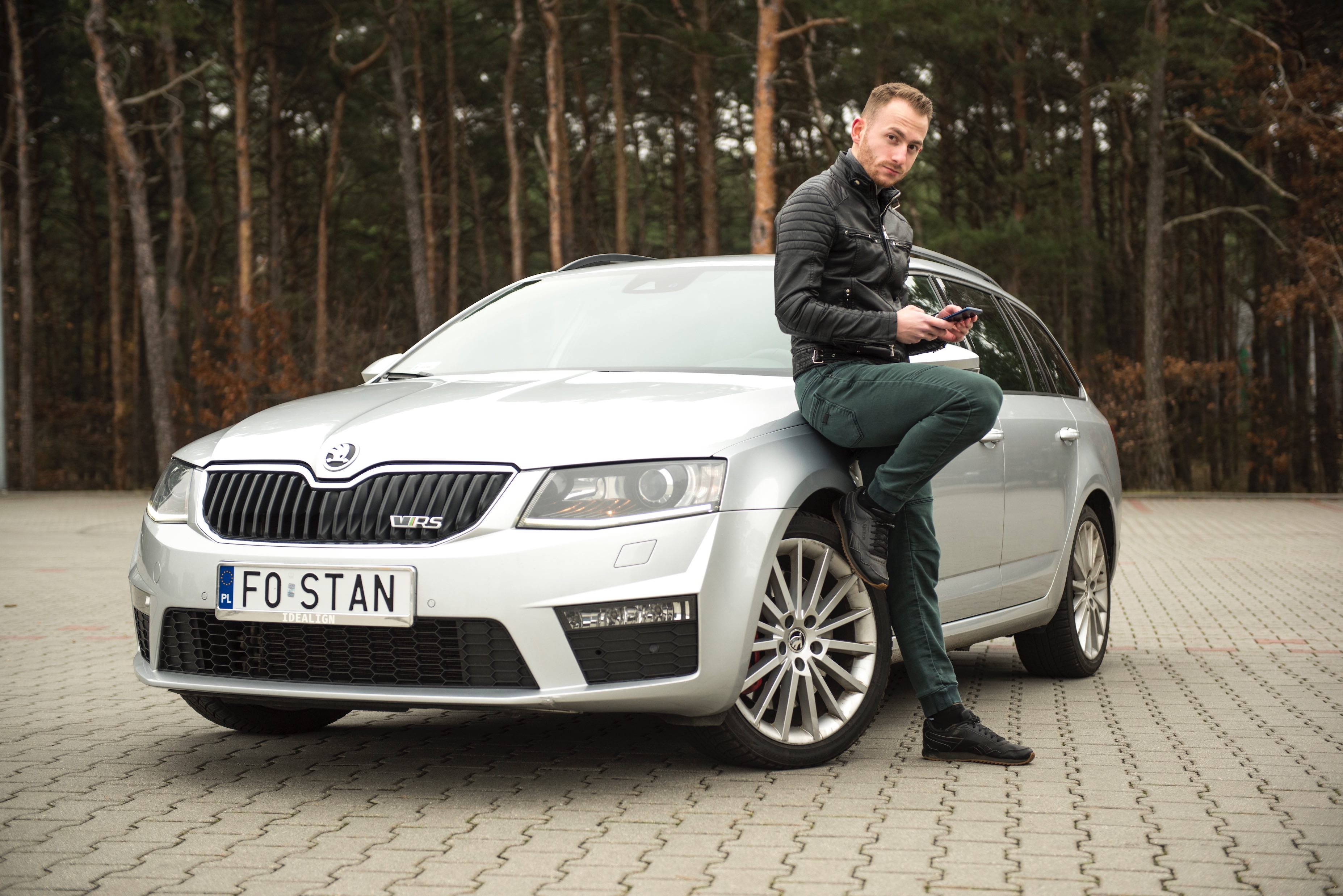

staszek998
New here
-
Joined
-
Last visited
Everything posted by staszek998
-
For everyone who's still not able to update their COLUMBUS system and is looking for help: maybe this comment will help 🙂
-
-
For everyone who's still not able to update their COLUMBUS system and is looking for help: maybe this comment will help 🙂
-
For everyone who's still not able to update their COLUMBUS system and is looking for help: maybe this comment will help 🙂
-
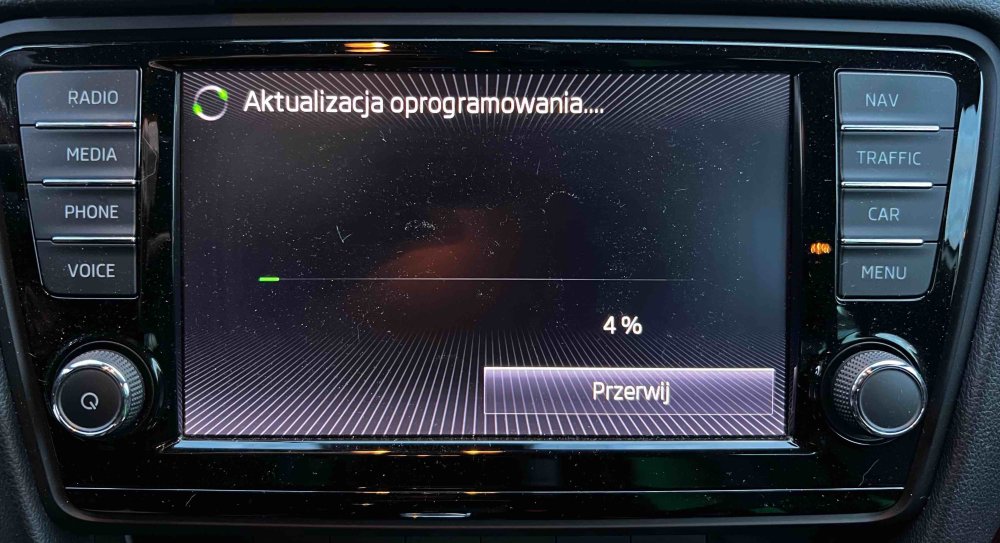
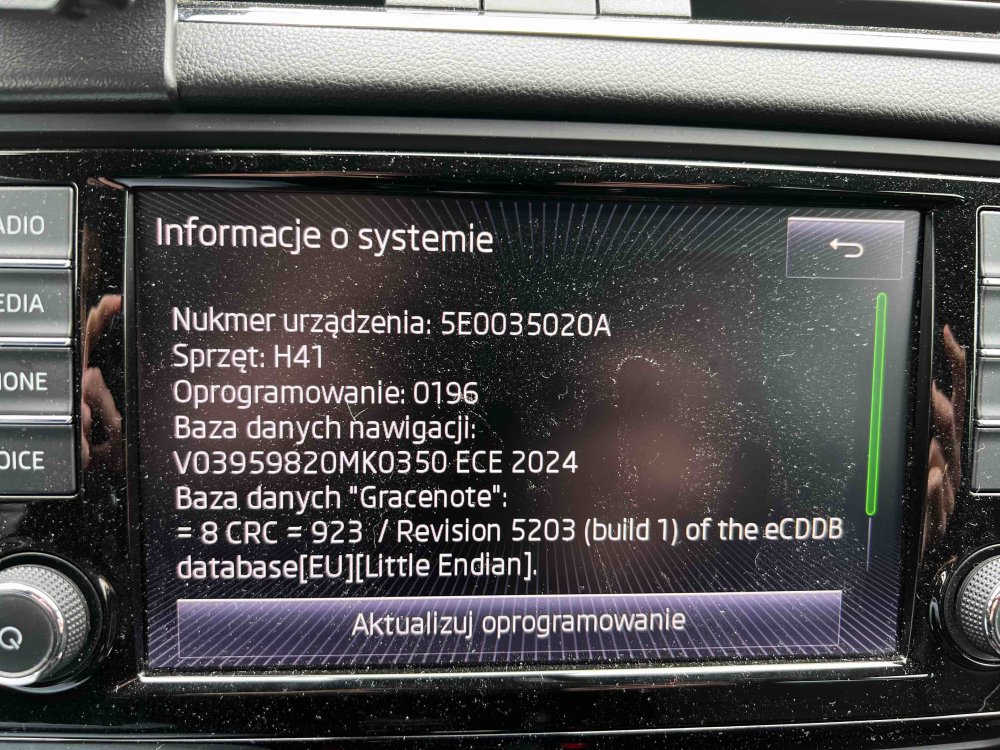
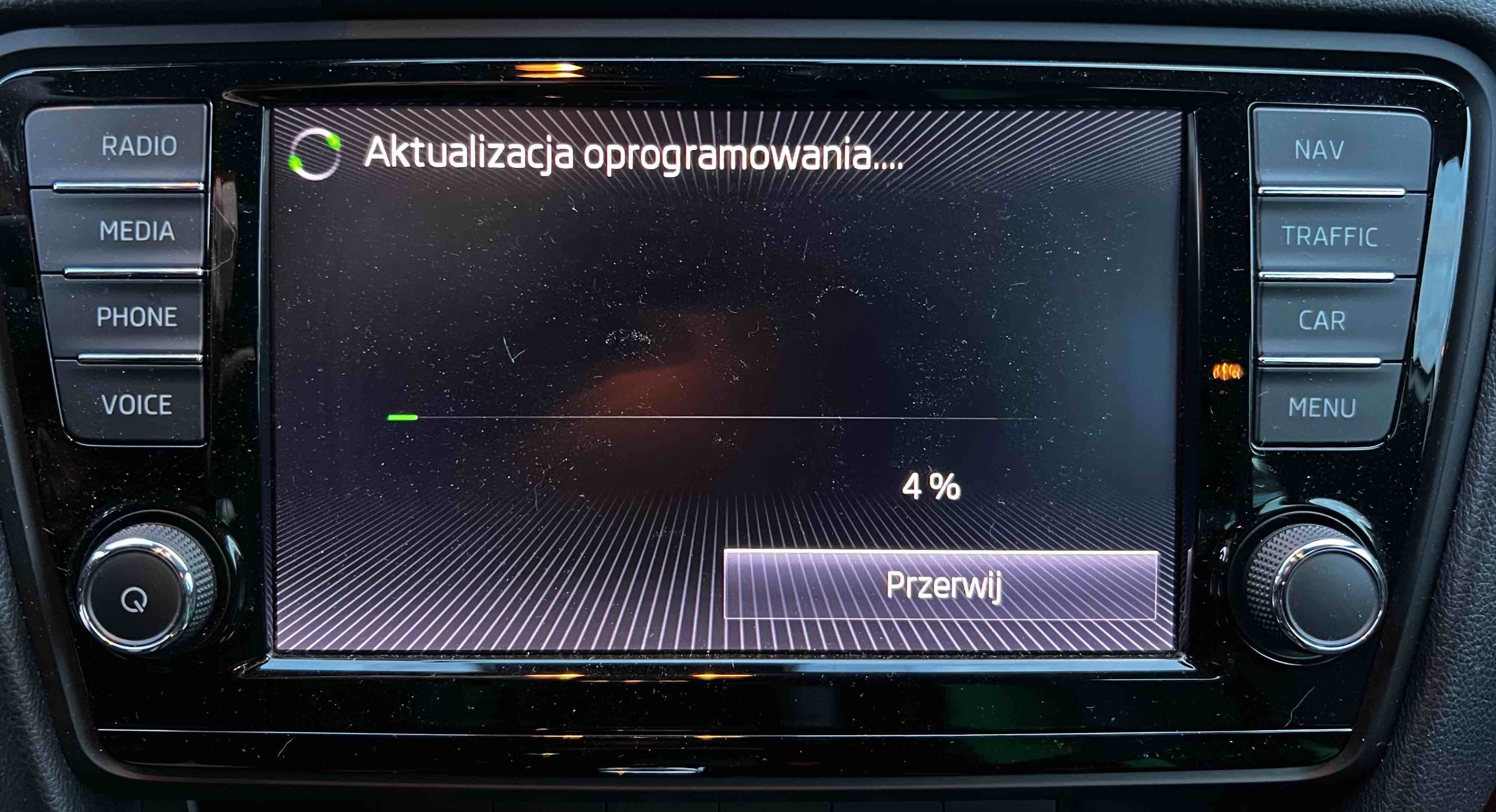
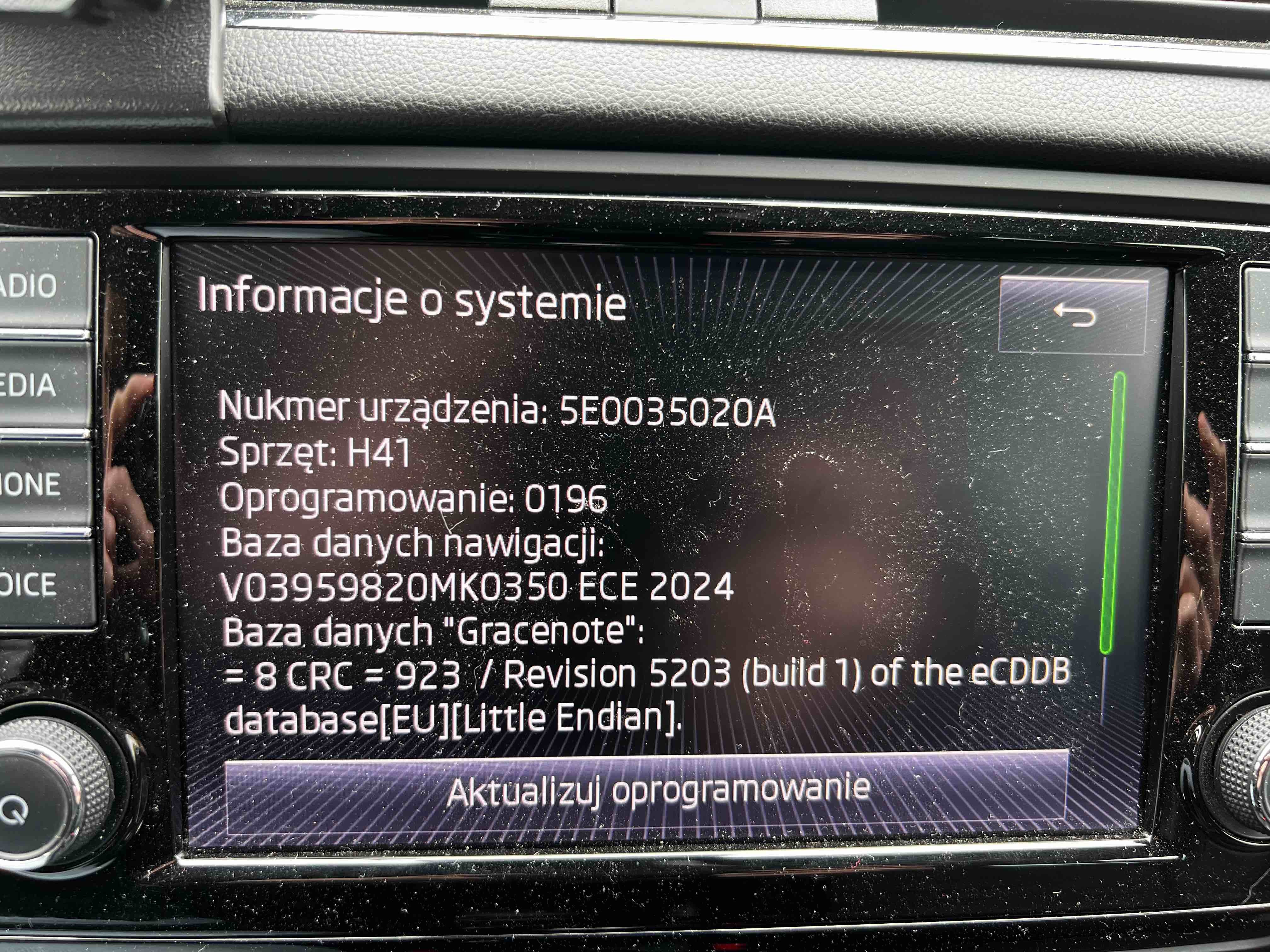
Hi guys! 👋🏻 I just wanted to give my 2 cents to this discussion. Firstly, thank you sooo much @BillyJim for your comment here. I was on the edge of my mind and almost lost my last hope, but I've finally came across your comment and it was the missing piece I've been looking for! Thank you! 🙏🏻 Next, I'd like to combine all my knowledge and previous experiences, and leave them here for the future reference of everyone who's looking for help/guidance on updating their maps and/or infotainment system. My setup: Car: OCTAVIA III vRS 2.0 TDI (2013) Infotainment system: MIB 2 COLUMBUS Computer: MacBook Pro 16" (2019) SD card: SanDisk Extreme PRO 128 GB SDXC (non-factory card, bought from the retail store, not from the SKODA dealership) Maps: Before update: ECE 2013/2014 (as preinstalled in the factory) After update: ECE 2024 (downloaded from the official SKODA site) The steps I took to finally make it all work and to be able to update the COLUMBUS system: Format the SD card to exFAT, using the built-in Disk Utility app. Copy ONLY the following files/directories onto the SD card: metainfo2.txt (file) Mib1 (directory) Mib2 (directory) Delete the hidden files generated automatically by the macOS system. You can do it e.g. by using the CleanMyMac X app (read more here and here). Eject the SD card from the computer. It can be either safe eject or normal/brute one - it didn't make a difference in my case. ...and that's it. You should be good to go 🙂 Once again, thank you all for all your posts and tips which led me to finally being able to update my COLUMBUS system. And, of course, special thanks to you, @BillyJim ❤️