Modzo
Finding my way
-
Joined
-
Last visited
-
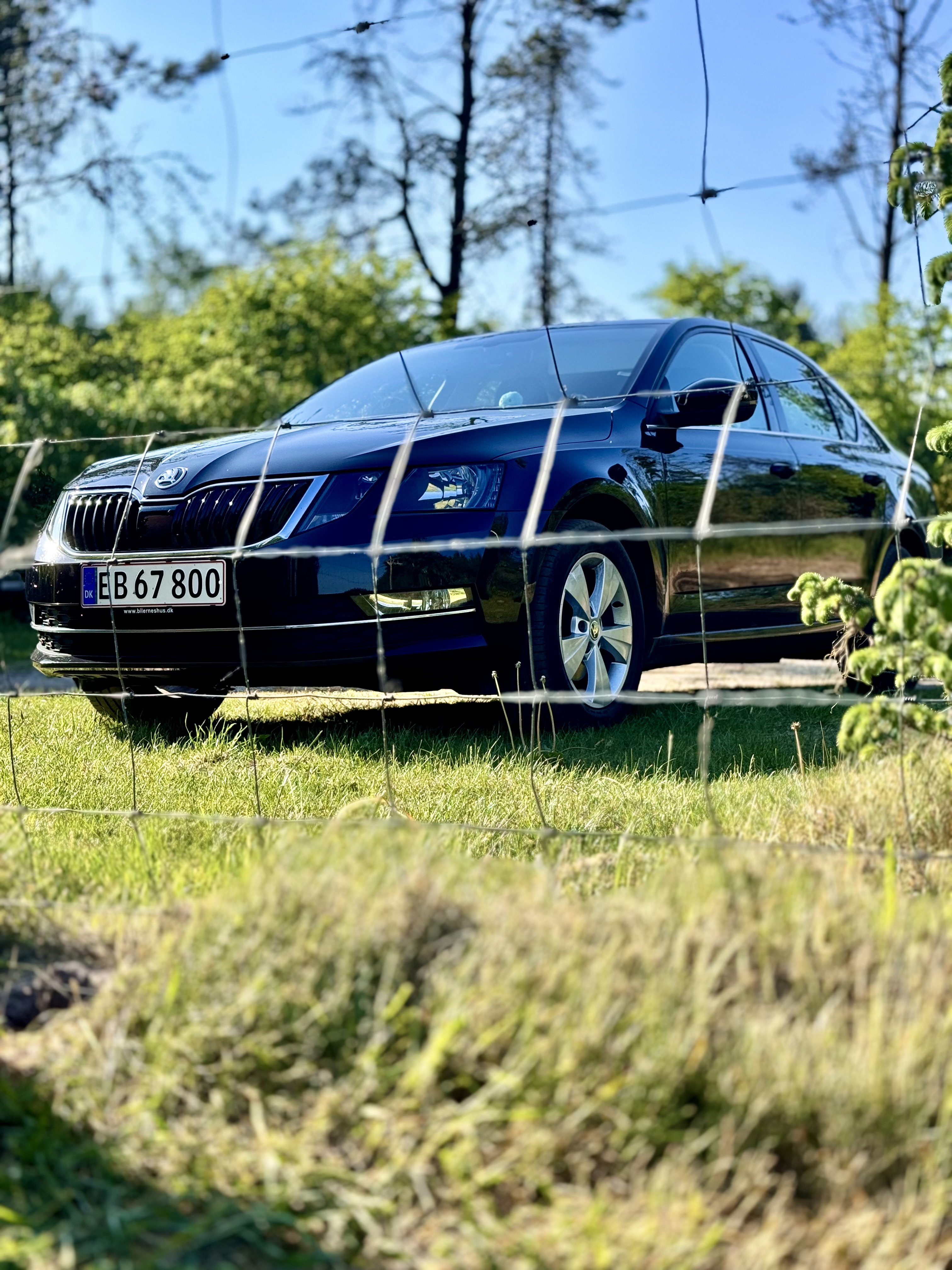
So here are some updates: 1. Managed to do that fog lights turn on while on position light. Needed to use obdelevn forums to find right coding. 2. Changed mirror turn signals to better ones that will be able to see from all angles 3. Some other programming stuff internally like, mirror dip and other things. Now here is the things i want to still add/change: 1. Wanna add front park assist as well (price is kind a okay) 2. Wanna add foldable mirros and blind spot detection. 3. Want to upgrade my MIB2 unit to 480T Most importantly i want to ask if people are willing to guid me and answer let me know what i need to get precise for folding mirros and blind spot detection and how could i upgrade my MIB2 to 480T because i tried with sd card and i'm getting metadata error. Front park assist i will be getting via skoda workshop. Why i'm doing this ? Because i think it is fun to sit and play with that kind of stuff and of course I could have bought better equipt octavia but where is the fun than ? Thanks a lot for the input and help everyone, so far i learned a lot in this journey and i hope i will learn even more!
-
2. Latest available firmware updates: Latest official firmware update: MST2_EU_SK_ZR_P0480T (MU: 0480, details). Latest possible firmware update: MST2_EU_SK_ZR_P0480T (MU: 0480, details).
-
This one doesn't tell that much. Hold Menu button for few seconds and it will show the unit model. And there will be firmware information.
-
https://mega.nz/file/Lw53iCQZ#T5GBvSveEVfflDWoRBKRUL3LOatBBF8H3LfVmfO_PB0 - Link for the MST2_EU_SK_ZR_P0369T.7z https://mega.nz/file/zhB2TZxJ#zHDMBDctwb_kNLzkw8JAsiRZTckPZju2MIZs7jpPG9U - Link for the MST2_EU_SK_ZR_P0480T.7z If MST2_EU_SK_ZR_P0480T.7z doesn't work for you as well use the MST2_EU_SK_ZR_P0369T.7z (this one worked for me but the newer one not) If the is any questions let me know. Those are the only files i got on my PC so far.
-
But i'm not sure how to get that PIN code can't that you need to write it before working with swap. You should be able to do it with free plan as well and i'll send you link later tonight when i'm home
-
Yeah login is disabled keep eye on website it will announce when login is working again
-
I think i might have file on my pc but i will only be able to check on friday (not home). about activating carplay you can look mr-fix on youtube he shows how to activate it with SWAP or what does it call (can't remember)
-
No worries. Download page is still down so just keep an eye on it should be up soon.
-
The website is still down. But you can find it there. https://mib-helper.com/
-
Hello there. There is an update to version: MHI2_ER_SKG13_P4526
-
Okay i can send you that later to you directly ?
-
What kind of data do you need more ? maybe it will help to make it sure ?
-
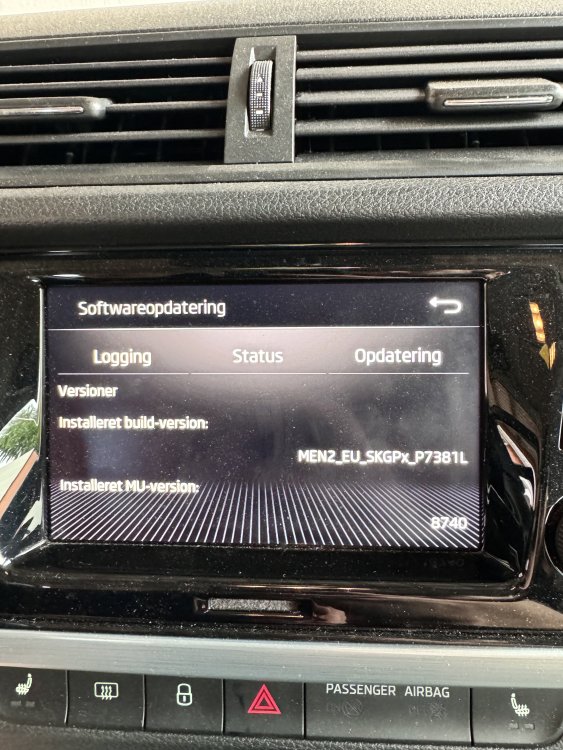
Hello there! Well my father inlaw have skoda fabia. I was looking how to unlock Apple CarPlay, but i can't find how to unlock it. Today i just got my OBDEleven with a pro plan. Can I unlock it with it or i need to do something else with a PC ? I looked at mib helper home page and it looks like it also running a newest update as far as i can see. Here is a picture of software that he is runing at the moment. If you need more information let me know and I will post it here. Thanks in advance!
-
Yes i see that. Just keep an eye on that it might come up again
-
What kind of error do you get ? skoda wasn't good at all to post what they fixed or what they added