MarcoSK
Finding my way
-
Joined
-
Last visited
-
Fixed. It was brake pad moving around.
-
Hi. There is substantial clunking noise when going over bigger bumps at higher speeds, if going slowly there is no noise, also when going over bumps whilst braking there is no noise. I have checked everything, but cannot find an issue. Recently changed drop links and new brake disks and pads. Pads don't seem to be moving. Any advice?
-
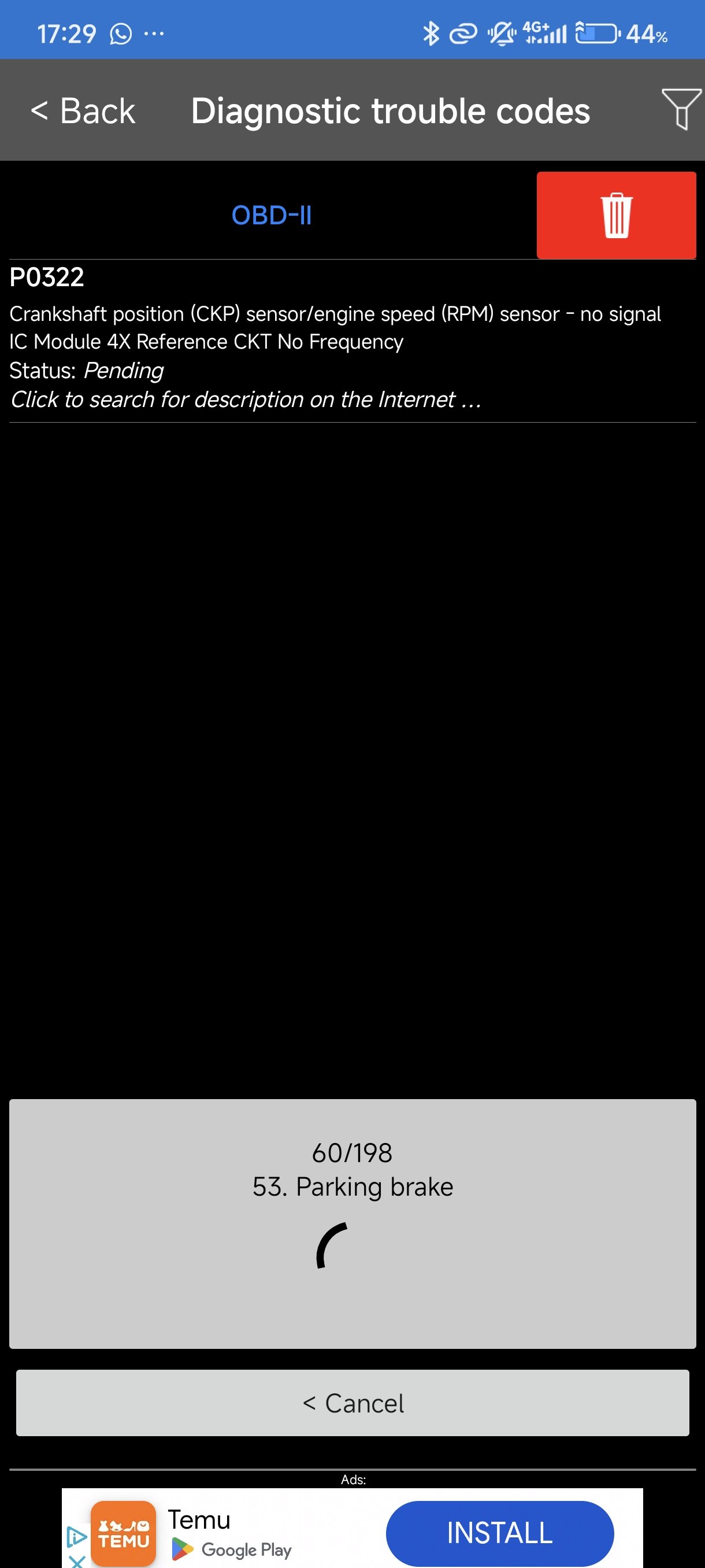
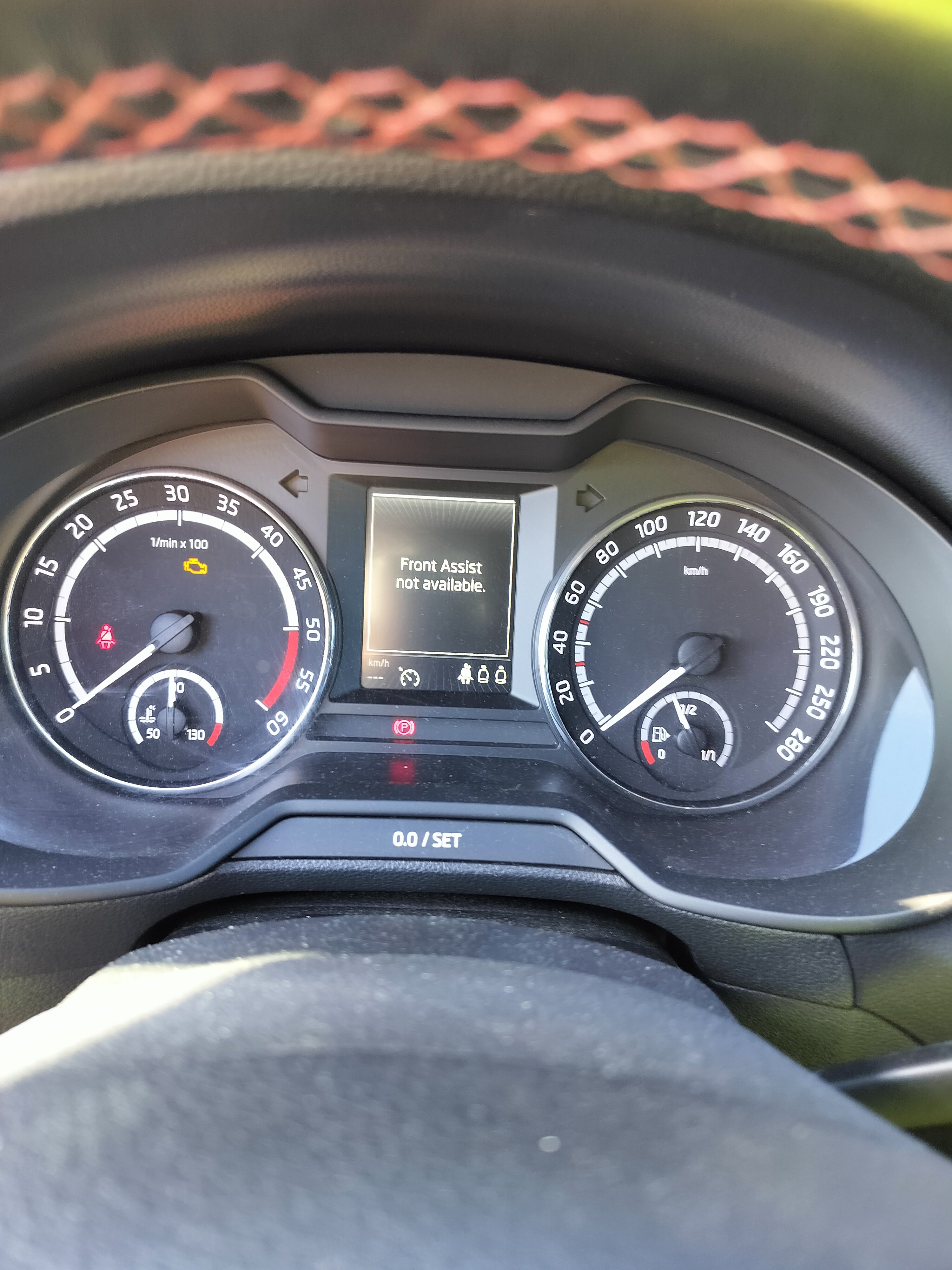
Hello. Car jerks and then gets into limp mode, flashing glow plug light and ACC not available. Everything clears if I switch engine off and back on again. My cheap reader says P0322. Do you guys know how to fix this? I have googled, but haven't found a fix.
-
Hello everyone. Recently noticed rubbing/grinding noise when moving off. When releasing clutch in first gear or reversing. I can feel that clutch pedal is vibrating. Could it be just brakes? Checked brakes and they seem to be fine. VID_20240903221622.mp4
-
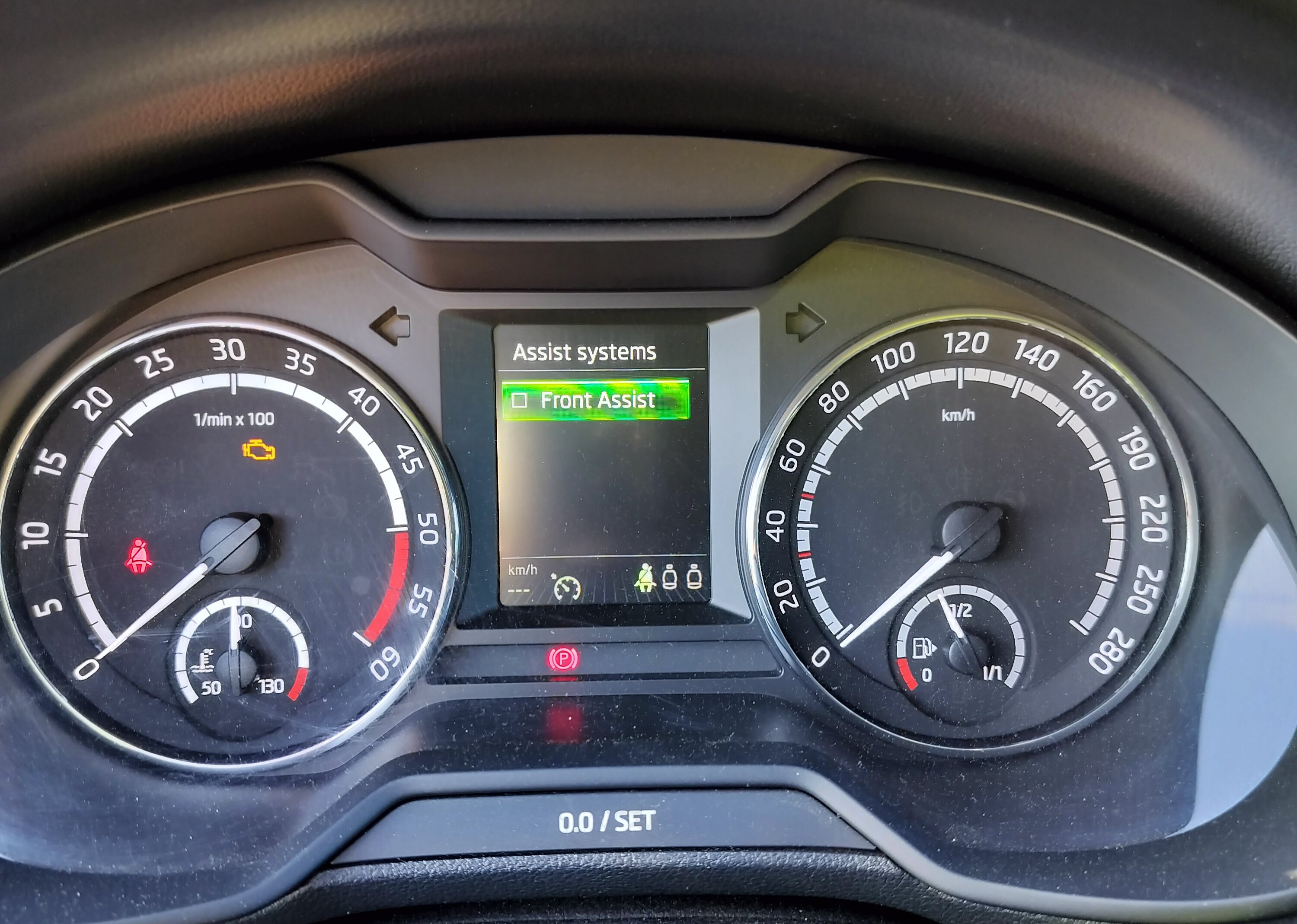
I have read online, usually if front assist is not working then ACC is giving an error also. And yes, I've seen people telling that front assist is using radar at the front although some people said it is using camera behind the mirror also. I just left car at genuine skoda service, will see what they say.
-
-
-